Je muziekbibliotheek meenemen: bescherm je afspeellijsten

De meeste Amerikaanse muziekliefhebbers die van streamingplatform wisselen, zijn bang hun zorgvuldig samengestelde afspeellijsten en de metadata van hun nummers kwijt te raken. Nu meer dan 60 miljoen Amerikanen meerdere streamingdiensten gebruiken, is het belangrijker dan ooit om je muziekbibliotheek te kunnen meenemen. Als je afspeellijsten op elk apparaat intact blijven, bespaar je tijd en blijven alle details van je persoonlijke muziekgeschiedenis behouden. Deze gids legt uit hoe slimme overdrachtstools muziekcollecties beschermen voor technisch onderlegde luisteraars die soepel willen overstappen.
Inhoudsopgave
- Wat betekent het om je muziekbibliotheek te kunnen meenemen?
- Manieren om je muziekbibliotheek over te zetten
- Hoe werken tools om afspeellijsten over te zetten?
- Voordelen voor muziekliefhebbers die overstappen
- Risico's, uitdagingen en gegevensbeveiliging
Belangrijkste inzichten
| Onderwerp | Toelichting |
|---|---|
| Je muziekbibliotheek meenemen | Hiermee kun je muziekcollecties soepel overzetten en beheren op verschillende platforms, met behoud van afspeellijsten en metadata. |
| Overdrachtsmethoden | Je kunt kiezen uit rechtstreekse overdracht tussen platforms, externe overdrachtstools of handmatige methoden, elk met een eigen moeilijkheidsgraad en toepassing. |
| Tools voor het overzetten van afspeellijsten | Geavanceerde tools zorgen voor een soepele overstap en houden afspeellijsten intact dankzij slimme algoritmen die overeenkomende nummers vinden. |
| Risico's en voorzorgsmaatregelen | Bij het overzetten loop je risico op gegevensverlies en privacyproblemen. Betrouwbare tools en back-ups zijn essentieel om je gegevens te beschermen. |
Wat betekent het om je muziekbibliotheek te kunnen meenemen?
Je muziekbibliotheek kunnen meenemen betekent dat je digitale muziekcollecties moeiteloos kunt overzetten, openen en beheren op verschillende streamingplatforms en apparaten. Het gaat om meer dan alleen bestanden verplaatsen: ook de structuur van je afspeellijsten, metadata en persoonlijke voorkeuren moeten behouden blijven wanneer je van muziekdienst wisselt.
Bij het meenemen van je muziekbibliotheek draait alles om het intact houden van je persoonlijke muziekcollectie wanneer je overstapt naar een ander digitaal platform. Nu er steeds meer streamingdiensten bijkomen, hebben gebruikers flexibele oplossingen nodig om hun zorgvuldig samengestelde afspeellijsten te verplaatsen zonder de volgorde van nummers, metadata of de emotionele band met hun muziek te verliezen. De veranderende kijk op muziekbibliotheken laat zien dat het tegenwoordig minder om vaste collecties draait en meer om flexibele toegang die aansluit op de gebruiker.
Belangrijke onderdelen zijn het nauwkeurig vinden van overeenkomende nummers op verschillende platforms, het behouden van de volgorde van afspeellijsten, het overzetten van afspeelaantallen en gebruikersbeoordelingen, en het beperken van handmatig werk tijdens de overdracht. Dankzij technologische ontwikkelingen zijn muziekbibliotheken veranderd van fysieke archieven in flexibele, overdraagbare digitale omgevingen waarin gebruiksgemak en het behoud van je muziekervaring centraal staan.
Praktische tip: Maak altijd een back-up van de metadata van je muziekbibliotheek voordat je iets overzet, om mogelijk gegevensverlies te voorkomen.
Manieren om je muziekbibliotheek over te zetten
Er zijn verschillende manieren om digitale muziekcollecties tussen platforms en opslagsystemen te verplaatsen. Deze variëren van het eenvoudig overzetten van afspeellijsten tot het volledig synchroniseren van bibliotheken. Elke methode sluit aan op andere gebruikersbehoeften en technische beperkingen.
De belangrijkste methoden zijn rechtstreekse overdracht tussen platforms, externe overdrachtstools en handmatig exporteren en importeren. De verschillende manieren waarop muziekbibliotheken zijn ingericht, brengen uiteenlopende moeilijkheidsgraden met zich mee: van het eenvoudig kopiëren van afspeellijsten tot het zorgvuldig behouden van complexe metadata. Rechtstreekse overdracht vindt doorgaans plaats tussen streamingdiensten die hiervoor ingebouwde ondersteuning bieden. Externe overdrachtstools bieden uitgebreidere oplossingen voor gebruikers die meer mogelijkheden nodig hebben.
Externe overdrachtstools bieden de meest geavanceerde aanpak voor het overzetten van muziekbibliotheken. Deze gespecialiseerde diensten kunnen complexe taken aan, zoals het behouden van afspeelaantallen en de volgorde van afspeellijsten, en het vinden van overeenkomende nummers op platforms met verschillend opgebouwde bibliotheken. Vaak bieden ze extra functies, zoals back-ups in de cloud, ondersteuning voor meerdere accounts en synchronisatie tussen platforms, die verder gaan dan het eenvoudig verplaatsen van afspeellijsten.
Hieronder vind je een vergelijking van de belangrijkste overdrachtsmethoden:
| Overdrachtsmethode | Moeilijkheidsgraad | Meest geschikt voor | Nadelen |
|---|---|---|---|
| Rechtstreekse overdracht tussen platforms | Laag | Snel afspeellijsten verplaatsen tussen diensten | Beperkt tot compatibele platforms |
| Externe overdrachtstools | Hoog | Een volledige muziekbibliotheek overzetten | Mogelijk een abonnement nodig |
| Handmatig exporteren en importeren | Gemiddeld | Kleine collecties, een eigen indeling | Tijdrovend en foutgevoelig |
Praktische tip: Controleer altijd of je huidige en nieuwe muziekplatform compatibel zijn voordat je je volledige bibliotheek overzet, om het risico op gegevensverlies te beperken.
Hoe werken tools om afspeellijsten over te zetten?
Tools voor het overzetten van afspeellijsten zijn geavanceerde digitale platforms waarmee je muziekbibliotheken soepel tussen streamingdiensten verplaatst. Ze helpen je muziekcollectie intact te houden in een voortdurend veranderende digitale omgeving. Hiervoor gebruiken ze complexe algoritmen die nummers op meerdere platforms analyseren en aan elkaar koppelen, zodat je zorgvuldig samengestelde afspeellijsten zo min mogelijk veranderen.
Het overzetten van afspeellijsten bestaat uit verschillende belangrijke technische processen. Om digitale muziekbibliotheken op elkaar aan te sluiten, vergelijken deze tools metadata zoals de titel van een nummer, de artiest, het album en unieke identificatiecodes. Als er geen exacte overeenkomst beschikbaar is, zoeken slimme algoritmen naar het beste alternatief, zodat het muzikale karakter van de oorspronkelijke afspeellijst behouden blijft. Dit proces bestaat meestal uit drie hoofdfasen: nummers identificeren, metadata vergelijken en de afspeellijst opnieuw opbouwen.

De meeste overdrachtstools gebruiken geavanceerde matchingalgoritmen die verder kijken dan alleen de titel. Deze systemen houden rekening met meerdere factoren, zoals de duur van een nummer, akoestische vingerafdrukken en overeenkomsten tussen artiesten, om nummers zo nauwkeurig mogelijk over te zetten. Sommige tools laten je voorgestelde overeenkomsten ook handmatig controleren en aanpassen als de automatische keuze niet klopt. Dat maakt het overzetten nog nauwkeuriger.
Praktische tip: Maak altijd een back-up van je oorspronkelijke afspeellijst voordat je begint met overzetten, zodat je beschermd bent tegen mogelijke afwijkingen in de gegevens.
Voordelen voor muziekliefhebbers die overstappen
Muziekliefhebbers die van streamingplatform willen wisselen, lopen tegen allerlei uitdagingen aan wanneer ze hun zorgvuldig samengestelde afspeellijsten willen behouden. Overdrachtstools bieden hiervoor een baanbrekende oplossing: ze maken van een ingewikkeld en tijdrovend proces een soepele digitale ervaring. Zo kunnen luisteraars hun vertrouwde muziekervaring meenemen naar een andere streamingdienst.
De belangrijkste voordelen gaan veel verder dan alleen het overzetten van nummers. Door digitale muziekbibliotheken toegankelijk te houden, blijven ook de persoonlijke en emotionele verbindingen in afspeellijsten behouden. Zorgvuldig opgebouwde collecties gaan zo niet verloren bij een overstap. Deze tools bewaren belangrijke metadata, zoals afspeelaantallen, beoordelingen van nummers en de volgorde van afspeellijsten, die samen de unieke muziekgeschiedenis van elke luisteraar weerspiegelen.
Bovendien bieden overdrachtstools muziekliefhebbers ongekende keuzevrijheid. Je zit niet langer vast aan één streamingdienst uit angst je muziekbibliotheek kwijt te raken. Je kunt verschillende platforms verkennen en functies, prijzen en muziekcatalogi vergelijken zonder je zorgen te maken dat je je hele collectie handmatig opnieuw moet opbouwen. Dankzij die flexibiliteit kun je kiezen op basis van de kwaliteit van de dienst, de omvang van het muziekaanbod en je persoonlijke voorkeuren, zonder dat technische beperkingen je tegenhouden.
Praktische tip: Maak vóór het overzetten een back-up in een spreadsheet met de gegevens van je afspeellijsten, waaronder titels en artiesten. Zo heb je extra zekerheid tijdens de overdracht.
Risico's, uitdagingen en gegevensbeveiliging
Je muziekbibliotheek meenemen brengt complexe digitale uitdagingen met zich mee die verder gaan dan het verplaatsen van afspeellijsten. Je krijgt te maken met mogelijke risico's rond gegevensprivacy, auteursrechten en technische compatibiliteit. Die kunnen grote gevolgen hebben voor je muziekcollectie en persoonlijke gegevens.
Bij het overstappen tussen platforms zijn er verschillende belangrijke beveiligingsrisico's voor je muziekbibliotheek. Denk aan verlies van metadata, onvolledig overgezette afspeellijsten, het zonder toestemming volgen van je gegevens en het mogelijk uitlekken van je persoonlijke luistergeschiedenis. Ook auteursrechten maken overdracht ingewikkelder: streamingplatforms hebben verschillende licentieovereenkomsten, waardoor sommige nummers niet beschikbaar zijn of niet kunnen worden overgezet.
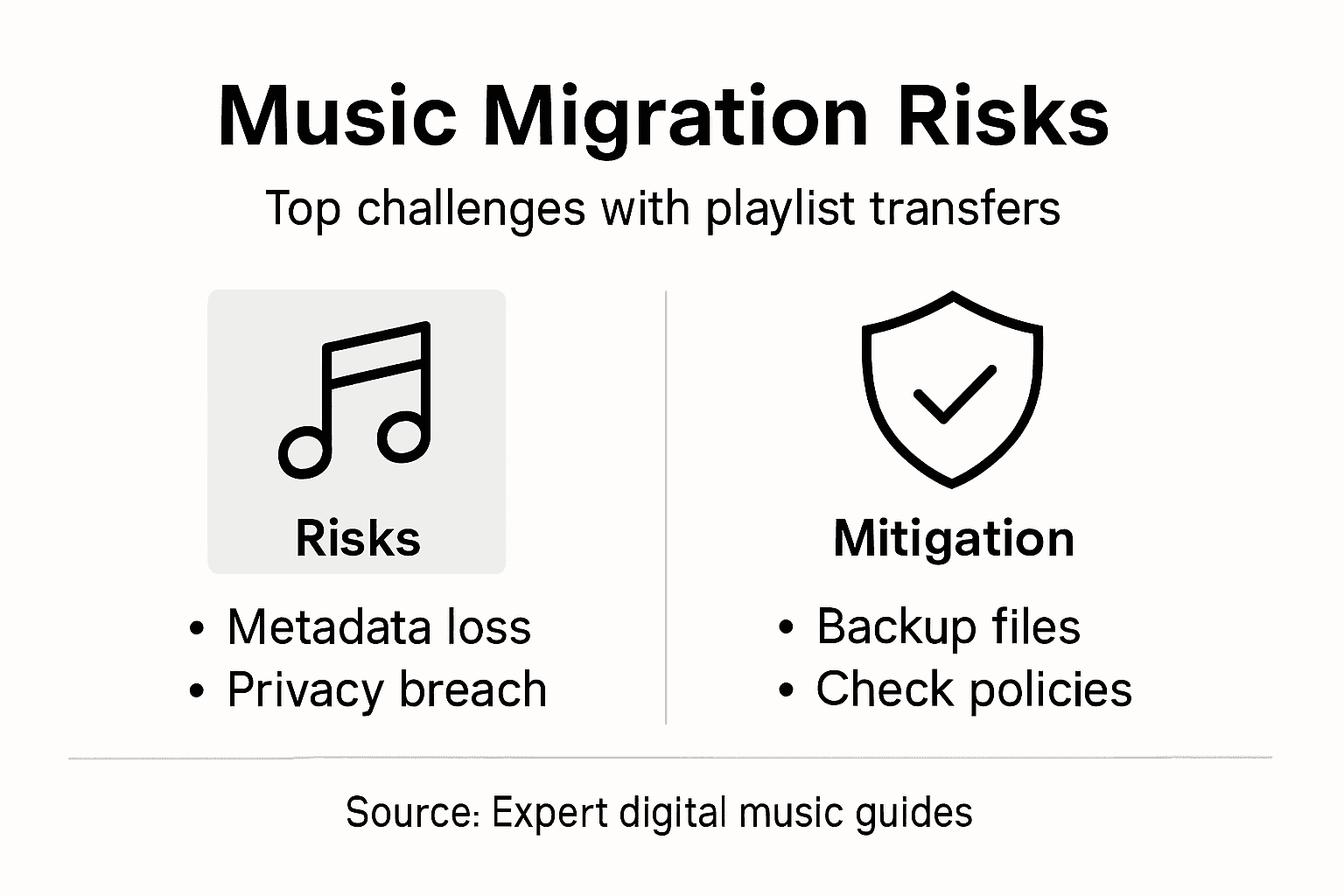
De grootste uitdagingen hebben te maken met technische compatibiliteit en gegevensintegriteit. Sommige overdrachtstools kunnen onbedoeld de structuur van afspeellijsten veranderen, beoordelingen van nummers verliezen of verkeerde versies van nummers selecteren. Beoordeel tools daarom zorgvuldig en let op versleutelingsprotocollen, de omgang met gegevens en de reputatie van de tool als het gaat om volledige en nauwkeurige overdrachten. Geavanceerde diensten gebruiken slimme matchingalgoritmen en sterke beveiligingsmaatregelen om deze risico's te beperken.
De onderstaande tabel vat veelvoorkomende risico's samen en laat zien hoe je ze bij het overzetten van je muziekbibliotheek kunt beperken:
| Soort risico | Mogelijke gevolgen | Maatregel | Wat je zelf moet doen |
|---|---|---|---|
| Verlies van metadata | Ontbrekende nummerinformatie of beoordelingen | Een back-up maken van de metadata van afspeellijsten | Back-ups controleren vóór de overdracht |
| Onvolledige overdracht | Afspeellijsten slechts gedeeltelijk overgezet | Betrouwbare overdrachtstools gebruiken | Afspeellijsten controleren na het overzetten |
| Privacyproblemen | Blootstelling van je luistergeschiedenis | Veilige tools met een goede reputatie kiezen | Het privacybeleid doornemen |
| Auteursrechtelijke beperkingen | Nummers niet beschikbaar op het nieuwe platform | Muziekcatalogi van platforms controleren | Nagaan of nummers beschikbaar zijn |
Praktische tip: Lees altijd het privacybeleid van een overdrachtstool en controleer hoe deze met gegevens omgaat voordat je je persoonlijke muziekbibliotheek overzet.
Bescherm je afspeellijsten en neem je muziekbibliotheek moeiteloos mee
Je persoonlijke muziekcollectie behouden wanneer je van streamingplatform wisselt, kan een flinke uitdaging zijn. Als de volgorde van je afspeellijsten, metadata of favorieten verloren gaan, levert dat frustratie en extra werk op. Je muziekbibliotheek meenemen betekent dat je je persoonlijke muziekgeschiedenis zonder concessies behoudt. Met nauwkeurige nummerherkenning, behoud van afspeellijsten en gegevensbeveiliging als uitgangspunt is de oplossing binnen handbereik.
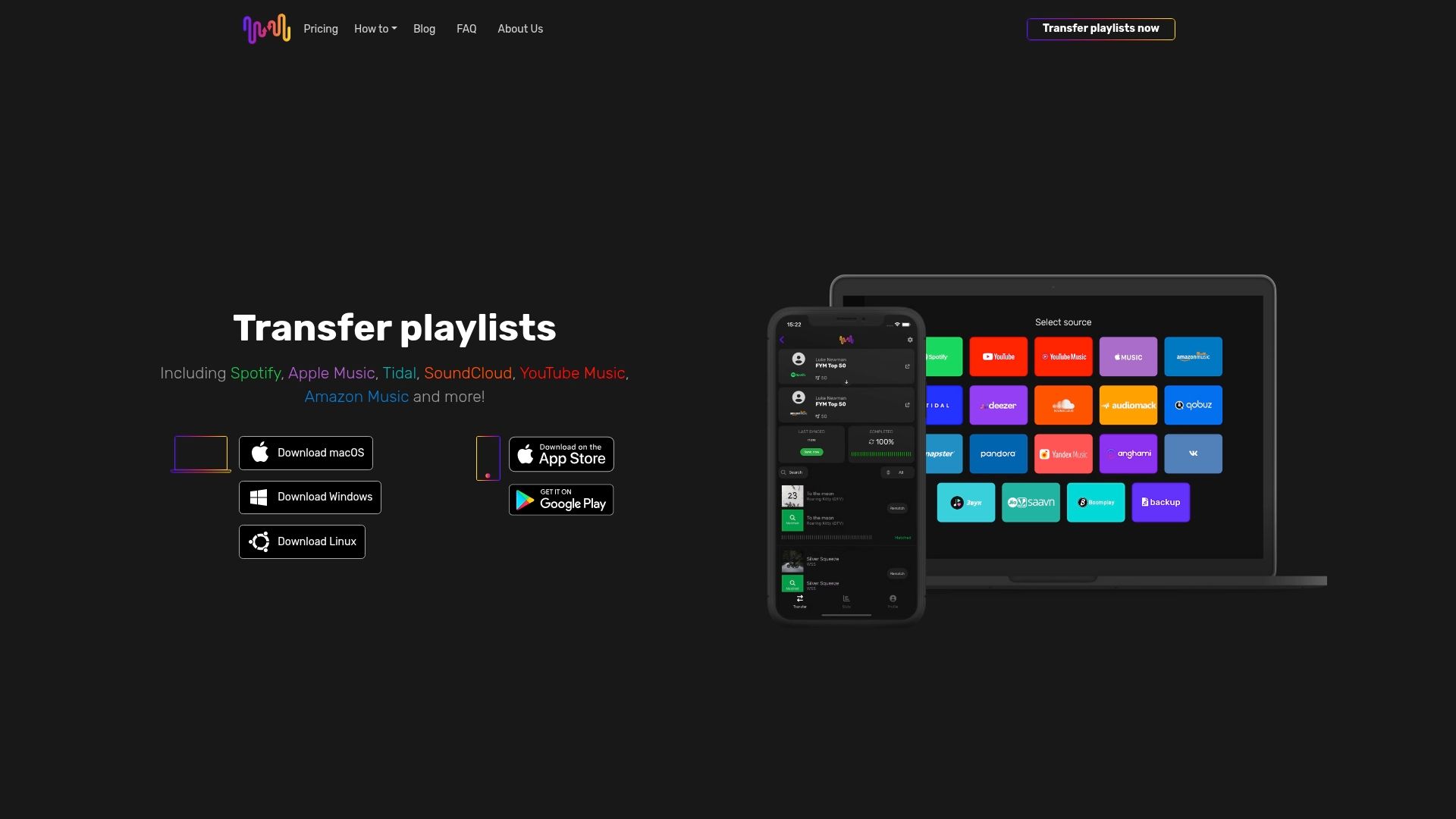
Zet je afspeellijsten moeiteloos over met FreeYourMusic.com, een gespecialiseerd platform waarmee je eenvoudig en veilig afspeellijsten verplaatst tussen Spotify, Apple Music, Tidal, YouTube Music, Amazon Music en meer. Neem zelf de regie en bespaar jezelf het gedoe van handmatig opnieuw opbouwen. Bescherm je afspeellijsten en ontdek nieuwe streamingdiensten zonder kwijt te raken wat voor jou het belangrijkst is. Ga vandaag nog aan de slag met Free Your Music en ervaar hoe eenvoudig je je muziek kunt meenemen.
Veelgestelde vragen
Wat betekent het om je muziekbibliotheek te kunnen meenemen?
Het betekent dat je digitale muziekcollecties kunt overzetten, openen en beheren op verschillende streamingplatforms en apparaten. Zo kun je je afspeellijsten verplaatsen zonder de volgorde van nummers, metadata of persoonlijke voorkeuren kwijt te raken.
Hoe werken tools om afspeellijsten over te zetten?
Deze tools gebruiken geavanceerde algoritmen om nummers op meerdere platforms te analyseren en aan elkaar te koppelen. Ze bouwen afspeellijsten nauwkeurig opnieuw op door tijdens de overdracht onder meer de titel, artiest, het album en andere metadata te vergelijken.
Welke risico's zijn er bij het overzetten van mijn muziekbibliotheek?
De belangrijkste risico's zijn verlies van metadata, onvolledige overdrachten, privacyproblemen en auteursrechtelijke beperkingen. Kies je overdrachtstool zorgvuldig en maak altijd een back-up van je afspeellijsten om het risico op gegevensverlies te beperken.
Hoe bescherm ik mijn muziekbibliotheek tijdens het overzetten?
Maak voordat je begint altijd back-ups van je afspeellijsten en metadata. Kies daarnaast veilige overdrachtstools met een goede reputatie, zodat je gegevens intact en beschermd blijven.
Aanbevolen
- Free Your Music - Waarom een back-up van je afspeellijsten maken? Een uitgebreide uitleg
- Free Your Music - 7 slimme manieren om muziek te delen en je afspeellijsten te beheren
- Free Your Music - Wat houdt afspeellijsten delen in? Een complete gebruikersgids
- Free Your Music - Uitdagingen bij het overzetten van afspeellijsten: uitleg voor muziekliefhebbers
Jouw afspeellijsten zijn van jou.
Stop met handmatig opnieuw opbouwen. Verplaats alles in minuten en neem je muziek overal mee naartoe.
Gratis downloaden →SongsBrew — onze gratis muzieknieuwsbrief
Een gratis extraatje voor FYM-gebruikers. Tips, afspeellijsten, geen spam.