Home · Stats · Gaana
 Gaana
GaanaSee your Gaana stats
Your personal statistics all year round. Don’t wait for your Gaana Wrapped! With Free Your Music you can access your Gaana listening stats any time.
See my Gaana stats →★★★★★ 4.8 · free with FreeYourMusic
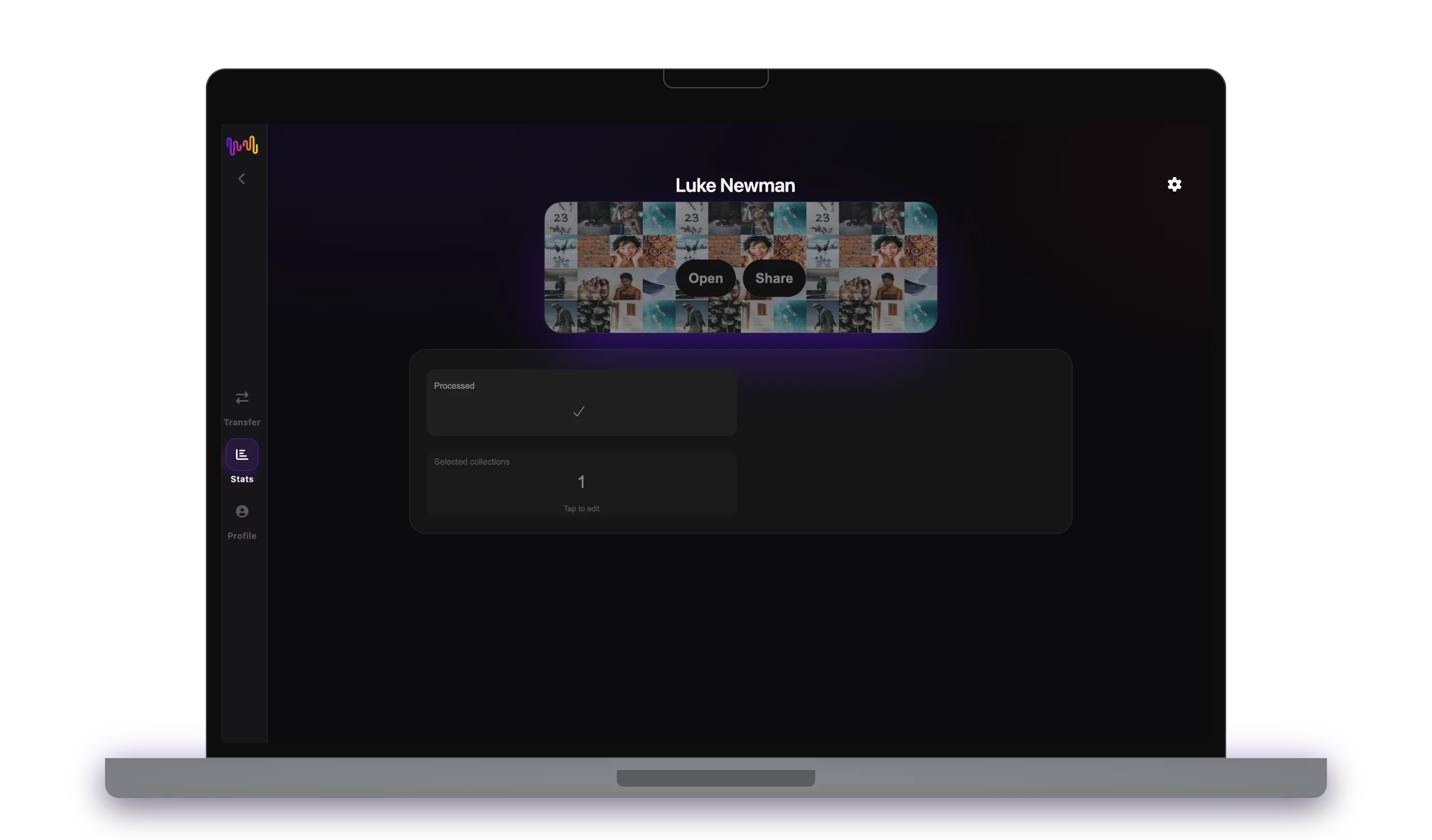
Your Gaana listening, decoded
Gaana keeps your listening history to itself and often only hands it back once a year. FreeYourMusic reads your Gaana library and playback through Gaana’s official sign-in and builds a full picture: your top artists, top songs, top genres and total listening time — whenever you want to check.
However you search for it — how to see my Gaana stats, Gaana listening stats, my Gaana artist stats, Gaana stats all time or a Gaana stats app — it’s the same one-tap flow, and it ends with a shareable collage.
People also search for
Connect Gaana
Sign in with the official Gaana login. Your password is never shared.
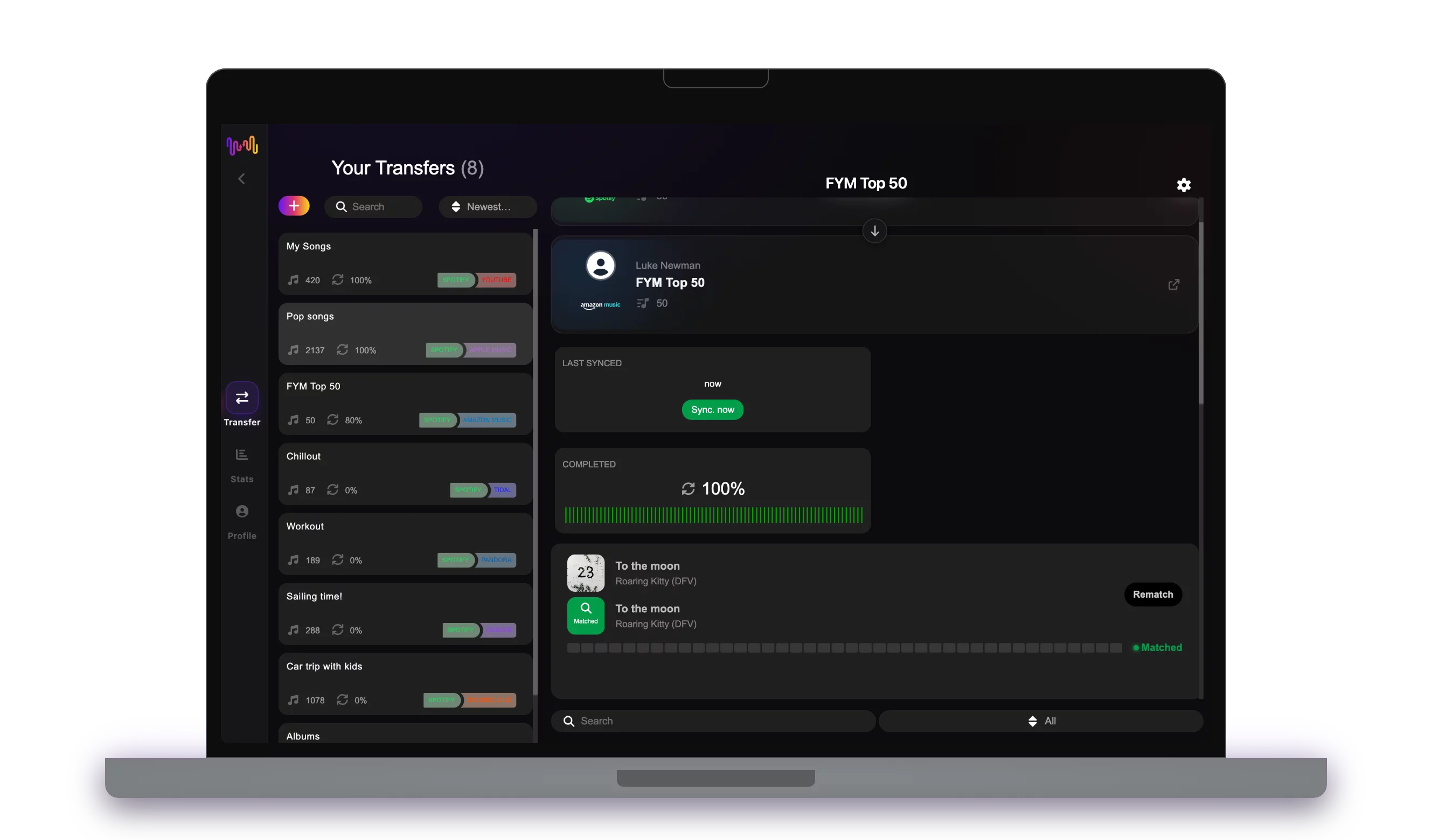
See it and share it
Browse your stats and export a shareable collage in a tap.
How it works
Download Free Your Music
Download and install the Free Your Music app on your device.
Connect your Gaana account
Sign in and connect your Gaana account to Free Your Music.
Go to Stats section
Navigate to the Stats section in the app to access your listening data.
View your personalized statistics
Explore your most played songs, top artists, genres, and listening trends for Gaana.
Frequently asked questions
How do I see my Gaana stats?
Download Free Your Music app, connect your Gaana account, and navigate to the Stats section to see your personalized listening statistics.
Is it free to see my Gaana stats?
Yes, basic stats are free with Free Your Music. You can view your most played songs, top artists, and listening trends at no cost.
What stats can I see?
You can see your most played songs, artists, genres, listening time, and personalized trends. Get insights into your music habits all year round.
Do I need a Gaana account?
Yes, you need an active Gaana account to view your listening statistics. Connect it through the Free Your Music app to get started.
How do I check my Gaana listening stats?
Connect Gaana in FreeYourMusic and open the Stats section. Your Gaana listening stats — top artists, top songs, top genres and minutes listened — are generated on demand, any day of the year.
Can I see my Gaana stats all time, not just this year?
Yes. FreeYourMusic builds your Gaana stats from your library and playback history, so you can look at all-time favourites — not only a once-a-year recap.
How do I see my Gaana top artists and top songs?
After connecting Gaana, your top artists, top songs and top genres are ranked automatically and turned into a shareable collage you can post anywhere.
See your Gaana stats now.
Download FreeYourMusic, connect Gaana, and your stats are seconds away.
See my Gaana stats →