Home · Transfers · Apple Music → Zvuk (Звук)
 Apple Music→
 Zvuk
ZvukTransfer playlists from Apple Music to Zvuk (Звук)
Transfer playlists, liked songs, and albums from Apple Music to Zvuk (Звук) in minutes. Free to start — no credit card required.
★★★★★ 4.8 · 9.2M+ downloads · Password never shared
Why move from Apple Music to Zvuk (Звук)?
Switch services without leaving your library behind. FreeYourMusic matches every track and moves it for you — playlists, liked songs, albums and followed artists.
Everything moves
Playlists, liked songs, albums and artists.
Order preserved
Playlists arrive in the exact order you built them.
Nothing lost
Imperfect matches are flagged for one-tap Rematch.
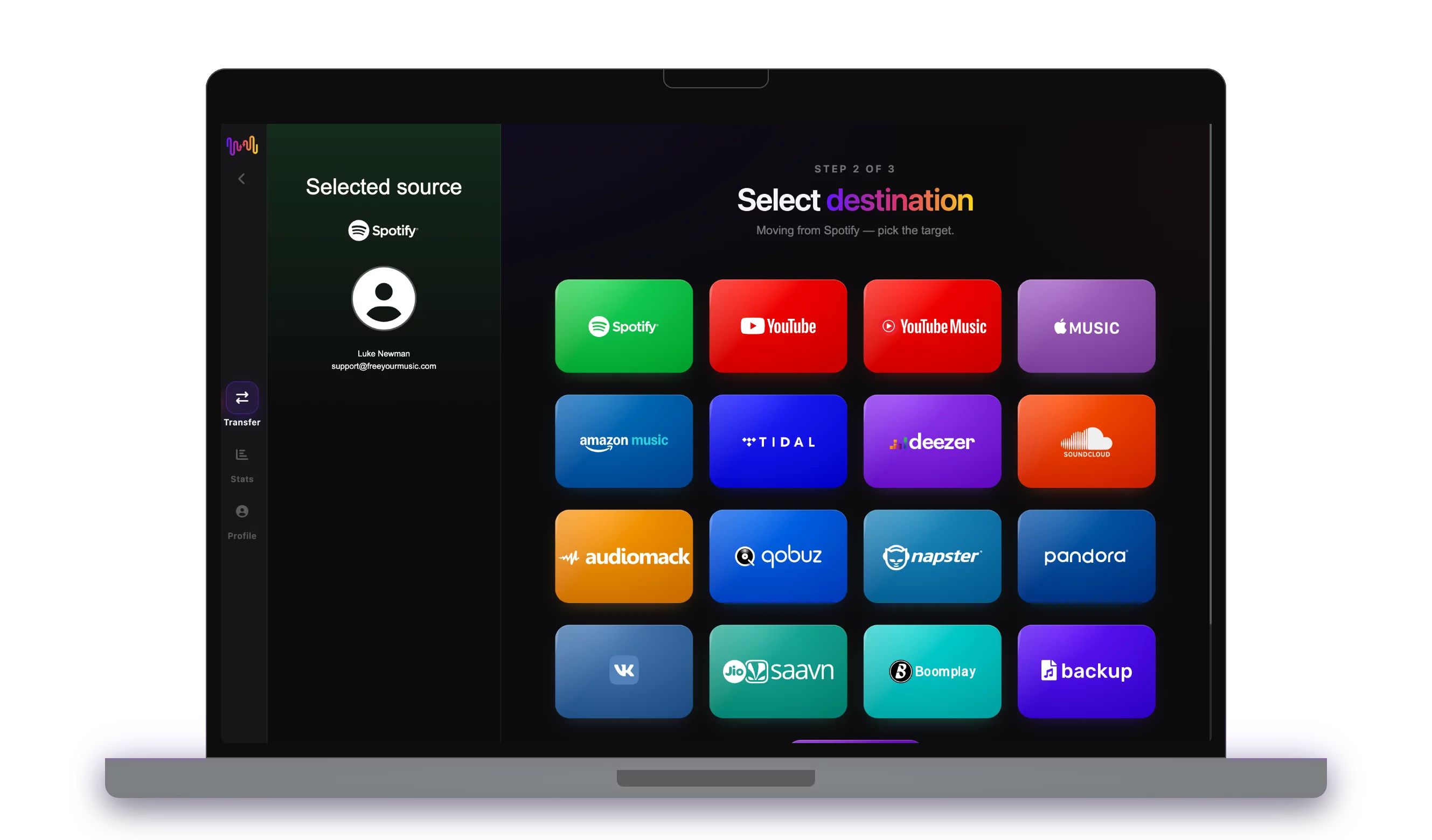
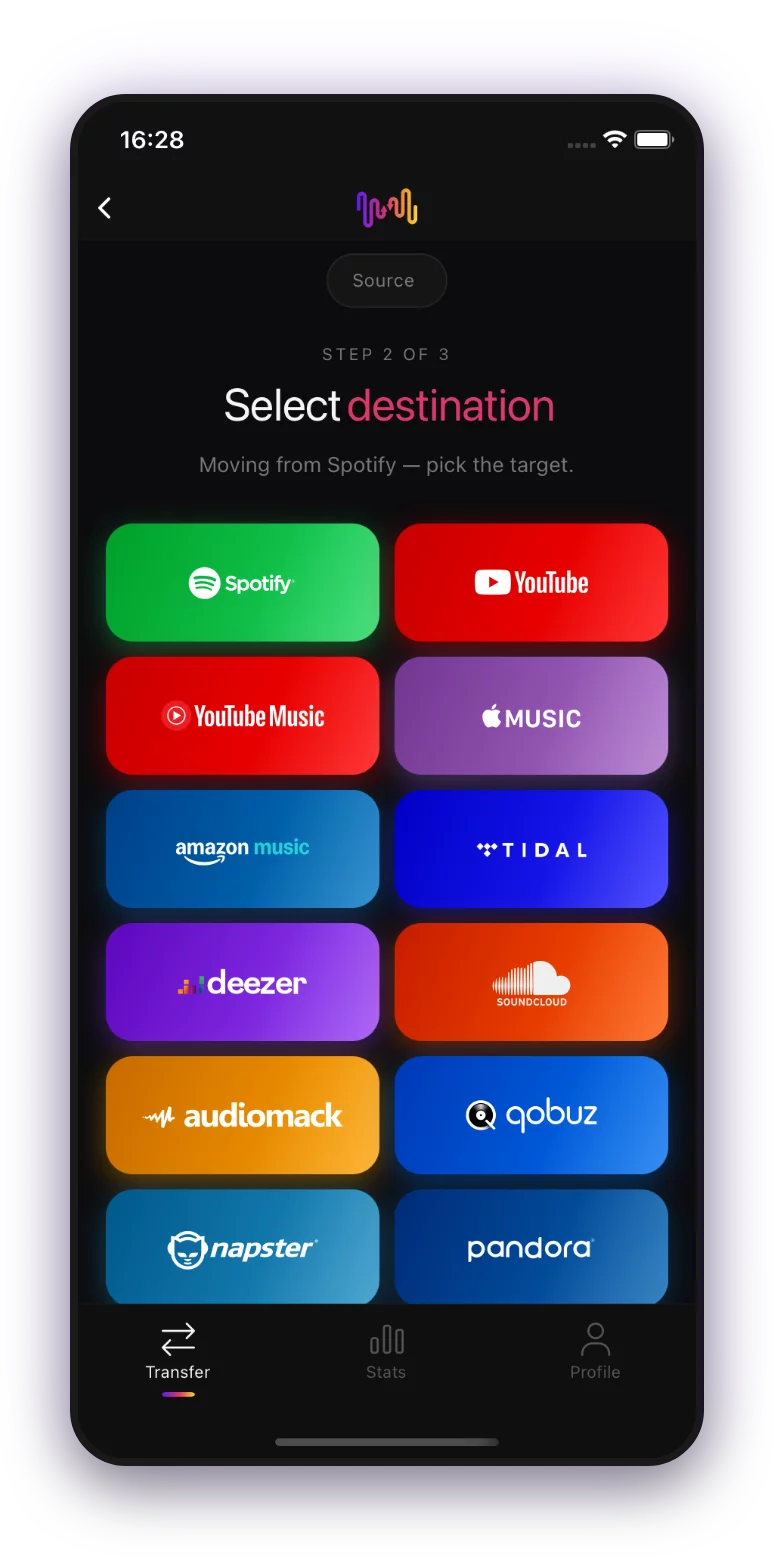
How to transfer Apple Music playlists to Zvuk (Звук)
Select Apple Music as a source
Use your current Apple Music platform as a source and start to transfer playlists with Free Your Music.
Select Zvuk (Звук) as a destination
Select Zvuk (Звук) as a platform where you want to create a new playlist. All you need to do is just one button click!
Select playlists for a transfer
Find playlists you want to transfer from Apple Music service to Zvuk (Звук) and select all the playlists you want to move.
Confirm your action and done!
The transfer is finished. Your Apple Music playlists have been moved to Zvuk (Звук) and you can start enjoying your new music streaming service.
Your whole Apple Music library moves
Playlists
Liked songs
Saved albums
Followed artists
On every device
People also search for
What transfers from Apple Music to Zvuk
Everything FreeYourMusic moves for you in one click — no manual rebuilds.
Frequently asked questions
How do I transfer my Apple Music playlist to Zvuk (Звук)?
Install FreeYourMusic, sign in to Apple Music and then Zvuk (Звук) using their official logins, pick the playlists you want, and hit transfer. Smart track-matching moves songs and their order intact — a 1,000-track playlist usually finishes in under 10 minutes.
Can I transfer Apple Music playlists to Zvuk (Звук) for free?
Yes — the free tier moves up to 600 songs and one playlist with no card required. Upgrade for unlimited transfers, Auto-Sync and Cloud Backup.
Is there an app to transfer playlists from Apple Music to Zvuk (Звук)?
FreeYourMusic is a playlist transfer app for iPhone, iPad, Android, Mac, Windows and Linux that moves playlists, liked songs, saved albums and followed artists from Apple Music to Zvuk (Звук).
Can I transfer my Apple Music playlists to Zvuk (Звук) for free?
Yes — FreeYourMusic transfers your first 600 songs from Apple Music to Zvuk (Звук) for free, playlists included. Larger libraries need Premium, and every transfer runs directly between your own Apple Music and Zvuk (Звук) accounts.
What exactly transfers from Apple Music to Zvuk (Звук)?
Playlists (with their order), liked songs, albums, and followed artists. Songs are matched track-by-track using ISRC codes where Apple Music and Zvuk (Звук) provide them, with title and artist matching as a fallback — see the compatibility table above for the exact feature list of this pair.
What is a playlist transfer?
A playlist transfer is the process of moving your music playlists from one streaming service to another. Instead of rebuilding your playlist manually, tools like FreeYourMusic let you transfer playlists automatically—saving you time and effort.
Can I transfer playlists between any music streaming services?
Yes! With FreeYourMusic, you can transfer playlists between major services like Spotify, Apple Music, YouTube Music, Amazon Music, TIDAL, Deezer, and more.
Do I need to create a new account to transfer playlists?
No, you don’t need a new account. Just connect your existing streaming accounts in the FreeYourMusic app, and you can start your playlist transfer right away.
Will all songs transfer over perfectly?
Most of the time, yes. FreeYourMusic uses a smart matching system to find the same or similar songs across platforms. While rare, some tracks may be unavailable on your new service and won’t transfer.
Does FreeYourMusic keep my playlist names and order?
Absolutely. When you transfer playlists, FreeYourMusic preserves your playlist titles, song order, and even multiple playlists at once.
How long does a playlist transfer take?
It depends on the size of your playlists and the speed of your internet connection, but most playlist transfers take just a few minutes.
Can I transfer playlists from a free account?
Yes! You can transfer playlists from both free and premium accounts, although some streaming services may have limitations on access.
Ready to move to Zvuk (Звук)?
Download FreeYourMusic and move your whole library in minutes.
Download free →