How to Download Spotify on Mac + Why You Need It
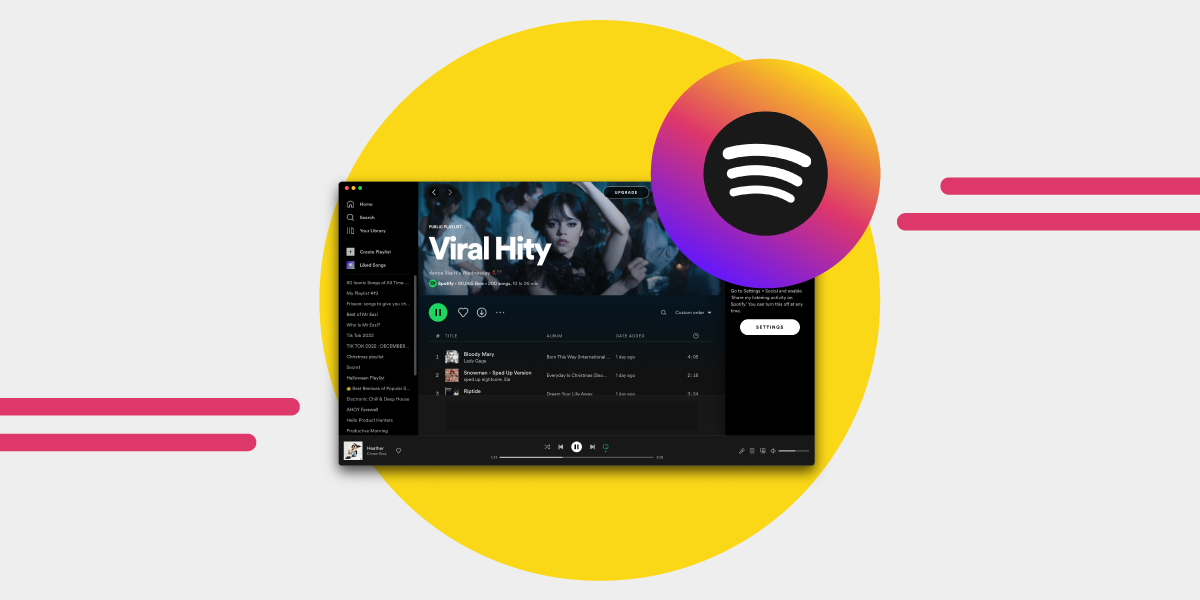
Anyone who enjoys music has probably heard of Spotify. This digital music service allows you to access millions of songs and podcasts from artists and record labels worldwide. However, you may have only ever used Spotify on your phone. Still, it's also possible to use Spotify on your MacBook.
You can easily install the app if you wish to use Spotify on your Mac. And you can access all your playlists and podcasts just as you can on your mobile device.
In this article, we shall explore why you should use Spotify on your Macbook, provide a brief tutorial on downloading Spotify for Mac, and everything in between.
Why Use Spotify for Mac?
Using Spotify for Mac is similar to using it on other devices, as users enjoy almost the same features. There are numerous advantages to using Spotify. The song collection and music library are up-to-date with all the latest albums. You can search for songs or albums from different artists and record labels.
Spotify for Mac is one of the ways to enjoy Spotify streaming services and features. With the Mac device, users can sync their Spotify account with the same app on their mobile devices and listen to downloaded songs when they're not online or connected to the internet.
Spotify also makes it simple if you need help deciding what music to play by recommending songs, playlists, genres, artists, new releases, and more, depending on your preferences. The more you listen to songs on Spotify, the better the streaming service gets at figuring out what recommendations suit your music taste.
You can also connect to your Facebook friends using the Spotify app for Mac, so you can see what they're listening to, and that way, you can find new music.
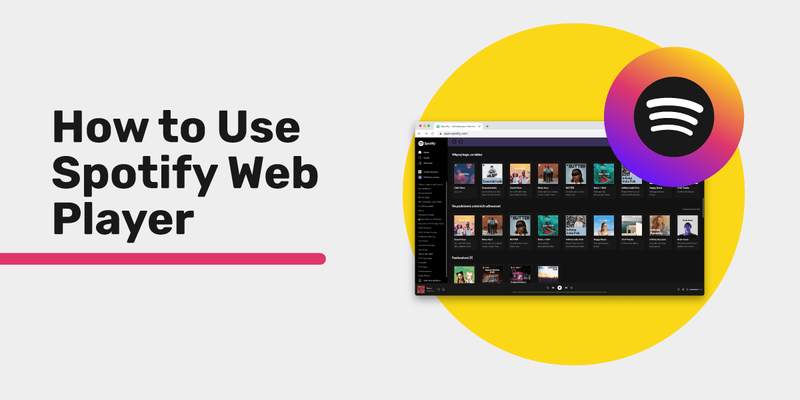
In addition, you can use Spotify on your Mac by installing the desktop app or utilizing the Spotify web player in any browser of your choice.
How to Get Spotify on Macbook
You can use Spotify on Mac in two ways: either install the app on your Mac or use the Spotify web player in your browser. We'll look at these two methods of getting Spotify on MacBook in this section of the article.
Install the Spotify App on Mac
Installing the Spotify app is usually impossible from the Mac app store because Spotify cannot be installed where your Apple ID is registered. Another reason is that the Spotify app is available for iOS, not macOS.
Therefore, to download Spotify for Mac, you must go to Spotify's official website and follow the steps below:
- Visit the spotify.com website on your Macbook.
- In the top menu, look for "Download" and click it.
- To begin the Spotify download, click "Allow" in the pop-up window.
- Unzip the Spotify installer and place it in your Downloads folder.
- To begin the installation process, double-click the downloaded installation file.
- When the installation process is complete, the Spotify app should open automatically.
- Select "Log in" and use any of the options you're provided to sign into your account.
- Once you've logged in successfully, you can start enjoying your favorite music and podcasts.
If Spotify doesn't launch on your Mac, you can get rid of the existing version and download a new one from the website, following the Spotify Mac download steps above.
Use the Spotify Web Player on your MacBook
To avoid downloading Spotify's desktop app for your MacBook, you can always listen to music via Spotify on your web browser.
Here are the steps on how to use the Spotify web play:
- Open spotify.com on your browser.
- Click on "Log in" on the Spotify web player page.
- Sign in to your Spotify account using one of the available methods, for instance, your email address, Facebook, Apple, or Google accounts
- Afterward, you may access your library using the web player or search the homepage for fresh content.
Features of Spotify for MacBook
Let's look at some of the features of the Spotify app. You should note that most of the features mentioned in this article are only compatible with the Spotify Mac app, not the web player.
Here are some features you should look out for in the Spotify app for Mac:
- The group session features are available, which aids you in sending links to your friends to enjoy songs together
- Changing the external speaker on the device icon
- Spotify equalizer to adjust the volume to play all your songs in
- Adjusting music quality is a great feature you can use to suit your listening preference
What to Know About Using Spotify on Mac
The Spotify Mac app is straightforward to use after you download it. There are, however, some things you should note. While Spotify playlists can be downloaded, individual songs and albums cannot. Therefore, you must add albums and songs to playlists before downloading them. And you can make a lot of these playlists.
Furthermore, it can be unpleasant when using your MacBook and Spotify app launch suddenly. Many Spotify Mac users often experience this and are curious how to stop Spotify from launching on startup.
Here's how to stop Spotify from launching when you start up your Mac:
- Go to Spotify Preferences.
- At the bottom of the page, select "Show Advanced Settings."
- Select "No" from the dropdown menu under "Startup."
Another important thing you should know about Spotify for Mac is that you can link Spotify to many devices, including smart speakers, TVs, gaming consoles, and more, in addition to using it to play music on a Mac.
Also, ensure all your devices are connected to the same WiFi network before utilizing Spotify's "Devices Available" menu to link them.
Some users might find it challenging to download Spotify on Mac; if you're one of them, ensure your internet connection is quick and reliable. Likewise, ensure there's enough space to download the Spotify app for Mac.
You should also know about the group session on Spotify for Mac. Using the group session, you can share links with your friends and listen to music together. To do this, click on the "Devices Available" icon and choose "Start Session" while a song is playing.
Transfer Your Music Using Free Your Music
You can easily move your Spotify playlists to another streaming service using Free Your Music and vice versa.
Moving away from Spotify?
Stop rebuilding by hand. Move everything in minutes and take your music wherever you go.
Download free →SongsBrew — our free music newsletter
A free perk for FYM users. Tips, playlists, no spam.