Comment conserver l’ordre des playlists lors d’un transfert de musique

Tout amateur de musique américain attaché à l’enchaînement de sa playlist personnalisée connaît la frustration de voir l’ordre des morceaux bouleversé en changeant d’application. Avec plus de 60 millions d’utilisateurs qui transfèrent leur musique entre plateformes chaque année, préserver cet ordre initial compte plus que jamais. Que vous préfériez Spotify, Apple Music ou d’autres services internationaux, ce guide vous aide à conserver l’ordre de vos playlists soigneusement composées à chaque étape du transfert.
Sommaire
- Étape 1 : Préparer vos playlists pour conserver le bon ordre
- Étape 2 : Choisir les plateformes de streaming de départ et d’arrivée
- Étape 3 : Configurer les paramètres de transfert pour préserver l’ordre des playlists
- Étape 4 : Transférer vos playlists avec Free Your Music
- Étape 5 : Vérifier l’ordre des playlists une fois le transfert terminé
L’essentiel en bref
| Point clé | Explication |
|---|---|
| 1. Organiser vos playlists avec méthode | Ajoutez des préfixes numériques pour préserver l’ordre et l’intégrité des playlists pendant le transfert. |
| 2. Vérifier la compatibilité des plateformes | Avant de commencer, assurez-vous que les plateformes de départ et d’arrivée prennent en charge le transfert de playlists. |
| 3. Tester d’abord les paramètres de transfert | Effectuez un essai avec une petite playlist pour vérifier que les paramètres fonctionnent correctement. |
| 4. Utiliser Free Your Music pour le transfert | Suivez les instructions de Free Your Music étape par étape pour transférer facilement vos playlists. |
| 5. Vérifier la playlist après le transfert | Examinez attentivement la playlist transférée pour vérifier l’ordre des morceaux et leur disponibilité. |
Étape 1 : Préparer vos playlists pour conserver le bon ordre
Pour transférer facilement vos playlists musicales entre plateformes de streaming, une bonne organisation s’impose. Votre objectif principal est de conserver l’ordre exact des morceaux pendant le transfert, afin de préserver le parcours musical que vous avez soigneusement composé.
Pour y parvenir, adoptez une méthode rigoureuse qui préserve l’intégrité de vos playlists. Une gestion efficace commence par une structure bien pensée. Passez d’abord en revue vos playlists existantes et vérifiez la position de chaque morceau. Envisagez d’ajouter des préfixes numériques aux noms des morceaux pour fournir un repère de classement supplémentaire. Par exemple, renommer « Summer Vibes » en « 01 Summer Vibes » crée un marqueur de position clair que la plupart des services de transfert de musique reconnaîtront et respecteront.
Prêtez une attention particulière à la manière dont les différentes plateformes de streaming gèrent l’ordre des playlists. Certains services peuvent mélanger les morceaux pendant le transfert : il est donc essentiel de prévoir une organisation solide en amont. Divisez vos playlists de façon logique, par ambiance, par genre ou selon une progression chronologique, pour limiter les perturbations éventuelles. Des métadonnées cohérentes pour vos morceaux peuvent grandement contribuer à préserver la structure initiale de vos playlists.
Conseil d’expert : Sauvegardez votre playlist d’origine avant tout transfert pour pouvoir retrouver l’ordre initial de vos morceaux si nécessaire.
Pour obtenir les meilleurs résultats, voici les principales étapes de préparation :
| Étape de préparation | Pourquoi c’est important | Conseil pratique |
|---|---|---|
| Ajouter des préfixes numériques | Aide à préserver l’ordre des morceaux | Utilisez « 01 », « 02 », etc. |
| Sauvegarder la playlist d’origine | Facilite la récupération en cas d’échec du transfert | Faites une capture d’écran ou exportez la playlist |
| Diviser par ambiance ou par genre | Limite la confusion si les morceaux sont mélangés | Créez des sous-playlists thématiques |
| Vérifier les métadonnées des morceaux | Facilite la recherche des correspondances entre plateformes | Uniformisez les noms d’artistes et les titres |
Étape 2 : Choisir les plateformes de streaming de départ et d’arrivée
Le choix des plateformes de streaming de départ et d’arrivée est déterminant pour transférer vos playlists sans difficulté. L’objectif est de choisir des services compatibles qui préserveront vos collections musicales soigneusement constituées.

Commencez par identifier les plateformes musicales que vous utilisez actuellement et celles vers lesquelles vous souhaitez transférer vos playlists. La compatibilité des plateformes de streaming musical est essentielle à la réussite du transfert. La plupart des services populaires, comme Spotify, Apple Music, Amazon Music et YouTube Music, prennent en charge les transferts de playlists. Faites l’inventaire de vos playlists existantes et vérifiez que vos plateformes de départ et d’arrivée sont toutes deux prises en charge par les outils de transfert.
Tenez compte des particularités de chaque plateforme. La gestion des métadonnées ou la disponibilité des morceaux peut varier d’un service à l’autre, ce qui peut avoir un effet sur le transfert. Renseignez-vous sur les formats de fichiers pris en charge et les fonctionnalités de la bibliothèque musicale pour limiter les perturbations pendant la migration. Si vous utilisez une plateforme moins courante, comme le serveur multimédia Jellyfin, des réglages supplémentaires peuvent être nécessaires pour préserver l’intégrité de vos playlists.
Conseil d’expert : Vérifiez toujours la disponibilité des morceaux sur la plateforme d’arrivée avant de lancer un transfert complet de vos playlists, afin d’éviter de perdre certains titres.
Voici un comparatif des principales plateformes de streaming musical et des points à prendre en compte pour le transfert de playlists :
| Plateforme | Gestion de l’ordre des playlists | Compatibilité des métadonnées | Difficultés courantes lors du transfert |
|---|---|---|---|
| Spotify | Généralement fiable | Bonne prise en charge des métadonnées | Certains morceaux indisponibles selon la région |
| Apple Music | Bonne, à vérifier | Variable, avec certaines limites | Erreurs occasionnelles de correspondance des pochettes |
| Amazon Music | L’ordre peut être perturbé | Champs de métadonnées standard | Certains morceaux peuvent manquer au catalogue |
| YouTube Music | L’ordre peut légèrement changer | Informations de base, moins détaillées | Doublons possibles à l’importation |
| Jellyfin | Configuration manuelle nécessaire | Structures de métadonnées personnalisées | Des réglages supplémentaires peuvent être nécessaires pour le transfert |
Étape 3 : Configurer les paramètres de transfert pour préserver l’ordre des playlists
La configuration des paramètres de transfert est une étape essentielle pour conserver l’ordre initial de votre playlist et son déroulement musical. L’objectif est de faire en sorte que chaque morceau reste exactement à la place que vous lui avez attribuée pendant la migration.
Configurer le transfert entre services de streaming implique de choisir avec soin les formats de sortie et les options de conservation des métadonnées. La plupart des outils de transfert de musique proposent des paramètres avancés qui permettent de préciser comment traiter les playlists. Recherchez les options qui mentionnent explicitement le maintien de l’ordre des playlists ou la conservation des métadonnées. Examinez attentivement les paramètres liés à l’ordre des morceaux et assurez-vous qu’ils sont réglés pour préserver la structure initiale de vos playlists.
Si vous utilisez un logiciel spécialisé dans la gestion musicale, explorez les possibilités de configuration supplémentaires. Les extensions d’organisation des playlists peuvent offrir un contrôle plus fin des paramètres de transfert. Certains outils avancés permettent de gérer l’ordre des playlists de manière hiérarchique et de définir les paramètres d’exportation, pour maîtriser précisément la migration de vos collections musicales.
Conseil d’expert : Effectuez toujours un premier essai avec une petite playlist pour vérifier que les paramètres d’ordre et de métadonnées fonctionnent correctement avant de transférer toute votre bibliothèque musicale.
Étape 4 : Transférer vos playlists avec Free Your Music
Maintenant que vos playlists sont prêtes et vos paramètres configurés, il est temps de lancer le transfert avec Free Your Music. Votre objectif principal est de transférer facilement vos collections musicales tout en préservant leur ordre initial et leur intégrité.
Le transfert des playlists suit une série d’étapes simples. Commencez par ouvrir Free Your Music et vous connecter à vos comptes sur les services de streaming de départ et d’arrivée. L’application vous invitera à sélectionner les playlists à transférer. Vérifiez soigneusement votre sélection pour vous assurer qu’elle contient exactement les playlists souhaitées.
Suivez attentivement les instructions de l’application et confirmez chaque transfert. La disponibilité de certains morceaux peut varier légèrement d’une plateforme à l’autre : prévoyez donc de vérifier les éventuelles différences. Les fonctionnalités de transfert de musique permettent de migrer facilement entre les principales plateformes de streaming, comme Spotify, Apple Music et Amazon Music. Surveillez la progression du transfert et assurez-vous que vos playlists conservent l’ordre initial des morceaux ainsi que leurs métadonnées tout au long du processus.
Conseil d’expert : Une fois le transfert terminé, lancez immédiatement la lecture de votre nouvelle playlist sur la plateforme d’arrivée pour vérifier que tous les morceaux ont bien été transférés et qu’ils sont dans le bon ordre.
Étape 5 : Vérifier l’ordre des playlists une fois le transfert terminé
Après avoir transféré vos playlists, il est essentiel de vérifier leur contenu pour vous assurer que votre parcours musical reste fidèle à celui que vous aviez composé. L’objectif est de confirmer que chaque morceau occupe la place prévue, sans modification inattendue.
La vérification consiste à examiner méthodiquement chaque playlist sur la plateforme d’arrivée. Commencez par écouter l’intégralité de la playlist, du début à la fin, en prêtant une attention particulière à l’enchaînement des morceaux. Comparez la nouvelle playlist et l’originale côte à côte pour vérifier que chaque titre apparaît exactement dans l’ordre que vous aviez défini.
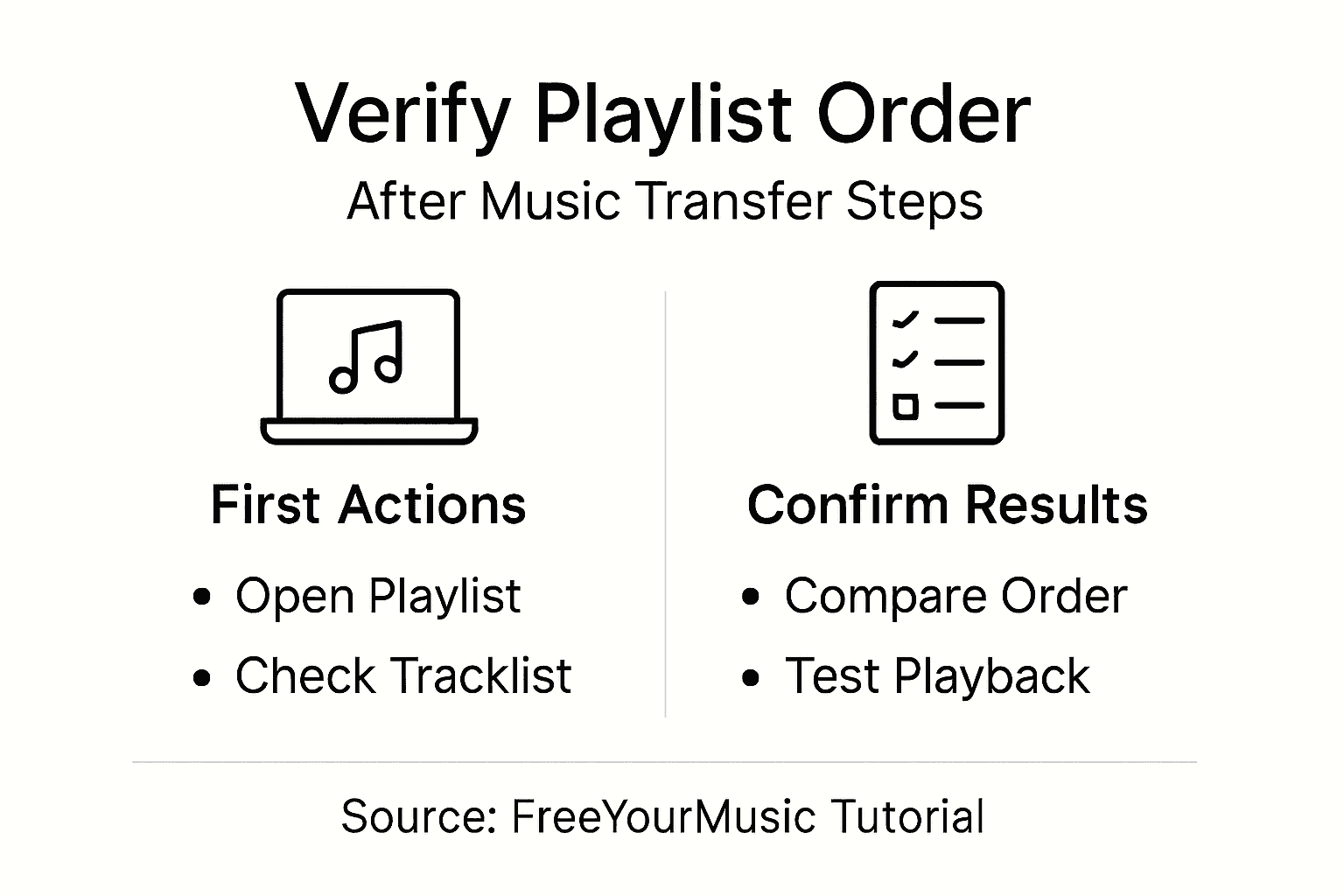
Procédez à une vérification complète pour garantir l’intégrité des données. Certaines plateformes de streaming peuvent modifier légèrement les métadonnées ou la position des morceaux pendant le transfert : un examen attentif est donc indispensable. Les bonnes pratiques en matière de transfert de données recommandent de procéder à plusieurs vérifications. Écoutez attentivement et notez tout écart dans l’ordre des morceaux, tout titre manquant ou toute modification inattendue de la playlist survenue pendant la migration.
Conseil d’expert : Faites une capture d’écran de votre playlist d’origine avant le transfert et conservez-la comme référence pour vos vérifications.
Retrouvez le plaisir d’écouter grâce au transfert de playlists sans effort
Conserver l’ordre des playlists est un défi courant lorsqu’on déplace sa collection musicale d’un service de streaming à un autre. Vous souhaitez retrouver chaque morceau dans l’ordre que vous avez choisi, sans perdre un temps précieux ni risquer de voir disparaître certains titres. Cet article présente les étapes essentielles, comme l’organisation des playlists, le choix des plateformes de départ et d’arrivée et la vérification des playlists transférées, pour garantir une expérience d’écoute sans accroc.
FreeYourMusic.com est spécialisé dans la résolution de ces problèmes. Notre plateforme garantit la conservation exacte de l’ordre des playlists, une synchronisation automatique et un transfert fluide entre Spotify, Apple Music, Amazon Music et bien d’autres services. Grâce à une application facile à utiliser, disponible sur macOS, Windows, Linux, Android et iOS, vous pouvez transférer un nombre illimité de playlists en toute confiance et l’esprit tranquille.
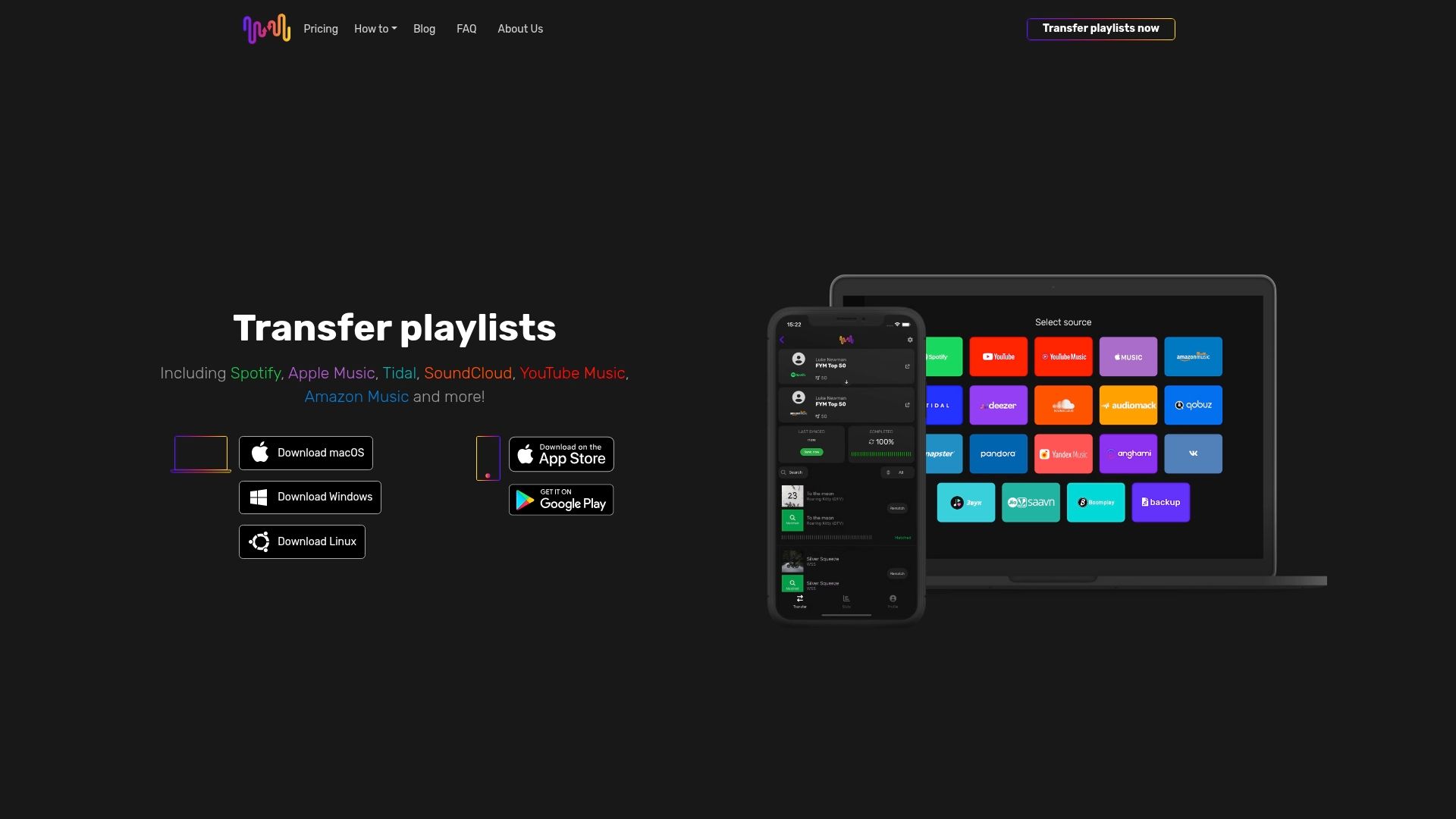
Envie de transférer votre musique sans difficulté tout en respectant la structure et les métadonnées de vos playlists ? Prenez les choses en main dès maintenant et rendez-vous sur FreeYourMusic.com pour lancer votre transfert en toute simplicité. Découvrez comment nos paramètres avancés et la prise en charge de plusieurs comptes facilitent votre changement de plateforme tout en préservant votre parcours musical à chaque étape.
Questions fréquentes
Comment préparer mes playlists pour conserver leur ordre initial pendant le transfert ?
Pour bien préparer vos playlists, ajoutez des préfixes numériques aux noms des morceaux, par exemple en renommant « Summer Vibes » en « 01 Summer Vibes ». Cette méthode fournit un repère de classement supplémentaire que la plupart des services de transfert de musique reconnaîtront.
Quels critères prendre en compte pour choisir les plateformes de streaming de départ et d’arrivée ?
Il est important de vérifier la compatibilité de vos plateformes de départ et d’arrivée avec les outils de transfert. Faites l’inventaire de vos playlists et vérifiez que les deux services de streaming prennent en charge le transfert pour que la migration se déroule sans difficulté.
Comment configurer les paramètres de transfert pour préserver l’ordre de ma playlist ?
Pour préserver l’ordre de votre playlist, recherchez dans votre outil de transfert les paramètres qui mentionnent explicitement le maintien de l’ordre des playlists ou la conservation des métadonnées. Sélectionnez ces options avec soin pour conserver l’enchaînement prévu de vos morceaux pendant la migration.
Quelles étapes suivre pour transférer mes playlists ?
Commencez par ouvrir votre outil de transfert, vous connecter à vos comptes sur les services de départ et d’arrivée, puis sélectionner les playlists à transférer. Confirmez soigneusement chaque sélection pour vous assurer de transférer les bonnes playlists et surveillez la progression pour repérer d’éventuelles différences.
Comment vérifier que l’ordre de ma playlist a été conservé après le transfert ?
Une fois le transfert terminé, comparez la nouvelle playlist et l’originale côte à côte. Écoutez l’intégralité de la playlist en vérifiant l’enchaînement des morceaux et recherchez les éventuels écarts, comme des titres manquants ou un ordre modifié, pour vous assurer que tout a été transféré correctement.
Articles recommandés
- Free Your Music - Qu’est-ce que l’ordre des morceaux dans une playlist ? Comprendre son importance
- Free Your Music - Comprendre les bonnes pratiques du transfert de playlists
- Free Your Music - Qu’est-ce que l’entretien des playlists ? Un guide pour les amateurs de musique
- Free Your Music - Qu’est-ce que la gestion des playlists ? Comprendre son rôle
Vos listes de lecture vous appartiennent.
Arrêtez de tout reconstruire à la main. Déplacez tout en quelques minutes et emportez votre musique partout avec vous.
Télécharger gratuitement →SongsBrew — notre newsletter musicale gratuite
Un avantage gratuit pour les utilisateurs FYM. Astuces, playlists, zéro spam.