7 Expert Tips for Smooth Music Streaming Transitions 2025
Switching between music streaming services is a common experience for the average American listener, yet over 60 percent underestimate the hurdles of full library migration. With so many platforms offering different compatibility on everything from smartphones to smart speakers, the process is far from straightforward. If you want to safeguard your playlists and enjoy smooth transitions, understanding key steps helps keep your favorite tracks and curated playlists safe across any device.
Table of Contents
- 1. Understand Platform Compatibility Before Switching
- 2. Backup Your Playlists For Extra Security
- 3. Use Automation Tools For Faster Migration
- 4. Ensure Accurate Song Matching Across Services
- 5. Preserve Playlist Structure And Ordering
- 6. Sync Multiple Accounts For Family Or Groups
- 7. Stay Updated On Data Privacy And Safety
Quick Summary
| Key Insight | Explanation |
|---|---|
| 1. Verify Device Compatibility | Ensure your chosen music service supports all devices you use to prevent migration issues. |
| 2. Backup Your Playlists Regularly | Export playlists as CSV files and use cloud storage to safeguard your musical collections from loss. |
| 3. Use Automation for Migration | Leverage automation tools like Soundiiz to efficiently transfer playlists and maintain data integrity. |
| 4. Check Song Matching Accuracy | Review and clean playlist metadata to minimize mismatches during transfer across platforms. |
| 5. Prioritize Data Privacy | Regularly audit your music account settings to protect personal information during platform transitions. |
1. Understand Platform Compatibility Before Switching
Switching music streaming services isn't as simple as pressing play. Your entire music library's successful migration depends on understanding platform device and operating system compatibility.
Music streaming platforms vary dramatically in their support across different devices. Apple Music offers compatibility across iOS, macOS, Windows, and Android systems, which means you have substantial flexibility when transferring your musical collection. Similarly, Tidal supports multiple platforms including iOS, Android, Windows, and macOS, ensuring widespread accessibility.
Before initiating any music transfer, verify that your preferred streaming service supports all the devices you regularly use. Check specific requirements like minimum operating system versions, device models, and hardware specifications. Some services might have limitations with older smartphones, tablets, or computer systems.
Create a quick compatibility checklist before switching: confirm device support, internet bandwidth requirements, and app availability in your primary device ecosystem. This proactive approach prevents frustrating interruptions in your music enjoyment and ensures a smooth transition between streaming platforms.
Pro Tip: Screenshot your current device compatibility details before starting any music transfer to quickly compare and verify platform requirements.
2. Backup Your Playlists for Extra Security
Music lovers know that playlists represent hours of carefully curated musical memories. Playlist backups are your insurance policy against potential digital disasters that could wipe out years of musical collection.
Digital music libraries are surprisingly fragile. Streaming services can change licensing agreements, remove tracks, or even shut down entire platforms. Creating a comprehensive backup strategy protects your musical investment, ensuring you never lose those perfectly crafted playlists.
Backup strategies involve multiple approaches. First, export your playlists as CSV files which can be stored locally or in cloud storage. Second, consider using specialized music transfer services that can recreate playlists across different platforms. Third, maintain multiple copies in different locations digital storage locations to minimize risk of complete data loss.
Users should aim to backup their playlists at least quarterly or whenever they make significant additions or changes. Automated backup tools can streamline this process, reducing manual intervention and ensuring consistent protection of your music collection.
Pro Tip: Schedule automatic quarterly playlist backups on your calendar and set reminders to ensure you never accidentally lose your musical treasures.
3. Use Automation Tools for Faster Migration
Manual music playlist transfers are tedious and time consuming. Automation tools transform this complex process into a streamlined, efficient experience that saves hours of manual work.
Platforms like Soundiiz offer automated transfer capabilities across multiple music streaming services, enabling users to migrate entire music libraries with just a few clicks. These specialized tools understand the intricate mapping between different streaming platforms, ensuring that playlist structures, song metadata, and ordering remain intact during migration.
Automation tools work by creating intelligent connections between your source and destination music platforms. They analyze your existing playlists, match songs across different services, and recreate your collections with remarkable accuracy. Most tools support major streaming platforms like Spotify, Apple Music, Tidal, and YouTube Music, giving you comprehensive migration flexibility.
When selecting an automation tool, consider factors like supported platforms, transfer speed, accuracy of song matching, and user interface complexity. Some tools offer free transfers with limitations, while premium versions provide unlimited migrations and additional features like playlist comparison and backup.
Pro Tip: Always preview your playlist transfer before finalizing to ensure complete song preservation and verify that all tracks have been successfully migrated.
4. Ensure Accurate Song Matching Across Services
Music streaming platforms often store identical songs with slightly different metadata, creating potential playlist transfer challenges. Accurate song matching is the critical process of identifying and preserving your music across different streaming ecosystems.
Song matching technologies work by comparing multiple metadata points including track name, artist, album, duration, and unique digital fingerprints. These sophisticated algorithms ensure that your carefully curated playlists remain intact during migration, preventing lost or misplaced tracks.
Users should understand that not all tracks will transfer perfectly. Variations in explicit versions, live recordings, remixes, and regional music licensing can complicate matching. Before initiating a transfer, review your playlist and identify potentially problematic tracks that might require manual intervention.
To maximize matching accuracy, clean up your playlist metadata beforehand. Remove duplicate tracks, standardize artist names, and verify song information. Some transfer tools allow manual song replacement or provide detailed transfer reports highlighting potential matching issues.
Pro Tip: Always perform a preview transfer and manually verify your playlist after migration to catch and correct any song matching discrepancies.
5. Preserve Playlist Structure and Ordering
Your playlist is more than just a collection of songs. Playlist architecture represents a carefully curated musical journey with specific emotional and rhythmic flow that should remain intact during streaming platform transitions.
Advanced playlist transfer technologies understand the nuanced importance of track sequencing and work to maintain the original order and structure of your music collection. This means the emotional narrative and careful arrangement you crafted remains unchanged during migration.
Most music streaming transfer tools analyze multiple metadata points to ensure precise playlist reconstruction. They examine track order, folder organization, and playlist naming conventions to recreate your musical experience as closely as possible to the original. Users should preview their transferred playlists to verify that the sequence remains identical to their source playlist.
Some streaming platforms have unique playlist limitations that might affect transfer precision. Be prepared to manually adjust playlist structure if automated tools cannot perfectly replicate your original arrangement. Consider creating screenshot references of your original playlist to guide manual reconstruction if needed.
Pro Tip: Before transferring, export a backup CSV of your playlist to retain a comprehensive record of your exact track sequence and metadata.
6. Sync Multiple Accounts for Family or Groups
Managing music streaming accounts for an entire family or friend group can quickly become complicated. Multi account synchronization offers a streamlined solution for keeping everyone connected and enjoying their shared musical experiences.
Modern music streaming platforms recognize the need for collaborative and shared listening environments. Family plans and group accounts allow multiple users to access and manage playlists collectively, with centralized administrative controls that simplify playlist sharing and music discovery.
Successful multi account synchronization requires careful planning. Identify a primary account manager who can oversee playlist transfers and ensure consistent access across different devices and user profiles. Consider creating shared playlists that all group members can contribute to and modify, which helps maintain musical cohesion and prevents individual playlist fragmentation.
Technology now enables sophisticated sharing mechanisms where group members can follow each other's playlists, receive collaborative recommendations, and maintain individual listening preferences while remaining connected. Look for platforms that offer granular permission settings allowing you to control exactly how much access each group member receives.
Pro Tip: Create a designated collaborative playlist for your family or group and establish clear guidelines about adding and removing tracks to maintain harmony in your shared musical ecosystem.
7. Stay Updated on Data Privacy and Safety
Your music streaming journey involves more than just enjoying tunes. Digital privacy has become a critical consideration when transferring personal music libraries across different platforms and services.
Personal data protection requires a proactive approach during music streaming transitions. Each platform collects different types of user information including listening habits, playlist compositions, and device metadata. Understanding how these platforms manage and secure your musical profile is essential for maintaining control over your digital footprint.
Users should carefully review privacy settings and data transfer policies before migrating playlists. Look for streaming services that offer transparent privacy policies, robust encryption methods, and clear user consent mechanisms. Pay special attention to how platforms handle personal information during account transfers and playlist migrations.
Implement a strategic approach to data protection by using strong unique passwords, enabling two factor authentication, and regularly reviewing connected devices and access permissions. Consider using dedicated email addresses for music streaming accounts to further compartmentalize your digital identity and reduce potential exposure.
Pro Tip: Conduct an annual privacy audit of your music streaming accounts by reviewing connected applications, checking data sharing preferences, and removing any unnecessary third party access.
Below is a comprehensive table summarizing the key strategies and considerations for switching music streaming services as discussed in the article.
| Topic | Description | Key Considerations |
|---|---|---|
| Platform Compatibility | Ensure device and operating system compatibility before switching services. | Check requirements like minimum OS versions and device models. |
| Playlist Backup | Create backups of playlists to prevent loss of musical data. | Export playlists as CSV files and store in multiple locations. |
| Automation Tools | Use automation tools to simplify playlist migration. | Consider transfer speed, accuracy, and supported platforms. |
| Accurate Song Matching | Ensure songs are correctly matched across platforms to maintain playlist integrity. | Clean up metadata and perform manual verification if necessary. |
| Preserve Playlist Structure | Maintain the original playlist order and architecture during transfer. | Preview transfers to ensure sequence remains intact. |
| Multi Account Sync | Synchronize multiple accounts for family or groups to share music effectively. | Establish shared playlists and define contribution guidelines. |
| Data Privacy & Safety | Stay informed about digital privacy when transferring music. | Review privacy settings and use strong passwords and two-factor authentication. |
Simplify Your Music Streaming Switch with Trusted Automation
Switching music streaming services comes with challenges like preserving playlist structure, ensuring accurate song matching, and syncing multiple accounts as revealed in the expert tips. If you want to avoid tedious manual transfers, playlist inaccuracies, and data privacy concerns, FreeYourMusic.com offers a reliable solution engineered to tackle these exact pain points. Enjoy seamless migration of your entire music collection across Spotify, Apple Music, Tidal, YouTube Music, Amazon Music, and more. Our platform supports macOS, Windows, Linux, Android, and iOS, combining automation with secure cloud backups to keep your curated playlists intact.
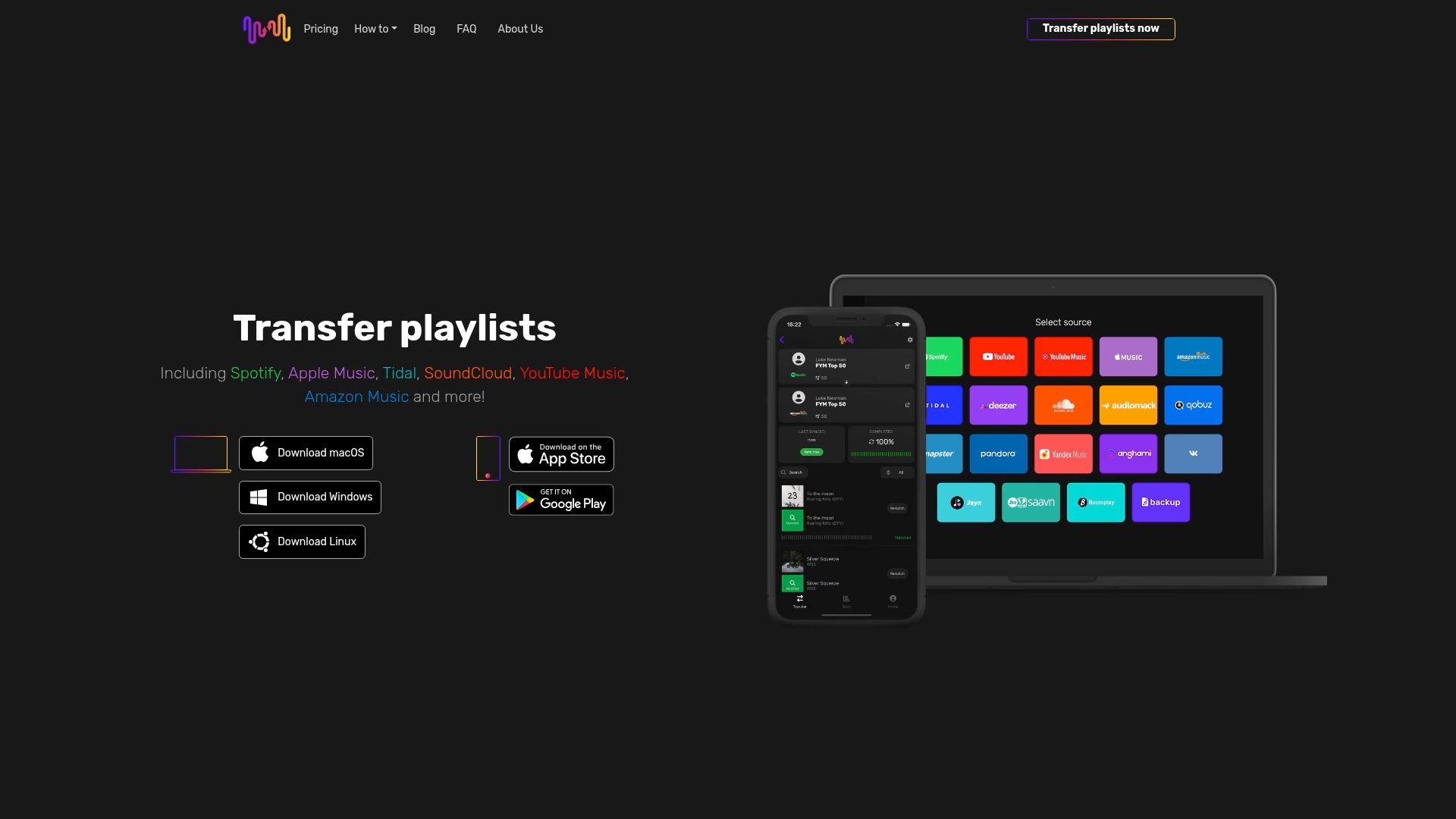
Experience the power of automated playlist synchronization and effortless migration today. Don’t risk losing your carefully curated music journey or facing frustrating mismatches. Visit FreeYourMusic.com now to start the smoothest playlist transfer on the market. Discover how easy it is to backup, sync multiple accounts, and preserve every song’s order with just a few clicks. Your music deserves professional care during the transition.
Frequently Asked Questions
How can I ensure my devices are compatible when switching music streaming services?
To ensure compatibility, check that your preferred music streaming service supports all the devices you use regularly. Create a checklist that includes device support, minimum operating system versions, and app availability to make your transition smooth.
What is the best method to back up my playlists before switching services?
A comprehensive backup involves exporting your playlists as CSV files and storing them in local or cloud storage. Aim to back up your playlists quarterly or after significant changes to safeguard your musical collections.
How can automation tools help with migrating my music library?
Automation tools can save you time by transferring your entire music library across different streaming services with just a few clicks. Use these tools to analyze existing playlists and maintain the correct order and metadata during the transfer process.
What should I do to ensure accurate song matching during migration?
To ensure accurate song matching, clean up your playlist metadata by removing duplicates and standardizing artist names beforehand. Always perform a preview transfer to verify songs have been matched correctly before finalizing the migration.
How can I maintain my playlist structure when transferring?
Maintaining your playlist structure involves using advanced transfer tools that analyze your playlist's metadata to replicate the original order and organization. Before transferring, consider exporting a backup of your playlist to keep a record of the exact sequence and details.
What steps should I take to protect my data privacy during the transition?
Review privacy settings and data transfer policies of the music platforms you are considering. Implement strong passwords and enable two-factor authentication to enhance your security during music streaming transitions.
Recommended
Your playlists belong to you.
Stop rebuilding by hand. Move everything in minutes and take your music wherever you go.
Download free →SongsBrew — our free music newsletter
A free perk for FYM users. Tips, playlists, no spam.