Cross-Platform Music Workflow: Seamless Playlist Migration
Switching between streaming services can leave even the most organized music lover frustrated with mismatched playlists and lost tracks. The growing variety of digital music platforms often forces users to juggle accounts, risking the loss of cherished collections in the shuffle. Understanding the essentials of cross-platform music workflows empowers you to keep your playlists intact, ensuring each transition is smooth, secure, and hassle-free.
Table of Contents
- Cross-platform Music Workflow Explained
- Key Migration Methods And Tool Types
- Core Features Of Playlist Transfer Apps
- Security, Privacy, And Legal Concerns
- Common Pitfalls And Troubleshooting Tips
Key Takeaways
| Point | Details |
|---|---|
| Cross-Platform Compatibility | Successful music migration relies on matching diverse metadata and addressing platform-specific challenges. |
| Advanced Transfer Techniques | Utilize AI-powered tools and hybrid methods for precise playlist transfers and improved accuracy. |
| Security Measures | Prioritize user data protection and comply with regulations to maintain privacy during transfers. |
| Common Migration Pitfalls | Be aware of potential issues such as metadata mismatches and incomplete transfers, and develop plans to troubleshoot effectively. |
Cross-platform music workflow explained
Creating a seamless music workflow across different platforms requires understanding the intricate landscape of digital music ecosystems. Modern music enthusiasts increasingly rely on multiple streaming services, making cross-platform music transfer essential for maintaining comprehensive music libraries.
The core challenge in cross-platform workflows involves navigating diverse technological infrastructures. Unlike traditional music management, digital streaming platforms use unique metadata, encoding systems, and proprietary algorithms that complicate direct playlist transfers. Compatibility becomes the critical factor in successful music ecosystem navigation.
Key components of an effective cross-platform music workflow include:
- Comprehensive metadata matching across services
- Preservation of playlist order and structure
- Accurate song identification and transfer
- Support for multiple streaming platforms
- Cloud backup and synchronization capabilities
Innovative solutions like collaborative music-making systems demonstrate how technology can bridge platform limitations. These web-based applications enable musicians and music lovers to sketch, share, and transfer musical content seamlessly across desktop and mobile environments.
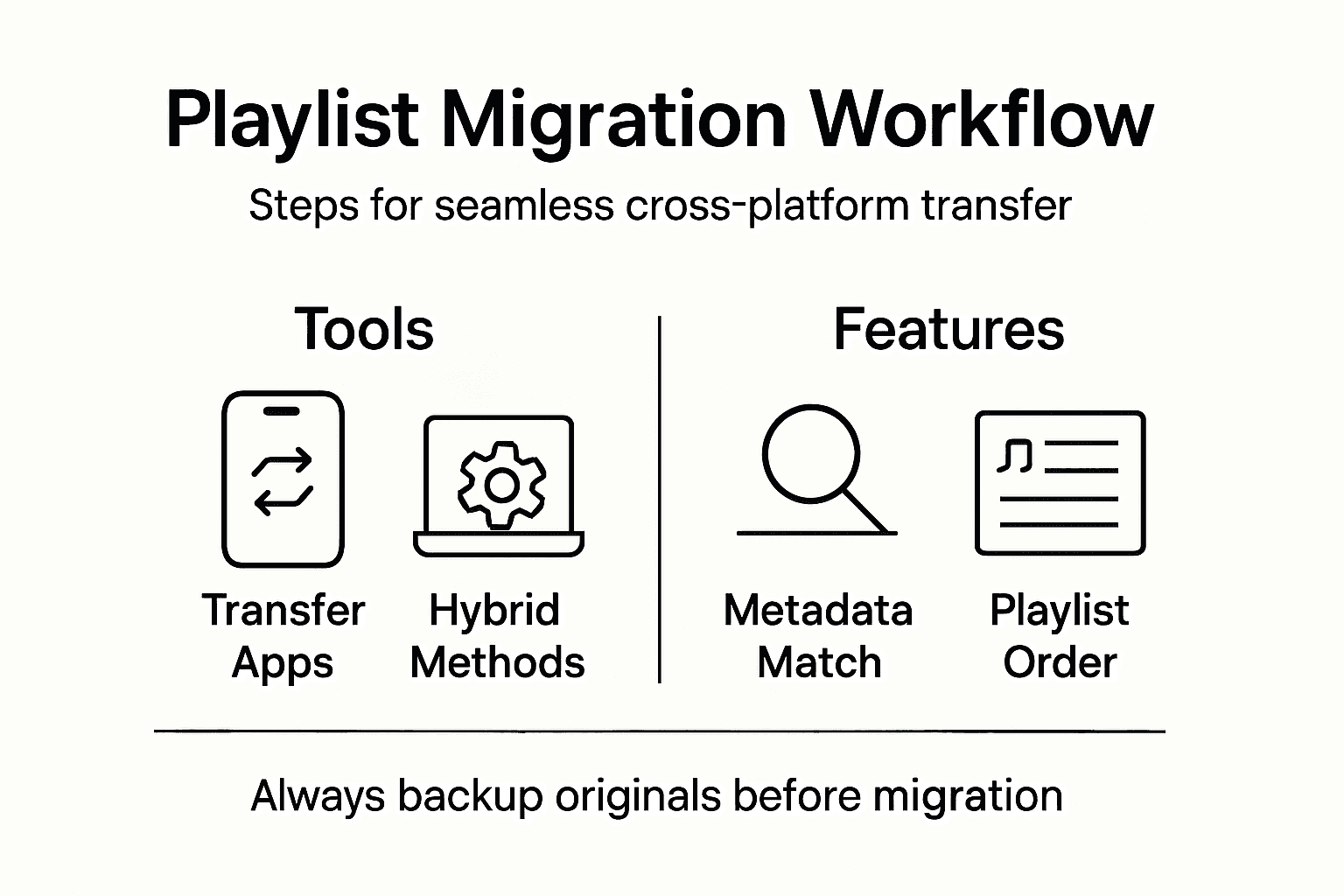
Workflow Strategies involve selecting tools that can translate playlists between different streaming service architectures. Some advanced platforms utilize AI-powered matching technologies to ensure high-fidelity transfers, minimizing song discrepancies during migration.
Pro tip: Always create a backup of your original playlist before initiating any cross-platform transfer to prevent potential music library disruptions.
Key migration methods and tool types
Music playlist migration involves sophisticated technological approaches that enable seamless transfers between different streaming platforms. Migration research methodologies reveal complex strategies for navigating digital ecosystem transitions, which are directly applicable to music streaming transfers.
The primary migration methods can be categorized into several distinct approaches, each addressing unique challenges in cross-platform music management:
- Algorithmic Matching: Uses advanced pattern recognition to identify and transfer songs across platforms
- Metadata Synchronization: Aligns song metadata to ensure accurate track identification
- Direct API Integration: Leverages streaming service APIs for precise playlist transfers
- Manual Reconstruction: Allows users to manually rebuild playlists when automated methods fail
- Hybrid Transfer Techniques: Combines multiple methods to maximize transfer accuracy
Advanced tool types have emerged to address the intricate challenges of music ecosystem migration. Intelligent transfer platforms now utilize AI-powered technologies that can interpret and translate playlist structures across different streaming service architectures. These tools go beyond simple song-matching, understanding nuanced metadata variations and potential discrepancies in track information.

Here's a side-by-side look at the main playlist migration methods and how they address common challenges:
| Migration Method | Handles Metadata Issues | Tolerance for Platform Differences | Manual Effort Required |
|---|---|---|---|
| Algorithmic Matching | Strong | Moderate | Low |
| Metadata Synchronization | Excellent | Limited | Moderate |
| Direct API Integration | Good | High | Low |
| Manual Reconstruction | Variable | High | High |
| Hybrid Techniques | Excellent | Excellent | Moderate |
Successful music migration requires a sophisticated approach that combines technological innovation with user-friendly interfaces.
Innovative solutions are constantly evolving, with new methodological approaches demonstrating the potential for more intelligent, context-aware transfer mechanisms. The future of music ecosystem management lies in developing tools that can seamlessly navigate the complex landscape of digital music platforms.
Pro tip: Always test a small playlist first to verify transfer accuracy before migrating your entire music library.
Core features of playlist transfer apps
Playlist transfer applications have evolved to become sophisticated tools that address the complex challenges of music ecosystem management. Cross-platform synchronization tools now provide comprehensive solutions that go far beyond simple song transfers.
The most advanced playlist transfer apps offer a robust set of features designed to ensure seamless music library migration:
- Intelligent Matching: Advanced algorithms that identify and transfer songs with high accuracy
- Multi-Platform Support: Compatibility with major streaming services and music platforms
- Playlist Structure Preservation: Maintaining original playlist order and organization
- Metadata Synchronization: Accurate transfer of song details, including artist and album information
- Cloud Backup: Secure storage and backup of music library configurations
- Automatic Syncing: Continuous playlist updates across different platforms
Authentication Mechanisms play a critical role in modern playlist transfer applications. These security features ensure that users can safely connect their streaming service accounts while maintaining data privacy and preventing unauthorized access. Advanced apps implement sophisticated encryption protocols to protect user credentials and music library information.
The future of music ecosystem management lies in creating intuitive, secure, and seamlessly integrated transfer solutions.
Specialized tools now provide additional functionality beyond basic playlist migration. Hybrid transfer techniques combine multiple approaches, including manual reconstruction options and AI-powered matching, to address complex transfer scenarios that automated systems might initially struggle with.
For quick reference, here’s how advanced playlist transfer app features benefit users:
| Feature | User Benefit | Business Impact |
|---|---|---|
| Intelligent Matching | Precise playlist duplication | Reduces user frustration |
| Multi-Platform Support | Streamlines cross-service use | Expands customer base |
| Cloud Backup | Prevents playlist data loss | Builds trust and retention |
| Automatic Syncing | Updates playlists seamlessly | Encourages platform loyalty |
| Metadata Synchronization | Ensures correct song details | Minimizes support requests |
| Authentication Security | Protects account information | Enhances data compliance |
Pro tip: Compare multiple playlist transfer apps and test their accuracy with a small playlist before committing to a full music library migration.
Security, privacy, and legal concerns
Music playlist transfer applications navigate a complex landscape of digital privacy and legal regulations. GDPR-relevant privacy concerns have become increasingly critical in developing robust and compliant music ecosystem management tools.
Key privacy and security considerations for playlist transfer applications include:
- User Data Protection: Implementing comprehensive encryption protocols
- Consent Management: Transparent user agreement processes
- Third-Party Data Sharing: Strict limitations on external data distribution
- Authentication Security: Multi-factor verification systems
- Regulatory Compliance: Adherence to international data protection standards
- Minimal Data Collection: Collecting only essential user information
Authentication Mechanisms represent the first line of defense in protecting user musical ecosystems. Advanced playlist transfer applications implement sophisticated security protocols that go beyond basic login credentials, utilizing multi-factor authentication and sophisticated encryption techniques to ensure user data remains completely secure.
Digital privacy is not a feature, but a fundamental right in music ecosystem management.
Legal frameworks surrounding music transfer applications are complex and continuously evolving. Regulatory Compliance demands that applications not only protect user data but also provide transparent mechanisms for data access, modification, and deletion. This includes comprehensive user consent processes and clear communication about how musical preferences and playlist data are processed and stored.
Pro tip: Always review an app's privacy policy and data handling practices before granting access to your music streaming accounts.
Common pitfalls and troubleshooting tips
Playlist migration is complex, with multiple potential challenges that can disrupt your music transfer experience. Data migration challenges demonstrate the critical importance of careful planning and strategic problem-solving in digital transfer processes.
Common pitfalls users might encounter during playlist migration include:
- Metadata Mismatches: Songs not transferring due to inconsistent track information
- Platform Compatibility Issues: Differences in streaming service song libraries
- Authentication Failures: Connection problems between music platforms
- Incomplete Transfers: Partial playlist migrations
- Duplicate Track Insertions: Repeated songs after migration
- Playlist Order Disruption: Randomized song sequences
Troubleshooting Strategies require a systematic approach to identifying and resolving transfer complications. Users should first verify their account credentials, ensure stable internet connections, and understand the specific limitations of their chosen transfer method. Advanced transfer tools often provide detailed error logs that can help pinpoint exact migration challenges.
Successful playlist migration demands patience, methodical problem-solving, and a willingness to adapt to unexpected technical challenges.
Advanced users can leverage manual reconstruction techniques when automated transfers fail. This might involve creating custom matching rules, manually verifying track information, or using hybrid transfer methods that combine automated and manual approaches to ensure maximum playlist fidelity.
Pro tip: Always maintain a backup of your original playlist and perform test migrations with a small subset of tracks before attempting full library transfers.
Streamline Your Cross-Platform Music Workflow Today
Managing music across multiple streaming platforms can feel overwhelming due to metadata mismatches, playlist structure disruptions, and time-consuming manual reconstructions. If you want to preserve your playlist integrity while transferring libraries between Spotify, Apple Music, Tidal, or other platforms, FreeYourMusic.com offers the solution you need. Our platform tackles these common pain points by ensuring accurate song matching, playlist order preservation, and seamless synchronization across services—eliminating frustration and saving you hours of effort.
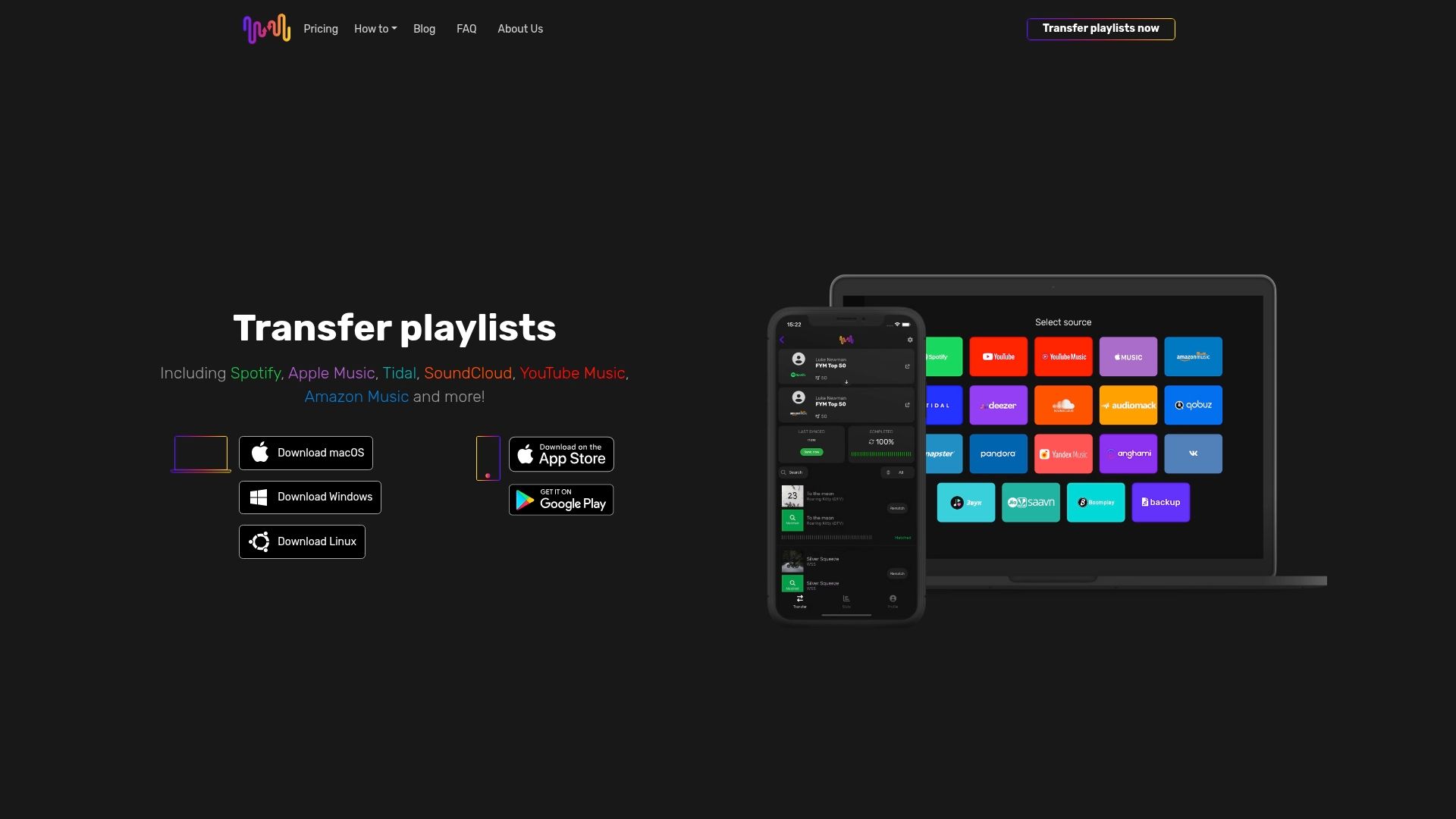
Experience the ease of automated playlist migration with support for unlimited playlists and multi-account setups. Whether you are switching streaming providers or managing large libraries, our user-friendly applications cover macOS, Windows, Linux, Android, and iOS. Visit FreeYourMusic.com to start your effortless playlist transfer now and take control of your music ecosystem. Don’t let platform differences disrupt your music flow; discover how to streamline your playlist migration and enjoy uninterrupted listening today.
Frequently Asked Questions
What are the key components of a cross-platform music workflow?
An effective cross-platform music workflow includes comprehensive metadata matching, preservation of playlist order, accurate song identification, support for multiple streaming platforms, and cloud backup capabilities.
How can I ensure accurate music transfers between different streaming services?
To ensure accuracy, use intelligent transfer platforms that leverage AI-powered matching technologies, create a backup of your original playlist, and test a small playlist before migrating your entire library.
What should I do if I encounter metadata mismatches during a playlist migration?
If you experience metadata mismatches, verify track information and consider using manual reconstruction methods or hybrid transfer techniques that combine automated processes with manual verification to ensure correctness.
What security measures should I look for in a playlist transfer application?
Look for applications that implement sophisticated encryption protocols, multi-factor authentication, transparent consent management processes, and adherence to international data protection standards.
Recommended
Your playlists belong to you.
Stop rebuilding by hand. Move everything in minutes and take your music wherever you go.
Download free →SongsBrew — our free music newsletter
A free perk for FYM users. Tips, playlists, no spam.