10 Essential Music Streaming Best Practices for Users

10 Essential Music Streaming Best Practices for Users
Everyone wants the perfect music streaming experience. But with so many platforms out there, the choices can feel endless.
These platforms now serve over 500 million subscribers worldwide. Yet most listeners never use half of the features on offer.
The secret is not just picking the right platform. It is learning the small tricks that serious music fans use every day.
Table of Contents
- 1: Choose the Right Music Streaming Service for You
- 2: Optimize Your Account Settings for Better Experience
- 3: Create and Curate Playlists Strategically
- 4: Use Offline Listening Features Effectively
- 5: Explore Music Recommendations and Algorithms
- 6: Collaborate on Playlists with Friends and Family
- 7: Keep Your Library Organized and Updated
- 8: Leverage Social Features for Music Discovery
- 9: Take Advantage of Cross-Platform Compatibility
- 10: Stay Informed About New Features and Updates
Quick Summary
| Takeaway | What It Means |
|---|---|
| Choose the right service | Check library size, audio quality, and device support before you sign up. |
| Optimize your settings | Adjust privacy, sound quality, and preferences to fit how you listen. |
| Curate playlists on purpose | Build playlists around a mood or moment, and keep them updated. |
| Use offline listening well | Download for travel, manage storage, and keep sound quality high. |
| Stay informed | Check for new features regularly to get the most from your service. |
1: Choose the Right Music Streaming Service for You
Picking the right music streaming service matters. Not every platform fits your habits and taste.
Before you choose, think about:
- Library size: millions of tracks across genres
- Audio quality: options for high-fidelity listening
- Platform compatibility: works across your devices
Research from MIDiA Research shows global music streaming revenue keeps growing. That shows how important the right platform choice has become.
Personal taste matters too. Some platforms are strong in specific genres. Classical fans might want deep orchestral catalogs. Electronic fans might want strong underground and independent selections.
Also compare subscription plans and prices. Most services offer a free, ad-supported tier and paid plans for individuals or families. Match these against your budget and needs.
Sound quality matters most for serious listeners. Premium tiers usually offer higher bitrate streaming. Look for lossless or high-resolution audio if that matters to you.
Finally, check out playlist migration tools. These make it easy to switch services without losing your carefully built collection.
2: Optimize Your Account Settings for Better Experience
Your account settings hold a lot of power. Most people never explore the customization built into their streaming app.
Privacy and sharing controls are a good place to start. Modern platforms let you manage:
- Social media connections
- Profile visibility
- Listening activity tracking
Statista reports that over 500 million people use music streaming worldwide. That is a lot of accounts worth optimizing.
Audio quality is another key setting. Pick a bitrate that balances sound and data use. High-resolution audio helps audiophiles. Standard quality saves mobile data.
Your music preferences also shape recommendations. Rate tracks, build varied playlists, and explore new genres. This trains the app to suggest music you will actually like.
Security matters too. Turn on two-factor authentication. Check your connected devices regularly. Some platforms show a login history so you can spot unusual access.
Family and group accounts add more settings to manage. Playlist transfer tools can help keep everyone's collections consistent.
Review your settings now and then. Your habits change, so your settings should too.
3: Create and Curate Playlists Strategically
Great playlists turn passive listening into something personal. Strategic playlist building goes beyond throwing songs together. It means building a mood, a mix, a story.
Spotify's research shows thoughtful playlists boost emotional connection and music discovery. Try building playlists for:
- Workouts and high-energy moments
- Specific moods
- Genre exploration
Tagging your tracks helps too. Add notes on energy, mood, or personal meaning. This makes future sorting and playlist building easier.
Playlists need upkeep. Review them often. Remove songs that no longer fit, and add new discoveries. Your taste changes, and your playlists should keep up.
Technical details matter too. Keep audio quality consistent across tracks, and think about how songs transition into each other.
Collaborative playlists add more creativity. Invite friends or browse public playlists to find new artists. Playlist transfer tools help you keep these playlists intact if you switch services.
The best playlists tell a story. Every track should connect to the next.
4: Use Offline Listening Features Effectively
Offline listening is a game changer. It gives you music anywhere, no matter your connection.
The Nielsen Music Report shows offline features matter more every year for listeners.
Key strategies for offline listening:
- Download full playlists before you travel
- Keep audio quality high while offline
- Manage your storage space
Saving data matters when downloading music. Most apps let you choose specific playlists, albums, or tracks to save. This keeps storage in check while giving you access to your favorites.
Check your download settings, especially on mobile. Some apps adjust download quality based on storage and connection speed. Others let you set a preferred bitrate for offline tracks.
Make sure your streaming app works offline on every device you own. Some services limit offline access by device type, or need you to go online now and then.
Keep your app updated too. Updates protect your downloaded content and keep your access working.
Playlist transfer tools can help manage offline collections if you switch platforms.
Pro tip: Always download over Wi-Fi. It saves data and avoids slow downloads.
5: Explore Music Recommendations and Algorithms
Recommendation algorithms changed how people find new music. They study your listening habits and suggest songs you are likely to enjoy.
Spotify's research shows smart recommendations boost engagement and discovery. To get better suggestions:
- Rate and interact with tracks often
- Build varied playlists
- Explore suggested genres
Machine learning powers these systems. The more real and varied your listening, the better your suggestions get.
Streaming apps usually weigh a few factors:
- Your listening history
- How similar tracks sound
- When you tend to listen
Genre exploration gets easier through these tools. Engage with what they suggest, and your musical range grows without feeling forced.
Some apps offer weekly playlists or radio stations built around one song or artist. These give you new ways to explore beyond your usual browsing.
Playlist transfer tools help keep your music variety intact if you switch platforms.
Pro tip: Reset your algorithm now and then. Build new playlists and try new genres to keep your feed fresh.
6: Collaborate on Playlists with Friends and Family
Collaborative playlists turn streaming into something social. Friends and family can build a shared soundtrack together.
Edison Research shows music is still a strong social connector, and collaborative features are becoming a bigger part of that.
Ways to collaborate on playlists:
- Invite specific people to contribute
- Set who can edit the playlist
- Pick a shared theme
Many apps now let multiple people add, remove, and reorder tracks in real time. This makes listening together more interactive.
You control who joins in. Most apps let you set who can edit, view, or add to a shared playlist, which keeps group listening comfortable for everyone.
Family and group accounts open up more options. Everyone in a household can share recommendations and discover new music together.
A few fun ideas:
- Mood-based group playlists
- Themed collections for events
- Shared workout or travel mixes
Playlist transfer tools keep these shared playlists safe if you switch platforms.
Pro tip: Talk openly and respect each other's taste. The best shared playlists come from real musical curiosity.
7: Keep Your Library Organized and Updated
Library management is a skill worth building. A well-organized music collection makes for a better listening experience.
Nielsen Music 360 reports that music listening keeps growing, which makes good library habits even more useful.
Ways to stay organized:
- Use a consistent tagging system
- Remove duplicate tracks
- Sort music into genre folders
Accurate metadata (artist, album, year, genre) makes sorting and playlist building easier. Many apps offer tools to clean up messy track information automatically.
Review your saved tracks now and then. Remove songs that no longer fit your taste. This also helps the app's recommendations stay sharp.
A few technical habits help too:
- Back up your playlists regularly
- Check that tracks are still available
- Update tracks that get removed or replaced
Storage limits matter as your library grows. Some platforms cap how many tracks you can save, so keep an eye on size and trim what you do not use.
Playlist transfer tools help protect a carefully built library when you switch platforms.
Pro tip: Set a quarterly review. Small, regular cleanups beat one big overwhelming sort.
Here is a quick summary of all 10 best practices, what to do, and what you get out of it.
| Best Practice | Key Actions | Main Benefit |
|---|---|---|
| Choose the right service | Check library, audio quality, device support, and personal taste | Better fit, more listening satisfaction |
| Optimize account settings | Adjust privacy, audio, security, and preferences | More personal, more secure, better suggestions |
| Curate playlists strategically | Build theme playlists, tag tracks, update often, collaborate | Stronger emotional connection, better organization |
| Use offline listening | Download key tracks, manage storage, protect audio quality | Music on the go, less data used |
| Explore recommendations | Rate music, engage with suggestions, reset the algorithm sometimes | Wider discovery, better suggestions |
| Collaborate on playlists | Share playlists, set permissions, use group themes | Shared enjoyment, more perspectives |
| Keep your library organized | Tag and sort tracks, remove duplicates, review on a schedule | Cleaner library, better suggestions |
| Use social features | Follow artists and friends, join communities, share activity | Wider network, more discovery |
| Use cross-platform compatibility | Sync devices, use universal tools, check sync settings | Smooth experience everywhere |
| Stay informed on updates | Read blogs and release notes, join forums, try new features | Early access, better security |
8: Leverage Social Features for Music Discovery
Social discovery turns streaming into something more connected. Modern apps let you explore, share, and engage with music alongside other people.
Global Web Index reports that social connections shape how people listen to music, which makes social features worth using.
Ways to explore music socially:
- Follow artists and influencers
- Browse public playlists
- Share your listening, selectively
Connecting with friends, artists, and fellow listeners can expand your taste beyond what any algorithm suggests.
Privacy still matters here. Most apps give you detailed controls over who sees your activity, playlists, and profile.
More ways to get social:
- Join music communities
- Follow artist fan groups
- Browse trending content
Some apps show what friends are listening to right now, or highlight popular tracks in your network. That turns listening into something shared, not solo.
Playlist transfer tools help keep your music network connected if you switch platforms.
Pro tip: Stay curious. The best discoveries often come from unexpected connections.
9: Take Advantage of Cross-Platform Compatibility
Cross-platform compatibility matters more than ever. Moving between devices, systems, and services should feel effortless.
Statista Research shows people now expect their music to work everywhere. That is raising the bar for streaming apps.
Ways to get the most from cross-platform features:
- Sync playlists across all your devices
- Use cloud-based libraries
- Try universal music management tools
Most apps now work across phones, tablets, computers, smart speakers, and cars. Your music follows you everywhere.
A few technical things to understand:
- How you log in and stay authenticated
- How syncing works between devices
- How your data moves between platforms
Always check your privacy settings before enabling cross-platform features. Review what you are sharing, and with whom.
Advanced users can run multiple accounts: personal, family, or work. This gives you flexibility for different listening situations.
Playlist transfer tools help close the gaps between platforms, so your library stays intact.
Pro tip: Keep your apps updated. Cross-platform features keep improving, and updates bring the newest ones to you.
10: Stay Informed About New Features and Updates
Streaming technology moves fast. Platforms add new features all the time, and staying informed helps you get the most from your service.
Gartner Research says digital platforms update features 4 to 6 times a year on average. That is a lot to keep up with.
Ways to stay in the loop:
- Follow official platform blogs
- Subscribe to tech newsletters
- Join user community forums
Regular app updates bring new features. They also fix security issues and improve performance.
Good places to track updates:
- Official release notes
- Tech review sites
- Music industry publications
Curious users can try beta features early. These often hint at where the platform is headed next.
Always check updated privacy policies when big changes roll out. New features can change how your data gets used.
Playlist transfer tools help you move smoothly through platform changes and upgrades.
Pro tip: Set a calendar reminder for a quarterly check-in. A little review goes a long way.
Take Control of Your Playlists When Changing Your Music Streaming Service
Switching to a new music streaming platform can feel overwhelming. This guide covered the best practices, but switching still carries one big risk: losing the playlists you spent years building.
Many listeners worry about losing their music organization, their carefully built playlists, and the smooth experience they are used to. Keeping your library intact across platforms is a top priority.
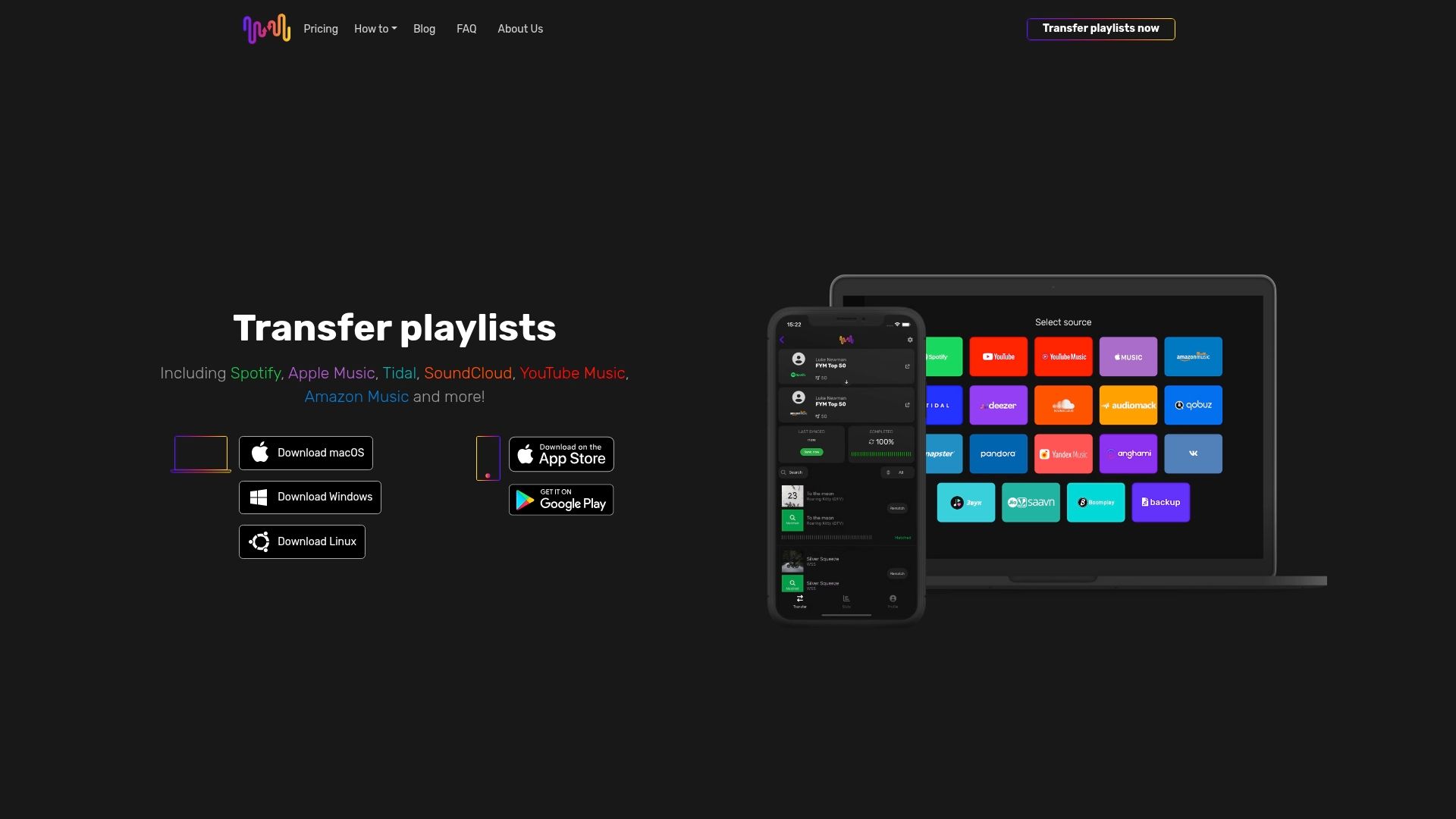
Why let platform limits slow down your music journey? With Free Your Music, you move your playlists with zero stress and keep your track order intact. No starting over.
Our app securely transfers playlists across 18 supported streaming services, including Spotify, Apple Music, Tidal, YouTube Music, and Amazon Music. It runs on iPhone, Android, Mac, Windows, and Linux.
You get a free tier that covers your first 600 songs, automatic syncing every 15 minutes, and cloud backup built in.
Upgrade your music streaming habits today. Visit our landing page to see how easy it is, and start your free transfer now.
Frequently Asked Questions
How do I choose the right music streaming service?
Look at library size, audio quality, and platform compatibility. Then weigh these against your taste, budget, and needs.
How can I optimize my account settings?
Manage your privacy controls, set your preferred audio quality, rate tracks to improve recommendations, and turn on two-factor authentication.
What are good playlist creation strategies?
Build playlists around a mood or theme. Tag your tracks, keep playlists updated, and use collaborative features when it fits.
How can I make the most of offline listening?
Download playlists over Wi-Fi, manage your storage, and check that your streaming service supports offline access on every device you use.


Your playlists belong to you.
Stop rebuilding by hand. Move everything in minutes and take your music wherever you go.
Download free →SongsBrew — our free music newsletter
A free perk for FYM users. Tips, playlists, no spam.