Home · Overdrachten · YouTube MusicYouTube

YouTube MusicYouTube

Zet afspeellijsten over van YouTube Music naar YouTube

Flytta gillade låtar, favoritspellistor och album från YouTube Music till YouTube.

Start de overdracht →Gratis voor 600 nummers · geen kaart

★★★★★ 4,8 · 9,2M+ downloads · Wachtwoord nooit gedeeld

YouTube kiezen als bestemming in FreeYourMusicFreeYourMusic mobiel — bestemming kiezen

Waarom overstappen van YouTube Music naar YouTube?

Wissel van dienst zonder je bibliotheek achter te laten. FreeYourMusic matcht elk nummer en verplaatst het voor je — afspeellijsten, gelikete nummers, albums en gevolgde artiesten.

Alles wordt overgezet

Afspeellijsten, gelikete nummers, albums en artiesten.

Volgorde behouden

Afspeellijsten komen aan in exact de volgorde waarin je ze hebt opgebouwd.

Niets gaat verloren

Onvolmaakte matches worden gemarkeerd voor Rematch met één tik.

Hoe zet je YouTube Music-afspeellijsten over naar YouTube

1

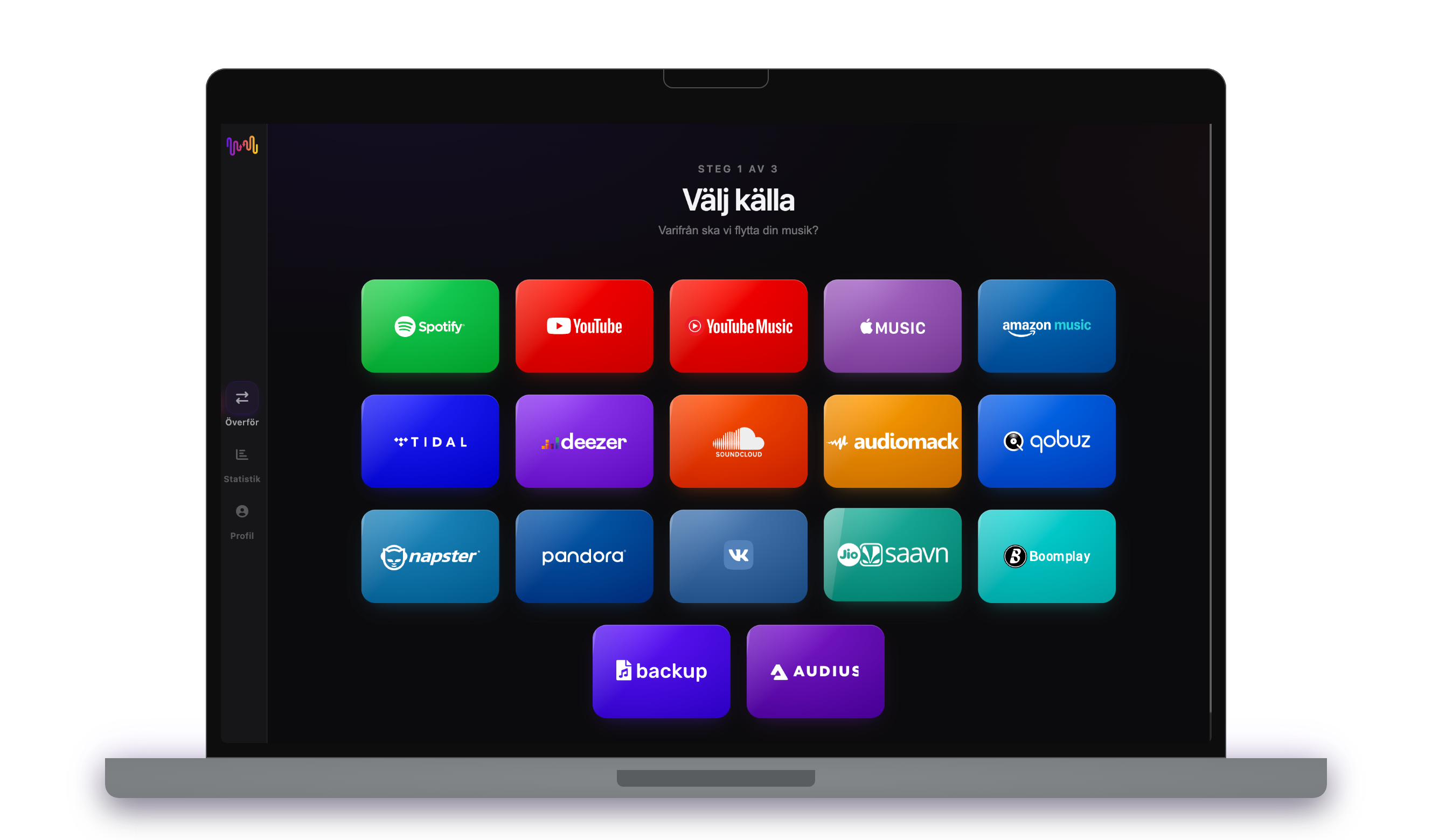
Välj YouTube Music som källa

Använd din aktuella YouTube Music plattform som källa och börja överföringen av dina spellistor med Free Your Music.

2

Välj YouTube som måltjänst

Välj YouTube som den plattform där du vill skapa en ny spellista. Ett klick är allt som behövs!

3

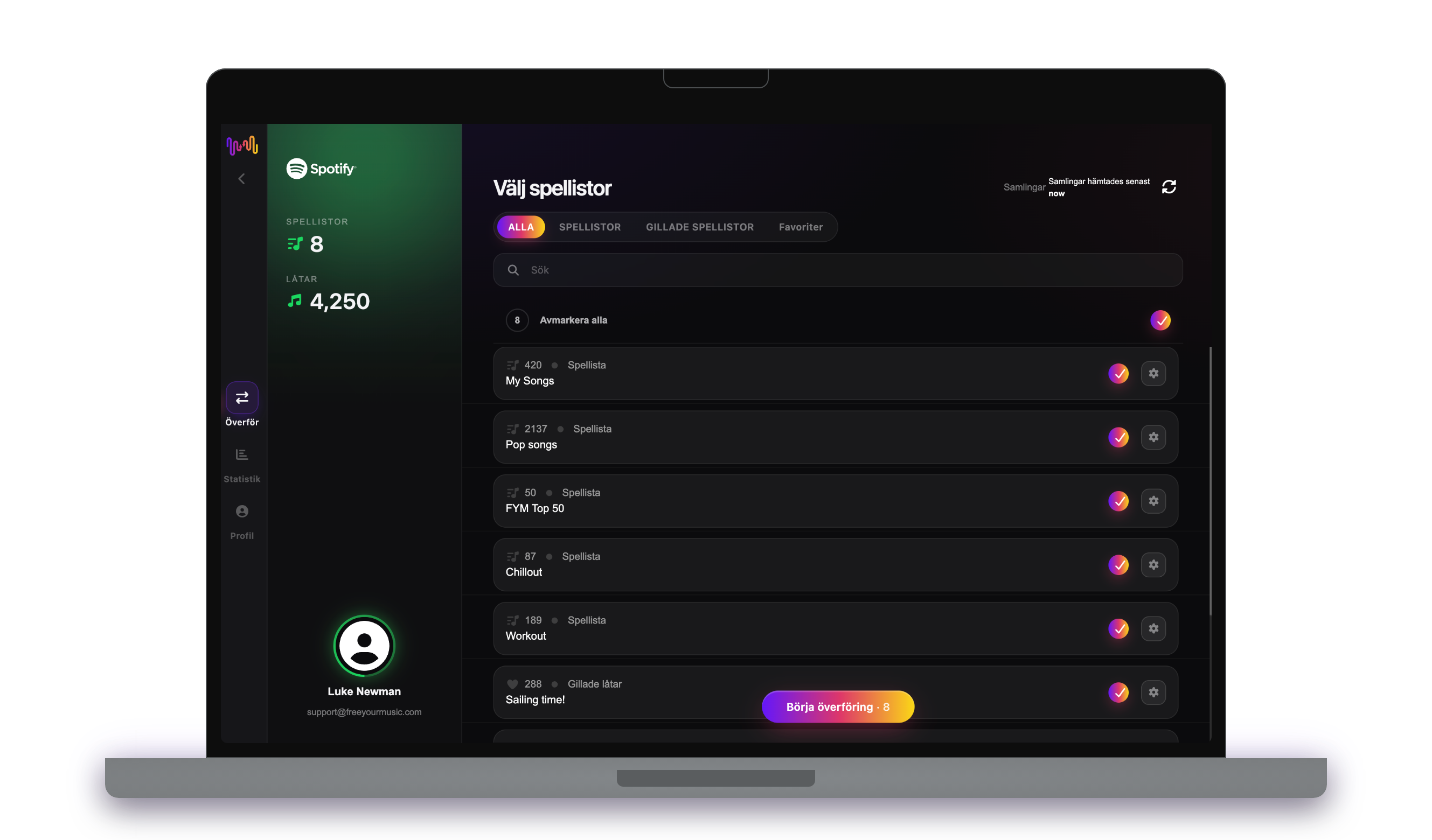
Välj spellistor du vill överföra

Leta reda på de spellistor som du vill överföra från tjänsten YouTube Music till YouTube och markera alla spellistor som du vill flytta.

4

Bekräfta din åtgärd så är du klar!

Överföringen är klar. Dina YouTube Music spellistor har flyttats till YouTube och du kan börja njuta av din nya musikströmningstjänst.

Wat wordt overgezet

Afspeellijsten

Gelikete nummers

Opgeslagen albums

Gevolgde artiesten

Op elk apparaat

iPhoneiPadAndroidMacWindowsLinux

Mensen zoeken ook naar

how to transfer YouTube Music playlist to YouTubetransfer YouTube Music playlist to YouTubemove YouTube Music playlist to YouTubecan you transfer YouTube Music playlist to YouTubeYouTube Music to YouTube converterimport YouTube Music playlist to YouTubeYouTube Music to YouTube playlist transferfree playlist transferplaylist transfer app

Vad som överförs från YouTube Music till YouTube

Allt FreeYourMusic flyttar åt dig med ett klick — ingen manuell omarbetning.

Spellistor (med ursprungliga namn + ordning)
Stöds
Gillade låtar / favoriter
Inte tillgängligt
Sparade album
Inte tillgängligt
Följda artister
Inte tillgängligt
ISRC-baserad exakt spårmatchning
Inte tillgängligt
Fallback till titel + artist-matchning

Betrodd av miljontals för att överföra spellistor från YouTube Music till YouTube

4.70 stjärnor

Genomsnittsbetyg

32,5000 betygsättare

På iOS och Android

12M0 nedladdningar

På alla plattformar

Moving from YouTube Music to YouTube, explained

YouTube Music and YouTube both live in Google’s world, but they are different apps with different libraries — and moving your music collection from one to the other is not automatic. FreeYourMusic reads your YouTube Music library through Google’s official sign-in and recreates it on YouTube as playlists of music videos and tracks, so your collection becomes something you can watch as well as hear.

This guide explains what transfers, what cannot, how each song is matched, how long it takes, and how the two really differ. If you just want to begin, install FreeYourMusic, connect both accounts and choose what to move — the detail is below.

What transfers to YouTube, and what does not

Your YouTube Music playlists become YouTube playlists, keeping their names and order, and your liked songs and saved albums are turned into playable entries. Move everything or pick playlists individually, with counts shown before you commit.

Some things do not translate. Personal uploads you added to YouTube Music are your own files and have no public YouTube equivalent to match. Because YouTube is video-first, some audio-only tracks appear as official art-track videos rather than the audio versions you knew in YouTube Music.

How FreeYourMusic matches your tracks

For each YouTube Music song, FreeYourMusic finds the closest corresponding video or track on YouTube, preferring the ISRC recording code where possible and otherwise comparing title, artist, album and duration. That is how your playlists arrive pointing at the right songs rather than unrelated clips.

YouTube is vast and sometimes messy — the same song can exist as an official video, a lyric video, a live take and a fan upload. FreeYourMusic favours official sources and flags anything ambiguous for one-tap Rematch, so you can swap in the exact video you had in mind.

How long does a YouTube Music to YouTube transfer take?

Most transfers finish in minutes. With both accounts connected, around 1,000 tracks usually completes in under ten minutes. Larger libraries take longer, but the transfer runs on its own — start it and get on with your day.

FreeYourMusic runs natively on iPhone, iPad, Android, Mac, Windows and Linux, so the move is not tied to one device. Start it on your laptop and check progress on your phone; it is the same account and the same transfer.

YouTube Music vs YouTube: what actually changes

They share a catalogue backbone, but the experience differs. YouTube Music is a dedicated music app with a proper library, background audio on Premium and personal uploads. Plain YouTube is video-first, so your playlists play as music videos and official uploads and it doubles as a place to watch as well as listen.

Moving into YouTube makes sense if you want your music sitting alongside everything else you watch, in video form and free with ads. What you lose is YouTube Music’s music-focused library features and its personal uploads, which have no home on public YouTube.

Do you need to keep YouTube Music while you transfer?

Yes — keep YouTube Music active until the transfer is finished and checked. FreeYourMusic reads your YouTube Music library while building your YouTube playlists, and keeping both live means you never lose access mid-move.

Both are free to use, so no paid plan is required for the move, though YouTube Premium removes ads and adds background play across both. They connect through their own official Google sign-in, and your password is never shared with FreeYourMusic.

Tips for a clean migration

Trim your YouTube Music playlists first so you are not converting dead ones into YouTube clutter. Move a couple of playlists to start and check them on YouTube — because it is video-first, confirm the matched entries are the official songs you wanted rather than covers or clips.

When it is done, run through the Rematch list and swap out any wrong videos. Remember that personal uploads will not follow, so keep note of any you rely on, and consider Premium for background listening on mobile.

Keeping YouTube Music and YouTube in sync afterwards

A one-time move is not your only option. If you use both, FreeYourMusic’s Auto-Sync mirrors the libraries on a schedule so a track you like on YouTube Music becomes a new entry in your YouTube playlists automatically.

And the transfer runs the other way too, from YouTube back to YouTube Music, if you want your watched music tidied into a proper library. Your collection stays portable. Download FreeYourMusic, connect YouTube Music and YouTube, and see how much comes across — the free tier lets you try first.

Klaar om over te stappen naar YouTube?

Download FreeYourMusic en verplaats je hele bibliotheek in minuten.

Gratis downloaden →

Veelgestelde vragen

Hoe zet ik mijn YouTube Music-afspeellijst over naar YouTube?

Installeer FreeYourMusic, log in bij YouTube Music en vervolgens bij YouTube met hun officiële logins, kies de afspeellijsten die je wilt en klik op overzetten. Slimme track-matching verplaatst nummers en hun volgorde intact — een afspeellijst van 1.000 nummers is meestal in minder dan 10 minuten klaar.

Kan ik YouTube Music-afspeellijsten gratis overzetten naar YouTube?

Ja — de gratis versie verplaatst tot 600 nummers en één afspeellijst zonder kaart nodig. Upgrade voor onbeperkte overdrachten, Auto-Sync en Cloud Backup.

Is er een app om afspeellijsten over te zetten van YouTube Music naar YouTube?

FreeYourMusic is een afspeellijst-overdrachtsapp voor iPhone, iPad, Android, Mac, Windows en Linux die afspeellijsten, gelikete nummers, opgeslagen albums en gevolgde artiesten verplaatst van YouTube Music naar YouTube.

Kan jag överföra mina YouTube Music-spellistor till YouTube gratis?

Ja – FreeYourMusic överför dina första 600 låtar från YouTube Music till YouTube gratis, spellistor inkluderade. Större bibliotek kräver Premium, och varje överföring sker direkt mellan dina egna YouTube Music- och YouTube-konton.

Vad överförs egentligen från YouTube Music till YouTube?

Spellistor (med sin ordning), gillade låtar, album och följda artister. Låtar matchas spår för spår med ISRC-koder där YouTube Music och YouTube tillhandahåller dem, med titel- och artistmatchning som reserv – se kompatibilitetstabellen ovan för den exakta funktionslistan för detta par.

Vad är en överföring av spellistor?

En överföring av spellistor är processen att flytta dina musikspellistor från en streamingtjänst till en annan. Istället för att bygga om din spellista manuellt låter verktyg som FreeYourMusic dig överföra spellistor automatiskt - vilket sparar tid och ansträngning.

Kan jag överföra spellistor mellan alla musikströmningstjänster?

Ja, det kan du! Med FreeYourMusic kan du överföra spellistor mellan stora tjänster som Spotify, Apple Music, YouTube Music, Amazon Music, TIDAL, Deezer med flera.

Måste jag skapa ett nytt konto för att överföra spellistor?

Nej, du behöver inte ett nytt konto. Anslut bara dina befintliga streamingkonton i FreeYourMusic-appen, så kan du börja överföra spellistor direkt.

Kommer alla låtar att överföras perfekt?

För det mesta, ja. FreeYourMusic använder ett smart matchningssystem för att hitta samma eller liknande låtar på olika plattformar. Även om det är sällsynt kan vissa spår inte vara tillgängliga på din nya tjänst och kommer inte att överföras.

Behåller FreeYourMusic namn och ordning på mina spellistor?

Ja, absolut. När du överför spellistor bevarar FreeYourMusic dina spellistatitlar, låtordning och till och med flera spellistor samtidigt.

Hur lång tid tar en överföring av en spellista?

Det beror på hur stora dina spellistor är och hur snabb din internetanslutning är, men de flesta överföringar av spellistor tar bara några minuter.

Kan jag överföra spellistor från ett gratiskonto?

Ja! Du kan överföra spellistor från både gratis- och premiumkonton, även om vissa streamingtjänster kan ha begränsningar för åtkomst.