Understanding What is Playlist Export: A Comprehensive Guide

Moving your favorite playlists from one music app to another used to be a total headache. Some tools now manage to transfer as much as 90 percent of playlists automatically. Most people expect transferring music will be glitchy, complicated, or even impossible. The wild part is that exporting playlists is now so easy and accurate that switching platforms barely disrupts your listening at all.
Table of Contents
- Defining Playlist Export: What Is It?
- Understanding The Mechanics Of Playlist Export
- Why Playlist Export Matters
- The Importance Of Playlist Export In Music Sharing
- Enabling Music Discovery And Collaboration
- Breaking Platform Boundaries
- How Playlist Export Works Across Platforms
- Metadata Mapping And Track Identification
- Platform Compatibility And Translation Protocols
- Key Concepts And Features Of Playlist Export Tools
- Core Technological Mechanisms
- Advanced Matching And Translation Features
- Real-World Applications And Use Cases For Playlist Export
- Professional And Creative Applications
- Personal And Social Music Management
Quick Summary
| Takeaway | Explanation |
|---|---|
| Playlist export allows seamless music transitions. | Users can transfer playlists between platforms without recreating them, maintaining the original selections. |
| Metadata preservation is crucial for playlist integrity. | Track metadata such as song title and artist information is retained during the export process, ensuring accuracy. |
| Playlist export empowers music sharing and discovery. | It enables users to share musical experiences and explore music across different platforms freely. |
| Advanced algorithms drive effective playlist matching. | Tools utilize intelligent algorithms to identify and match tracks, minimizing information loss during transfers. |
| Playlist export supports diverse user needs. | Whether for personal backups or professional research, this feature caters to a variety of music management scenarios. |
Defining Playlist Export: What Is It?
Playlist export represents a digital process of transferring and preserving music collections across different streaming platforms. At its core, this functionality allows users to move their carefully curated playlists from one music service to another without manually recreating each track selection.
Understanding the Mechanics of Playlist Export
Playlist export goes beyond simple file transfer. According to yt-playlist-export documentation, the process involves capturing comprehensive track metadata including:
- Song title
- Artist name
- Album information
- Streaming platform URL
This metadata preservation ensures that when you transfer playlists, you're not just moving song names but maintaining the entire structural integrity of your musical collection. Users can typically export playlists in standard formats like CSV or JSON, which act as universal languages for music library documentation.
Why Playlist Export Matters
Music enthusiasts and professionals understand the critical importance of playlist portability. Whether you are switching streaming services, backing up your music library, or collaborating with other musicians, playlist export provides a flexible solution. Learn more about seamless playlist transfers with our comprehensive guide on music library management.
The significance of playlist export extends beyond personal convenience. It represents a user-empowered approach to music consumption, giving listeners control over their digital music collections and breaking down platform-specific barriers that traditionally limited music sharing and preservation.
The Importance of Playlist Export in Music Sharing
Playlist export transcends mere technical functionality, emerging as a pivotal mechanism for music discovery, preservation, and personal expression. In an increasingly fragmented digital music landscape, this process enables music enthusiasts to maintain their carefully curated musical journeys across different platforms and ecosystems.
Enabling Music Discovery and Collaboration
According to research from the University of Edinburgh, playlists serve as more than simple collections of songs. They are cultural artifacts that represent personal narratives, emotional states, and social connections. Playlist export facilitates several key collaborative and discovery functions:
- Sharing musical experiences across different platforms
- Preserving unique playlist configurations
- Supporting music recommendation algorithms
- Enabling cross-platform musical exploration
Breaking Platform Boundaries
Music streaming services often operate as isolated ecosystems, creating barriers for users who want to switch providers or share their musical collections. Playlist export dismantles these restrictions, providing users with unprecedented flexibility. Explore how you can seamlessly transfer playlists between different music platforms and maintain your musical identity regardless of the streaming service.
The significance of playlist export extends far beyond individual convenience.
It represents a democratization of music consumption, empowering listeners to take control of their digital music libraries and challenge the traditional limitations imposed by streaming platforms. By enabling easy transfer and sharing, playlist export supports a more open, interconnected musical ecosystem where creativity and personal musical journeys can flourish without technological constraints.
How Playlist Export Works Across Platforms
Playlist export operates through sophisticated digital translation mechanisms that enable seamless music library transitions between diverse streaming platforms. This process involves complex metadata mapping and intelligent track recognition technologies that preserve the structural integrity of musical collections.
Metadata Mapping and Track Identification
According to TrackDen documentation, playlist export relies on comprehensive metadata mapping. The process involves multiple critical steps:
- Extracting complete track information from source platform
- Standardizing metadata across different streaming services
- Matching tracks using unique identifiers like ISRC codes
- Handling potential variations in track metadata
These mechanisms ensure that when you transfer a playlist, the songs remain as close to the original selection as possible, minimizing potential information loss during platform transitions.
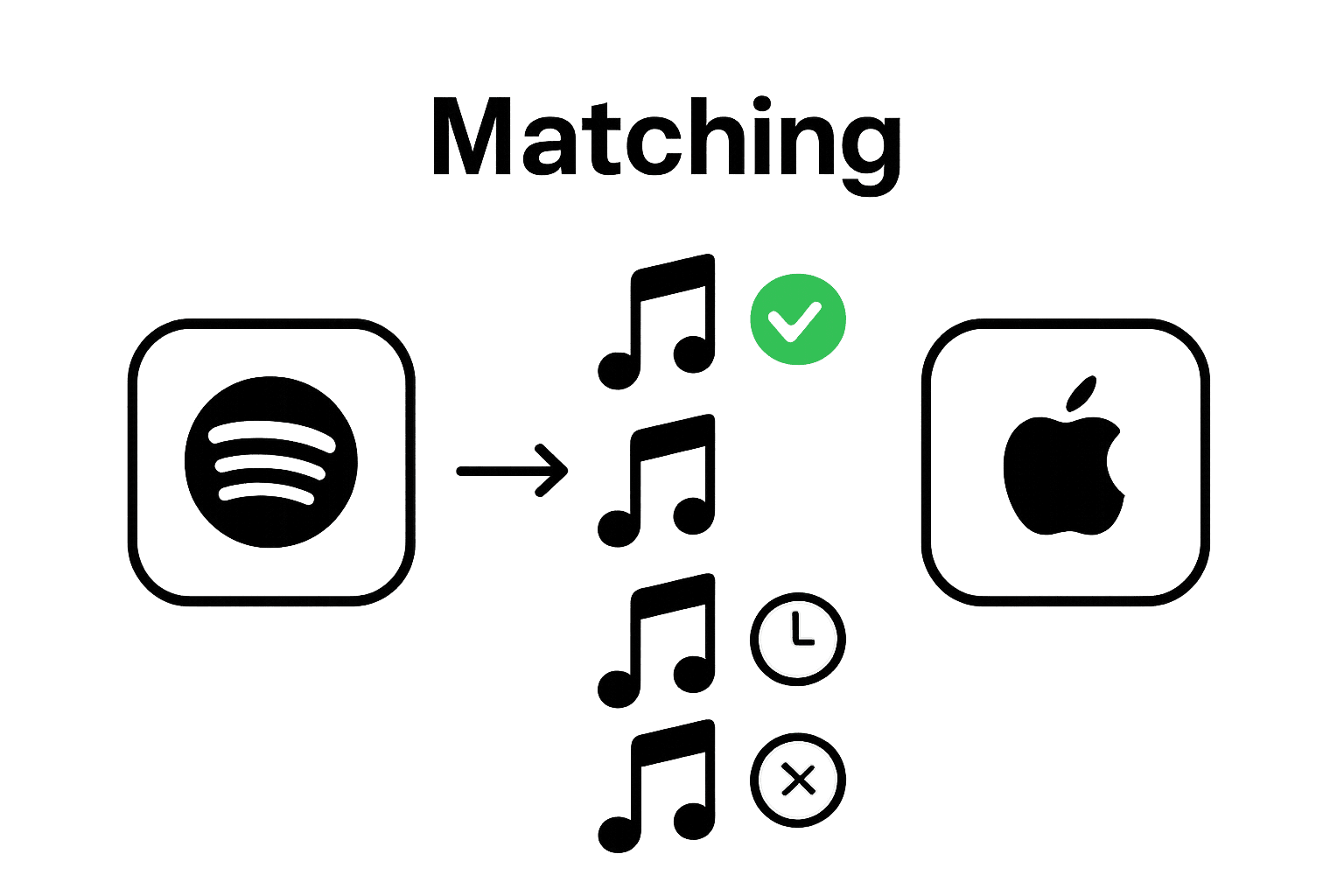
To help clarify the process, the table below breaks down the core steps involved in playlist export and explains each stage.
| Step | Description |
|---|---|
| Extract Track Metadata | Gather full song details, including title, artist, album information, and platform URL. |
| Standardize Metadata | Format and organize metadata consistently across different streaming platforms. |
| Match Tracks with Identifiers | Use unique codes like ISRC to align songs on both source and target services. |
| Address Metadata Differences | Handle mismatches in naming and data fields between platforms to maximize transfer accuracy. |
| Transfer and Recreate List | Move the playlist to the new platform, preserving the structure and song order. |
Platform Compatibility and Translation Protocols
Streaming platforms utilize different internal systems for organizing music, which creates inherent challenges in playlist export. Learn more about navigating complex playlist transfer scenarios, where advanced algorithms work to bridge technological gaps between music services.
The translation protocols employed during playlist export are designed to handle variations in:
- Song metadata structures
- Naming conventions
- Track availability across different regions
- Unique platform-specific track identifiers
By implementing intelligent matching algorithms, playlist export tools can often recreate approximately 80-90% of the original playlist, preserving the user's musical experience across different streaming environments.
 This technological approach represents a sophisticated solution to the complex challenge of maintaining musical collections in a fragmented digital landscape.
Key Concepts and Features of Playlist Export Tools
Playlist export tools represent sophisticated technological solutions designed to address the complex challenge of music library migration across diverse digital platforms. These advanced software applications leverage intricate algorithms and intelligent metadata processing to facilitate seamless music collection transfers.
Core Technological Mechanisms
According to machine translation research, playlist export tools employ advanced sequence-to-sequence frameworks that enable precise track matching and translation. The fundamental technological capabilities include:
- Intelligent metadata parsing and standardization
- Cross-platform track identification algorithms
- Preservation of playlist structural integrity
- Handling of complex musical metadata variations
Advanced Matching and Translation Features
Modern playlist export tools go beyond simple file transfer, implementing sophisticated matching protocols that ensure maximum playlist fidelity. Explore advanced playlist transfer techniques for different music platforms to understand the nuanced approaches used in music library migration.
These tools typically incorporate multiple strategies for track matching:
- Utilizing unique track identifiers like ISRC codes
- Implementing fuzzy matching algorithms
- Cross-referencing multiple metadata sources
- Handling regional music availability constraints
The complexity of playlist export tools reflects the intricate landscape of digital music consumption. By bridging technological gaps between streaming platforms, these tools empower users to maintain their musical collections across different ecosystems, representing a critical innovation in digital music management and personal music curation.
Real-World Applications and Use Cases for Playlist Export
Playlist export transcends technical functionality, emerging as a critical tool for musicians, researchers, music enthusiasts, and professionals seeking flexible digital music management. These tools provide innovative solutions across multiple domains, enabling sophisticated music collection interactions beyond simple platform transfers.
Professional and Creative Applications
According to advanced playlist generation research, playlist export tools serve multiple professional scenarios. Music professionals utilize these technologies to:
- Analyze musical trends and patterns
- Preserve historical music collections
- Create comprehensive music archives
- Support academic and commercial music research
Personal and Social Music Management
Individual users leverage playlist export for diverse personal objectives. Learn more about advanced playlist transfer strategies that support complex music management needs.
Playlist export enables users to:
- Backup extensive music libraries
- Share curated musical experiences
- Migrate between streaming platforms
- Maintain consistent listening experiences across devices
The versatility of playlist export represents a significant technological advancement in digital music consumption. By providing users unprecedented control over their musical collections, these tools democratize music management, transforming how individuals interact with and preserve their personal soundtracks. The technology bridges technological gaps, ensuring that musical memories and carefully curated playlists remain accessible and transferable in an increasingly complex digital ecosystem.
Simplify Playlist Export and Take Control of Your Music Journey
Struggling to move your playlists across platforms without losing songs or custom ordering? As you discovered in this comprehensive guide, playlist export can be technically challenging, risking broken playlists and wasted hours. If you want an easy way to effortlessly migrate your music collections while preserving all the details that matter, you are not alone. Free Your Music takes the complexity out of playlist export by bridging the gaps between platforms, using intelligent track matching and automated synchronization to safeguard your personal soundtracks. No more manual rebuilding. No more worrying about track mismatches or lost listening histories.
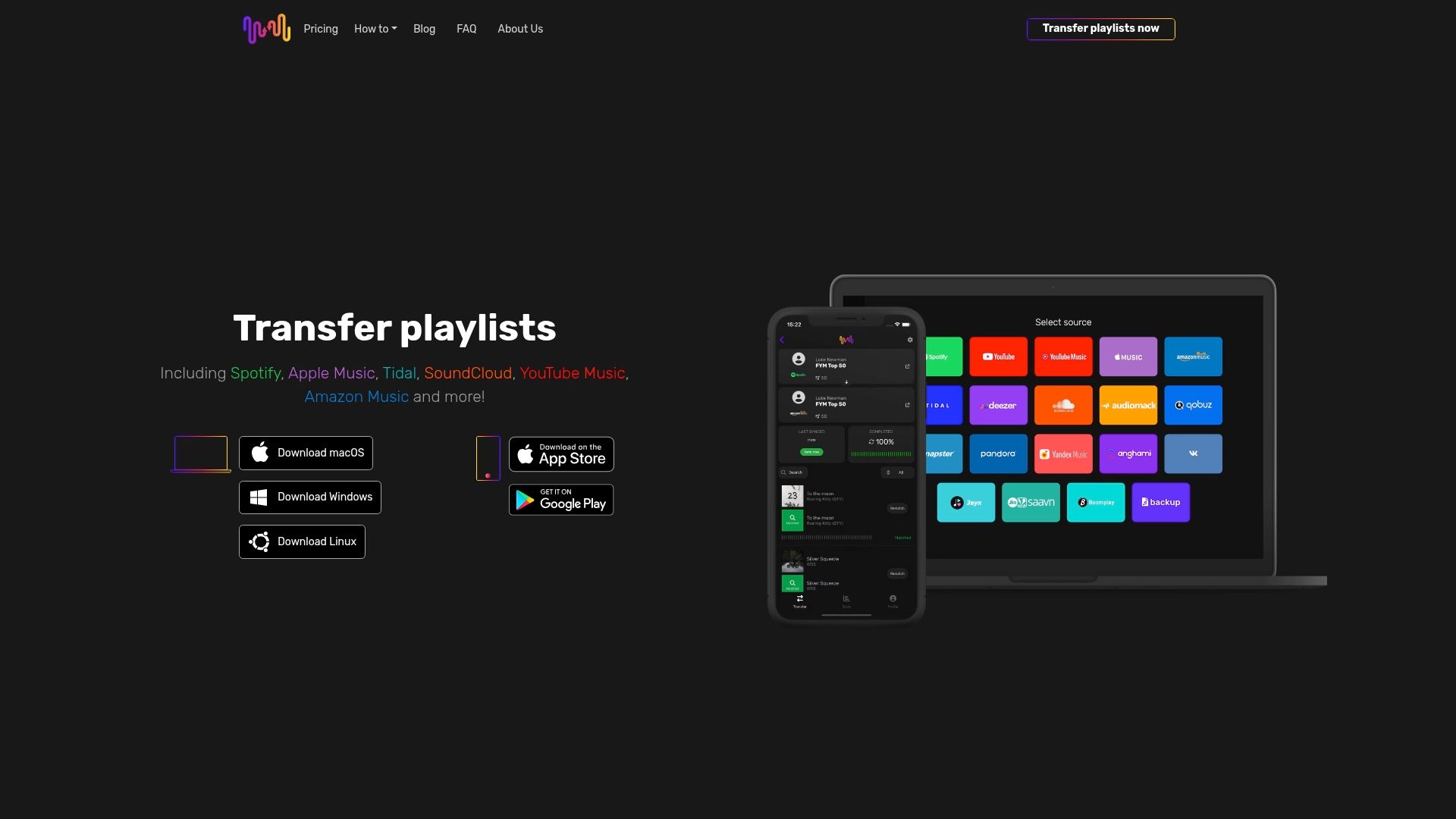
Ready to protect your playlists and experience true platform freedom? Join thousands of satisfied users who have already streamlined their playlist migration. Visit Free Your Music and start transferring unlimited playlists across Spotify, Apple Music, Tidal, and more—without any hassle. Take action now and let your playlists move with you, wherever you go.
Frequently Asked Questions
What is playlist export?
Playlist export is the digital process of transferring and preserving music collections from one streaming platform to another, allowing users to move their curated playlists without manual recreation.
How does playlist export work?
Playlist export works by capturing comprehensive track metadata, such as song title, artist name, and album information, and transferring it using standard formats like CSV or JSON, ensuring a smooth transition between platforms.
Why is playlist export important for music enthusiasts?
Playlist export is crucial for music enthusiasts as it allows them to switch streaming services, back up their music libraries, collaborate with others, and maintain control over their digital music collections across different platforms.
What challenges can arise when exporting playlists?
Challenges during playlist export can include variations in track metadata, differences in naming conventions between platforms, and ensuring that songs are available across various regions, which can affect the accuracy of transferred playlists.
The following table summarizes common challenges encountered during playlist export and the solutions that help mitigate them.
| Challenge | Solution or Mitigation Strategy |
|---|---|
| Track Metadata Variations | Apply standardization and mapping protocols to align different data formats. |
| Differences in Naming Conventions | Use fuzzy matching and intelligent algorithms for song title recognition. |
| Regional Track Availability Issues | Identify unavailable tracks and either replace them or flag for user review. |
| Unique Platform Track Identifiers | Leverage cross-referencing with ISRC codes and other identifiers. |
| Incomplete Metadata During Export | Gather as much detailed metadata as possible to support accurate recreation. |
Recommended

Your playlists belong to you.
Stop rebuilding by hand. Move everything in minutes and take your music wherever you go.
Download free →SongsBrew — our free music newsletter
A free perk for FYM users. Tips, playlists, no spam.