7 Essential Playlist Editing Features for Seamless Music Moves
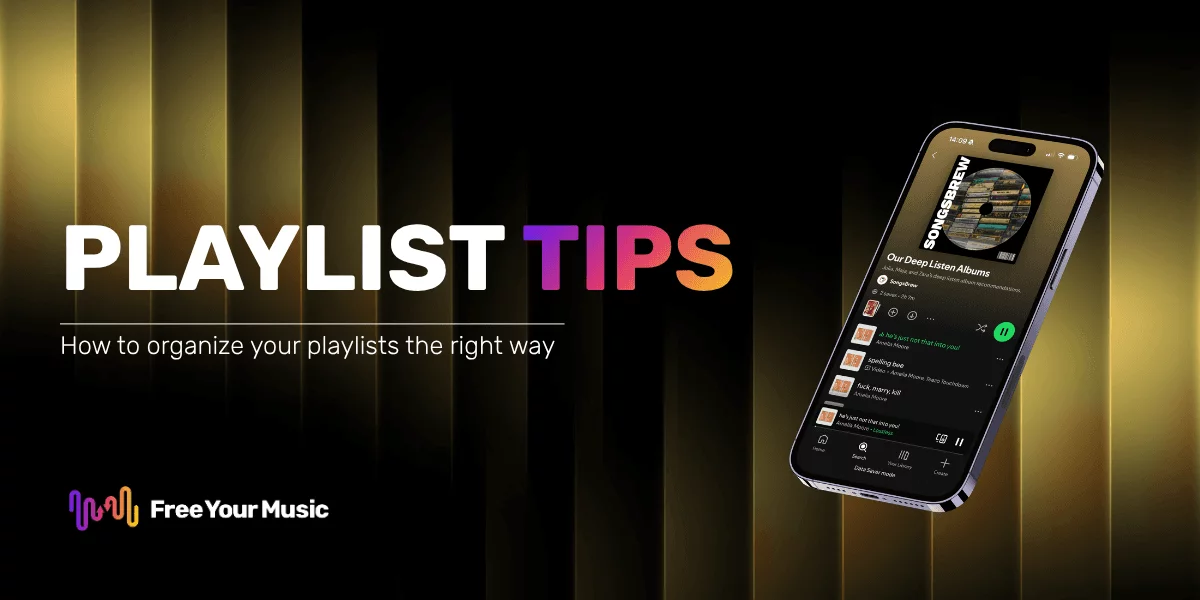
Switching music apps can be discouraging when your playlists do not survive the move. Nearly one in three American music fans report losing songs or playlist order while transferring between platforms. For anyone who loves curating the perfect mix, this can feel like starting over each time. Learn how smart technology now makes it possible to keep your music journey smooth and connected, so your listening experience never misses a beat.
Table of Contents
- 1. Smart Song Matching Across Platforms
- 2. Preserving Playlist Structure and Order
- 3. Bulk Playlist Import and Export Options
- 4. Automated Playlist Synchronization
- 5. Editing and Renaming Playlists Easily
- 6. Cloud Backup for Playlist Safety
- 7. Multi-Account and Cross-Device Support
Quick Summary
| Key Message | Explanation |
|---|---|
| 1. Use Smart Song Matching | Automated technology transfers playlists accurately across platforms, preserving favorite tracks. |
| 2. Preserve Playlist Order | Maintain the intentional song sequence during transfers for emotional storytelling in music. |
| 3. Simplify Transfers with Bulk Options | Bulk import/export features allow for quick playlist migration without losing track organization. |
| 4. Enable Automated Sync | Real-time synchronization keeps playlists updated across devices, ensuring seamless music flow. |
| 5. Utilize Cloud Backup | Secure cloud storage protects your playlists from data loss, providing peace of mind. |
1. Smart Song Matching Across Platforms
Music lovers know the frustration of switching streaming services only to find their carefully curated playlists fall apart. Smart song matching technology solves this critical problem by automatically finding equivalent tracks across different music platforms.
When musicians adapt their content for various digital ecosystems, understanding platform variations becomes crucial. Smart matching algorithms analyze multiple metadata points including artist name, track title, album information, and acoustic fingerprinting to locate the most accurate song replacement.
This intelligent approach means you do not lose track of your favorite songs during platform transitions. The technology compares track characteristics beyond simple metadata matching, considering factors like duration, audio quality, and precise recording versions to ensure the closest possible musical equivalent.
Users benefit from near perfect playlist preservation with minimal manual intervention. Whether you are moving from Spotify to Apple Music or exploring a new streaming service, smart song matching guarantees your musical journey remains uninterrupted.
Pro tip: Always verify your matched tracks after transfer to confirm the algorithm selected the exact version you intended, especially for live recordings or rare tracks with multiple versions.
2. Preserving Playlist Structure and Order
Music is deeply personal and the order of your songs matters just as much as the tracks themselves. Playlist sequence preservation ensures that your meticulously crafted musical journey remains intact when transferring between streaming platforms.
Playlist ordering represents more than random track arrangement it reflects a carefully curated emotional and musical narrative. When musicians and listeners create playlists, each song transition is intentional creating a specific mood or storytelling experience.
Advanced music transfer technologies now recognize the critical importance of maintaining original playlist sequences. These sophisticated algorithms analyze track positions and ensure that your first song remains first and your carefully planned progression stays exactly as you designed it. This means no more manual reordering or losing the carefully constructed flow of your favorite compilations.
Preserving playlist structure becomes especially important for themed playlists like workout sequences, road trip collections, or genre specific mixes where song order dramatically impacts the listening experience. Whether you are moving from Spotify to Apple Music or backing up your music library, your playlist DNA remains unchanged.
Pro tip: Before transferring playlists, take a quick screenshot of your original playlist order as a backup reference in case any unexpected reorganization occurs during the transfer process.
3. Bulk Playlist Import and Export Options
Music lovers with extensive collections know the pain of manually transferring playlists. Bulk playlist import and export features transform this tedious process into a seamless digital experience.
Playlist import and export capabilities have become critical for music enthusiasts who curate extensive libraries across multiple streaming platforms. These advanced tools allow users to move entire collections simultaneously without losing track of individual songs or playlist structures.
Modern music transfer technologies support multiple file formats enabling quick and efficient playlist migrations. Music player applications now recognize the importance of flexible import functionalities, allowing users to transfer playlists between different streaming services with just a few clicks.
Bulk operations reduce the time spent manually recreating playlists. Instead of adding songs one by one, you can transfer entire collections instantly. This feature becomes especially valuable for users with hundreds or thousands of carefully curated tracks spanning multiple genres and moods.
Pro tip: Before initiating a bulk playlist transfer, create a backup of your original playlists to ensure you have a safety net in case of any unexpected transfer complications.
4. Automated Playlist Synchronization
Music listeners demand seamless experiences across multiple devices and platforms. Automated playlist synchronization transforms how we manage and enjoy our musical collections.
Advanced scalable frameworks now enable real time playlist continuation, ensuring your music moves with you regardless of device or streaming service. This intelligent technology tracks your listening habits and automatically updates playlists across all your connected platforms.
Seamless playlist transfer practices mean you can start a playlist on your smartphone during a morning workout and continue exactly where you left off on your home computer or car stereo. The synchronization process happens silently in the background, maintaining playlist integrity and user experience.
These smart synchronization tools go beyond simple track matching. They analyze your listening patterns, recommend complementary songs, and ensure your musical journey remains uninterrupted. Whether you are switching between Apple Music and Spotify or moving between multiple devices, your playlists stay perfectly aligned.
Pro tip: Enable automatic sync settings and verify your primary email is connected to ensure smooth playlist updates across all your music platforms.
5. Editing and Renaming Playlists Easily
Musical taste evolves constantly and your playlists should be just as dynamic. Playlist editing and renaming features empower users to keep their music collections fresh and meaningful.
Modern music player applications prioritize user convenience by offering intuitive tools for playlist management. These features allow you to transform your playlists with just a few clicks, making organization seamless and enjoyable.
Playlist management goes beyond simple track organization, enabling users to create personalized musical experiences. Imagine quickly renaming your workout playlist from "Random Exercise Tracks" to "Power Hour Beats" or reorganizing a road trip compilation to perfectly match your adventure mood.
Advanced editing capabilities mean you can add descriptive tags, adjust song orders, and customize playlist appearances without disrupting your listening experience. Whether you are a casual listener or a music enthusiast, these tools provide the flexibility to curate your sonic world precisely how you want.
Pro tip: Create a naming convention for your playlists that includes mood, activity, or date to make future organization even easier and more intuitive.
6. Cloud Backup for Playlist Safety
Losing years of carefully curated music can be devastating. Cloud backup features provide a digital safety net for your most treasured playlists and musical collections.
Modern music applications now integrate comprehensive cloud storage capabilities to protect users from potential data loss. These intelligent systems automatically create secure digital copies of your entire music library, ensuring that no playlist or track ever truly disappears.
Cloud backup goes far beyond simple file preservation. Protecting your playlist data becomes a seamless process that happens silently in the background, allowing you to focus on enjoying your music without worrying about potential technological mishaps. Whether your device crashes, gets lost, or you accidentally delete a playlist, cloud backup ensures your musical memories remain intact.
The most advanced backup systems offer multiple layers of protection. They can store your playlists across different servers, provide versioning options, and even allow you to restore specific playlist configurations from different points in time.
Pro tip: Enable automatic cloud backup and periodically review your stored playlists to confirm they are being successfully and consistently archived.
7. Multi-Account and Cross-Device Support
Modern music lovers rarely stick to a single device or streaming account. Multi-account and cross-device support provides the ultimate flexibility for managing your musical universe.
Music player applications are increasingly designed to operate seamlessly across different devices, recognizing that users move between smartphones, tablets, computers, and smart speakers throughout their day. This technology allows you to access your entire music library regardless of the platform or device you are using.
Cross-device synchronization means your playlists travel with you effortlessly. Start a workout playlist on your phone at the gym, continue listening on your home computer, and then switch to your car stereo without missing a beat. These smart music sharing methods transform how we interact with our musical collections, breaking down the traditional barriers between different technological ecosystems.
Multi-account support becomes particularly valuable for families or groups who share music subscriptions. Each user can maintain their personalized playlists while enjoying the convenience of a shared account, ensuring everyone gets their perfect musical experience.
Pro tip: Always use the same email address or account credentials across devices to ensure the smoothest possible playlist and music library synchronization.
Below is a comprehensive table summarizing the key technologies and features for music playlist management discussed throughout the article.
| Feature | Description | Benefits/Outcomes |
|---|---|---|
| Smart Song Matching | Automatically finds equivalent tracks across platforms using metadata and acoustic fingerprinting. | Ensures near-perfect playlist preservation across services with minimal manual intervention. |
| Playlist Sequence Preservation | Maintains the original song order of playlists during transfers. | Keeps emotional and musical narratives intact, critical for themed playlists. |
| Bulk Playlist Import and Export | Allows simultaneous transfer of entire music collections across platforms. | Saves time by avoiding manual playlist recreation, beneficial for large libraries. |
| Automated Playlist Synchronization | Syncs playlists across devices and services, updating in real time based on listening habits. | Enables seamless multi-device listening experience, maintaining playlist integrity. |
| Editing and Renaming Playlists Easily | Provides intuitive tools for modifying playlists, including renaming and reorganizing. | Offers flexibility for evolving musical tastes without disrupting the listening experience. |
| Cloud Backup for Playlist Safety | Automatically backs up music libraries to prevent data loss. | Protects playlists from device failures or accidental deletions, offering multiple recovery options. |
| Multi-Account and Cross-Device Support | Ensures seamless access to music collections across various accounts and devices. | Enhances user flexibility, allowing music lovers to enjoy their collections anywhere, on any device. |
Effortless Playlist Management Starts Here
Managing your playlists with precision means overcoming challenges like keeping song matches accurate, preserving the exact order, and syncing across multiple devices. This article highlights essential playlist editing features that ensure your musical journey stays intact even when moving between streaming services. If you have faced frustration from losing playlist structure or manually rebuilding music libraries, you are not alone. Key goals include smart song matching, maintaining playlist sequences, and seamless synchronization — all critical for uninterrupted listening experiences.
FreeYourMusic.com is tailored precisely to address these challenges. With powerful tools for automated playlist synchronization, cloud backup, and multi-account support, we help you transfer your playlists from Spotify, Apple Music, Tidal, and more without losing a single track or order detail. Discover how you can preserve and edit your playlists effortlessly by visiting FreeYourMusic.com.
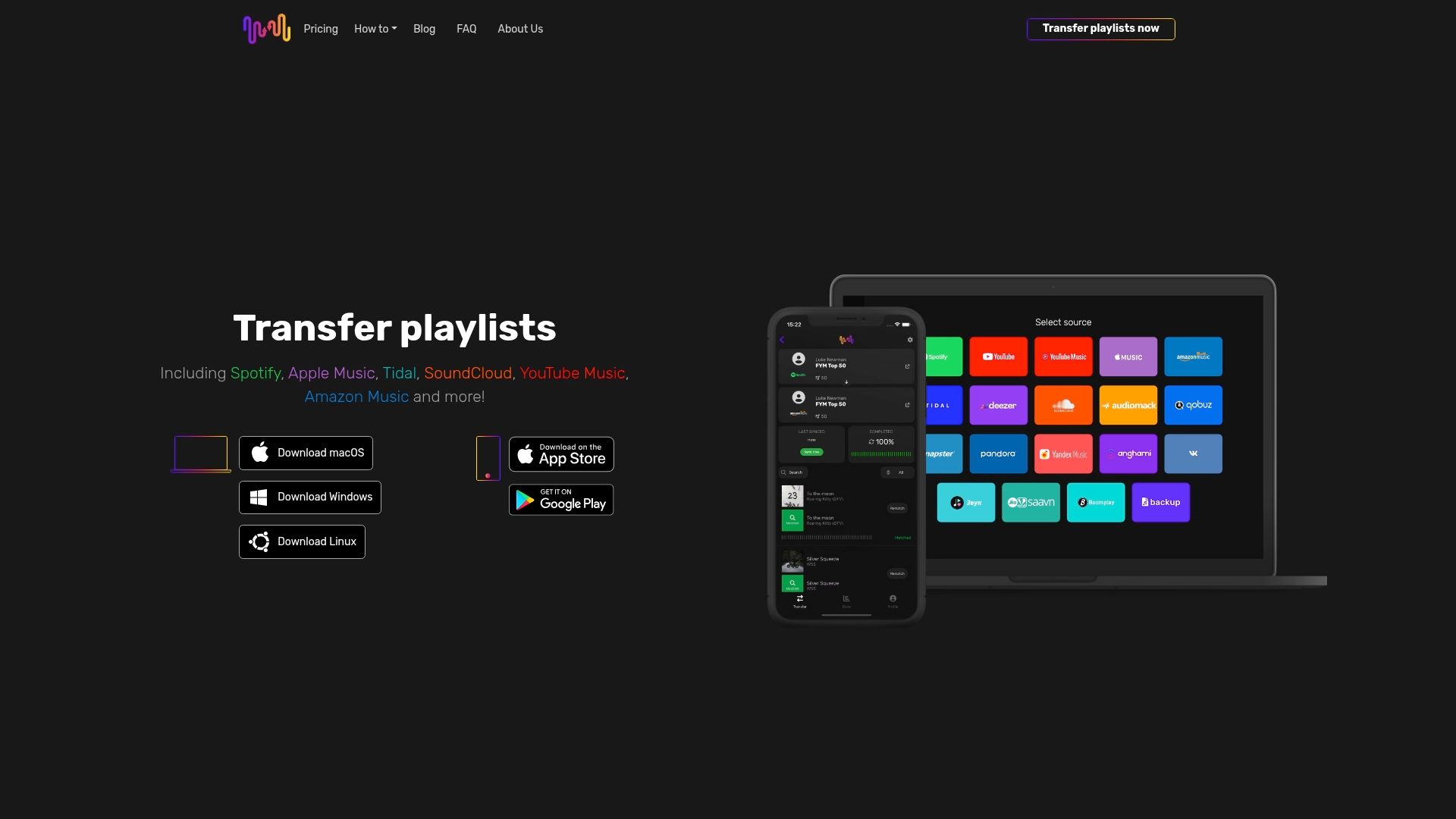
Ready to take control of your musical collections and experience hassle-free playlist transfers? Join thousands of music lovers who trust our user-friendly app on macOS, Windows, Linux, Android, and iOS platforms. Start your smooth playlist migration today and enjoy the freedom to switch music services without losing your vibe. Explore our solutions now at FreeYourMusic.com or learn more about automated playlist synchronization.
Frequently Asked Questions
How does smart song matching technology work when transferring playlists?
Smart song matching technology automatically locates equivalent tracks across various music platforms by analyzing metadata points. To ensure a smooth transition, verify matched tracks after the transfer to confirm accuracy, especially for live or rare recordings.
What steps can I take to preserve my playlist structure during a transfer?
To preserve your playlist structure, use advanced music transfer tools that recognize the importance of song order. Before transferring, take a screenshot of your original playlist to serve as a backup reference, ensuring your song arrangement remains intact.
How can I import or export a large number of playlists efficiently?
You can efficiently import or export large playlists using bulk playlist transfer features available in many music applications. Initiate the transfer with just a few clicks, and consider creating a backup of your playlists beforehand to avoid any mishaps.
What should I do to enable automated playlist synchronization?
To enable automated playlist synchronization, access the settings in your music application and ensure sync is activated across your devices. Verify that your primary email is connected to facilitate seamless updates, allowing you to enjoy an uninterrupted musical experience.
How can I edit and rename my playlists easily?
You can easily edit and rename your playlists using the intuitive tools offered by modern music applications. Simply choose the playlist you wish to modify, make your changes, and add descriptive tags for better organization, ensuring your playlists stay relevant to your tastes.
What is the importance of cloud backup for my playlists?
Cloud backup is crucial for protecting your playlists from potential data loss due to device issues. Enable automatic backup settings to create secure digital copies of your playlists, so they remain safe and retrievable even if you encounter technical difficulties.
Recommended
Your playlists belong to you.
Stop rebuilding by hand. Move everything in minutes and take your music wherever you go.
Download free →SongsBrew — our free music newsletter
A free perk for FYM users. Tips, playlists, no spam.