Mastering Preserving Playlist Order Workflow Easily
Switching between streaming platforms can feel daunting when your playlists are organized with intention and care. For music lovers who demand precise track sequences and personalized curation, maintaining the exact playlist order is crucial. Using specialized tools and preparation methods helps ensure your musical collections transfer smoothly and retain the structure that defines your listening experience.
Table of Contents
- Step 1: Prepare Your Playlists And Environment
- Step 2: Select And Connect Streaming Services
- Step 3: Initiate Playlist Transfer With Order Preservation
- Step 4: Verify And Review The Transferred Playlist Order
- Step 5: Enable Continuous Syncing Options
Quick Summary
| Key Point | Explanation |
|---|---|
| 1. Verify Playlists and Order | Take an inventory of your playlists to ensure accurate song order before migrating to avoid transfer errors. |
| 2. Confirm Streaming Service Credentials | Ensure you have correct login information and permissions for all streaming platforms to facilitate a smooth connection process. |
| 3. Choose Transfer Method Carefully | Select a transfer tool that maintains playlist order and supports track matching to protect your curated music structure. |
| 4. Review Transferred Playlists Thoroughly | Compare the transferred playlist to the original, checking for discrepancies in track order and missing songs to maintain integrity. |
| 5. Set Up Automatic Syncing | Enable continuous syncing options in transfer platforms to maintain consistent, up-to-date playlists without manual updates. |
Step 1: Prepare your playlists and environment
In this crucial preparation phase, you'll optimize your digital music collection for seamless transfer by getting your playlists and technology ecosystem ready. The goal is to create a structured environment that supports smooth playlist migration across different streaming platforms.
Start by taking an inventory of your existing playlists. Open each streaming service and review your collections, paying special attention to the precise song order and sequence. Some streaming platforms like playlist organization tools can help you analyze and verify your current playlist structures before transferring.
- Check total number of playlists
- Verify number of tracks in each playlist
- Note any collaborative or shared playlists
- Confirm song sequence and order
Before initiating the transfer, ensure your devices and internet connection are stable. Close unnecessary background applications and connect to a reliable high-speed network. This minimizes potential interruptions during the playlist migration process.
Accurate preparation reduces transfer errors and preserves your carefully curated music collections.
Pro tip: Create a backup spreadsheet with your playlist details as an additional safety measure against potential data loss during migration.
Step 2: Select and connect streaming services
This step involves strategically selecting and connecting your preferred music streaming platforms to ensure a smooth playlist migration process. By understanding the nuances of each service, you'll create a robust transfer strategy that preserves your musical collections.
Begin by identifying the streaming services you currently use and those you want to transfer to. Modern music platforms vary significantly, so carefully review key features of music streaming services to understand compatibility and potential transfer challenges. Each platform has unique characteristics that can impact playlist migration.
- Evaluate current streaming service accounts
- Check login credentials for each platform
- Review platform compatibility
- Confirm account access and permissions
Prepare your login information for each streaming service and ensure you have active accounts with the necessary permissions. Some services require two-factor authentication or additional verification steps, so have your authentication methods ready. Verify account credentials before starting the transfer to prevent potential interruptions.
Successful streaming service connections depend on accurate account information and thorough preparation.
Pro tip: Create a secure document with your streaming service login details to streamline the connection process and avoid potential access issues.
Step 3: Initiate playlist transfer with order preservation
Now that you've prepared your streaming services, it's time to begin the critical process of transferring your playlists while maintaining their original sequence. Playlist transfer methods vary, but the goal remains consistent: preserving your meticulously crafted musical journey.
Choose a transfer method that ensures complete playlist order retention. Many specialized platforms offer automated transfer services that can match tracks across different streaming services and maintain the exact original sequence. Carefully select a transfer tool that supports precise playlist ordering to prevent any unintended track rearrangements.
- Select a transfer method with order preservation
- Verify track-matching capabilities
- Confirm source and destination platform compatibility
- Review transfer tool's track sequencing features
Prepare for potential discrepancies during transfer. Some tracks might not be available on the destination platform, which could impact your playlist's integrity. Review the transfer preview carefully before finalizing to ensure your playlist's structure remains as close to the original as possible.
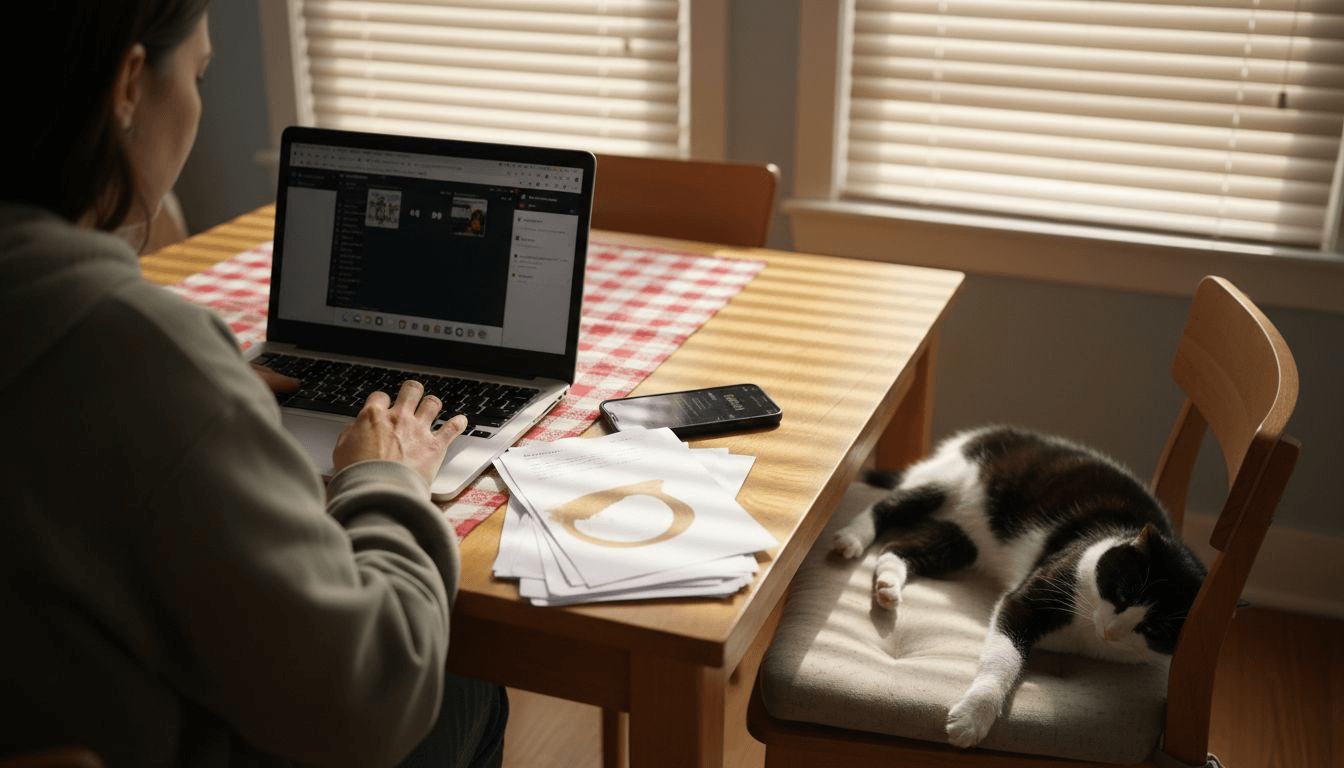
Here's a concise summary of playlist transfer tools and their key benefits:
| Tool Type | Order Preservation | Platform Support | Track Matching |
|---|---|---|---|
| Manual Transfer | Depends on user care | Typically limited | User must check each track |
| Automated Platform | High accuracy | Multiple services | Auto-detects and matches tracks |
| Spreadsheet Backup | Provides backup record | Universal reference | Users can verify track positions |
| Bidirectional Sync | Maintains real-time order | Cross-platform | Updates both collections instantly |
Successful playlist migration depends on choosing the right transfer method and paying close attention to track sequence.
Pro tip: Create a backup of your original playlist before initiating the transfer to have a reference point in case of unexpected changes.
Step 4: Verify and review the transferred playlist order
After completing the playlist transfer, a meticulous review is crucial to ensure your musical collection's integrity remains intact. Common playlist transfer issues can potentially disrupt your carefully curated sequence, making a thorough verification process essential.
Compare the transferred playlist with your original playlist side by side. Check each track's position carefully, noting any discrepancies in order or unexpected changes. Pay close attention to tracks that might have been replaced or omitted during the transfer process. Some streaming platforms have different music libraries, which could impact your playlist's original composition.
- Verify total number of tracks
- Confirm track sequence matches original playlist
- Check for any missing or replaced songs
- Ensure genre and mood of playlist remains consistent
If you notice significant differences, consider manually adjusting the playlist or finding alternative versions of missing tracks. Some streaming services offer partial matching or suggested replacements that can help maintain your playlist's original feel and flow.
A quick guide to common playlist transfer challenges and remedies:
| Issue | Typical Cause | Recommended Solution |
|---|---|---|
| Missing Tracks | Different music libraries | Find alternative versions manually |
| Out-of-order Songs | Transfer tool limitations | Adjust order in new playlist |
| Partially Matched Playlist | Compatibility differences | Review each track, add replacements |
| Genre/Mood Shift | Platform algorithm changes | Curate playlist for intended mood |
Precision in playlist verification ensures your musical journey remains uninterrupted and true to your original intent.
Pro tip: Create a temporary playlist as a comparison reference before making any permanent modifications to your transferred collection.
Step 5: Enable continuous syncing options
The final stage of your playlist migration journey involves setting up automatic synchronization to maintain your carefully crafted music collections across different streaming platforms. By enabling continuous sync features, you'll ensure your playlists remain consistent and up to date without manual intervention.
Carefully explore the sync settings in your chosen music transfer platform. Review automatic synchronization options that allow real-time updates across multiple streaming services. Some platforms offer bidirectional sync, which means changes made in one service will automatically reflect in others, keeping your musical libraries perfectly aligned.
- Check sync frequency options
- Verify cross-platform compatibility
- Understand sync direction settings
- Review potential sync limitations
Pay attention to potential synchronization restrictions. Not all platforms support full two-way syncing, and some may have limitations on the number of tracks or playlists that can be automatically updated. Carefully configure your sync preferences to match your specific music management needs.
Effective continuous syncing transforms your playlist management from a manual task to an automated, seamless experience.
Pro tip: Start with a small test playlist to understand how automatic synchronization works before applying settings to your entire music collection.
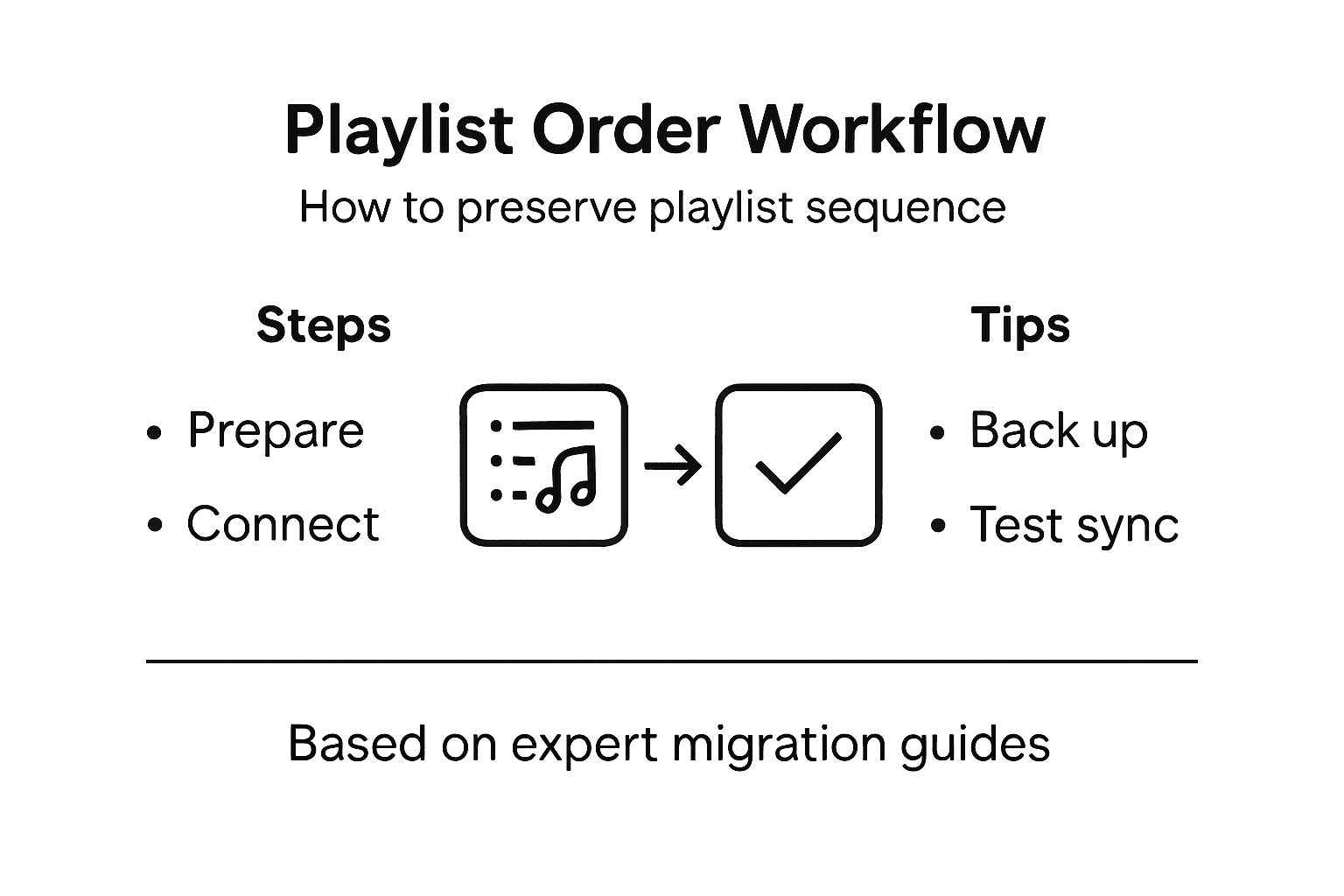
Preserve Your Playlist Order Without Stress
Struggling to maintain your carefully curated playlist order during transfers can be frustrating and time-consuming. The article highlights key challenges like preserving song sequence, handling missing tracks, and ensuring seamless synchronization across platforms. If you want to avoid manual adjustments and unpredictable errors, you need a reliable tool that guarantees your playlists stay intact and true to your original vision.
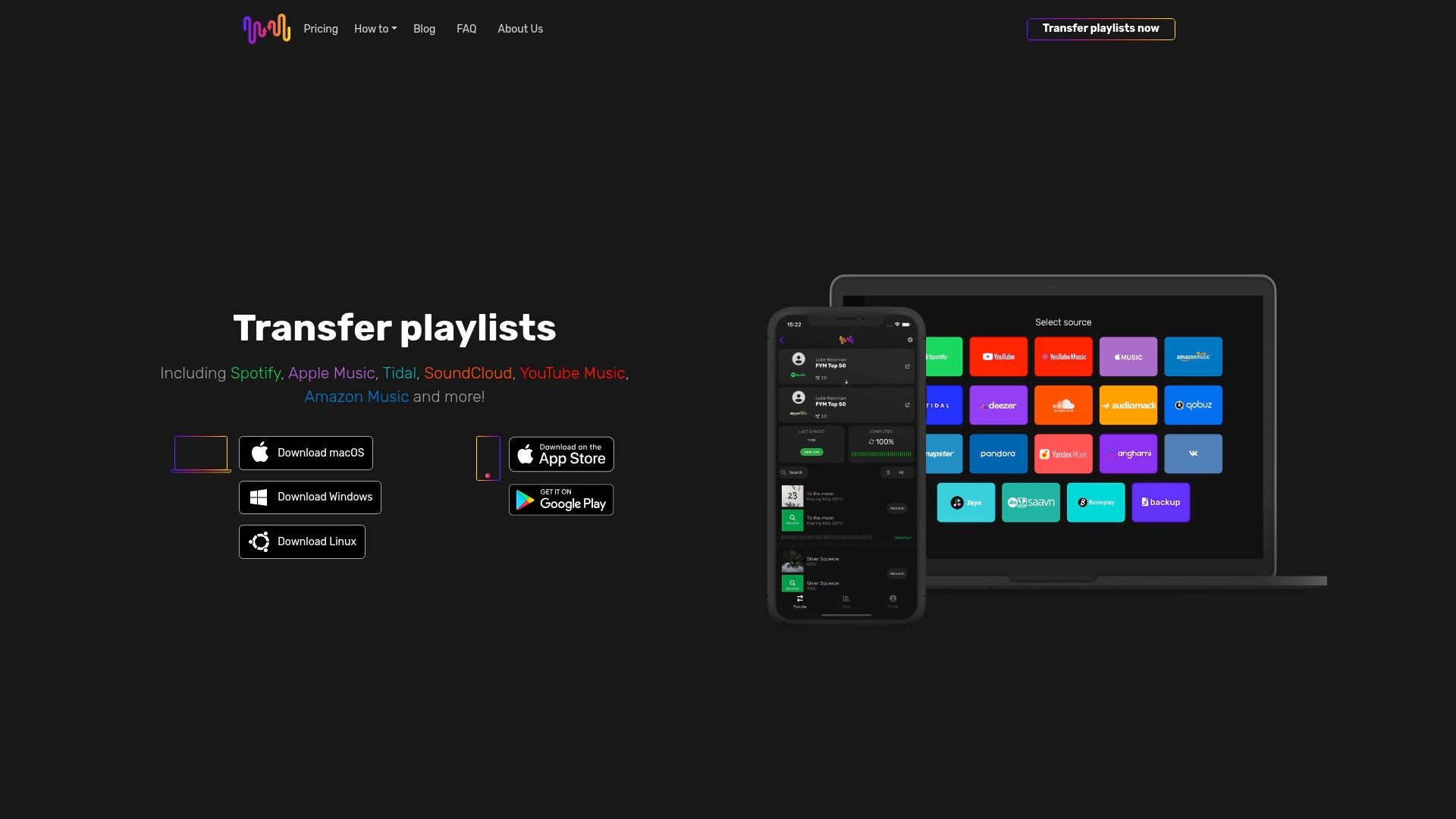
Experience hassle-free playlist migration with FreeYourMusic.com. Our specialized platform automates the transfer process while preserving your playlist order perfectly. Benefit from accurate track matching, cloud backup options, and multi-platform support for Spotify, Apple Music, Tidal, YouTube Music, Amazon Music, and more. Start syncing your music libraries today and enjoy uninterrupted access to your favorite playlists. Visit https://freeyourmusic.com now and take control of your music collection with ease.
Frequently Asked Questions
How do I prepare my playlists for a seamless transfer?
To prepare your playlists, start by taking inventory of your existing collections. Note the total number of playlists, track counts, and ensure that the song order and sequence are accurate. Consider creating a backup spreadsheet with your playlist details to safeguard against data loss.
What should I do to ensure successful connection between streaming services?
To successfully connect your streaming services, verify your login credentials for each platform and ensure they have active accounts. Review platform compatibility and prepare for any necessary authentication methods, such as two-factor verification, to avoid interruptions during the connection process.
What transfer methods can I use to preserve my playlist order during migration?
Select a transfer method that prioritizes order preservation and offers track-matching capabilities. Automated platforms typically provide high accuracy in maintaining the original song sequence, making them a better choice than manual transfers, which rely on user accuracy.
How can I verify my transferred playlist to ensure its integrity?
After transferring your playlist, compare it side by side with the original to check for any discrepancies. Verify the total number of tracks, confirm that the sequence matches, and ensure no songs are missing. Make adjustments as needed to correct any issues before finalizing the playlist.
What steps should I take to enable continuous syncing of my playlists?
To enable continuous syncing, explore the sync settings in your chosen transfer platform. Review options for automatic synchronization to ensure updates reflect in real-time across all services, and configure preferences to align with your music management needs, ensuring consistency.
What should I do if I encounter missing tracks after the transfer?
If you notice missing tracks, check the original playlist for alternative versions or similar songs that fit your theme. Adjustments can be made manually, or you can use suggested replacements offered by some streaming platforms to maintain the overall feel of your playlist.
Recommended

Your playlists belong to you.
Stop rebuilding by hand. Move everything in minutes and take your music wherever you go.
Download free →SongsBrew — our free music newsletter
A free perk for FYM users. Tips, playlists, no spam.