Music news, tips & stories
Stay updated with the latest music streaming insights, playlist management tips, and industry news.
Best Music Playlist Syncing Platforms – Expert Comparison 2025
October 25, 2025

Switching your favorite playlists or music collections to a new streaming service can be a hassle that leaves you wondering if it is worth the trouble. With so many songs and carefully crafted lists, starting from scratch feels overwhelming. Imagine being able to move all your music in a few simple steps, without the stress of missing tracks or losing order. Several smart tools now offer ways to transfer, sync, and protect your playlists with ease. Curious about how these solutions work and which one keeps your music just the way you want it? The right tool can make changing services feel effortless.
Table of Contents
Free Your Music
At a Glance
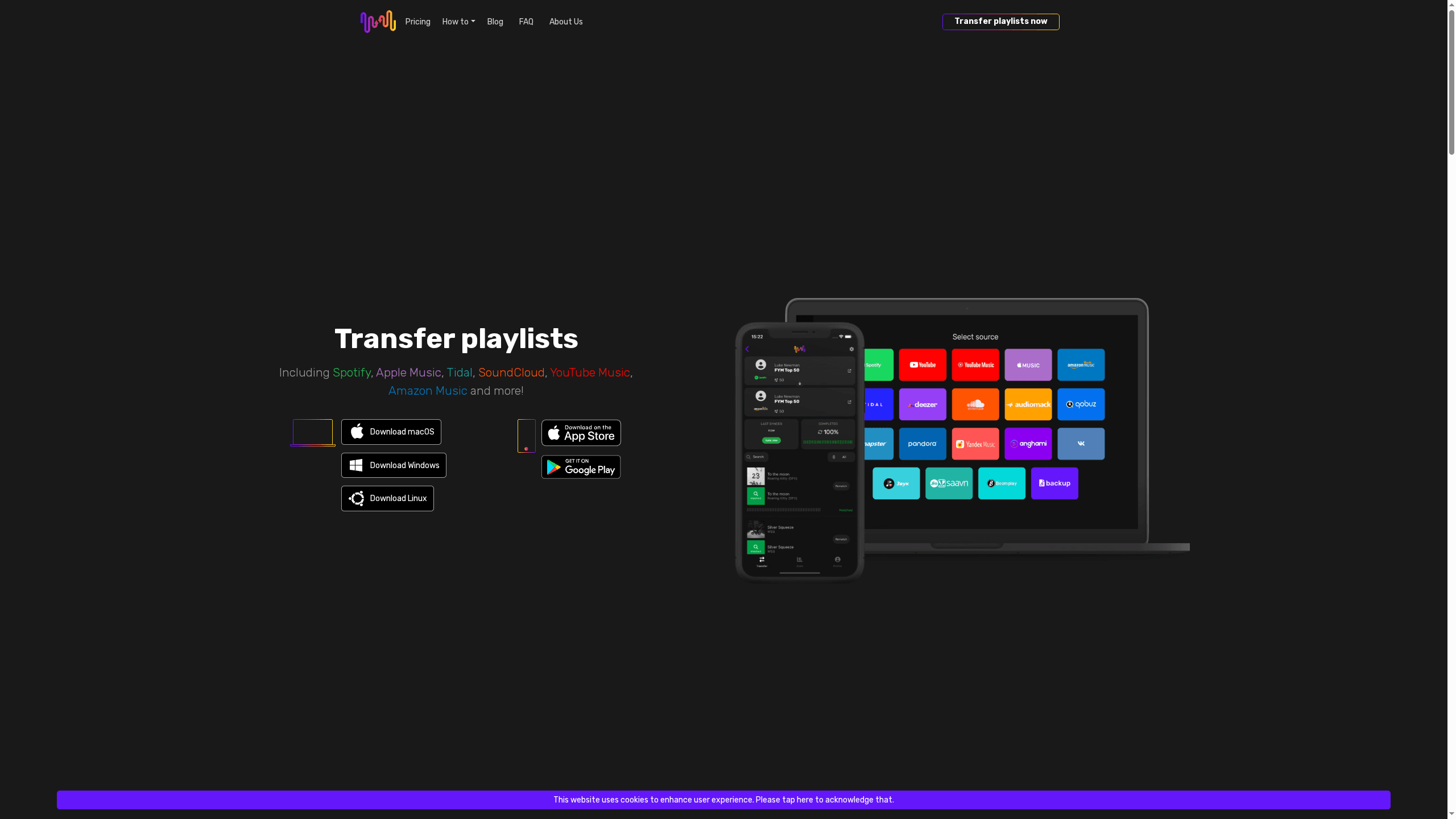
Free Your Music is a focused, no-nonsense app built to move your music where you want it without the headache of manual rebuilding. It supports playlists, albums, and single tracks across major streaming services and preserves playlist names, order, and structure. If you value speed, predictable syncing, and cross-platform support, Free Your Music gets you across services with minimal friction.
Core Features
Free Your Music centralizes playlist migration with a compact but powerful feature set: transfer playlists between major streaming platforms including Spotify, Apple Music, Tidal, SoundCloud, YouTube Music, and Amazon Music; automated auto-sync that updates every 15 minutes; cloud-backed playlist security; and unlimited transfers of songs, playlists, and albums. The app runs on iOS, Android, Windows, macOS, and Linux, and its licensing supports one license with multiple account management. In practice that means you keep the exact playlist structure and ordering and rely on cloud backup so your curated lists aren’t lost during a switch.
Pros
- Supports a wide range of music services: The app transfers playlists across many major streaming platforms, reducing the need to rebuild your library by hand.
- Fast, easy transfers: The interface is intentionally simple, so moving a large playlist is quick and straightforward.
- Preserves playlist integrity: It preserves playlist names, song order, and structure so your carefully sequenced mixes remain intact.
- Auto-sync and cloud backup: Auto-sync (every 15 minutes) plus cloud storage keeps playlists current and protected without manual intervention.
- Flexible licensing options: Lifetime license options are available, giving heavy users a long-term, cost-effective path.
Who It's For
Free Your Music is aimed at music enthusiasts, collectors, DJs, and anyone switching streaming services who wants a reliable, low-effort way to migrate and manage playlists. It’s also a strong fit for users who maintain multiple streaming accounts or need cross-device access (desktop and mobile) while preserving curated sequences and metadata.
Unique Value Proposition
Free Your Music’s strength is its specialization. Instead of a broad feature buffet, it focuses on flawless playlist portability: multi-platform coverage, robust cloud backup, and an auto-sync cadence you can rely on (15-minute updates). The combination of unlimited transfers and a lifetime license option makes it uniquely economical for power users and professionals who manage extensive libraries. Design choices such as a single-license, multi-account model and mandatory internet-backed sync prioritize data safety and consistent matching over offline hacks—so while some tracks may not transfer if unavailable on the destination service, the platform intentionally avoids creating partial or broken playlists.
Real World Use Case
Imagine switching from Spotify to Apple Music with dozens of curated playlists and several thousand tracks. Free Your Music transfers those playlists intact—names, ordering, and included tracks where available—backs them up in the cloud, and keeps them synced during the transition so you don’t lose listening continuity. Time saved: hours or days of manual rebuilding.
Pricing
From €3.33/month (annual plan) with options: Premium quarterly €14.99 per quarter (or €5.00/month), Premium yearly €39.99 per year (€3.33/month), and Lifetime €199.99 one-time payment. Free tier limited to 600 songs and 1 playlist per transfer.
Website: https://freeyourmusic.com
SongShift
At a Glance
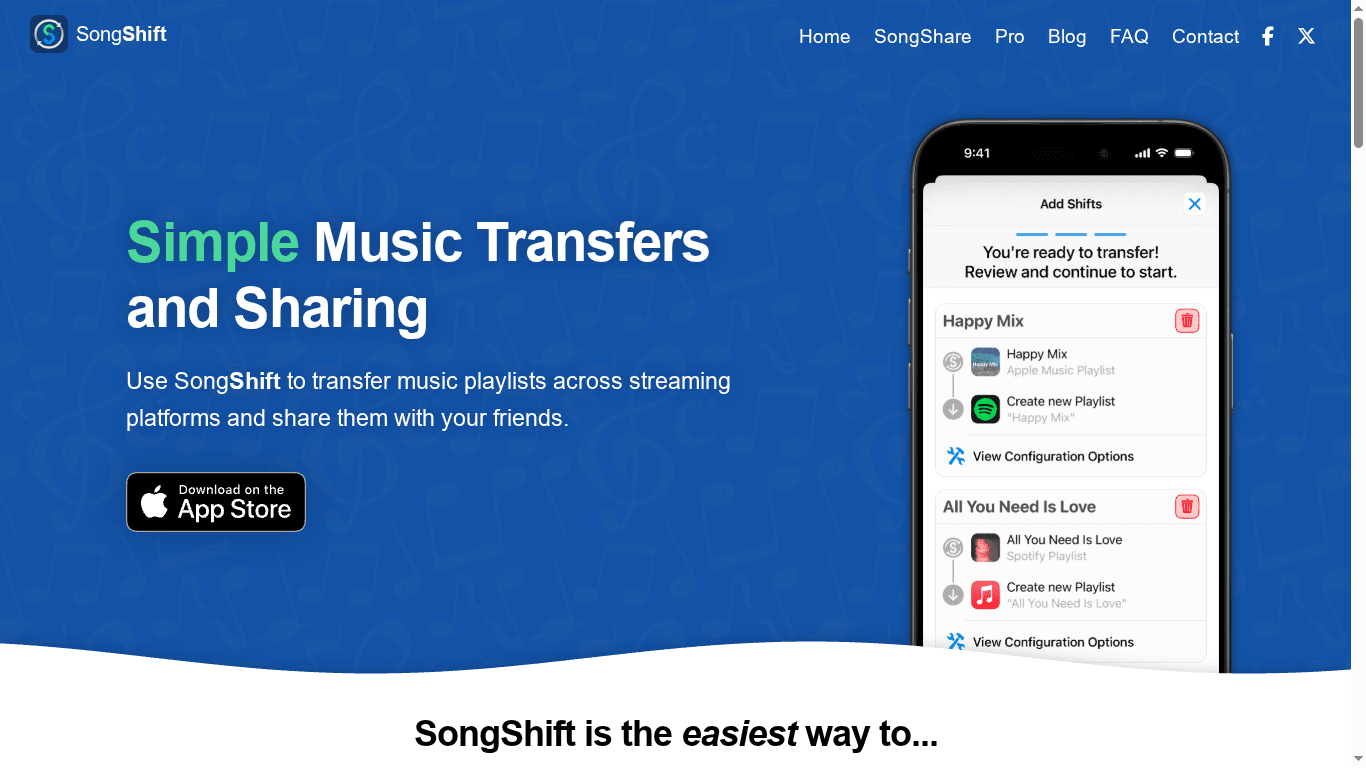
SongShift is a focused playlist transfer and sharing app that makes moving and synchronizing playlists between services straightforward and fast. It supports many major streaming platforms and offers a simple, guided workflow so you rarely feel lost. If you want to move collections between services or keep playlists mirrored across accounts, SongShift delivers a practical, no-frills solution. It’s ideal when convenience matters more than advanced bulk-management features.
Core Features
SongShift’s core capabilities center on transferring playlists across multiple streaming platforms, sharing playlists with others regardless of their chosen service, and keeping playlists in sync after transfer. The app explicitly supports popular platforms such as Spotify, Apple Music, and Amazon Music, and it guides you through configuration, review, and execution stages so transfers are predictable and transparent. The synchronization feature helps preserve playlist continuity when you maintain accounts on more than one service.
Pros
- Wide service support: SongShift supports a broad range of streaming services, which increases the likelihood your playlists will transfer without gaps.
- User-friendly process: The app’s step-by-step configuration, review, and execution stages make transfers easy to follow for users of any technical level.
- Cross-platform sharing: You can share playlists with friends who use different services, removing friction from collaborative playlist-building.
- Sync capability: Playlists can be kept synchronized across services after transfer, which helps maintain updates and ordering.
- Pro tier available: The availability of a Pro version means power users can access additional features beyond the free offering.
Cons
- Subscription required for Pro features: To access advanced capabilities, you must subscribe to SongShift Pro, which adds recurring cost.
- Reliant on platform APIs: Functionality depends on third-party streaming platform APIs, which can change and temporarily affect SongShift’s performance.
- Free-tier limits: The free usage tier likely has limitations that may prevent heavy or frequent transfers without upgrading.
Who It's For
SongShift is aimed at music enthusiasts who use multiple streaming platforms and want a low-effort way to transfer, share, and sync playlists. It’s a good fit for listeners switching services, music collectors who maintain multiple accounts, and friends who curate playlists together but prefer different streaming providers. If you value simplicity and a guided experience over enterprise-level migration tools, this is for you.
Unique Value Proposition
SongShift’s value lies in combining a straightforward user experience with cross-platform compatibility and ongoing sync capability. Instead of rebuilding playlists manually, you follow a guided flow that reduces mistakes and preserves playlist structure, making the transition between streaming services painless for most users.
Real World Use Case
Imagine you’re switching from Spotify to Apple Music and you don’t want to recreate dozens of playlists by hand. SongShift lets you select playlists, review matched tracks, and execute transfers while keeping ordering intact — then you can enable sync to reflect future changes across both services.
Pricing
Starting at $6.99/month for SongShift Pro
Website: https://songshift.com
TuneMyMusic
At a Glance
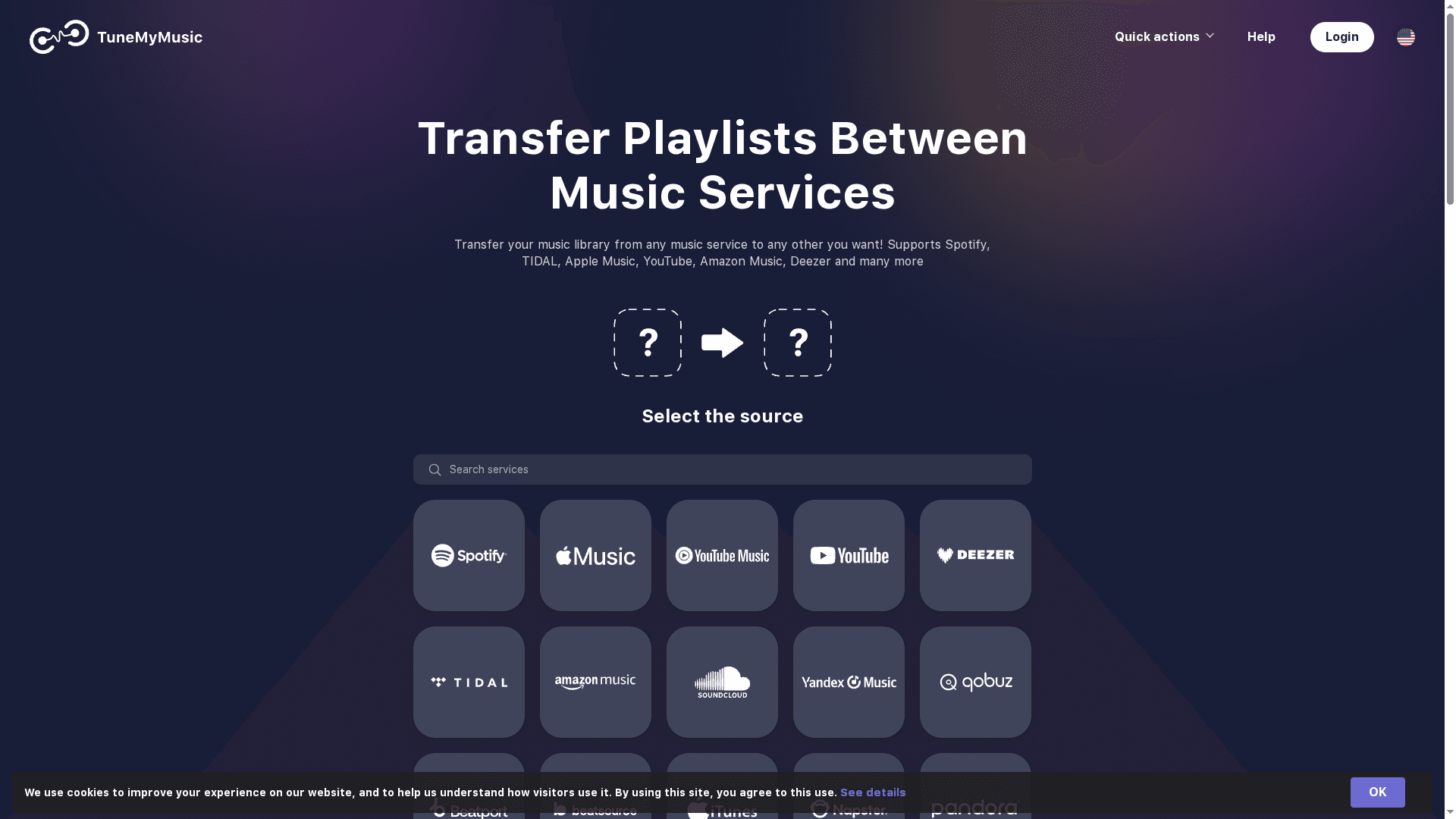
TuneMyMusic is a straightforward playlist- and library-transfer tool that gets you from one streaming service to another in a few clicks. It supports most major platforms and focuses on keeping your playlists intact when you switch or consolidate services. If you value speed and simplicity over deep, granular control, TuneMyMusic delivers a reliable, no-fuss experience. It’s ideal when you just want your music moved and working immediately.
Core Features
TuneMyMusic moves playlists and entire music libraries between streaming services, syncs two playlists across different services, and enables sharing with friends on other platforms. You can also upload songs from local files into your library and back up entire collections for safekeeping or later transfers. The workflow is built around quick transfers and automated syncing so you don’t have to rebuild playlists manually.
Pros
- Broad service support: It supports a wide range of streaming services including Spotify, Apple Music, Tidal, YouTube, Amazon Music, Deezer, and more, which makes platform switching much less painful.
- User-friendly process: The interface emphasizes a simple transfer flow that lowers the friction for non-technical users, so moving playlists is typically fast and intuitive.
- Sync and share features: You can keep two playlists synchronized across services and share music with friends who use different platforms, which helps when social listening spans multiple ecosystems.
- Local upload and backup: The ability to upload songs from files and back up libraries means your offline or rare tracks can be preserved and migrated.
- Platform conversion capability: TuneMyMusic facilitates conversions between popular music platforms so you don’t lose curated lists when exploring new services.
Cons
- Limited customization: It offers limited detailed customization options for playlist management, so power users who need fine-grained control may find the tool restrictive.
- Internet dependency: Transfers and syncing rely on an internet connection, so you can’t run offline migrations or syncs without connectivity.
- Free-tier limitations: Specific limitations on free transfer quantities or features may apply, which means you may need a premium plan for frequent or large-scale moves.
Who It's For
TuneMyMusic is best for music enthusiasts who use multiple streaming services and want a fast, easy way to transfer or synchronize playlists and libraries. If you’re switching services, curating cross-platform collaborative lists, or simply consolidating your music collection without rebuilding it track-by-track, this tool fits your needs.
Unique Value Proposition
TuneMyMusic’s core advantage is pragmatic simplicity: broad platform coverage plus transfer, sync, upload, and backup capabilities in a single, accessible package. It removes the main friction of platform switching—recreating playlists—so you keep listening and skip the rebuilding.
Real World Use Case
Imagine moving from Spotify to Apple Music and needing all your curated playlists preserved; TuneMyMusic copies those playlists over, retains order, and optionally backs up your library before the switch. Or discover a playlist on YouTube and have it reproduced in Spotify without manual recreation.
Pricing
Free tier available; premium plans provide additional options and unlimited transfers.
Website: https://tunemymusic.com
Soundiiz
At a Glance
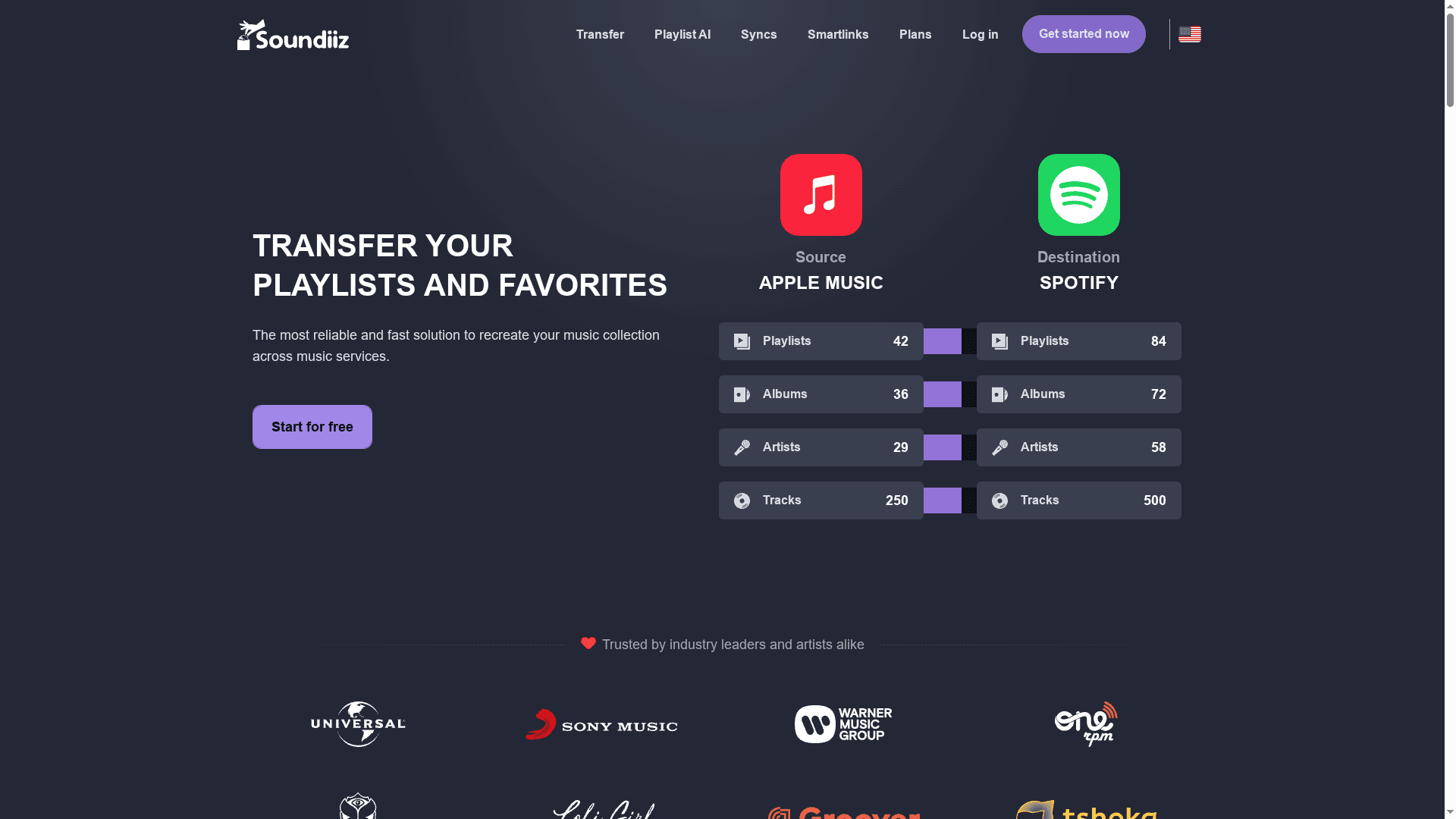
Soundiiz is a focused, reliable tool for transferring, synchronizing, and managing playlists and favorites across streaming services. If you need to move a music collection between services or keep multiple accounts in sync, Soundiiz gets the job done with minimal fuss. It combines metadata matching, smart links, and AI-generated playlist features into a single web-based interface that’s approachable for enthusiasts and pros alike.
Core Features
Soundiiz lets you transfer playlists, albums, artists, and individual tracks between services and synchronize playlists so changes stay mirrored across platforms. It offers smart links for sharing playlists and releases, AI-powered playlist generation based on moods, genres, or years, and export tools to manage collections and metadata. Under the hood it relies on metadata matching to recreate your library on the destination service and supports a wide range of streaming platforms for broad compatibility.
Short and useful.
Pros
- Broad service support: Soundiiz supports more than 40 music services, giving you flexibility to move music between almost any major provider.
- Free and paid options: The platform offers a free tier as well as paid plans, which means you can perform basic transfers before committing to a subscription.
- One-time transfer capability: You can do one-off transfers without a recurring subscription, which is convenient when you’re switching services once.
- Comprehensive management tools: Beyond transfers, Soundiiz includes synchronization, smart links, AI playlist generation, and export features to help you organize and analyze collections.
- User-friendly web interface: The web app is straightforward to navigate, lowering the barrier for non-technical users who want fast results.
- Privacy-conscious: Soundiiz is GDPR compliant and follows strong data protection standards, which is important when connecting multiple streaming accounts.
Cons
- Track limit in standard tools: The standard, non-enhanced tools limit transfers to 200 tracks per playlist, which can be restrictive for large collections.
- Some features locked behind paid plans: Advanced synchronization and unlimited transfers may require upgrading to a paid plan, so the full experience isn’t entirely free.
- Unavailable songs can’t transfer: Soundiiz cannot move tracks that do not exist on the destination platform, so perfect fidelity isn’t guaranteed when catalogs differ.
Who It's For
Soundiiz is ideal for music enthusiasts, collectors, DJs, and professionals who manage multiple streaming accounts or who are migrating libraries from one service to another. If you value retaining playlist order and metadata and need a quick way to share or mirror playlists across platforms, Soundiiz will save you hours versus manual rebuilding.
Unique Value Proposition
Soundiiz’s strength is its all-in-one approach: transfer, synchronize, share, and generate playlists with AI from a single web interface that supports an extensive list of services. That combination of breadth, privacy focus, and the option for one-time transfers makes it uniquely practical for occasional switchers and heavy users alike.
Real World Use Case
Imagine you’re switching from Spotify to Apple Music and want to keep years of curated playlists intact. Soundiiz can map your playlists, preserve order and metadata where possible, automatically recreate them on the new service, and provide smart links to share those playlists with friends or followers.
Pricing
Starting at $3.25/month (billed annually); Free tier available; Paid monthly option from $5/month. Creator and higher tiers are also available, and one-time transfer options exist for users who prefer a single payment.
Website: https://soundiiz.com
Music Transfer Tools Comparison
This table compares popular music transfer tools to help you choose the best option for migrating your playlists and tracks across streaming platforms.
| Feature | Free Your Music | SongShift | TuneMyMusic | Soundiiz |
|---|---|---|---|---|
| Core Features | Transfers playlists, albums & tracks across major platforms; automated sync every 15 mins; cloud backup | Transfers & shares playlists; guided workflow; cross-platform syncing | Moves playlists & libraries; syncs & shares playlists; uploads local songs | Transfers & syncs playlists, albums & tracks; smart links; AI playlist generation |
| Pros | Wide service support; fast transfers; auto-sync & cloud backup | Wide service support; user-friendly; cross-platform sharing; sync capability | Broad service support; easy user interface; sync & share; local upload & backup | Supports 40+ services; free & paid options; comprehensive management tools |
| Cons | Some tracks may not transfer on unavailable platforms | Subscription for Pro features; reliant on platform APIs; free-tier limits | Limited customization; internet dependency; free-tier limitations | Track limits in standard tools; some features locked behind paid plans; unavailable songs can’t transfer |
| Pricing | €3.33/month (annual), €14.99 (quarterly), €199.99 (lifetime); free tier for 600 songs | $6.99/month for Pro | Free tier available; premium plans for more options | Starting at $3.25/month annually; free tier and one-time transfers available |
| Usability | Ideal for enthusiasts, DJs, cross-platform users who want easy playlist migration | Best for users wanting low-effort transfer, sharing, and syncing | Suitable for fast transfers, collaborative playlist curating | Perfect for managing multiple accounts, migrating libraries, and sharing playlists |
Simplify Your Music Playlist Transfers Effortlessly
Switching between music streaming platforms often feels overwhelming because you want to keep your playlists, song order, and curated collections intact. The challenge, as highlighted in the article "Best Music Playlist Syncing Platforms – Expert Comparison 2025," is finding a tool that preserves playlist structure, automates syncing, and supports multiple streaming services without causing you to spend hours rebuilding your music library.
At Free Your Music, we understand these frustrations deeply. Our specialized platform supports Spotify, Apple Music, Tidal, YouTube Music, Amazon Music, and many others so you can move your playlists seamlessly with unlimited transfers and automated syncing. Whether you're managing multiple accounts or switching services for the first time, our cloud backup and multi-device compatibility ensure your music journey stays uninterrupted.
Are you ready to stop stressing over playlist migration and enjoy your music on your terms now
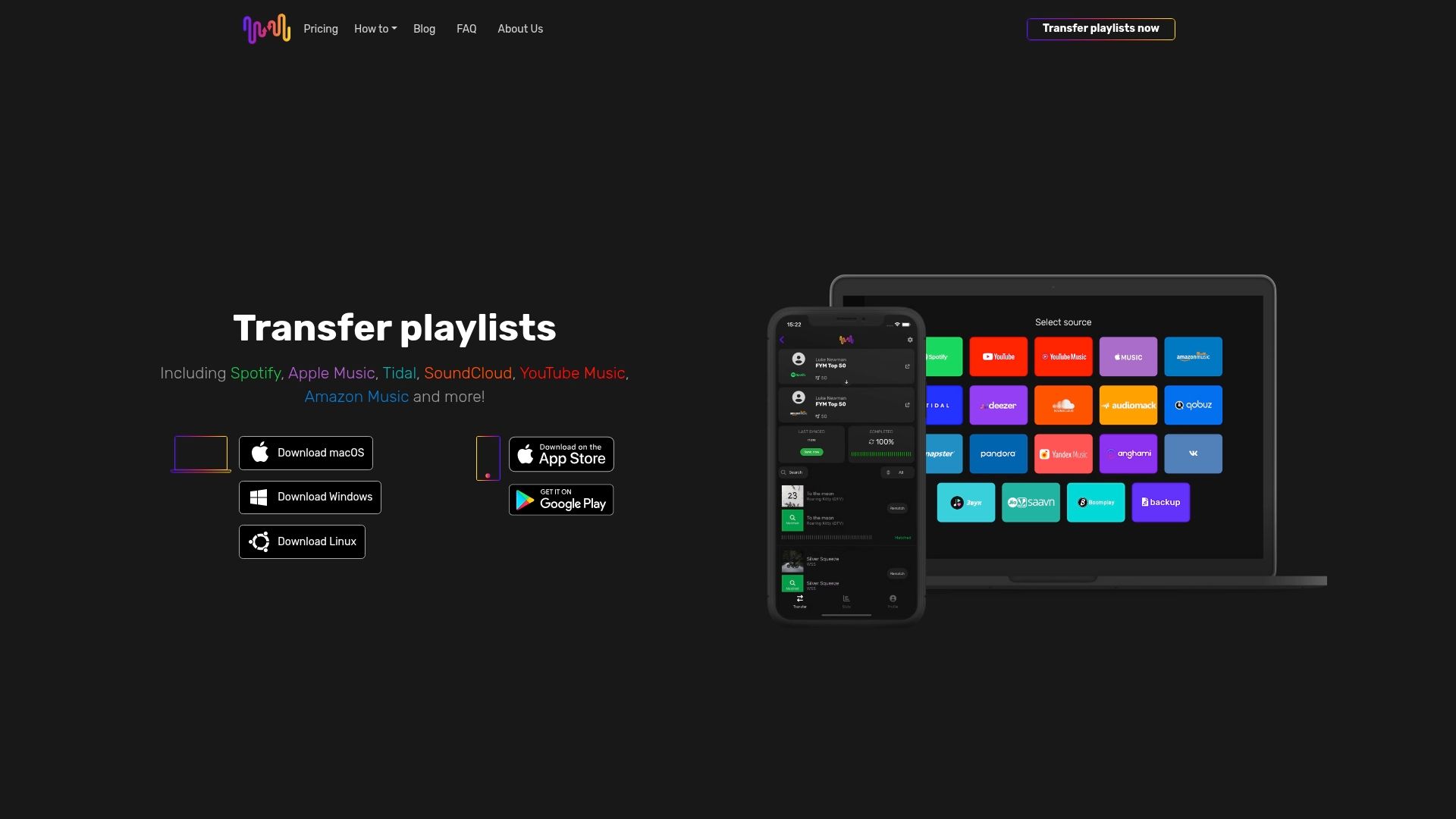
Explore how simple switching can be by visiting Free Your Music landing page to get started. Discover our features, including automated synchronization and cloud backup, and reclaim hours of your time. Don’t wait until frustration grows; make your playlist transfer effortless today at Free Your Music.
Frequently Asked Questions
How do I choose the best music playlist syncing platform for my needs?
Choosing the best music playlist syncing platform depends on the streaming services you use, the number of playlists you need to transfer, and any additional features you want. Start by evaluating these factors, then compare platforms based on user interface and features like auto-sync and cloud backup capabilities.
What features should I look for in a playlist syncing platform for 2025?
Look for features such as support for multiple streaming services, auto-syncing functionality, and the ability to preserve playlist order and metadata. Prioritize platforms that offer cloud backup to ensure your playlists remain secure during transitions.
Can I sync playlists across different streaming services simultaneously?
Yes, many playlist syncing platforms allow you to sync playlists across multiple streaming services at the same time. To utilize this feature, check the platform’s support documentation and initiate a sync for all your desired playlists before confirming the transfers.
How do I ensure my playlists transfer without losing any songs?
To minimize the risk of losing songs during a playlist transfer, choose a platform that offers strong metadata matching and supports a wide range of services. Start by reviewing the platform’s transfer options and testing with a smaller playlist before migrating your entire library.
What are the costs associated with music playlist syncing platforms?
Costs vary depending on the platform and the features included. Explore platforms that offer free tiers for light users or consider a subscription plan for unlimited transfers, typically ranging from $5 to $15 per month for premium features.
Is there a limit to how many playlists or songs I can transfer?
Most playlist syncing platforms impose limits on the number of playlists and songs you can transfer in their free tiers. Check the platform's pricing page for details on limitations, and consider upgrading to a premium plan if you plan to transfer large collections.
Recommended
- Free Your Music: Ultra Simple Transfer of Playlists
- Transfer playlists from YouTube Music to YouTube Music
- Transfer playlists from YouTube Music to Audius
- Transfer playlists from Yandex Music to YouTube Music
- MusicStreet: Musicians' Influence on Artists in 2025
- 5 Important Global Music Trends | Calle Habana Band


Migrate from and to any music services


Most popular Apple Music transfers: