Music news, tips & stories
Stay updated with the latest music streaming insights, playlist management tips, and industry news.
Best Playlist Sync Tools for DJs – Expert Comparison 2025
October 28, 2025
Moving your music from one streaming service to another can feel like a huge hassle. The worry of losing playlists, missing songs, or spending hours on manual transfers puts many off from making a switch. Imagine if you could move entire music collections and keep everything in order with just a few clicks. Some services promise to make these transfers almost effortless and even let you keep your playlists updated across different platforms. Curious about which solution fits your needs or what features might help you keep your music life in sync? Discover how different tools handle the challenge and see what surprises they might offer.
Table of Contents
Free Your Music
At a Glance
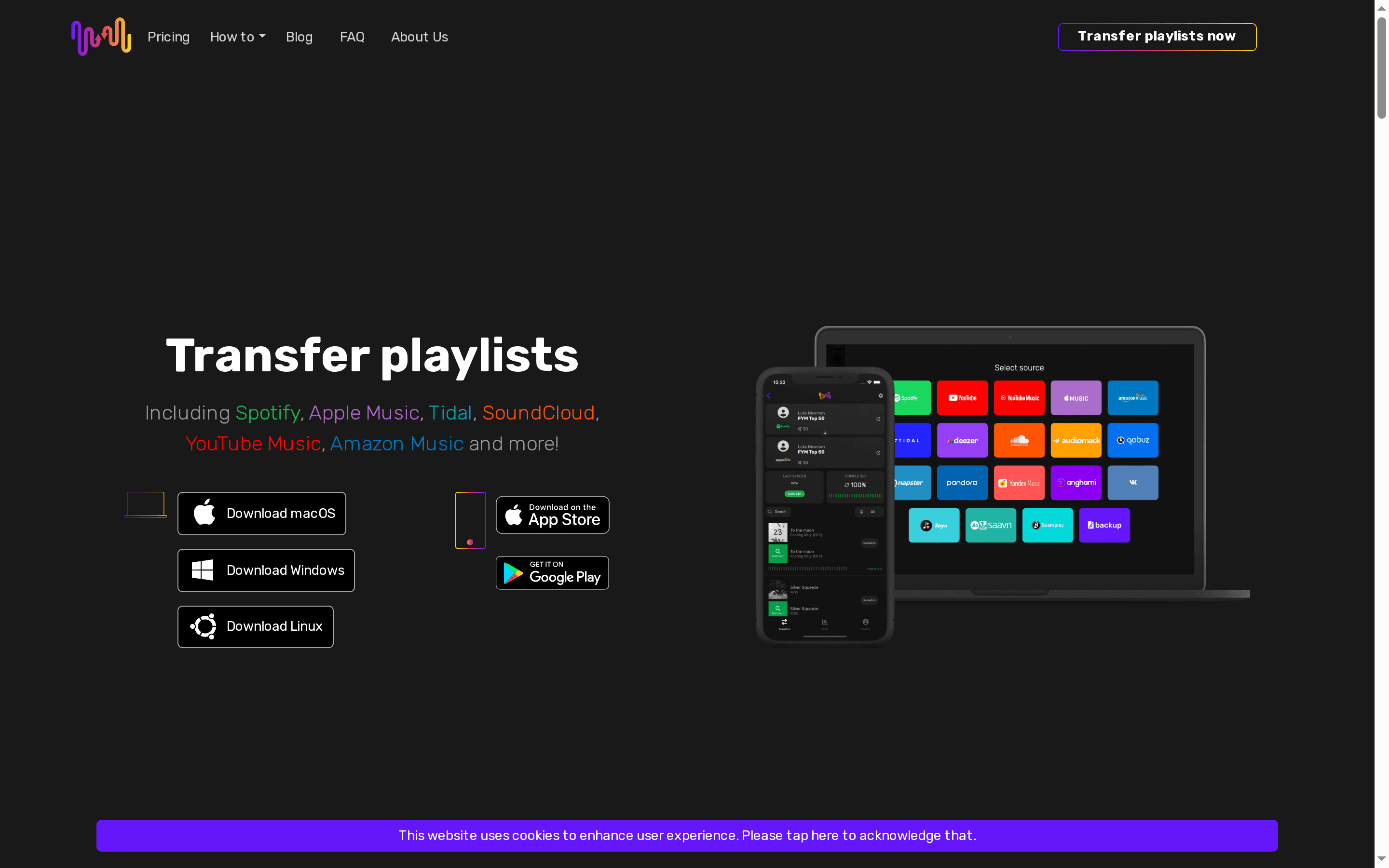
Free Your Music is a focused, no-nonsense app for moving playlists between streaming services quickly and reliably. It preserves playlist names and song order, supports every major desktop and mobile OS, and can handle unlimited transfers so you don’t have to pick which playlists to keep. If you want to switch services without rebuilding your library track by track, this is the practical tool that saves hours. Note: it’s oriented around playlists (not single-song moves) and free accounts may face limits on very large transfers.
Core Features
Free Your Music streamlines playlist migration with an emphasis on fidelity and scale. You can transfer playlists between platforms such as Spotify, Apple Music, Tidal, SoundCloud, YouTube Music, and Amazon Music while keeping order and names intact. Built-in auto-sync runs at 15-minute intervals so playlists stay current across services. If tracks fail to match, a one-click repair/rematch fixes missing or incorrect songs. There are no caps on the number of songs, playlists, or albums you can transfer, and the app runs on iOS, Android, Windows, macOS, and Linux for full-device flexibility.
Pros
- Easy to use with a straightforward interface: The workflow is built for speed so you can migrate collections without a steep learning curve.
- Supports a wide range of streaming services: Connections to major platforms let you move playlists across ecosystems without manual work.
- Offers auto-sync and playlist repair features: Automated 15-minute syncing and one-click rematch minimize maintenance and keep playlists accurate.
- Multi-platform support including mobile and desktop: Use the same tool on macOS, Windows, Linux, iOS, or Android to move and maintain playlists.
- No limits on the number of songs or playlists transferred: Unlimited transfers remove the frustrating gatekeeping present in some migration tools.
Who It's For
This tool is ideal for music enthusiasts, collectors, DJs, and anyone who frequently switches streaming platforms or manages many curated playlists. If you value preserving playlist order and names, or if you manage multiple device types, Free Your Music fits naturally into your workflow. The product intentionally focuses on playlists rather than single-song transfers — a design choice that optimizes bulk migration performance and reliability. Keep in mind transfers rely on an internet connection and free accounts may have size limits, which is expected for a tiered service.
Unique Value Proposition
Free Your Music stands out by combining unlimited, cross-platform transfers with automated synchronization and robust repair tools tailored specifically for playlist fidelity. The 15-minute auto-sync differentiates it from manual-only solutions by keeping mirrors current with minimal oversight. Preservation of playlist structure and titles ensures playlists sound and read the same after migration — a critical detail for DJs and professionals who sequence tracks intentionally. Unlimited transfer capacity means you can move entire catalogs in one go instead of cherry-picking favorites. In short: it’s built for scale, accuracy, and convenience — the exact priorities of serious music users.
Real World Use Case
Imagine migrating from Spotify to Apple Music before a big gig: you transfer multiple playlists, preserve the original order, auto-sync recent edits, and use the one-click rematch to repair any mismatched tracks — all in under an hour. That saves you days of manual re-creation. Simple, reliable, done.
Pricing
Starting at €3.33/month (annual), €5.00/month (quarterly), or a lifetime payment of €199.99, including auto-sync, lifetime updates, and dedicated support.
Website: https://freeyourmusic.com
TuneMyMusic
At a Glance
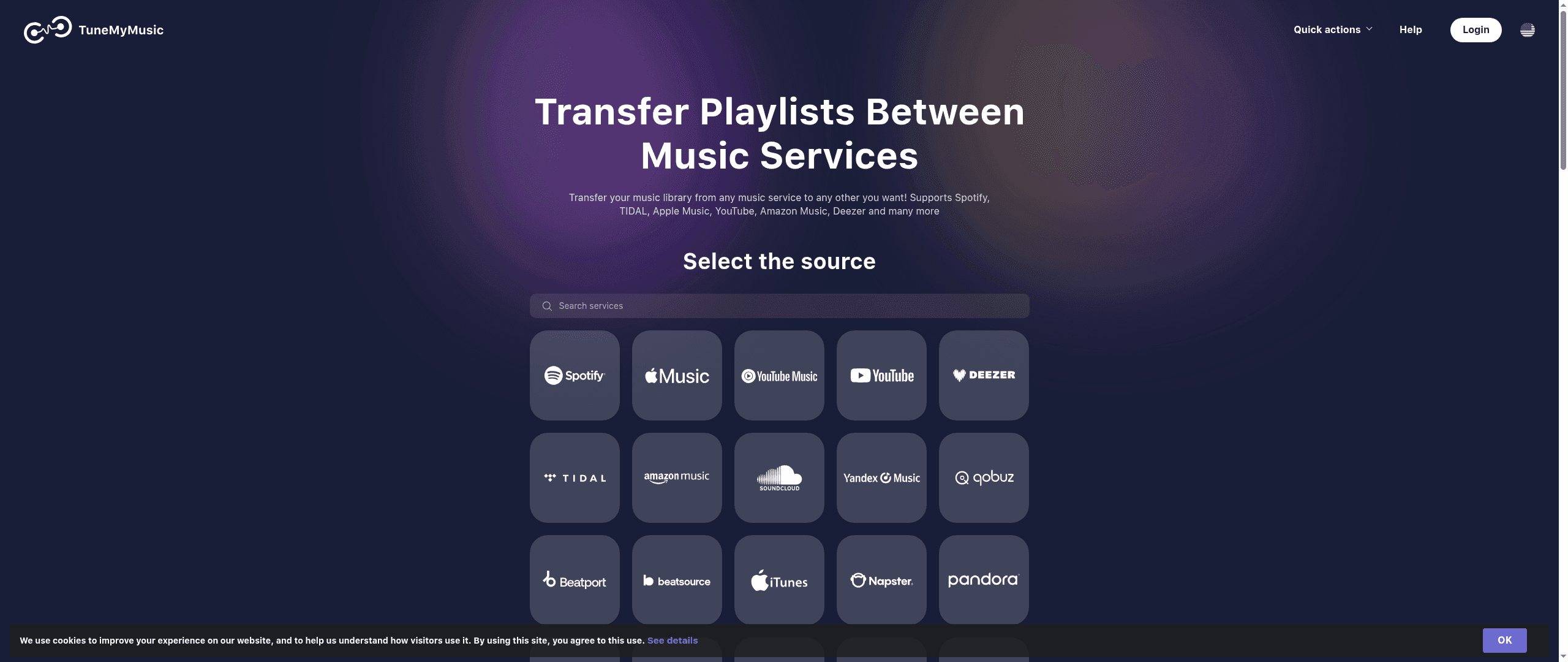
TuneMyMusic is a straightforward playlist migration and synchronization tool that helps you move and mirror music collections across many streaming services. It emphasizes ease of use: users can transfer playlists, sync two lists, upload songs from files, and back up entire libraries without rebuilding everything by hand. If you frequently switch services or share music with friends who use different platforms, TuneMyMusic aims to remove the friction. It’s effective for the basics, but some important details — especially around pricing and mobile support — are unclear.
Core Features
TuneMyMusic's core capabilities are centered on cross-service playlist movement and library preservation. The product supports transferring playlists and music libraries between services, synchronizing two playlists so both stay up to date, sharing playlists across platforms, uploading songs from local files, and backing up complete music libraries. The service lists compatibility with many major platforms and touts conversions between services (for example, converting Spotify playlists to YouTube Music or Deezer to Spotify), making it a practical bridge between ecosystems.
Pros
- Supports a wide range of music services, which increases the likelihood your tracks and playlists will be recognized and migrated correctly.
- User-friendly with simple steps, so you can move a playlist without a steep learning curve or technical setup.
- Allows for playlist transfer, synchronization, sharing, uploading, and backing up, giving you multiple ways to preserve and move your collection.
- Facilitates genre and playlist conversions (for example, Spotify to YouTube Music or Deezer to Spotify), which helps when platforms use different metadata or cataloging schemes.
Cons
- Limited information on free vs paid features, so it’s unclear which capabilities are gated behind a subscription and which are available at no cost.
- No mention of mobile app availability, which leaves uncertainty about whether you can perform full transfers or syncs from a phone or tablet.
- Pricing is not specified on the website; the service notes that costs likely vary based on usage or subscription, making budgeting difficult before you try it.
Who It's For
TuneMyMusic is best for music enthusiasts who manage large libraries or frequently switch streaming services. If you curate playlists across platforms, share curated lists with friends on other services, or want a simple way to back up your collection, this tool fits your needs. It’s ideal for users who prioritize ease and multi-service coverage over detailed transparency about pricing.
Unique Value Proposition
TuneMyMusic’s unique strength is its broad compatibility and multi-function approach: it isn’t only a one-time transfer tool but can sync playlists, upload local files, and back up entire libraries. That combination makes it useful for ongoing migrations or for households and friends who live across different streaming ecosystems.
Real World Use Case
Imagine you want to switch from Spotify to Apple Music while keeping your curated playlists intact. TuneMyMusic lets you export and import those playlists so the transition is seamless — you don’t need to rebuild hours of tracklists manually.
Pricing
Not specified on the website; likely varies based on usage or subscription plans.
Website: https://tunemymusic.com
Soundiiz
At a Glance
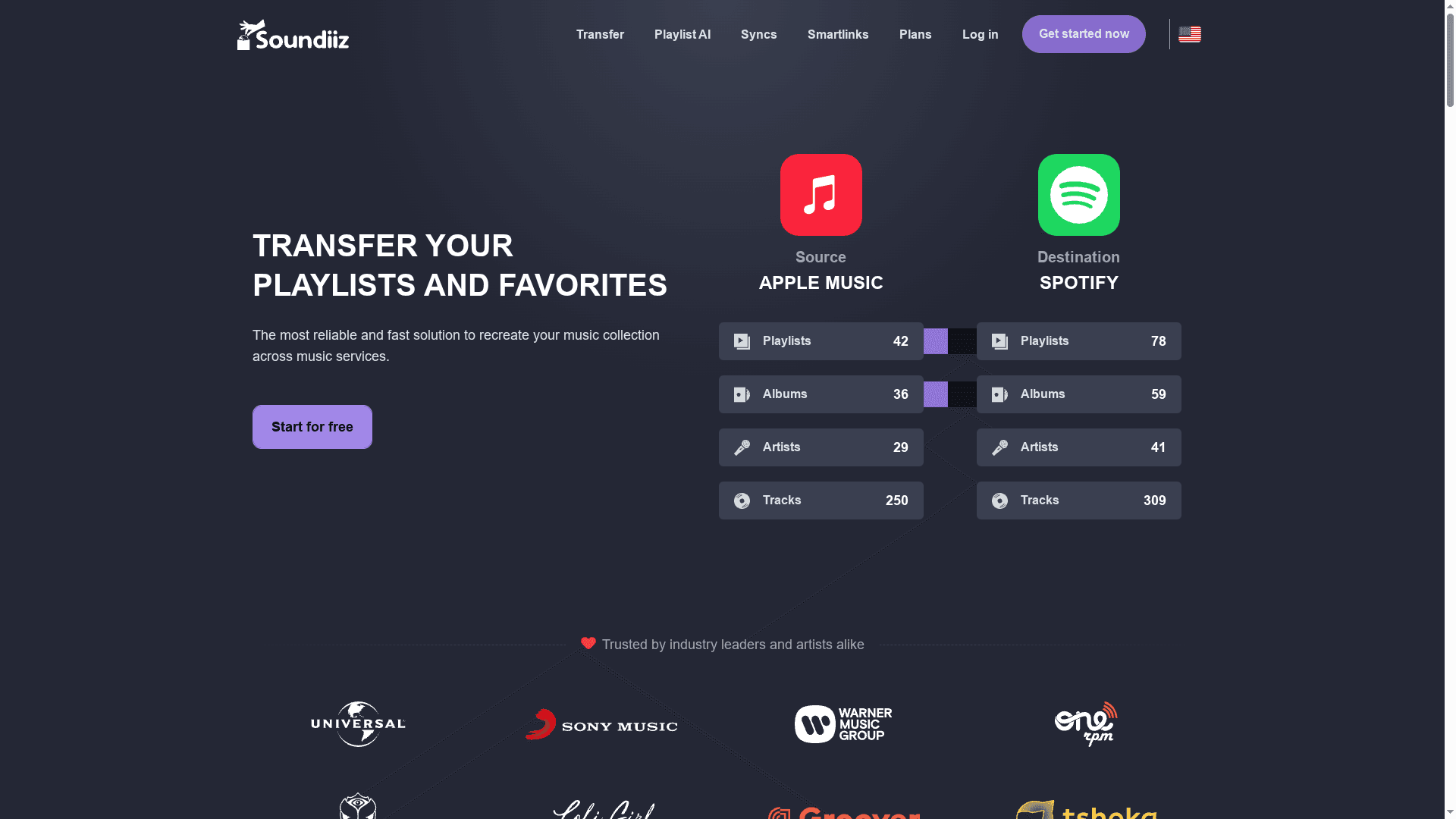
Soundiiz simplifies moving playlists, favorites, and music collections between streaming services with a clear, web-based interface. It’s a practical tool for DJs and music collectors who juggle multiple platforms or are switching services entirely. The platform balances one-off transfers with ongoing sync options and adds creative extras like playlist AI and smart links. Bottom line: reliable and versatile, though some power features sit behind paid plans.
Core Features
Soundiiz lets you transfer playlists, albums, artists, or individual tracks across a wide array of streaming platforms, and it can synchronize playlists so changes on one service propagate to others. You can import, export, and organize collections, create smart links for sharing, and leverage a built-in AI playlist generator that builds lists from text prompts or mood selections. Analytics and management tools give you oversight when handling large libraries.
Pros
- Broad service support: Soundiiz connects with a wide array of music services and platforms, giving you flexibility when moving or syncing collections.
- Flexible payment model: It offers both free and paid plans, so you can use basic transfer tools at no cost and upgrade for premium capabilities.
- One-time transfers available: You can perform single transfers without committing to a subscription, which is useful for one-off migrations.
- Privacy-conscious: The service adheres to high data protection standards and is GDPR compliant, which matters when you link multiple accounts.
- User-friendly web interface: The web app is straightforward and approachable, lowering the friction of rebuilding playlists manually.
Cons
- Some advanced features require paid plans: Key capabilities, such as full synchronization or higher track limits, may be gated behind premium tiers and require ongoing payment.
- Track limit in standard tools: Standard tools are limited to 200 tracks per playlist, which can frustrate DJs who maintain very large sets or archive playlists.
- Not every service is supported: While coverage is broad, not all streaming services are available for transfer or synchronization, which can leave gaps in certain workflows.
Who It's For
Soundiiz is ideal for music enthusiasts, DJs, and anyone managing multiple streaming accounts who needs to preserve playlists when switching platforms or keeping libraries aligned. If you value convenience and want a web-based tool to avoid manual rebuilding, Soundiiz fits the bill.
Unique Value Proposition
Soundiiz combines comprehensive transfer and sync capabilities with additional creative and sharing tools—AI-generated playlists, smart links, and basic analytics—so you can both migrate and manage music collections from a single interface. It’s the multi-tool for playlist portability.
Real World Use Case
Imagine switching from Spotify to Apple Music: Soundiiz can move your curated playlists, preserve ordering where possible, and optionally keep both services in sync while you test the new platform. It removes the most tedious step of a migration so you can focus on playing music.
Pricing
Starting at $3.25/month billed annually; free plan available, with a Creator plan option at higher tiers.
Website: https://soundiiz.com
TuneMyMusic
At a Glance
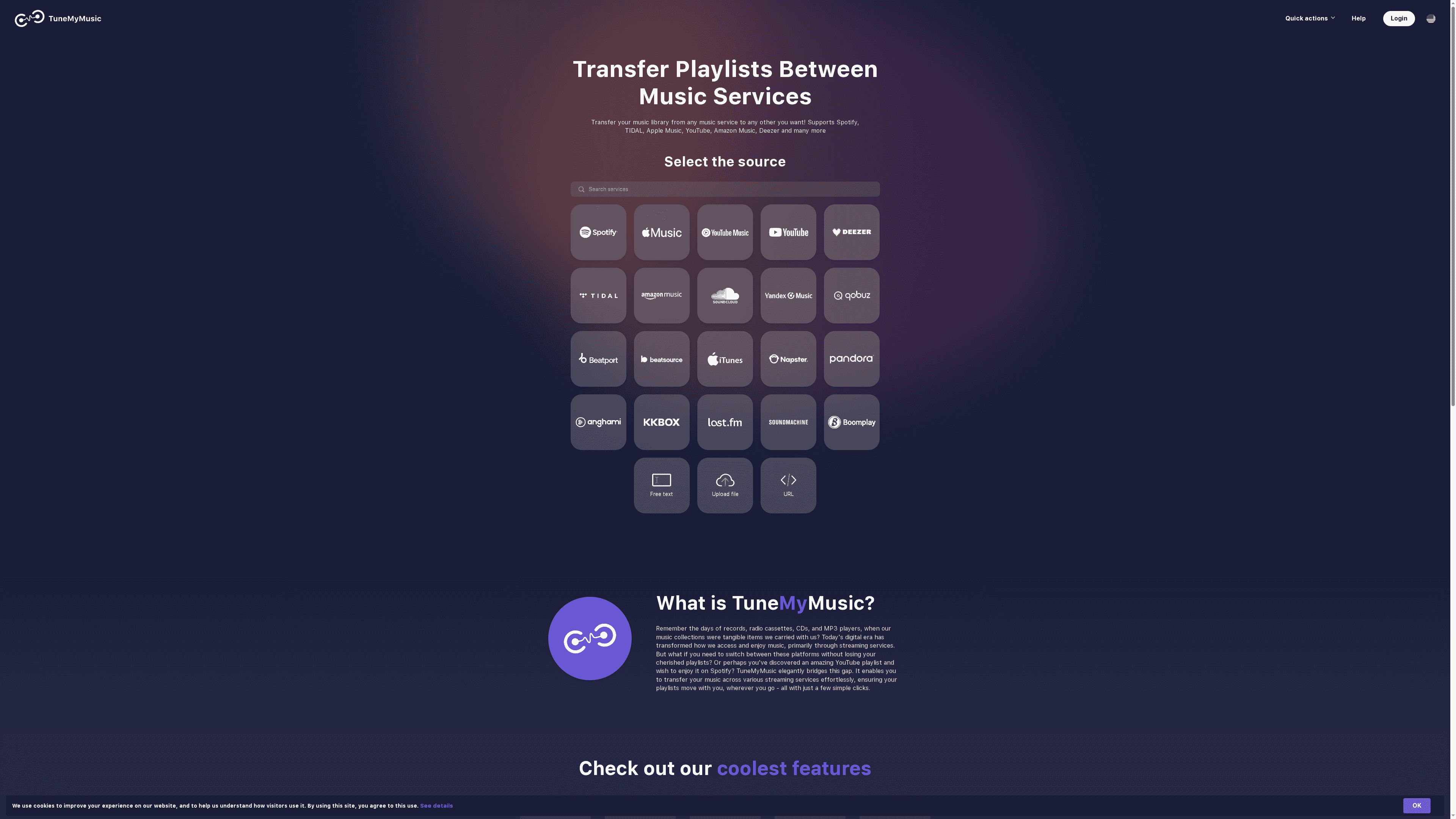
TuneMyMusic is a straightforward playlist-transfer and sync service that focuses on keeping your music collections intact when you move between streaming platforms. It supports major services like Spotify, Apple Music, Tidal, YouTube, Amazon Music, and Deezer, letting you move or sync playlists with a few clicks. For DJs and music collectors who dread rebuilding libraries, it’s a practical tool that reduces friction — but some important details about pricing and privacy aren’t clearly stated in the provided information.
Core Features
TuneMyMusic's core capabilities center on transferring playlists and music libraries between services and keeping them synchronized. The product supports one-way transfers as well as two-way syncs between services, sharing playlists across different platforms, uploading songs from files into libraries, and backing up music libraries using cloud services or local storage (as inferred). The interface emphasizes ease: convert, sync, share, and back up — the essentials for maintaining continuity across accounts.
Pros
- Broad platform support: It supports a wide range of music services including Spotify, Tidal, Apple Music, YouTube, Amazon Music, and Deezer, which covers most major streaming ecosystems.
- Simple workflow: The transfer and synchronization processes are designed to be easy to use, allowing users to move playlists with just a few clicks.
- Helpful for service switching: If you’re switching providers, TuneMyMusic preserves playlists and library structure so you don’t have to rebuild collections manually.
- Additional sharing features: The ability to share playlists with friends across different platforms solves a common cross-platform social friction point.
- Backup capability: It provides options to back up music libraries to cloud or local storage, which is useful for preserving curated collections.
Cons
- Pricing unclear: The website content provided does not specify whether the service is free or paid, which makes it hard to evaluate long-term cost and value.
- Privacy and security details sparse: There’s limited detailed information available about privacy policies and how user data and authentication tokens are handled.
- Unclear usage limits: The content does not state limits on free use, transfer caps, or subscription tiers, so you can’t tell whether you’ll run into restrictions at scale.
Who It's For
TuneMyMusic is aimed at music enthusiasts, DJs, and everyday listeners who want a reliable way to move or keep playlists synchronized across different streaming services. If you regularly switch accounts, manage multiple services, or share playlists with friends on other platforms, this tool fits your needs.
Unique Value Proposition
The service’s strongest selling point is its easy, platform-agnostic transfers and syncs between major streaming services, removing the tedious, manual work of rebuilding playlists when you switch providers.
Real World Use Case
Imagine you’re switching from Spotify to Apple Music before a gig and need to bring dozens of carefully curated playlists with you; TuneMyMusic lets you transfer those playlists quickly so your set lists and practice libraries are available immediately.
Pricing
Not specified in the provided content.
Website: https://tunemymusic.com
Music Playlist Transfer Tools Comparison
This table provides a clear comparison of different tools designed for transferring and managing playlists across various music streaming services. Compare their features, pros, cons, and pricing to find the best fit for your needs.
| Tool | Features | Pros | Cons | Pricing |
|---|---|---|---|---|
| Free Your Music | Transfers between major platforms, Auto-sync every 15 mins, Unlimited transfers | Easy-to-use interface, Multi-platform support, No transfer limits | Free accounts may face large transfer limits | €3.33/month annual, €5.00/month quarterly, €199.99 lifetime |
| TuneMyMusic | Playlist transfers, Syncs playlists, Uploads songs from files | Broad service support, Simple workflow, Playlist conversion | Unclear pricing, No mobile app info | Not specified |
| Soundiiz | Transfers playlists, Smart links, AI playlist generator | Broad service support, Flexible payment model, Privacy-conscious | Advanced features require paid plans, 200-track limit in free plan | Starts at $3.25/month billed annually, Free plan available |
Simplify Your Playlist Syncing and Migration Today
Switching streaming platforms or managing multiple playlists can feel overwhelming and time-consuming. The challenges highlighted in the "Best Playlist Sync Tools for DJs – Expert Comparison 2025" clearly show that preserving playlist order, avoiding manual rebuilding, and syncing updates automatically are top priorities for DJs and music enthusiasts alike. You want a solution that respects your creative effort and saves you from hours of tedious work.
Free Your Music offers exactly that. With automatic playlist synchronization, unlimited transfers, and support across all major streaming services, it takes the stress out of playlist migration. Its cross-platform compatibility means you can use it on macOS, Windows, Linux, Android, or iOS—wherever your work takes you. Don’t let switching services interrupt your flow or compromise your curated music collections.
Explore how you can move your entire music library effortlessly with Free Your Music.
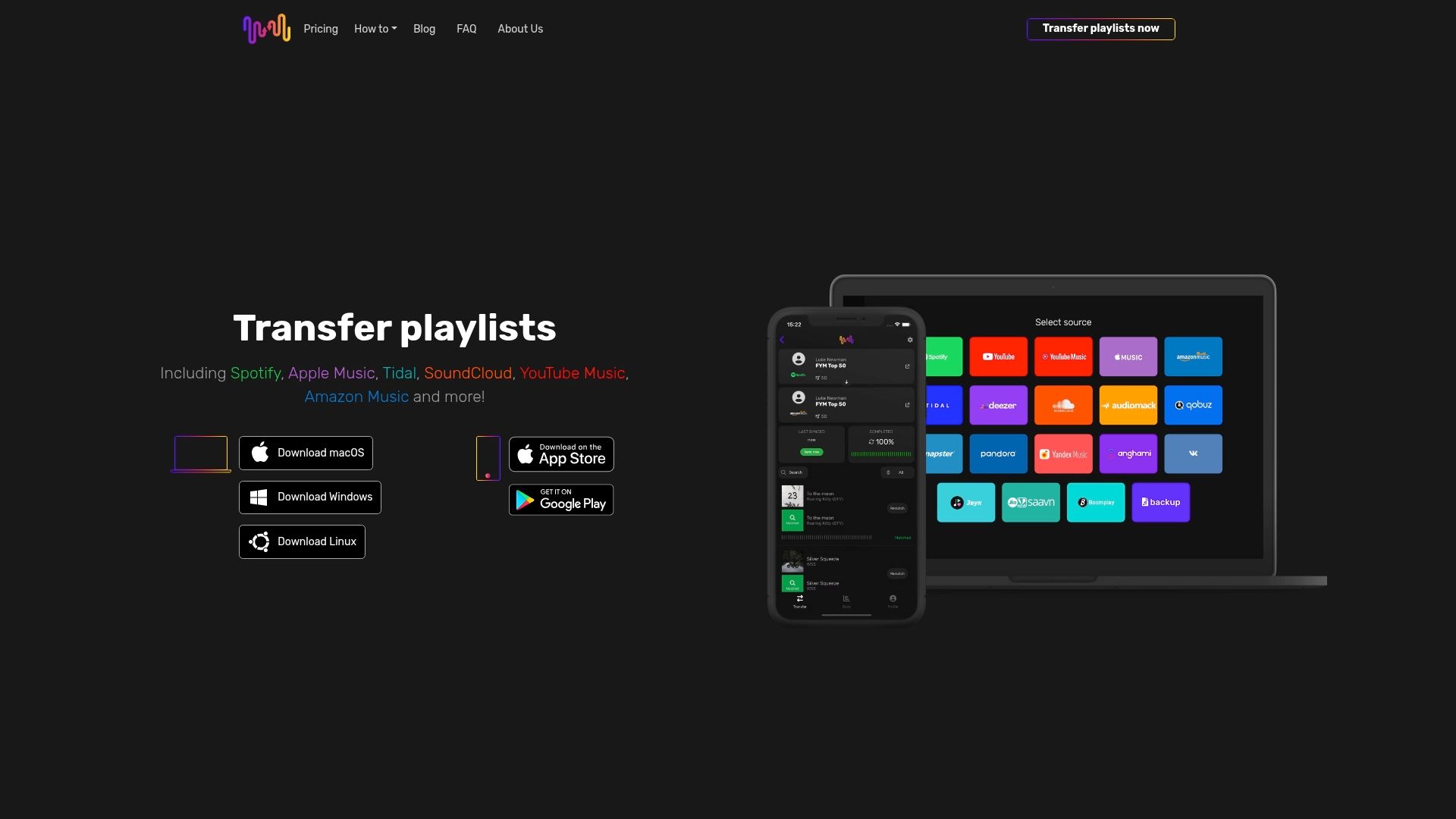
Ready to keep your playlists intact and up-to-date across streaming platforms? Start your hassle-free migration now by visiting the Free Your Music landing page. Discover why so many DJs rely on our dedicated syncing and transfer tools to maintain flawless music libraries. Act now to save time and keep your sets perfect.
Frequently Asked Questions
How can playlist sync tools benefit DJs?
Playlist sync tools help DJs efficiently transfer and maintain their playlists across multiple streaming services without manual effort. By using these tools, you can save hours spent recreating your collection, allowing you to focus more on your next gig.
What features should I look for in a playlist sync tool as a DJ?
Look for features like cross-platform compatibility, playlist preservation (including song order and titles), intuitive user interfaces, and automatic syncing capabilities. These features make managing music collections between services seamless and efficient, saving you valuable time.
How do I choose the right playlist sync tool for my needs?
Choose a playlist sync tool by assessing your primary streaming services, the size of your music library, and your budget. Test the tools and compare their ease of use, features, and flexibility to determine which one fits best with your DJ workflow.
What should I do if a song doesn’t transfer correctly with my playlist sync tool?
If a song doesn’t transfer correctly, most tools include a one-click repair or rematch feature to automatically resolve mismatched tracks. Use this feature to quickly fix any issues and ensure your playlists are accurate and complete for your next performance.
Can I back up my playlists using a playlist sync tool?
Yes, many playlist sync tools offer backup functionality, allowing you to save your playlists and music library to cloud storage or local files. Regularly back up your playlists to prevent loss and ensure they remain accessible across different devices.
How often should I use a playlist sync tool to update my playlists?
Regularly use a playlist sync tool at least once every few weeks to keep your playlists updated and in sync across platforms. Setting up a schedule for syncing, such as every 15 minutes, can help maintain consistency and make sure your library reflects your latest music selections.
Recommended


Migrate from and to any music services


Most popular Apple Music transfers: