Music news, tips & stories
Stay updated with the latest music streaming insights, playlist management tips, and industry news.
Best 4 Playlist Converter Tools Compared – Expert Comparison 2025
November 25, 2025

Switching music streaming services or trying to keep playlists updated across different platforms can turn into a real headache. Songs disappear, order gets scrambled, and favorites seem trapped behind locked doors. What if moving your entire music collection could feel as simple as pressing play? With new tools designed to handle these everyday hassles, moving playlists and backing up your music is getting easier, faster, and more accurate. Some options promise quick transfers while others aim for perfect matches and smooth updates over time. The ways they work and the details they offer can make all the difference for anyone who loves their playlists just the way they are.
Table of Contents
Free Your Music
At a Glance
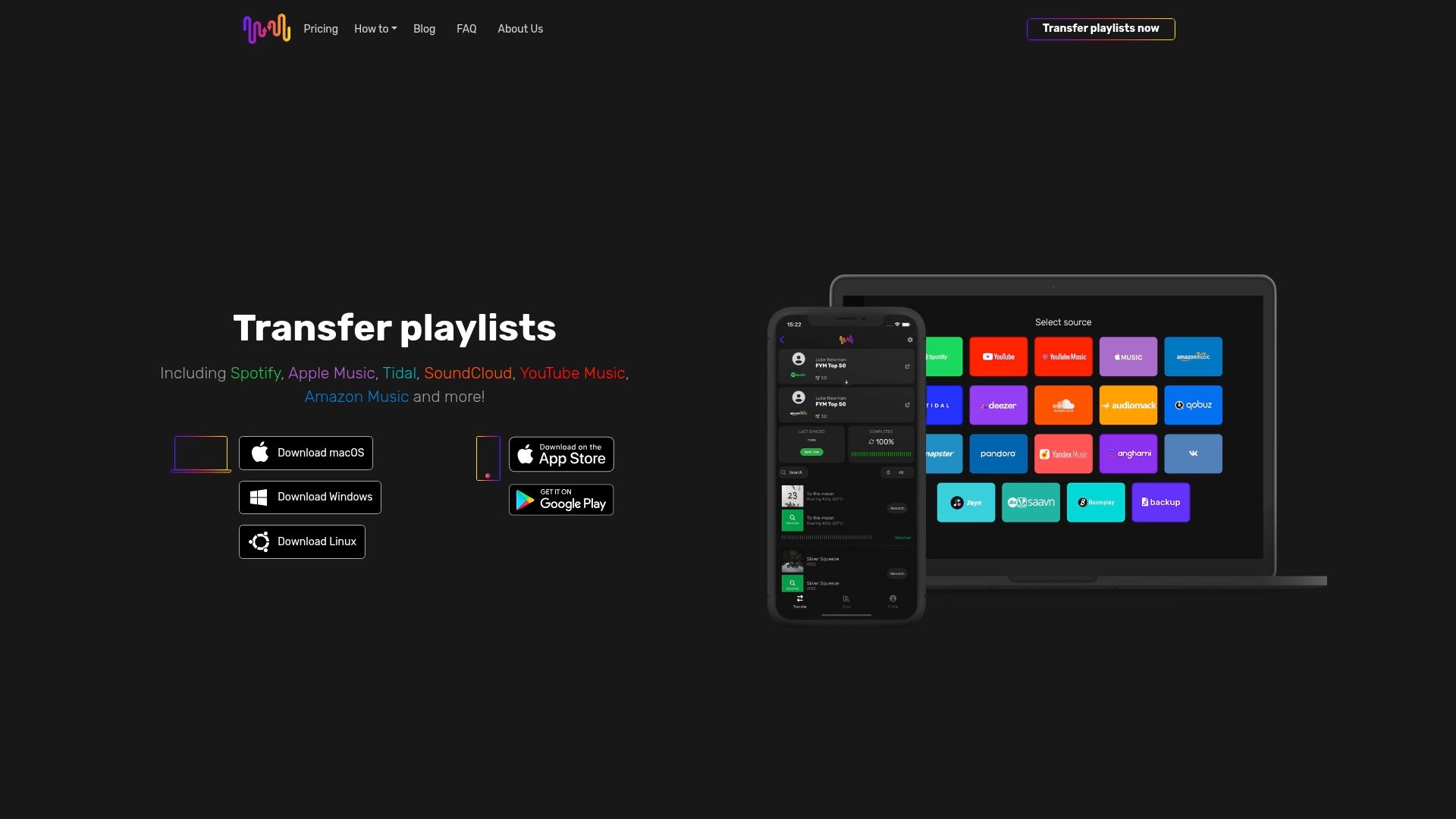
Free Your Music is a focused, reliable solution for anyone who needs to move playlists between streaming platforms without rebuilding libraries by hand. The app supports major services like Spotify, Apple Music, Tidal, YouTube Music, and Amazon Music, and it preserves playlist names, order, and structure during transfers. With automated sync, cloud backup, and dedicated technical support, it’s built for users who value accuracy and low-friction migration.
Core Features
Free Your Music offers a compact but powerful feature set designed around playlist migration and maintenance. Key capabilities include automatic synchronization with 15-minute updates, a cloud backup system that protects playlists, and a rematch feature that resolves missing or incorrect tracks. The app preserves music order and playlist structure, supports unlimited transfers, and runs on macOS, Windows, Linux, Android, and iOS. Additional conveniences include multi-account support under one license, cancel-anytime subscription flexibility, and dedicated technical support for problem resolution.
Pros
- Broad platform support: It supports numerous streaming platforms including Spotify, Apple Music, YouTube Music, Tidal, and Amazon Music, making cross-service transfers straightforward.
- User-friendly transfer flow: The interface is easy to use, letting you transfer playlists quickly without steep learning curves.
- Preserves playlist integrity: Free Your Music keeps playlist names, order, and structure intact, so your listening sequences remain the same after migration.
- Multi-account convenience: One license supports multiple accounts, which simplifies management for collectors, families, and professionals with several profiles.
- Automatic syncing and rematching: The app offers auto-sync every 15 minutes and a rematch feature to handle missing or incorrect songs, reducing manual fixes and ongoing maintenance.
Who It's For
This tool is ideal for music enthusiasts, DJs, collectors, and anyone managing multiple streaming accounts who wants an effortless way to move and maintain playlists. If you’re switching services, consolidating family or group libraries, or simply backing up your playlists to the cloud, Free Your Music is targeted at users who prioritize accuracy, cross-platform compatibility, and hands-off synchronization.
Unique Value Proposition
Free Your Music stands out by combining frequent automatic synchronization, accurate matching, and full preservation of playlist structure with cross-platform accessibility and unlimited transfers. The 15-minute auto-sync cadence means your playlists stay current with minimal effort, while cloud backup and playlist security protect collections during transitions. Multi-account support under a single license and dedicated technical support make the product especially valuable for professionals and power users who manage large libraries. Compared with tools that limit transfers, Free Your Music’s unlimited-transfer approach and rematch capability reduce time spent rebuilding or manually fixing lists. That focus on fidelity, continuity, and low maintenance is the product’s core advantage—deliberately designed to remove friction in service switches and library management.
Real World Use Case
A user switching from Spotify to Apple Music can move their entire playlist library in a few clicks: playlists transfer intact, song order is preserved, and the rematch feature fills gaps that occur because catalogs differ between platforms. The cloud backup provides a safety net during migration, and auto-sync keeps both libraries aligned if the user needs to maintain parallel accounts.
Pricing
Plans are available as a Quarterly plan at €3.50/month (billed quarterly), a Yearly plan at €2.33/month (billed annually), and a Lifetime license at €139.99. Free accounts exist with limits (e.g., 600-song and one-playlist transfer limits) so you can try before deciding.
Website: https://freeyourmusic.com
SongShift
At a Glance
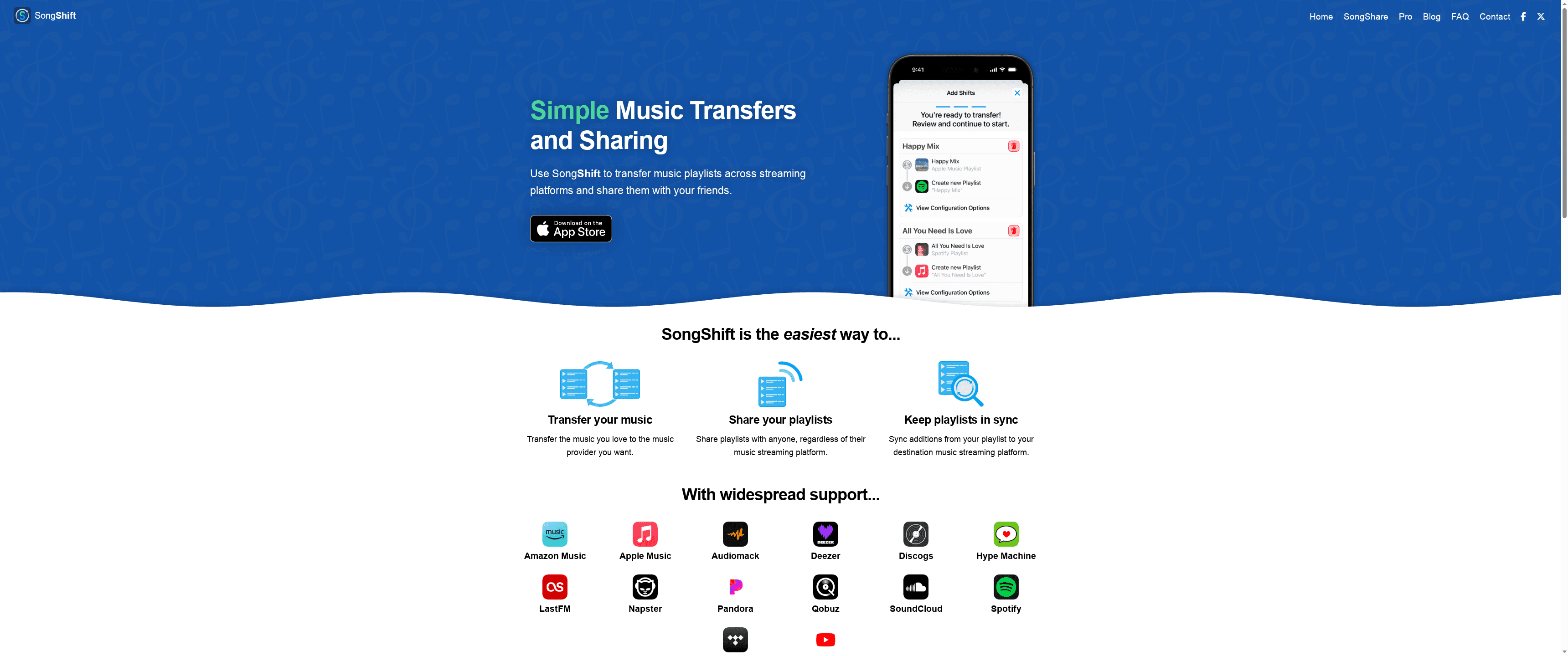
SongShift is a straightforward app for moving and sharing playlists across services, designed to minimize the friction when you switch or collaborate. It walks you through a clear three-step flow—configure, review, enjoy—so even nontechnical users can migrate music with minimal guesswork. The app supports a broad set of providers including Spotify, Apple Music, and Amazon Music, and offers a Pro subscription for full functionality. If you want a simple, focused tool to keep playlists synchronized across services, SongShift delivers with few surprises.
Core Features
SongShift’s core capabilities center on playlist portability and synchronization: transfer music playlists between streaming platforms, share playlists with friends on different services, and keep playlist updates synced across accounts. It explicitly supports a wide range of providers such as Spotify, Apple Music, and Amazon Music, and uses a simple three-step process—configure your transfer, review song matches, then enjoy the synced or transferred playlist. The app also provides a Pro version that unlocks additional features for power users.
Pros
- Supports many streaming services: SongShift connects to a broad list of providers, which reduces the chance you’ll hit a platform gap during a transfer.
- Easy to use with clear steps: The three-step workflow is intuitive, letting you set up transfers quickly without a steep learning curve.
- Helps keep playlists in sync across platforms: Built-in syncing means ongoing edits and additions can propagate across services instead of forcing manual rebuilding.
- Allows sharing playlists with friends across services: You can deliver curated lists to people on different platforms without asking them to recreate the playlist manually.
- Offers a Pro version with additional features: A paid tier provides expanded capabilities for users who need more frequent or bulk transfers.
Cons
- Requires a subscription for full features ($6.99/month): Accessing SongShift Pro capabilities requires an ongoing monthly payment, which may matter if you only need a one-time migration.
- May require manual fixing of mismatched songs during transfer: Song identification isn’t always perfect, so you may need to manually resolve incorrect or missing track matches.
- Dependent on the availability of APIs from streaming services: Transfers rely on third-party APIs, meaning feature parity and reliability can fluctuate with provider changes.
Who It's For
SongShift fits music enthusiasts who regularly use multiple streaming platforms and want a simple, reliable way to transfer, share, or sync playlists. It’s especially useful for users switching services, for friends who maintain different platforms, and for anyone who values a low-friction migration process without advanced configuration.
Unique Value Proposition
SongShift’s strength is focused simplicity: it doesn’t try to be a full library manager or a complex metadata editor. Instead, it provides a concise, repeatable workflow for moving and keeping playlists synchronized across a broad set of streaming providers, with sharing built in.
Real World Use Case
A listener moving from Spotify to Apple Music can use SongShift to transfer their full playlist library, review any mismatches, and then keep both accounts synchronized as they add new songs or edits.
Pricing
Starting at $6.99 per month for SongShift Pro.
Website: https://songshift.com
Tune My Music
At a Glance
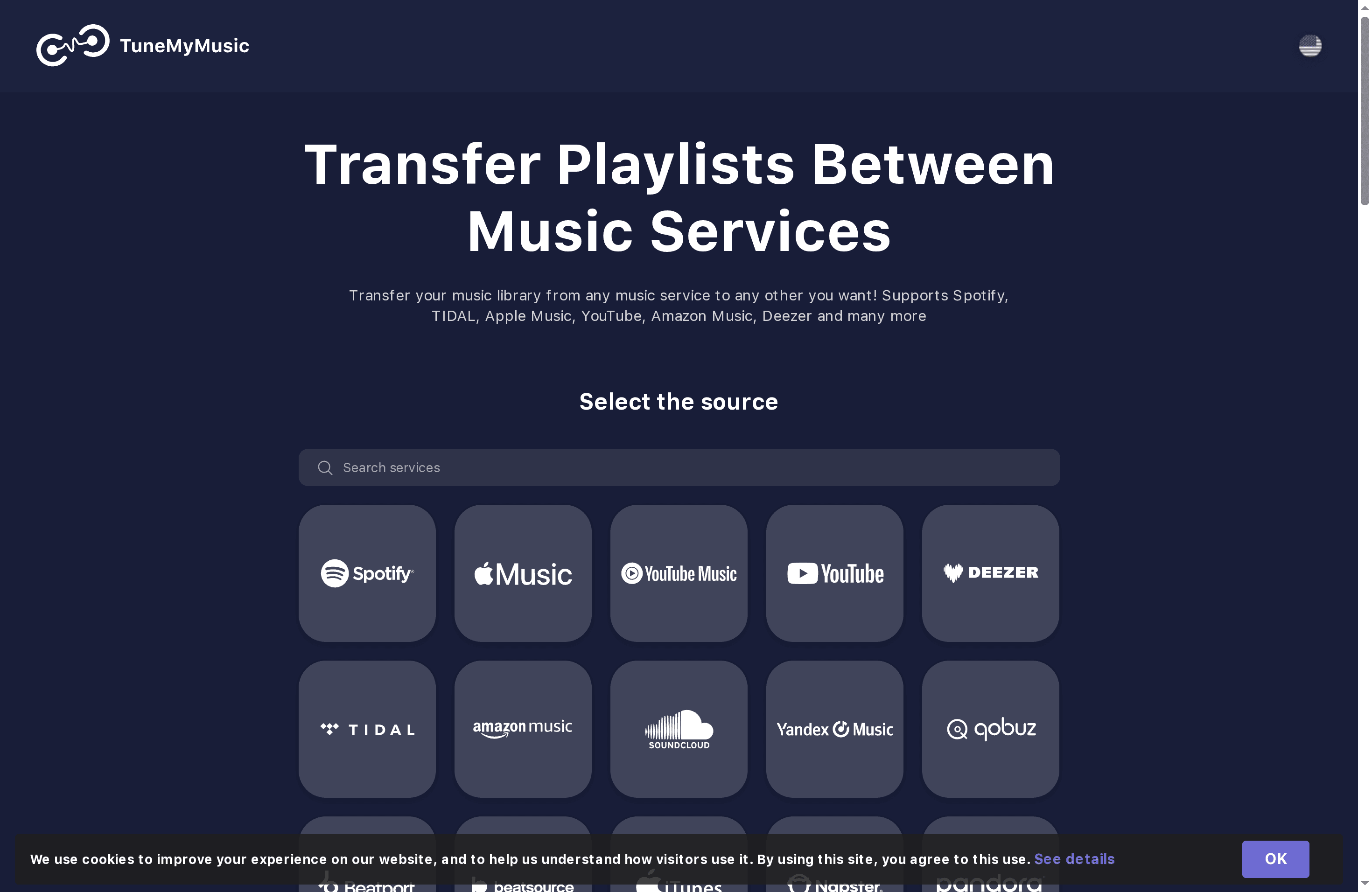
Tune My Music is a focused, reliable tool for moving and keeping playlists consistent across major streaming services. It emphasizes speed and accuracy, offering official API integrations and automated syncing so you don’t lose ordering or favorites during a transfer. It’s excellent for users who need dependable bulk transfers and ongoing synchronization rather than one-off manual rebuilds. Expect a modest free trial and paid tiers for larger libraries.
Core Features
Tune My Music transfers playlists, albums, liked songs, and artist libraries between services and supports automatic synchronization to keep lists current. It uses official API integrations where available, runs auto-daily syncs, and flags missing tracks while generating CSV transfer reports for troubleshooting. The platform also offers music backup, AI-assisted playlist creation, and sharing options so you can distribute a universal link to friends or across your devices.
Pros
- Wide platform support: It connects to all major streaming services and relies on official partnerships where possible, reducing the chance of mismatches.
- High accuracy and speed: The service advertises over 99% matching accuracy and fast transfer times, which minimizes manual cleanup after migration.
- Automatic sync and backup: Scheduled auto-sync and backup protect your library from accidental loss and keep multiple accounts aligned without constant intervention.
- Secure official integrations: Using secure APIs where available means fewer authentication surprises and better privacy controls during transfers.
- User-friendly interface and support: The workflow is approachable for nontechnical users and the platform documents transfer results clearly for troubleshooting.
Cons
- Incomplete integrations for some platforms: Some services, like Pandora and Yandex Music, may lack official APIs and therefore cannot be fully integrated.
- Paid beyond trial limits: After the initial test tracks, continued use for larger libraries requires payment, which can add up for very large collections.
- Limited free testing: The free allowance covers only 500 tracks for testing, so you’ll need a paid plan to move most full libraries.
Who It's For
Tune My Music fits music enthusiasts, DJs, content creators, and anyone juggling multiple streaming subscriptions who wants reliable, repeatable transfers. If you manage large playlists, migrate between services regularly, or need to back up collections, this tool saves hours compared with manual reconstruction.
Unique Value Proposition
The platform’s strength is dependable automation: it combines official API use, daily automated syncs, and CSV reports to make transfers verifiable and auditable. That focus on precision and ongoing synchronization separates it from one-off converters and makes it a viable long-term solution for serious music managers.
Real World Use Case
Imagine switching subscription services: you export all playlists from Spotify, import them into Apple Music, and enable auto-sync so future additions replicate automatically. Tune My Music flags any missing songs, produces a CSV report you can inspect, and keeps playlist order intact—so the transition feels seamless rather than disruptive.
Pricing
Tune My Music provides 500 free tracks for testing and applies fees for larger libraries and extra features. The free tier is useful for small tests, but full-library migrations typically require a paid plan.
Website: https://tunemymusic.com
Soundiiz
At a Glance
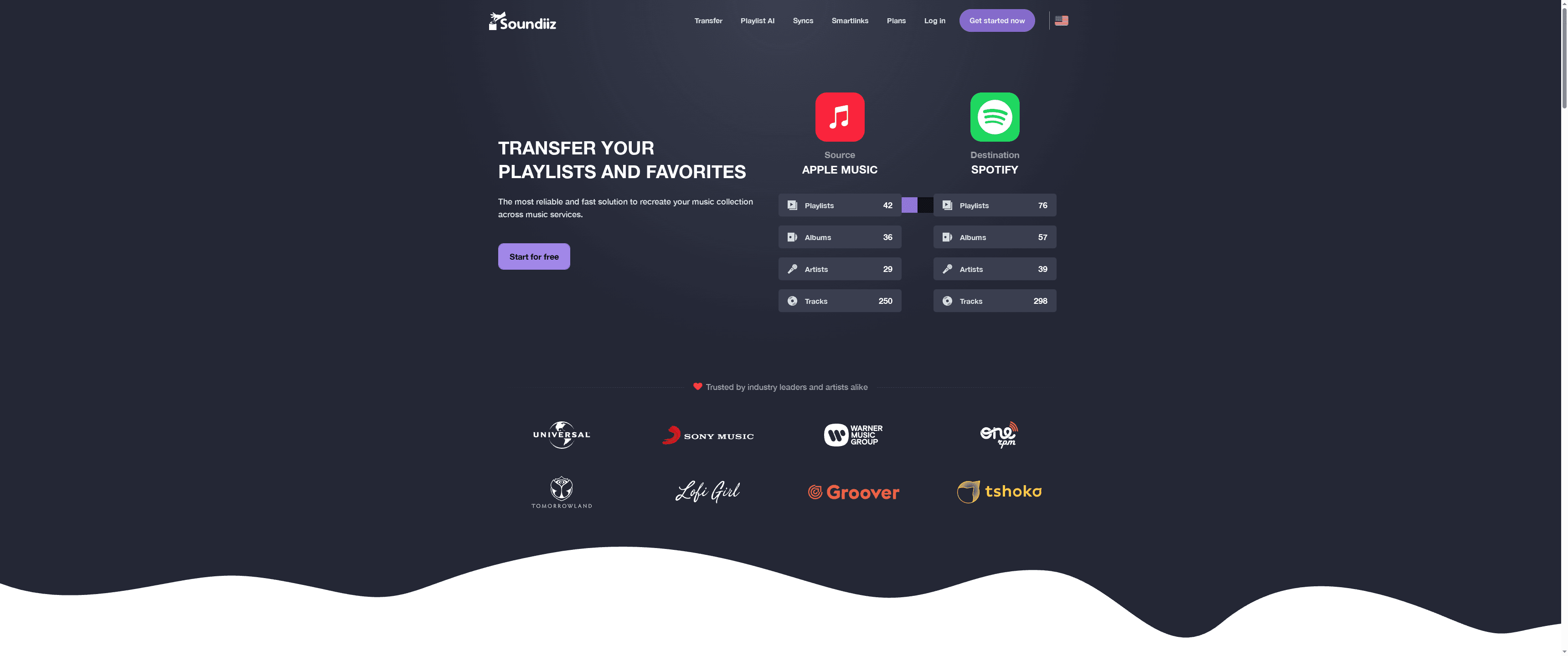
Soundiiz streamlines moving and managing music across services with a clear, web-based interface and advanced options for power users. It balances ease of use with features like automatic synchronization and AI playlist generation, making it a solid choice for anyone juggling multiple streaming accounts. If you need reliable transfers and smart sharing, Soundiiz gets the job done—though larger libraries may push you toward paid tiers.
Core Features
Soundiiz lets you transfer playlists, albums, artists, and individual tracks between streaming platforms, and it can synchronize playlists automatically so changes propagate across services. The platform offers smart links for sharing music and AI-powered playlist generation that builds lists from moods, genres, and years. You can also manage and export music collections and metadata, which helps when consolidating libraries or backing up favorites.
Pros
- Wide service support: Soundiiz supports transfers between many popular streaming services, making it easy to move music across the ecosystem without rebuilding playlists manually.
- User-friendly web interface: The platform’s web UI is straightforward, so you can start transfers and manage collections with minimal friction.
- Automatic synchronization: You can keep playlists updated across platforms automatically, which saves hours for anyone who edits lists frequently.
- Advanced features for power users: AI playlist generation and smart links add creative and promotional tools that go beyond simple transfers.
- Privacy-conscious handling: Soundiiz highlights reliable and secure data handling that complies with GDPR, which reassures users who care about privacy.
Cons
- Limited tracks per playlist on lower tiers: Free and standard plans cap the number of tracks you can transfer per playlist, which forces upgrades for very large libraries.
- Key features behind paywall: Some of the most useful tools—like higher limits and advanced sync options—are restricted to paid plans or add-ons, limiting value for budget users.
- Catalog dependency can block transfers: Transfers rely on destination service catalogs, so a portion of songs may not carry over if the target platform doesn’t offer them.
Who It's For
Soundiiz is ideal for music enthusiasts, collectors, DJs, and professionals who maintain multiple streaming accounts and need a dependable way to move or synchronize playlists. If you switch services frequently, manage releases, or share curated lists with followers, Soundiiz reduces manual work and keeps your collections aligned.
Unique Value Proposition
Soundiiz combines broad cross-service compatibility with automation and promotional tools—AI playlist creation and smart links—so you don’t just move music, you manage and share it intelligently. That combination appeals to both casual listeners and creators who want more control over distribution.
Real World Use Case
Imagine you switch from Spotify to Apple Music and want to bring every playlist and favorite over without re-entering songs by hand. Soundiiz automates this process, syncing playlists and preserving metadata where possible, so your listening experience stays consistent during the transition.
Pricing
Soundiiz offers a free tier for basic transfers, with premium subscription plans starting at $3.25/month billed annually and higher tiers—such as creator plans—at $6.25/month billed annually for additional features and higher limits.
Website: https://soundiiz.com
Playlist Transfer Tools Comparison
Explore the features, pros, cons, pricing, and ideal users for four popular playlist transfer tools to find the best option for managing and migrating your music collections across streaming platforms.
| Product | Key Features | Pros | Cons | Pricing |
|---|---|---|---|---|
| Free Your Music | Auto sync every 15 mins, unlimited transfers, cloud backup, multi-account support, rematch | Broad platform support, maintains playlist integrity, easy to use, tech support | Requires subscription for full features | €3.50/month (Quarterly), €2.33/month (Yearly), €139.99 Lifetime |
| SongShift | Three-step transfer process, playlist sharing, syncing across accounts | Easy to use, supports many services, shares playlists, built-in syncing | Requires Pro subscription for full features, manual fixing of mismatched songs needed | $6.99/month for Pro |
| Tune My Music | Official API integrations, auto-daily sync, CSV reports, music backup | Wide platform support, high matching accuracy, auto sync and backup, user-friendly | Incomplete integrations for some platforms, paid beyond trial limits | Fees for larger libraries, 500 free tracks for testing |
| Soundiiz | Transfers, auto sync, AI playlist generation, smart links | Wide service support, user-friendly, automatic synchronization, AI features, privacy-conscious | Limited tracks per playlist on lower tiers, key features behind paywall | Free tier, $3.25/month (annual), $6.25/month (annual) |
Seamlessly Transfer Your Playlists with Free Your Music
If you have struggled with the hassle of rebuilding playlists when switching music streaming services you are not alone. The article highlights that maintaining playlist integrity while migrating between platforms like Spotify, Apple Music, and Amazon Music is a key challenge. Common pain points include losing playlist order, dealing with unmatched songs, and the complexity of managing multiple accounts effectively. Accuracy and low-maintenance synchronization are crucial goals for anyone who wants their music collections to stay intact and accessible.
This is where Free Your Music stands apart. With its powerful automatic synchronization every 15 minutes and a rematch feature that fixes missing or incorrect tracks, you can confidently move unlimited playlists without losing your carefully curated order or structure. Designed for users across macOS, Windows, Linux, Android, and iOS, it supports multi-account management and offers cloud backup to protect your playlists from data loss during migration. Whether you are a music enthusiast, professional DJ, or managing multiple streaming accounts, our solution removes the friction from switching services while keeping your music library complete.
Experience hassle-free playlist migration today and discover why Free Your Music is trusted by users who demand precision and ease.
Try Free Your Music now and keep your playlists exactly where you want them.
Free Your Music landing page
Learn more about how Free Your Music preserves playlist structure
Explore multi-account support for professional users
Are you ready to transfer your playlists without losing a single song or order
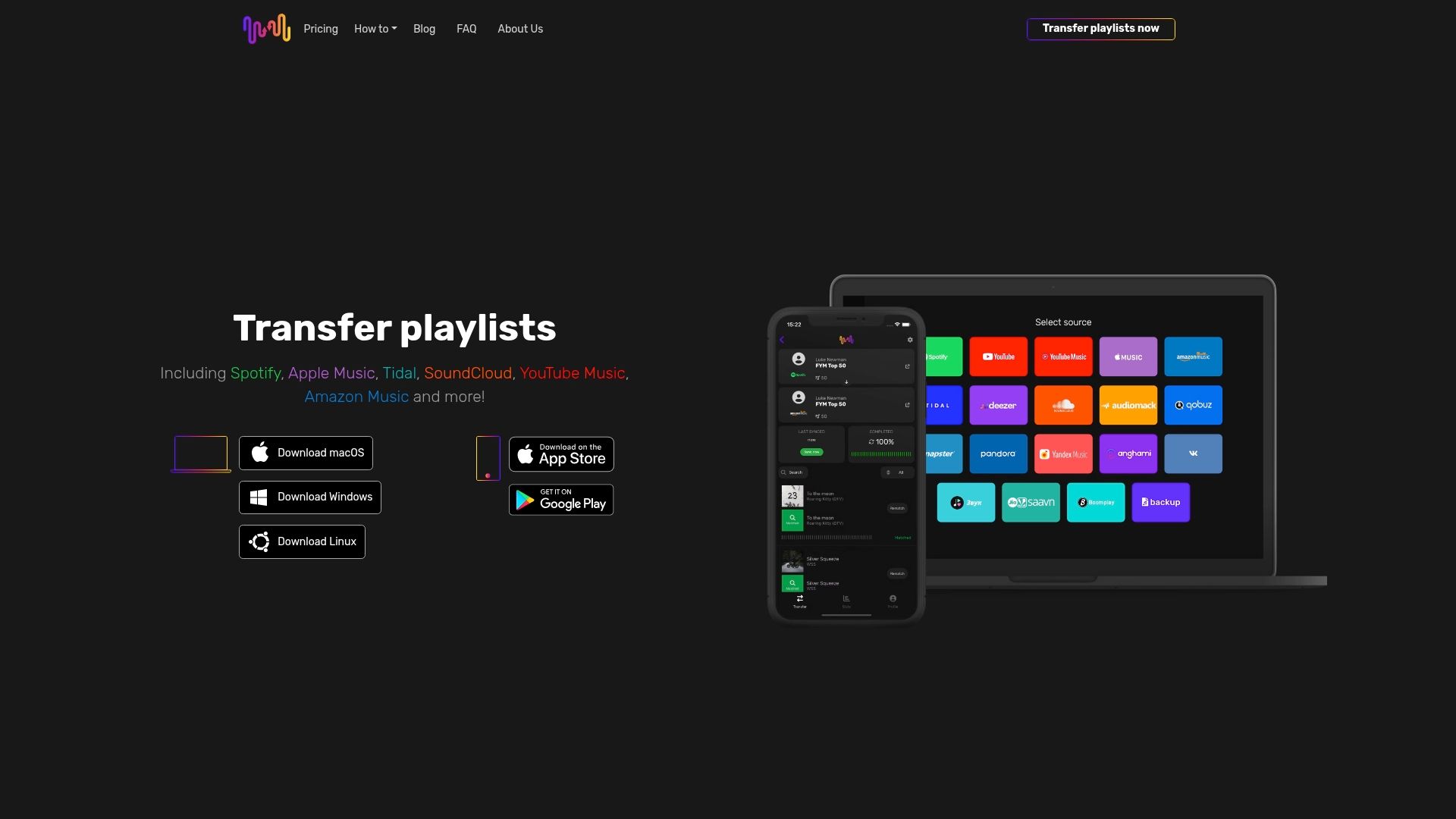
Visit https://freeyourmusic.com to start your seamless playlist transfer today and keep your music wherever you go
Frequently Asked Questions
What should I consider when choosing a playlist converter tool?
When selecting a playlist converter tool, consider factors such as supported streaming platforms, transfer accuracy, and ease of use. Evaluate whether the tool can keep your playlists intact and if it offers features like automatic syncing or rematching missing tracks.
How do I transfer playlists between different streaming services using these tools?
To transfer playlists, choose a converter tool, connect your current and target streaming accounts, and follow the on-screen instructions to initiate the transfer. Look for features that allow you to review and confirm song matches to ensure accuracy during the process.
Can I back up my playlists with these converter tools?
Yes, many playlist converter tools offer cloud backup features to protect your playlists during transfers. Make sure to enable this option before initiating a transfer, so you have a secure copy of your library during any migration process.
How often does automatic syncing occur with these tools?
Automatic syncing frequency can vary by tool; however, many tools provide options for syncing every 15 minutes or daily. Check the specific settings to enable this feature and ensure your playlists remain current across services without manual updates.
Are there limitations on the number of songs or playlists I can transfer?
Yes, most playlist converter tools impose limits on the number of songs or playlists that can be transferred under free accounts or specific plans. Review the pricing tiers and associated limits to determine what best fits your library size before you start.
How can I troubleshoot missing song issues during a transfer?
If songs are missing after a transfer, many tools provide a rematch feature that helps identify and correct mismatched tracks. Use this feature to resolve discrepancies quickly, ensuring your playlists remain complete and accurate.
Recommended


Migrate from and to any music services


Most popular Apple Music transfers: