Efficient workflow for updating playlists in 2026

Managing playlists across multiple streaming platforms can feel like a never-ending chore. You add new songs on Spotify, but your Apple Music playlist falls behind. Your carefully curated workout mix on YouTube Music doesn't match the one on Tidal. These inconsistencies create frustration and waste valuable listening time. This guide provides a structured workflow to efficiently update your playlists across streaming services while maintaining consistency, avoiding duplicates, and preserving your carefully crafted track order. You'll discover preparation steps, execution strategies, and verification methods that transform playlist management from tedious task to streamlined process.
Table of Contents
- Understanding Common Problems In Updating Playlists
- Preparing Your Playlists And Tools For Updating
- Executing The Playlist Update Workflow Efficiently
- Verifying And Maintaining Your Updated Playlists
- Streamline Your Playlist Updates With Free Your Music
- Frequently Asked Questions About Updating Playlists
Key takeaways
| Point | Details |
|---|---|
| Prepare before updating | Clean metadata and select reliable tools to minimize errors during playlist updates. |
| Follow structured execution | Use a clear step-by-step process to maintain playlist integrity and avoid duplicates. |
| Verify after updates | Check track order, completeness, and metadata to ensure successful playlist migration. |
| Leverage specialized tools | User-friendly platforms streamline multi-platform playlist management significantly. |
| Maintain regularly | Consistent playlist hygiene prevents bloating and keeps your music organized. |
Understanding common problems in updating playlists
Updating playlists across streaming platforms presents challenges that most music listeners encounter regularly. The root cause often lies in how different services handle music metadata. Each platform uses unique identifiers, tagging systems, and cataloging methods. When you try to update or transfer a playlist, metadata discrepancies create duplicate entries, missing tracks, scrambled ordering, and incomplete matches.
Spotify might label an artist one way while Apple Music uses a different format. YouTube Music relies heavily on video content identifiers that don't translate to audio-only services. Amazon Music maintains its own catalog structure that rarely aligns perfectly with competitors. These platform-specific approaches mean your carefully organized playlist can become a disorganized mess during updates.
The impact extends beyond mere inconvenience. Research shows playlist migration directly affects satisfaction and how often you engage with your music. Lost track order disrupts the flow you designed for workouts, road trips, or relaxation. Duplicate songs create awkward listening experiences. Missing tracks leave gaps in your curated collections.
Common issues include:
- Track versions mismatching between platforms (album version versus single release)
- Regional availability differences causing songs to disappear
- Remix and remaster confusion leading to wrong track selection
- Collaborative playlist complications when multiple users make changes
- Playlist folder structure not transferring between services
One user described the frustration perfectly: "I spent hours building the perfect running playlist on Spotify, only to have half the songs missing and the rest completely out of order when I tried updating it on Apple Music for my new iPhone."
Understanding these challenges helps you anticipate problems before they occur. You'll recognize why certain preparation steps matter and why verification after updates proves essential. The complexity of cross-platform playlist management demands a systematic approach rather than hoping for the best.
Preparing your playlists and tools for updating
Successful playlist updates start long before you click any transfer buttons. Preparation reduces errors, saves time, and protects your music collections from accidental loss. Research confirms proper preparation reduces errors and enhances satisfaction during playlist migration.
Begin by auditing your existing playlists. Open each one and scan for obvious problems: duplicate tracks, broken entries showing as unavailable, or songs that no longer match your intended theme. Remove duplicates manually before attempting any updates. Clean up playlist names to avoid confusion later. Descriptive titles like "Morning Workout Energy 2026" work better than vague labels like "Good Songs 3."
Next, document your playlist structure. Note the track count, total duration, and any special ordering you've created. Take screenshots of key playlists so you have visual references for verification later. This documentation becomes invaluable when confirming updates completed successfully.
Choosing the right tools makes the difference between smooth updates and disaster. Look for platforms that:
- Support all your streaming services
- Preserve playlist metadata and ordering
- Offer preview features before finalizing changes
- Provide detailed transfer logs
- Include backup and recovery options
Pro Tip: Always back up playlists before major updates. Export them to local files or use cloud backup features when available. This safety net lets you recover quickly if something goes wrong.
Create a preparation checklist tailored to your needs:
| Preparation Step | Purpose | Time Required |
|---|---|---|
| Audit existing playlists | Identify duplicates and errors | 15-30 minutes |
| Clean metadata | Ensure consistency across tracks | 10-20 minutes |
| Document structure | Create verification baseline | 5-10 minutes |
| Back up playlists | Protect against data loss | 5-15 minutes |
| Update streaming apps | Ensure compatibility | 5-10 minutes |
Verify your streaming platform accounts are active and properly configured. Check subscription status to ensure you have necessary permissions for playlist operations. Some features require premium subscriptions. Confirm your login credentials work across all platforms you plan to update.
Consider smart music sharing methods that align with your workflow. If you collaborate on playlists with friends or family, coordinate update timing to avoid conflicts. Multiple people making simultaneous changes can create merge problems.
Finally, set realistic expectations about match rates. No tool achieves perfect 100% matching due to catalog differences between services. Expect 85-95% success rates for popular music and lower rates for obscure tracks, regional content, or independent releases. Understanding these limitations prevents disappointment and helps you plan for manual adjustments.
For comprehensive guidance on maintaining organized music collections, explore playlist management tips that complement your update workflow.
Executing the playlist update workflow efficiently
With preparation complete, you're ready to execute playlist updates systematically. Following a structured sequence prevents common pitfalls and maintains playlist integrity. Research demonstrates playlist migration outcomes influence engagement and long-term satisfaction with streaming services.
The optimal update sequence follows these steps:
- Start with your smallest, simplest playlist as a test case. This lets you identify potential issues before tackling larger collections.
- Select your source platform (where the playlist currently exists) and target platform (where you want to update or transfer it).
- Initiate the transfer or update process using your chosen tool. Monitor the initial matching phase carefully.
- Review the match preview if your tool provides one. Check for obvious errors like wrong track versions or missing songs.
- Confirm and execute the update. Let the process complete without interruption.
- Immediately verify the results on your target platform before proceeding to the next playlist.
Pro Tip: Process playlists in batches of three to five rather than attempting everything at once. This approach makes troubleshooting easier and prevents overwhelming yourself with verification tasks.
Different platforms have unique quirks you should understand:
| Platform | Key Consideration | Recommended Approach |
|---|---|---|
| Spotify | Strong metadata matching | Use as source when possible |
| Apple Music | Regional restrictions | Verify availability in your country |
| YouTube Music | Video versus audio versions | Specify audio-only preference |
| Tidal | High-quality audio focus | Check for master quality matches |
| Amazon Music | Prime versus Unlimited catalogs | Confirm subscription level access |
Pay special attention to playlist ordering during updates. Many tools preserve order by default, but some require specific settings. Track sequence often carries intentional meaning for workout progression, party flow, or storytelling through music. Losing this order diminishes the playlist's value.

When updating collaborative playlists, communicate with other contributors. Establish a designated update manager to avoid conflicts. Consider transferring existing playlists to a new collaborative space rather than modifying the original if multiple people need access.
Handle missing tracks strategically. Don't immediately delete them from your source playlist. Instead, note which songs failed to match and research why. Sometimes tracks exist under different names, artist spellings, or album versions. Manual searching on the target platform often locates these missing pieces.
For comprehensive strategies that ensure successful migrations, review playlist migration best practices that complement this workflow.
Maintain a simple log during execution. Record which playlists you've updated, the date, source and target platforms, and any issues encountered. This documentation helps track progress across multiple sessions and provides troubleshooting references for future updates.
If you encounter errors mid-process, pause rather than forcing completion. Investigate the cause before proceeding. Common error triggers include network connectivity issues, expired authentication tokens, or platform API limitations. Resolving these problems before continuing prevents cascading failures across multiple playlists.
Verifying and maintaining your updated playlists
Verification transforms playlist updates from hopeful attempts into confirmed successes. Skipping this step means discovering problems weeks later when recovering becomes difficult. Studies show effective playlist preservation improves satisfaction and platform engagement significantly.
Begin verification immediately after each playlist update completes. Open the playlist on your target platform and compare it against your preparation documentation. Check three critical elements: track count, ordering, and metadata accuracy. Your documented baseline makes spotting discrepancies quick and easy.
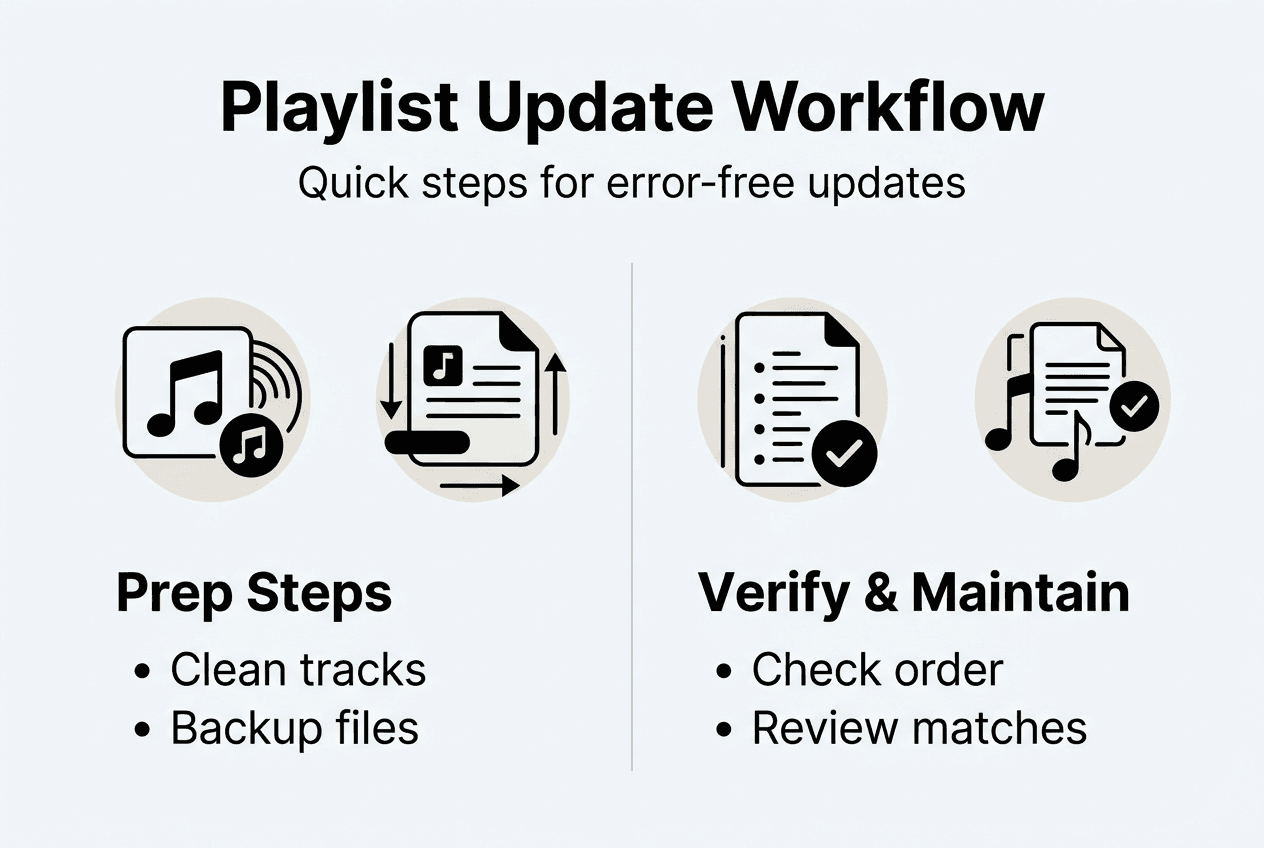
Track count should match exactly unless you knew certain songs would be unavailable. A playlist that started with 47 songs should end with 47 songs, or you should know specifically which tracks couldn't transfer. Count mismatches indicate problems requiring investigation.
Ordering verification requires more attention. Play the first few songs to confirm they match your intended sequence. Scroll through the entire playlist looking for obvious misplacements. If you designed specific progressions like energy building or tempo changes, test those sections carefully.
Metadata accuracy involves checking:
- Artist names display correctly
- Song titles match expectations
- Album information appears accurate
- Track durations seem reasonable
- Album artwork displays properly
Cross-platform comparison reveals subtle inconsistencies. Open the same playlist on different services simultaneously and scroll through them side by side. This visual comparison quickly highlights tracks that matched incorrectly or appear in wrong positions.
| Verification Task | What to Check | Action if Problems Found |
|---|---|---|
| Track count | Total songs matches baseline | Identify and manually add missing tracks |
| Ordering | Sequence matches intended flow | Reorder manually or re-run update |
| Metadata | Artist, title, album accuracy | Correct individual track information |
| Duplicates | No repeated songs | Remove duplicate entries |
| Availability | All tracks play successfully | Find alternative versions or replacements |
Pro Tip: Create a verification playlist containing one song from each of your main playlists. Update this small collection first as a comprehensive test of your workflow across all music genres and eras you collect.
Maintaining playlist quality requires ongoing attention beyond initial updates. Schedule regular playlist reviews every three to six months. During these reviews, remove songs that no longer fit your theme, add fresh discoveries, and eliminate any duplicates that crept in through multiple update cycles.
Understand playlist ordering strategies that enhance listening experiences and make verification easier. Well-organized playlists with clear structures simplify spotting errors during verification.
Backup strategies become part of maintenance routines. Keep current exports of your most important playlists stored locally or in cloud storage separate from streaming platforms. Update these backups after significant changes. This redundancy protects against platform glitches, account issues, or accidental deletions.
Monitor playlist performance over time. Notice which collections you actually use versus those gathering digital dust. Archive or delete unused playlists to keep your library manageable. Smaller, focused collections are easier to maintain and update than sprawling libraries of hundreds of playlists.
For deeper understanding of why these practices matter, explore why playlist migration matters for your overall music enjoyment and platform flexibility.
Set up playlist hygiene rules for yourself. Decide maximum playlist sizes that work for your listening habits. Establish criteria for removing songs. Create naming conventions that make finding specific playlists intuitive. These guidelines make maintenance systematic rather than overwhelming.
Streamline your playlist updates with Free Your Music
Managing playlists across multiple streaming platforms doesn't have to consume hours of your time or risk losing carefully curated collections. Free Your Music provides specialized tools designed specifically for music enthusiasts who demand reliability and efficiency in playlist management.
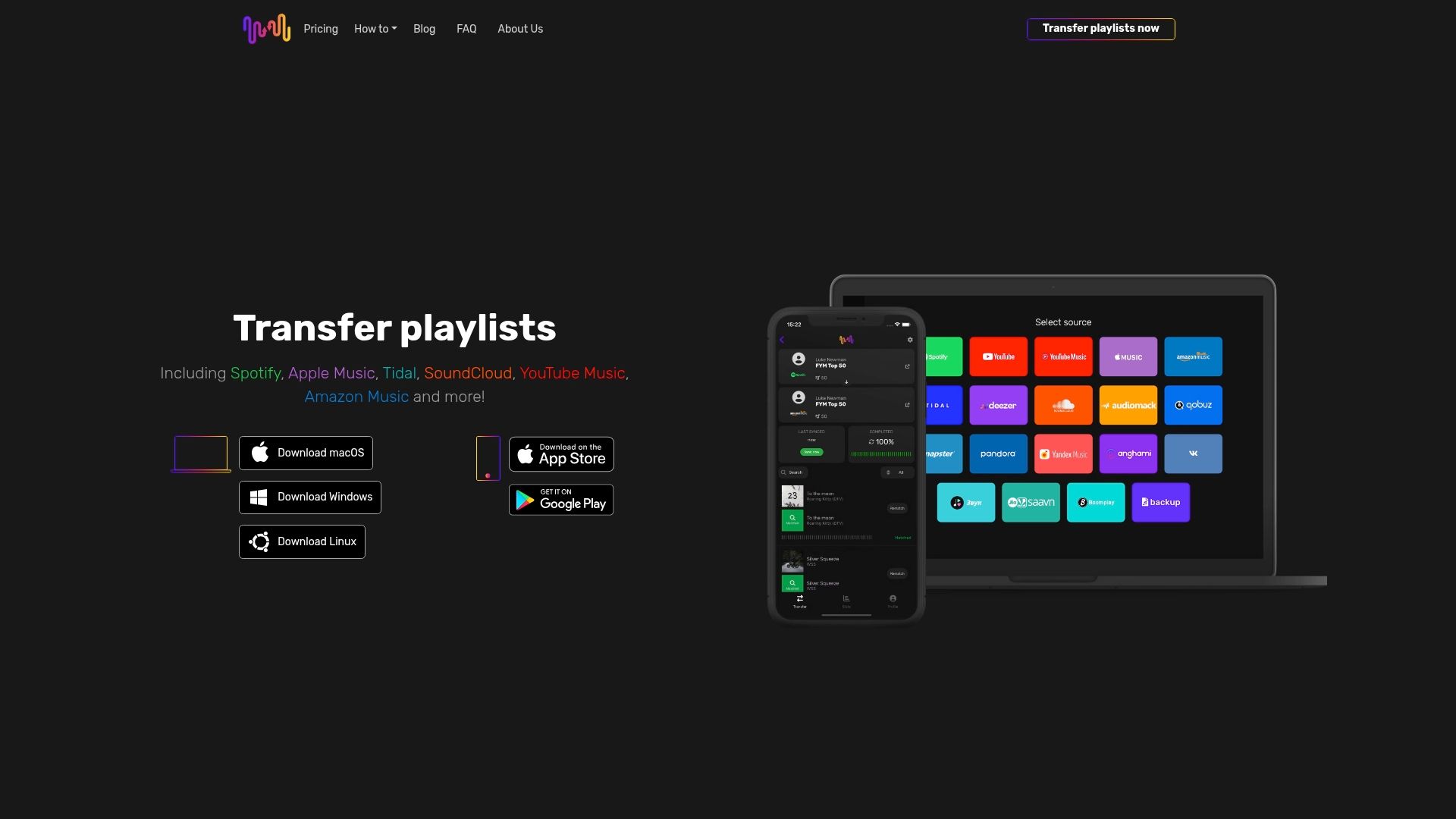
Our platform handles the technical complexity of cross-platform updates while you focus on enjoying your music. Transfer unlimited playlists between Spotify, Apple Music, Tidal, YouTube Music, Amazon Music, and other major services with confidence. Automated matching preserves your playlist structure and ordering while our verification features help you confirm successful updates.
Whether you're switching streaming services, maintaining collections across multiple platforms, or simply want better playlist organization, Free Your Music delivers the tools you need. Our transparent refund policy reflects our commitment to your satisfaction. Take control of your music library today with solutions trusted by thousands of music lovers worldwide.
Frequently asked questions about updating playlists
How do I avoid duplicate songs when updating playlists?
Clean your source playlist before updating by manually removing existing duplicates. Use tools that provide match previews so you can spot potential duplicates before finalizing updates. After updating, sort your playlist alphabetically temporarily to quickly identify any duplicate entries that slipped through, then restore your preferred ordering.
What are the best tools for managing playlists across platforms?
Look for platforms offering multi-service support, metadata preservation, ordering maintenance, and backup features. Specialized playlist migration services typically outperform generic solutions because they focus specifically on music transfer challenges. Free trials let you test compatibility with your specific streaming services and playlist sizes before committing.
Why is playlist order important during updates?
Playlist order often reflects intentional design for energy progression, storytelling, or activity-specific needs like workouts or studying. Losing this sequence destroys the listening experience you carefully crafted. Order preservation ensures your playlists maintain their purpose and emotional impact across platforms.
Can I recover a playlist if the update goes wrong?
Recovery depends on having backups created before the update. Most streaming platforms offer limited recovery through recently deleted folders or version history. Dedicated playlist tools often include backup features or transfer logs that help reconstruct failed updates. Always create backups before major playlist operations.
How often should I update or clean my playlists?
Review playlists every three to six months to remove songs that no longer fit, add new discoveries, and eliminate duplicates. Update playlists across platforms whenever you make significant changes to your primary collection. More frequent maintenance prevents overwhelming cleanup sessions and keeps your music library fresh and relevant to your current tastes.
Recommended
Your playlists belong to you.
Stop rebuilding by hand. Move everything in minutes and take your music wherever you go.
Download free →SongsBrew — our free music newsletter
A free perk for FYM users. Tips, playlists, no spam.