How to Manage Music Libraries Across Streaming Services

Over 80 percent of American households now use at least one music streaming service, yet juggling playlists across platforms can quickly cause chaos. As more music lovers shift between Spotify, Apple Music, and other top apps, organizing and transferring playlists can feel like a headache. Discover a step by step approach that makes managing your American digital music collection simple, secure, and frustration free no matter how many devices or platforms you use.
Table of Contents
- Step 1: Prepare Streaming Accounts And Devices
- Step 2: Organize Playlists And Metadata
- Step 3: Transfer Music Libraries With Free Your Music
- Step 4: Sync And Update Playlists Automatically
- Step 5: Verify And Secure Your Music Collections
Quick Summary
| Main Insight | Explanation |
|---|---|
| 1. Prepare Your Streaming Accounts | Gather all login credentials and ensure device compatibility for a seamless music transfer experience. |
| 2. Organize Playlists and Metadata | Categorize your music collection by genre or mood, and consistently update track information for easier navigation. |
| 3. Use Free Your Music for Transfers | This app simplifies migrating playlists across platforms, ensuring organization and track matching without hassle. |
| 4. Set Up Automatic Playlist Syncing | Create dynamic playlists that update automatically based on specified criteria, reducing manual management efforts. |
| 5. Secure Your Music Library | Regularly back up playlists and verify metadata accuracy to protect your collection and ensure easy access. |
Step 1: Prepare Streaming Accounts and Devices
Getting your streaming accounts and devices ready is the crucial first step in managing your music library across multiple platforms. This preparation ensures a smooth transfer process and minimizes potential disruptions during playlist migration.
Start by gathering login credentials for all your streaming accounts. Open each music service and verify your account access. Check your device compatibility by confirming that your smartphone, tablet, computer, or smart speakers support the streaming services you plan to use. If you're using multiple devices, make sure you can log into the same account across different platforms. Apple's official support guide recommends checking your account settings and ensuring consistent login capabilities.
Pro tip: Create a secure document or password manager entry where you track your streaming service login information. This prevents potential lockouts and simplifies the music transfer process. Having your account credentials organized will save you significant time and frustration when moving playlists between services.
With your accounts prepped and devices synced, you're now ready to begin the actual playlist transfer process. The groundwork you've just completed will make the next steps substantially easier and more streamlined.
Step 2: Organize Playlists and Metadata
Organizing your music library goes beyond simply collecting songs. It involves strategically structuring your playlists and managing metadata to create an intuitive, easily navigable music collection that reflects your personal listening preferences.

Start by reviewing your existing playlists and examining their current metadata. File management strategies recommend categorizing tracks by genre, mood, activity, or custom tags that make sense to you. Consistent metadata helps you quickly find songs and creates a more meaningful listening experience. When adding new tracks, take a moment to update artist names, album information, and genre classifications to maintain a clean library.
Pro tip: Utilize the comments section in your music files to add extra context or personal notes. This can include concert memories, why you love a specific track, or even create subcategories within your playlists. Metadata organization techniques suggest using consistent formatting when adding these personal annotations to keep your library professional and easily searchable.
With your playlists now carefully organized and metadata refined, you are ready to prepare for cross platform transfer. The effort you put into structuring your music library will pay dividends as you move between different streaming services.
Step 3: Transfer Music Libraries with Free Your Music
Transferring your entire music library between streaming services can seem daunting, but Free Your Music simplifies this complex process. Your goal is to move all your carefully curated playlists seamlessly across different platforms without losing track organization or song selections.
Streaming media transfer strategies recommend a systematic approach to music library migration. Begin by launching the Free Your Music application and selecting your source and destination streaming platforms. The platform supports transfers between major services like Spotify, Apple Music, Tidal, and YouTube Music. Connect each account securely by logging in and granting necessary permissions. Pay close attention to playlist privacy settings and ensure you have matching tracks available across platforms.
Pro tip: Automation techniques suggest creating a preliminary backup of your playlist names and track lists before initiating the transfer. This provides an additional layer of security and helps you verify the completeness of your music library migration. The Free Your Music platform will handle most of the technical complexity, matching tracks and preserving your playlist structures automatically.
With your music library now successfully transferred, you can enjoy your favorite playlists across different streaming services without manual reconstruction.
Step 4: Sync and Update Playlists Automatically
Automatically syncing and updating your playlists eliminates the tedious manual work of constantly reorganizing your music library. This step transforms how you manage your digital music collection, ensuring your playlists stay fresh and relevant without constant personal intervention.
Smart Playlist creation techniques enable you to set up dynamic playlists that automatically update based on specific criteria. Start by defining your playlist rules such as genre, release year, play count, or rating. For instance, you could create a playlist that always includes your top 50 most played tracks or automatically adds new releases from your favorite artists. These intelligent playlists adapt in real time, keeping your music library current without manual updates.
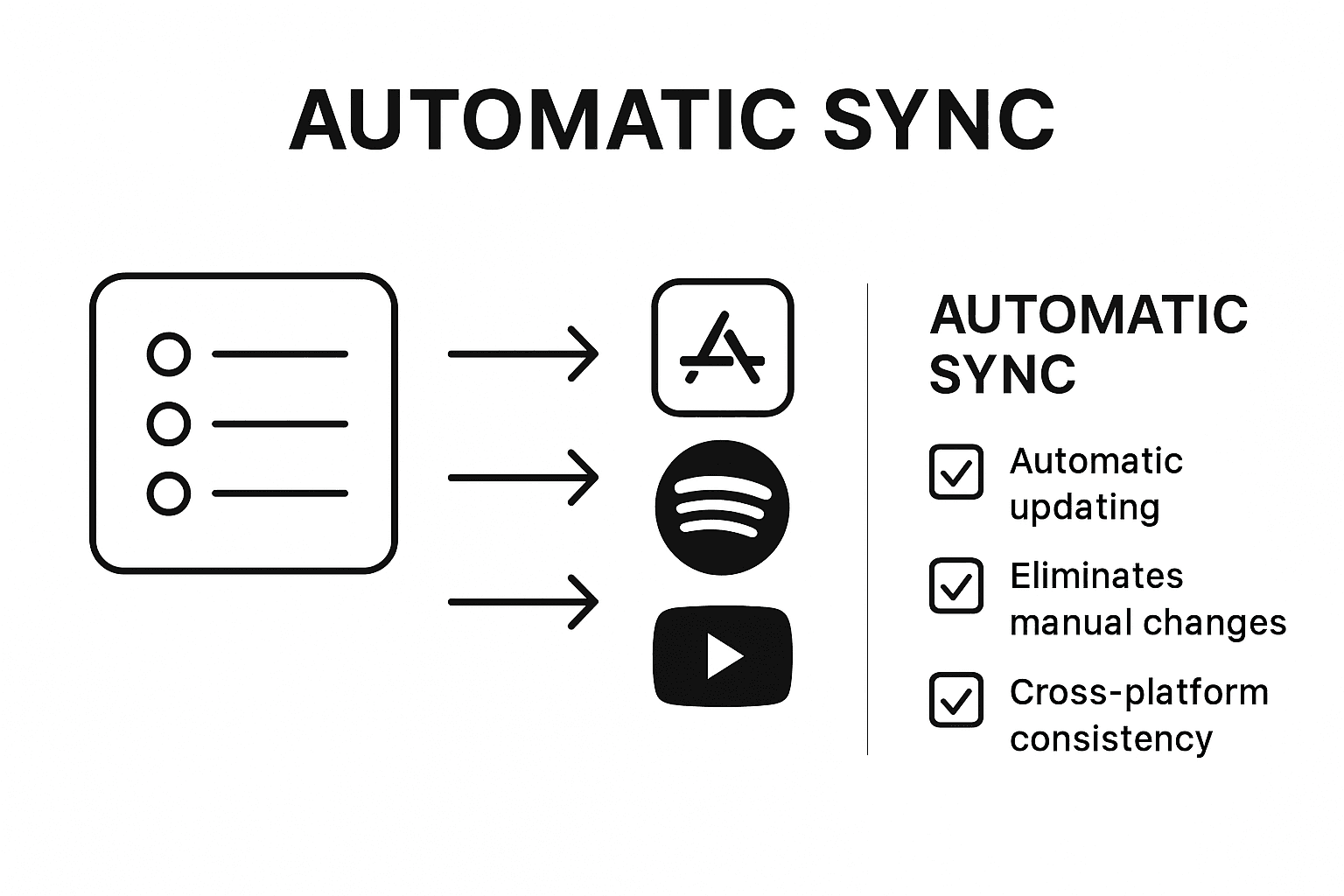
Pro tip: Automation workflows can help you synchronize playlists across multiple streaming platforms. Consider setting up integrations that mirror playlist changes across your different music services, ensuring consistency and saving significant time. By leveraging these automated tools, you can maintain a dynamic and up-to-date music collection that evolves with your listening habits.
With your playlists now configured to update automatically, you have transformed your music management from a chore into a seamless, intelligent system.
Step 5: Verify and Secure Your Music Collections
Securing your digital music library is more than just protecting files it is about maintaining the integrity and accessibility of your personal soundtrack. Verifying and protecting your music collection ensures that your carefully curated playlists remain safe and retrievable across different platforms.
Digital content security best practices recommend performing regular checks on your music library. Start by creating backup copies of your playlists in multiple locations including cloud storage and external hard drives. Verify that all track metadata remains intact during transfers check artist names, album information, and track lengths. Pay special attention to potential duplicate tracks or missing songs that might have been lost during platform migrations.
Pro tip: Music collection verification techniques suggest using playlist comparison tools to cross reference your collections. Consider using software that can detect inconsistencies and help you maintain a clean, accurate music library. Regularly audit your playlists for accuracy ensure that each track is correctly tagged and easily discoverable.
With your music collection now verified and secured, you have created a robust system that protects your musical memories and ensures uninterrupted listening experiences.
Simplify Your Music Library Management Across Streaming Services
Managing your music library across multiple streaming platforms can quickly become overwhelming. The challenges of transferring playlists, preserving metadata, and keeping your collections synchronized can cause frustration and wasted time. This article highlights the need for organized playlist transfer and automatic syncing to maintain a seamless listening experience while protecting your valuable music collections.
FreeYourMusic.com offers a powerful solution tailored to these very pain points. With its easy-to-use application compatible across macOS, Windows, Linux, Android, and iOS, it enables you to effortlessly migrate your playlists between Spotify, Apple Music, Tidal, YouTube Music, Amazon Music, and more. The platform ensures accurate song matching, preserved playlist structure, and automated synchronization so your music stays fresh and organized without manual work.
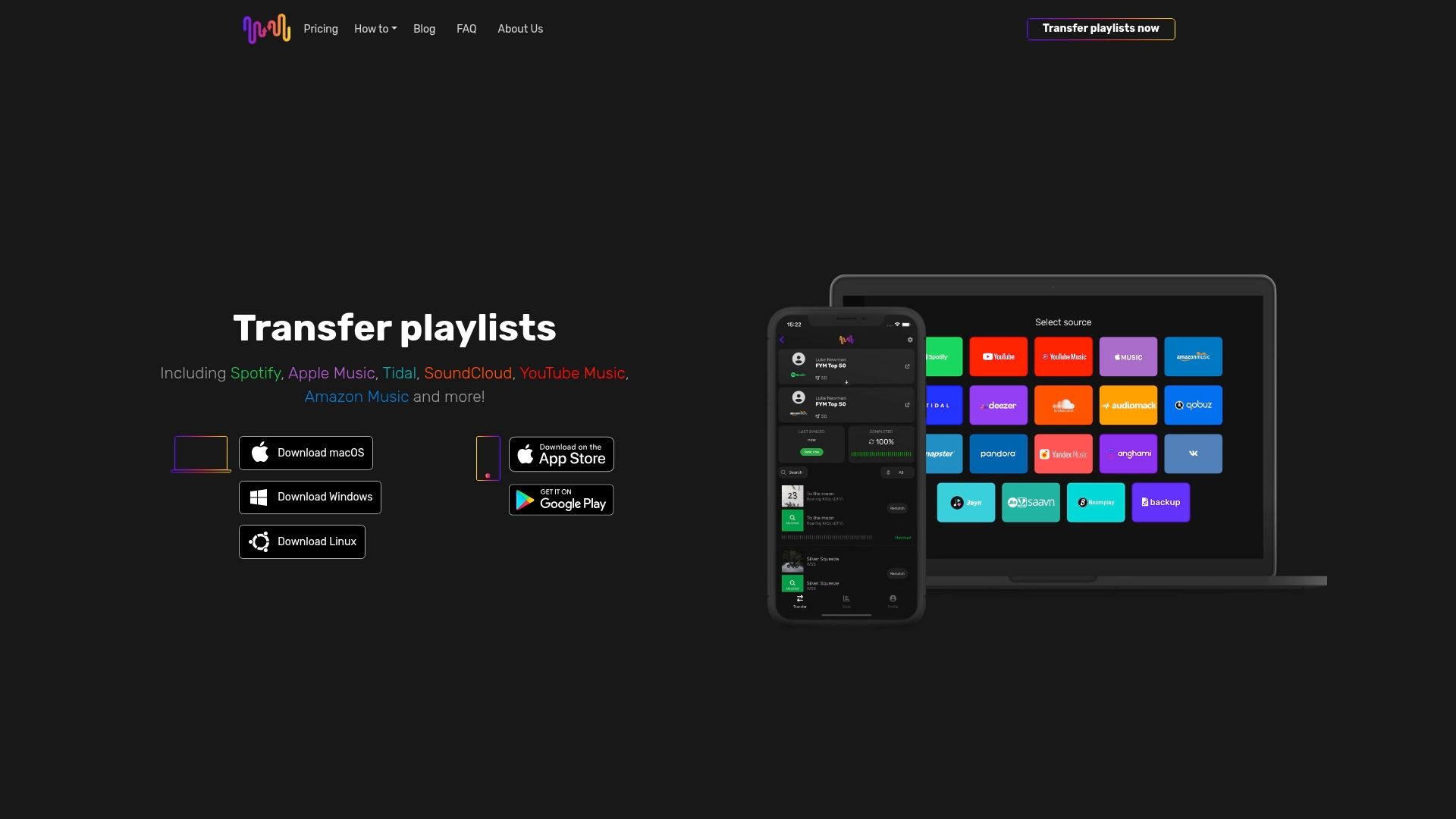
Take control of your music today and avoid the headache of rebuilding your playlists from scratch. Experience how FreeYourMusic.com can transform your music library management with secure transfers, automatic updates, and multi-account support. Visit FreeYourMusic.com now to start migrating your music stress-free and enjoy uninterrupted listening across all your favorite streaming services.
Frequently Asked Questions
How do I prepare my streaming accounts for managing music libraries across services?
To prepare your streaming accounts, gather your login credentials for all services you use. Verify that you can access each account on your devices, ensuring compatibility and synchronized access across platforms.
What steps should I take to organize my playlists before transferring them?
Start by reviewing your existing playlists and structuring them by genre, mood, or personal tags. Maintain consistent metadata for easier navigation and create a more enjoyable listening experience.
How can I transfer my music library using Free Your Music?
To transfer your music library, launch Free Your Music, select your source and destination platforms, and securely log in. The platform will automatically match tracks and preserve your playlist structures, simplifying the migration process.
What are the benefits of setting up automatic syncing for my playlists?
Setting up automatic syncing ensures your playlists remain current without manual effort. Create playlists based on specific criteria, like release year or play count, to keep your music collection fresh and relevant.
How can I verify the security and integrity of my music collection?
To verify your music collection, regularly create backup copies of your playlists on various storage options. Check that all track metadata is intact and use playlist comparison tools to identify any inconsistencies, ensuring an accurate library.
Recommended
Your playlists belong to you.
Stop rebuilding by hand. Move everything in minutes and take your music wherever you go.
Download free →SongsBrew — our free music newsletter
A free perk for FYM users. Tips, playlists, no spam.