What Is Spotify Duo? Price, Eligibility and Setup Explained
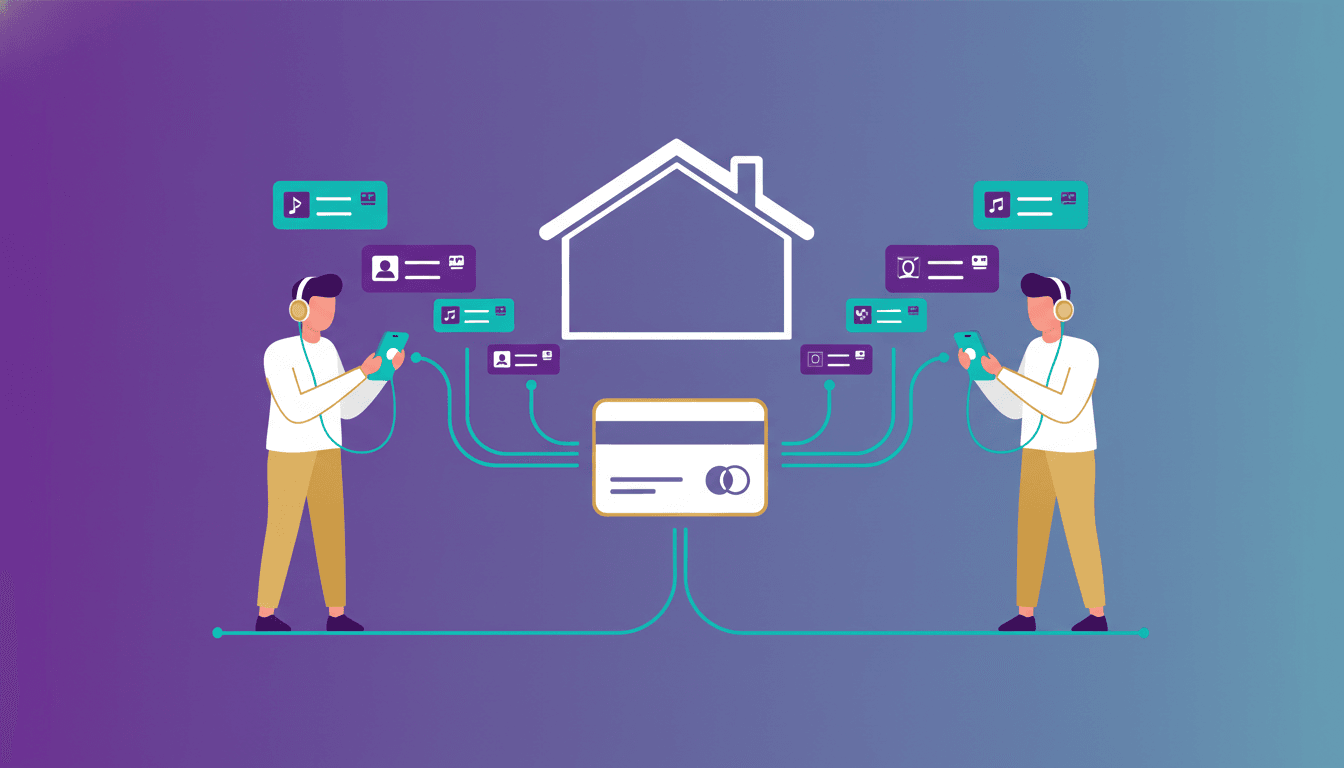
What is Spotify Duo? It is a subscription for two people who live at the same address, with two separate Premium accounts and one monthly bill. You each keep your own login and music library, so sharing the subscription does not mean sharing an account.
For a couple or two roommates, the main decisions are whether your household qualifies and who should manage the plan. This guide covers the current US price, separate setup checklists, audiobook differences, and how to keep your existing playlists when you join.
What is Spotify Duo? Two accounts and one bill
Duo brings two accounts onto one subscription; it does not merge them. Each person can listen independently, with recommendations tailored to their own taste. You do not need to exchange login details or take turns playing music.
The person who purchases Duo becomes the plan manager and receives the monthly bill. The other person joins through an invitation. Decide between yourselves how to share the expense: Spotify sends the purchaser one bill rather than billing each member separately.
You also do not have to listen exclusively at home. Spotify says that once it has verified your shared address, you can both use your accounts elsewhere. These account and billing details are explained on Spotify’s US Premium Duo page.
Spotify Duo price and household suitability at a glance
Spotify lists Premium Duo at US$18.99 per month, checked September 29, 2026. This is the US price; check the offer shown for your location before purchasing.
Use the household questions below before choosing a payer or sending an invitation.
| Your situation | Does Duo fit? | What to consider |
|---|---|---|
| Two adults live at the same address and want Premium | Yes, this matches Duo’s household requirement | Choose a manager and keep separate logins |
| You are partners but live at different addresses | No | A relationship does not replace the shared-address requirement |
| You are roommates with different music tastes | Yes, if you live together | Each account has its own recommendations |
| More than two people want to join | Duo has only two accounts | Compare other household options |
| Both people expect included audiobook hours | Check the benefit carefully | Included hours go to the manager only |
For the wider plan comparison, see how much Spotify Premium costs. If your household needs more than two accounts, read our Spotify Family plan guide before deciding.
Treat the monthly price as a household expense. Agree who pays Spotify, whether the other person contributes, and how you will handle a change in living arrangements. Sorting that out before signup makes the account setup more straightforward.
Spotify Duo eligibility and address verification
Both members must live at the same address. Spotify asks the invited member to provide their full address when joining, when the manager changes the address, or when it cannot confirm the information.
The manager can check or change the household address on their Duo page. Spotify also says the address must be in the same country where the payment method was issued. Its verification guidance states that it checks your address and does not track your location.
If Spotify cannot verify an invited member’s information, it sends an email asking them to verify again. There is a seven-day response window. Failed verification, or missing that deadline, removes the member from the plan and switches their account to Spotify Free.
Spotify says that member can rejoin the same Family or Duo plan, but cannot join a different Family or Duo plan for 12 months from the failed verification date. See Spotify’s Duo address verification guidance for the full rules.
How to start Spotify Duo as the plan manager
Before purchasing, decide which person should manage billing. Also consider who wants the included audiobook listening time, because that benefit belongs to the manager.
- Open Spotify’s US Premium Duo page and select Get started.
- Log in with the Spotify account you want to keep, or sign up if you do not have one.
- Follow the signup prompts to purchase Duo. Review the price before confirming.
- Check the household address on your Duo page and make sure it reflects where you both live.
- Invite the other person using the Duo invitation, shared by email, WhatsApp, or another suitable channel.
- Ask them to accept at home using their own Spotify account and confirm the shared address.
Do not ask your partner or roommate to use your login to join. The invitation is for their account. If you already have playlists and saved music, use your existing account during signup rather than creating a replacement.
Keep the roles clear: the manager handles the subscription purchase and household address; the invited person completes their own acceptance.
How to accept a Spotify Duo invitation
The invited member should prepare their own login and confirm the address with the manager before starting.
- Open the invitation from the plan manager while you are at home.
- Sign in to your own Spotify account, or create an account if you do not have one.
- Check that the account you are using is yours before continuing, especially on a shared computer.
- Enter your full home address to confirm that you live with the manager.
- Complete the invitation flow, then open Spotify with that same account.
If you already use Spotify, keeping the existing login is the important step. Spotify says subscribers switching to Duo retain saved music, playlists, and recommendations.
Before accepting, pause if the browser appears to be signed into the manager’s account. Return to your own login rather than completing the invitation under the wrong identity. Afterwards, look for a familiar playlist as a practical check that you are using the account you intended to keep.
What each member gets, including audiobook differences
Both accounts receive ad-free music listening, on-demand track selection, unlimited skips, and music downloads. Spotify describes the ad-free benefit specifically as music listening.
The audiobook benefit differs. On the US Duo plan, the manager receives 15 hours of listening time per month from Spotify’s audiobook subscriber catalog. Unused hours expire at the end of the month instead of rolling over. The invited member can get audiobook listening time through an add-on; the included manager allowance does not automatically apply to both accounts.
If audiobooks matter to your household, discuss the manager role before purchasing. Do not assume two Premium accounts means two included audiobook allowances.
For offline music, download your albums or playlists while connected to the internet. The downloaded music can then play without an internet connection. Spotify requires you to go online at least once every 30 days to keep downloads.
To restrict mobile playback to downloaded content:
- Tap your profile picture.
- Open Settings and privacy.
- Select Data-saving and offline.
- Switch Offline mode on.
Content you have not downloaded becomes unavailable in that mode. These steps and the reconnection requirement come from Spotify’s offline listening instructions.
What happens to your playlists when you join Duo?
Spotify says moving an existing Premium account to Duo preserves your saved music, playlists, recommendations, and purchased audiobooks. You are changing the subscription attached to your account, so there is no need to rebuild your library just to join the plan.
Before starting, make a note of which login contains the music you want to keep. This is especially useful if you have used more than one account or previously shared a login.
Joining Duo with two existing accounts and separating one shared account are different tasks. Do not expect the subscription change to sort a combined library into two personal collections. Decide which account each person will use before moving any music.
If you are untangling a shared login, our guide to moving a shared Spotify account to your own addresses that situation. Handle the account choice first, then complete the Duo invitation.
Troubleshooting invitations and account mix-ups
Start by checking three things: which account is signed in, which address the manager entered, and whether Spotify has sent a verification email. Avoid creating another account as your first troubleshooting step.
If your usual playlists appear to be missing, check that you signed into the account that originally held them. Duo preserves an existing subscriber’s library, so confirm the login before attempting to rebuild it.
If the address does not autocomplete, Spotify instructs you to enter the full address and select Find. If it still cannot find it, its guidance permits selecting your building, street, or a nearby public place or building. Do not enter someone else’s address.
If verification is pending, follow the email instructions within seven days. A fresh invitation should not be treated as a substitute for resolving the verification request.
Finally, keep household eligibility separate from travel: Spotify allows listening away from home after address verification, but both members still need to live together.
Coming from Apple Music? Bring your playlists to Spotify
If joining Duo also means leaving Apple Music, choose your personal Spotify account before transferring music. That gives you a clear destination for the library you want to use.
Free Your Music supports transferring Apple Music playlists with their names and song order, along with liked songs and saved albums. To move your music:
- Select Apple Music as the source in Free Your Music.
- Select Spotify as the destination, using your own account.
- Choose the playlists or supported library collections you want to transfer.
- Confirm the transfer and review the results for unmatched tracks.
Catalogs differ, so check the results before removing anything from your source library. A particular recording or release may not be available at the destination.
Use Free Your Music to transfer Apple Music to Spotify when you are ready. The offer checked September 29, 2026 includes 300 songs free with no card required, plus 300 more after a free email signup. Start with a playlist you know well and review it in your own Spotify account.

Moving away from Spotify?
Stop rebuilding by hand. Move everything in minutes and take your music wherever you go.
See the transfer guide →SongsBrew — our free music newsletter
A free perk for FYM users. Tips, playlists, no spam.