Why Sync Playlists? 40% Switch Platforms Risking Loss
May 18, 2026

Nearly 40% of music fans switch streaming platforms each year, and without proper playlist syncing, they risk losing their carefully curated music collections. Whether you're exploring better audio quality, exclusive content, or simply better pricing, the threat of rebuilding playlists track by track looms large. This guide reveals why playlist syncing matters, how it works behind the scenes, and what you need to know to protect your music investment across every platform you use.
Table of Contents
- Why Syncing Playlists Matters
- How Playlist Syncing Works Technically
- Common Misconceptions About Playlist Syncing
- Syncing vs. One-Time Playlist Transfer: What You Should Know
- Benefits of Automated Playlist Syncing
- Risks and Privacy in Playlist Syncing
- Choosing the Right Playlist Syncing Tool
- Seamless Music Experience Across Platforms
- Discover Effortless Playlist Syncing Solutions
- FAQ
Key Takeaways
| Point | Details |
|---|---|
| Preservation Across Platforms | Syncing maintains your curated playlists despite differences between streaming services. |
| Time Efficiency | Automated syncing eliminates hours of manual work and drastically reduces errors. |
| Continuous Updates | Unlike one-time transfers, syncing keeps playlists current with ongoing changes. |
| Privacy Matters | Choose tools with secure OAuth authentication and transparent data policies. |
| Tool Selection Critical | High matching accuracy and broad platform support ensure successful transfers. |
Why Syncing Playlists Matters
Your playlists represent more than just songs. They capture memories, workouts, road trips, and countless hours of discovery. Research shows that nearly 40% of users switch platforms annually risking playlist loss, while over 60% use multiple streaming services simultaneously. Without syncing, every platform change forces you to choose between starting fresh or spending days manually recreating what you already built.
Syncing protects your investment by maintaining consistency across services. Consider these critical reasons:
- Curated playlists contain hundreds or thousands of tracks requiring significant time to assemble
- Platform switches happen frequently due to pricing changes, exclusive content, or audio quality preferences
- Multiple device ecosystems often require different streaming services
- Playlist sharing with friends becomes seamless when your library stays accessible
- Backup copies prevent catastrophic loss from account issues or service shutdowns
The frustration of losing playlists drives many users to stick with inferior services simply to avoid migration pain. Syncing eliminates this barrier entirely. Your music follows you wherever you go, maintaining the exact order, context, and discovery work you've invested. Understanding why backing up playlists matters helps you appreciate the broader importance of preservation in your digital music life.
How Playlist Syncing Works Technically
Behind every successful playlist sync lives sophisticated technology. Intelligent matching algorithms analyze metadata and audio fingerprints to recreate playlists accurately across platforms despite library differences. The process involves several precise steps that happen automatically:
- Metadata Extraction: The syncing tool reads your playlist's song titles, artists, albums, and ISRCs (International Standard Recording Codes)
- Catalog Search: Algorithms query the destination platform's library for exact or close matches
- Audio Fingerprinting: When metadata matches fail, acoustic analysis identifies the same recording
- Playlist Reconstruction: Matched tracks get assembled in the original order with preserved metadata
- Error Handling: Unmatched songs get flagged for manual review or alternative suggestions
Different platforms maintain varying music catalogs, regional availability, and exclusive releases. Smart algorithms adapt by trying multiple matching strategies. They might search by ISRC first, then fall back to artist and title combinations, and finally attempt acoustic fingerprinting for stubborn tracks.
Pro Tip: Before syncing large libraries, check if your automatic playlist transfer tool offers preview mode. This lets you review matches before committing, catching potential errors early.
Automation dramatically reduces human error compared to manual recreation. You can process thousands of songs in minutes rather than days. However, catalog discrepancies mean some tracks may require your attention. Live recordings, remixes, and regional exclusives sometimes need manual selection between close alternatives. The technical overview reveals how these systems balance speed with accuracy.

Common Misconceptions About Playlist Syncing
Many users hold false beliefs about how playlist syncing performs in real-world scenarios. Understanding reality helps set appropriate expectations and avoids disappointment.
Perfect one-to-one matching across all platforms remains technically impossible. Catalog differences, regional licensing, and exclusive content create natural gaps. Some users mistakenly believe manual recreation is faster than automated playlist syncing, though automation significantly cuts required time and error rates.
Common false assumptions include:
- Every single track will transfer with zero human review needed
- Manual copying saves time compared to using dedicated tools
- All syncing services work identically regardless of technology
- Free tools offer the same accuracy and features as premium options
- Once synced, playlists never need attention or updates
Different platforms handle syncing in varied ways due to API limitations, catalog structures, and licensing agreements. Spotify's algorithm might excel at matching popular tracks but struggle with obscure indie releases. Apple Music's classical catalog surpasses competitors, but electronic music subgenres might match better on Beatport or SoundCloud.
Pro Tip: Accept that 95-98% automatic matching represents excellent performance. Budget time to manually review the remaining tracks rather than expecting perfection.
Automation still dramatically outperforms manual methods in speed and consistency. Following playlist transfer best practices and understanding common misconceptions helps you leverage syncing effectively while maintaining realistic expectations about outcomes.
Syncing vs. One-Time Playlist Transfer: What You Should Know
Choosing between continuous syncing and one-time transfer depends entirely on your playlist management needs. Each approach serves different use cases with distinct advantages.
| Feature | Continuous Syncing | One-Time Transfer |
|---|---|---|
| Updates | Automatic ongoing changes | Static snapshot only |
| Complexity | Requires persistent connection | Simple one-and-done |
| Best For | Active playlists you modify | Permanent platform switches |
| Maintenance | Minimal after setup | None needed |
| Cost | Often subscription-based | Usually one-time fee |
Playlist syncing provides ongoing automatic updates whenever you add or remove tracks. Your destination platform mirrors changes in real time or on scheduled intervals. This proves invaluable for:
- Workout playlists you constantly refresh with new energy tracks
- Discovery playlists that grow as you explore new artists
- Collaborative playlists where multiple people contribute
- Professional DJ sets requiring consistent updates across platforms
One-time transfer creates just a static snapshot copy. After the initial migration, the playlists exist independently. Changes on one platform won't reflect on the other. This suits scenarios like:
- Permanent switches where you're abandoning the old service entirely
- Creating backup copies you won't actively maintain
- Simple migrations of archived playlists you no longer update
- Testing a new platform before committing fully
Understanding playlist transfer best practices and recognizing transfer challenges helps you select the right approach. Syncing requires more initial setup but pays dividends for active music fans managing evolving collections. Transfer offers simplicity for straightforward, permanent moves.
Benefits of Automated Playlist Syncing
Automated tools transform playlist management from a tedious chore into an effortless background process. The practical advantages extend far beyond simple time savings.
Automated playlist transfers reduce manual effort by hours, especially for large libraries, ensuring consistent playlist order, metadata, and eliminating human error. A 500-track playlist that might take six hours to recreate manually completes in under 10 minutes with quality automation.
Key benefits include:
- Time efficiency scales dramatically with library size
- Playlist order and sequence remain perfectly intact
- Metadata like play counts and date added transfer when supported
- Human errors from mistyped song titles or wrong versions disappear
- Multiple account management becomes simple for professionals
- Batch processing handles dozens of playlists simultaneously
Playlist syncing services safeguard intellectual property of curated playlists by maintaining track order, metadata, and playlist context during transfers. For DJs, music supervisors, and curators, this protection proves essential. Your creative work in assembling the perfect flow and transitions carries over completely.
Professionals managing client playlists or operating across multiple streaming accounts benefit enormously. Instead of logging into six different services to update the same playlist, automation propagates changes everywhere instantly. Smart music sharing methods leverage these capabilities to maintain consistent branding and user experience.
The advantages of automation compound over time. Initial setup investment pays back with every subsequent update, platform addition, or library expansion.
Risks and Privacy in Playlist Syncing
Third-party syncing tools require account access, creating legitimate privacy and security concerns. Understanding these risks helps you make informed decisions about which services to trust.
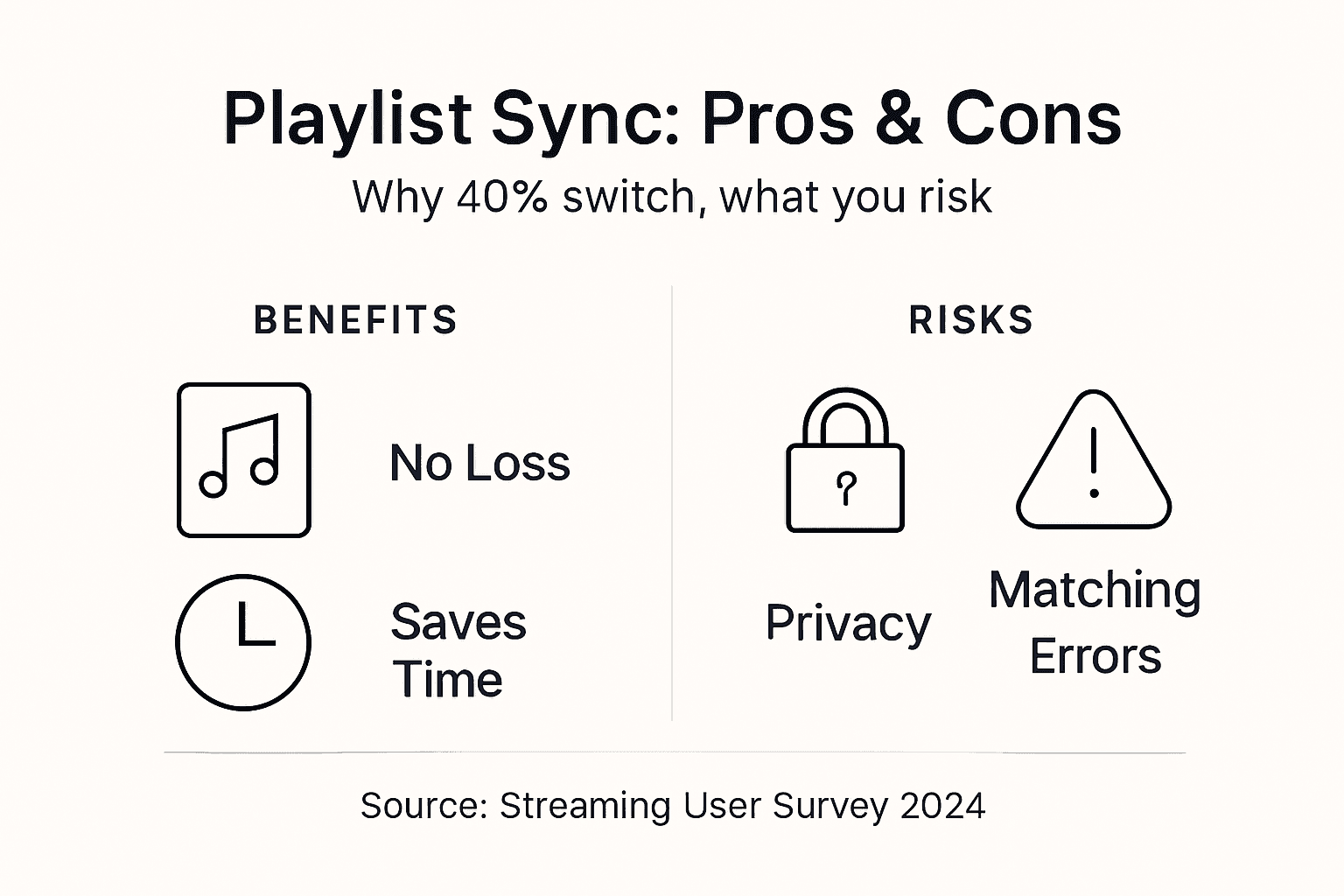
Privacy concerns exist when syncing playlists via third-party apps; secure authentication and data policies are essential to mitigate risks. Not all services handle your data with equal care or transparency.
Critical privacy considerations include:
- Account credentials should never be directly shared; OAuth authentication is mandatory
- Data collection practices vary widely between free and premium services
- Some apps store playlist data on their servers indefinitely
- Privacy policies may permit data sharing with advertisers or partners
- Weak security allows potential unauthorized access to your accounts
Secure OAuth authentication lets you authorize limited access without sharing passwords. The streaming service validates your identity and grants the syncing tool specific permissions. You can revoke this access anytime through your account settings. Apps requesting direct login credentials should raise immediate red flags.
Before authorizing any syncing service:
- Read privacy policies to understand data collection and retention
- Verify the service uses OAuth rather than password sharing
- Check user reviews for security incidents or data breaches
- Confirm whether your playlist data gets stored and for how long
- Review what permissions the app requests beyond basic playlist access
Backup your original playlists before syncing to prevent catastrophic loss. Export to CSV or use platform-native backup features. If syncing fails or corrupts data, you can restore from your backup. Understanding privacy considerations protects both your music collection and personal information.
Choosing the Right Playlist Syncing Tool
Selecting an effective syncing tool requires evaluating multiple criteria beyond surface features. The right choice balances functionality, security, and reliability.
Choosing a playlist syncing tool requires evaluating matching accuracy, platform support, metadata preservation, batch processing, and security of authentication methods. These factors directly impact your success rate and user experience.
| Criterion | Why It Matters | What to Look For |
|---|---|---|
| Matching Accuracy | Determines how many songs transfer correctly | 95%+ success rate, multiple matching strategies |
| Platform Support | Ensures compatibility with your services | Covers all your current and future platforms |
| Metadata Preservation | Maintains playlist context and organization | Transfers descriptions, order, cover images |
| Batch Processing | Enables efficient large library transfers | Unlimited playlists, queue management |
| Security | Protects account access and personal data | OAuth authentication, clear privacy policy |
Priority features for different user types:
- Casual Users: Simple interface, one-time transfer capability, basic matching
- Enthusiasts: Auto-sync scheduling, playlist monitoring, high accuracy matching
- Professionals: Multi-account support, API access, white-label options, priority support
- Large Libraries: Batch processing, unlimited transfers, advanced filtering
Matching accuracy proves most critical for niche music collections. Classical, jazz, world music, and electronic subgenres challenge basic algorithms. Tools using acoustic fingerprinting alongside metadata matching achieve superior results. Test with a small playlist first to verify accuracy before committing your entire library.
Platform support needs extend beyond today's services. Choose tools supporting emerging platforms and niche services you might explore later. Following playlist transfer best practices and evaluating tool criteria ensures you select services that grow with your needs.
Seamless Music Experience Across Platforms
Playlist syncing transforms how you experience music across the fragmented streaming landscape. Your curated collections follow you everywhere, platform boundaries disappear, and your investment in discovery and organization stays protected.
Automation ensures speed, accuracy, and ongoing updates that manual methods simply cannot match. The hours saved compound over time, especially as your library grows and evolves. Choosing trusted tools that balance robust functionality with strict privacy protections gives you confidence in the process.
Syncing unlocks true platform freedom. You can explore exclusive content on Tidal, enjoy Apple Music's ecosystem integration, and leverage Spotify's discovery features without fragmenting your carefully built playlists. Your music becomes truly portable.
Implement reliable syncing now to preserve your music investments. The technology exists, the tools work effectively, and the benefits multiply with every platform you add. Your playlists represent countless hours of discovery and curation. Protect them.
Discover Effortless Playlist Syncing Solutions
Ready to protect your music collection? Free Your Music provides reliable playlist syncing tools trusted by thousands of music enthusiasts worldwide. Access comprehensive guides on playlist transfer best practices and detailed music collection transfer steps to get started immediately.
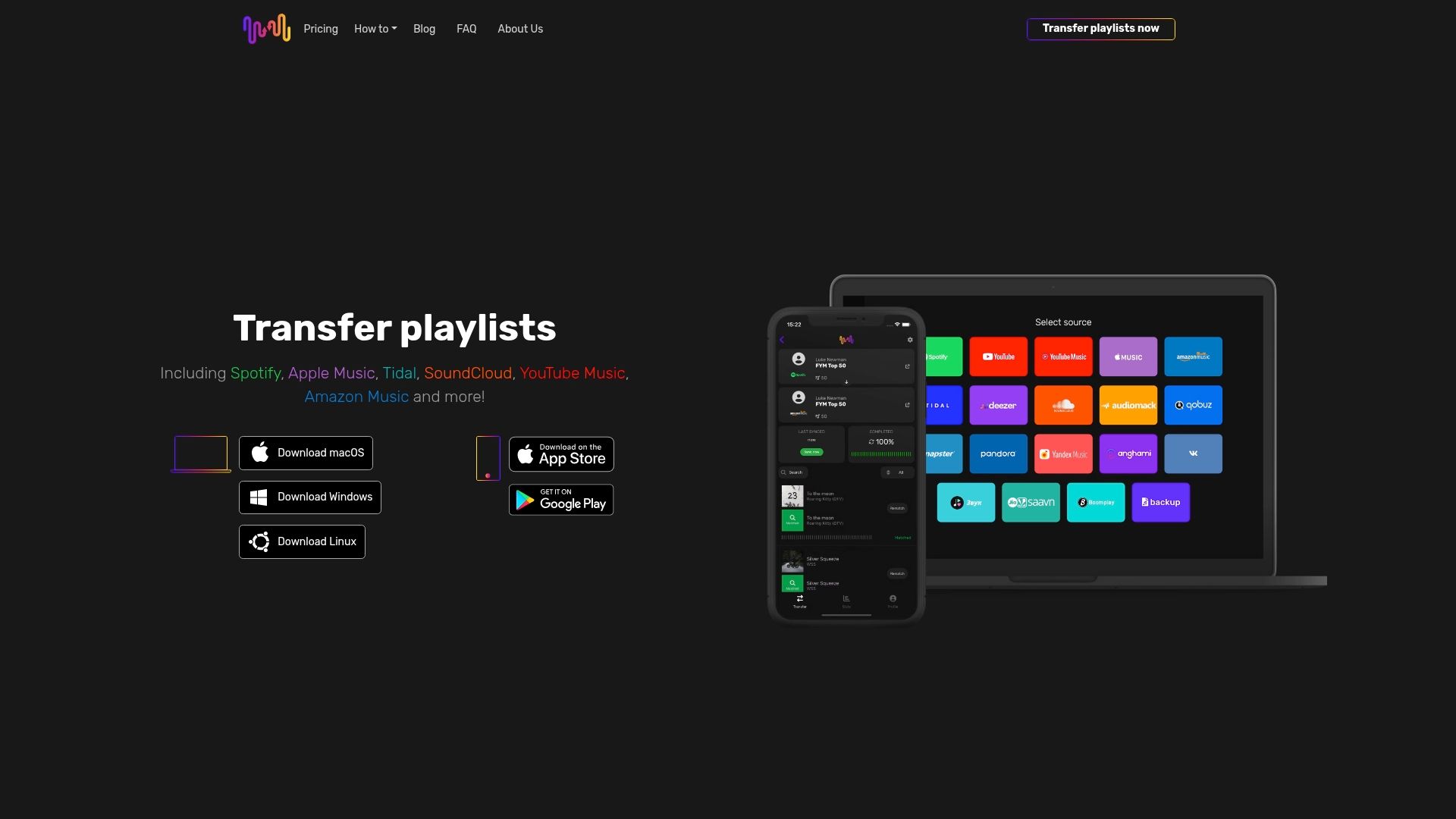
Our platform offers secure OAuth authentication, support for all major streaming services, and industry-leading matching accuracy. Whether you're switching platforms permanently or maintaining multiple services, we ensure your playlists stay intact and accessible. Review our refund policy for complete peace of mind.
FAQ
What is the difference between playlist syncing and playlist transfer?
Playlist syncing maintains continuous automatic updates between platforms, reflecting any changes you make in real time or on scheduled intervals. Playlist transfer creates a one-time static copy that exists independently afterward. Syncing requires ongoing connection and suits active playlists, while transfer works best for permanent platform switches.
Can I expect an exact match of all songs when syncing playlists?
No, catalog differences between platforms prevent perfect matching for every track. Most quality tools achieve 95-98% accuracy, but regional licensing, exclusive releases, and obscure tracks may require manual review. Budget time to verify unmatched songs and select appropriate alternatives when needed.
How do syncing tools protect my privacy when accessing my music accounts?
Trusted tools use secure OAuth authentication, which grants limited permissions without sharing your password. You authorize specific access through the streaming service itself and can revoke permissions anytime. Always review privacy policies before authorizing apps to understand data collection, storage, and sharing practices.
Is manual playlist recreation ever better than automated syncing?
Manual recreation takes hours or days for large libraries and introduces countless opportunities for errors like wrong versions or missing tracks. Automated syncing completes the same work in minutes with 95%+ accuracy. The only scenario favoring manual work involves tiny playlists under 20 tracks where setup time exceeds transfer time.
Recommended


Migrate from and to any music services


Most popular Apple Music transfers: