Best Streaming Services with Cloud DVR – Expert Comparison 2025
Streaming and digital tools keep changing how many people listen to music or watch shows. Some services focus on smooth playlist moves while others give households new ways to enjoy live TV or fresh content anytime. Choices now offer different plans, sharing features, and ways to keep libraries or favorite channels close at hand. Curious which options fit busy families, music fans, or those chasing a flexible lineup? Each platform shapes entertainment and watching habits in its own way, and a closer look reveals how small differences can matter when you want simplicity, variety, or total control.
Table of Contents
Free Your Music
At a Glance
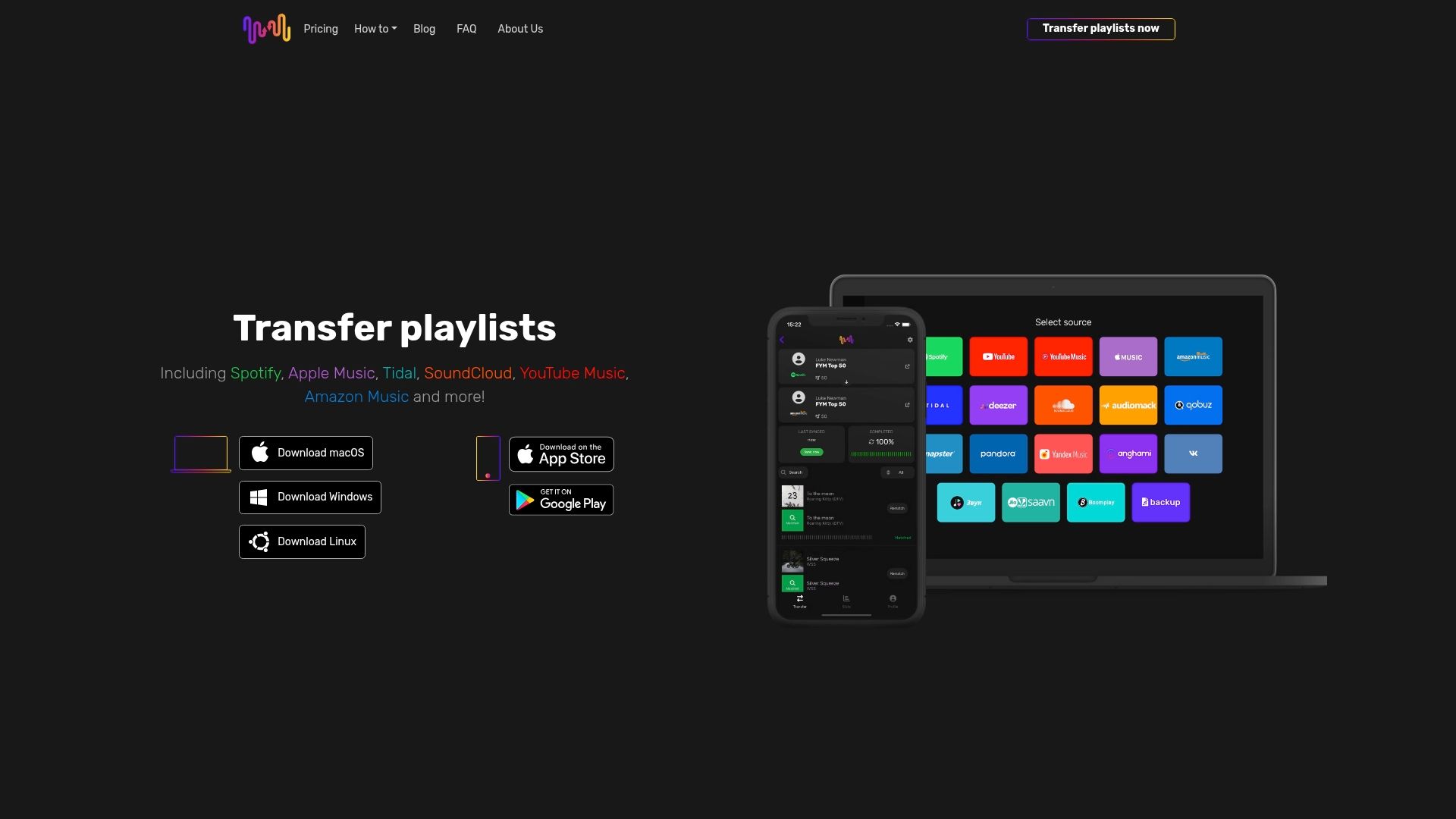
Free Your Music is a focused, reliable playlist transfer and sync tool that removes the hassle of rebuilding music libraries when you switch streaming services. It moves playlists, albums, and tracks while preserving names, order, and structure, and it offers a usable free trial so you can test the workflow before committing. Expect near real-time synchronization with a 15-minute auto-sync cadence, cloud backups for peace of mind, and responsive dedicated support — though a subscription unlocks the full feature set and some tracks may not transfer if they aren’t available on the destination service. No fuss. Just results.
Core Features
Free Your Music’s core capabilities center on seamless migration and ongoing synchronization: unlimited transfers of playlists, albums, and songs; a 15-minute auto-sync that keeps multiple services aligned; cloud backup to secure your playlists; a rematch feature that resolves missing or incorrect songs after transfer or sync updates; and multi-platform apps for Windows, MacOS, Linux, Android, and iOS. The app preserves playlist ordering and structure during transfers and supports multi-account workflows. There’s a cancel-anytime subscription policy and dedicated technical support to help with edge cases.
Pros
- Easy to use with an intuitive interface: The app guides you through transfers with clear steps so even large migrations are straightforward.
- Supports transfer across major music streaming platforms: Free Your Music connects the leading services so you won’t need to rebuild libraries manually.
- Keeps playlist names, order, and structure intact: Transfers maintain the original playlist experience, down to track order and grouping.
- Unlimited transfer of songs, playlists, and albums: You can migrate entire libraries without worrying about per-transfer caps.
- Multi-platform support including Linux, MacOS, Windows, Android, and iOS: Use the same tool across desktop and mobile, which is rare and valuable for power users.
Who It's For
Free Your Music is ideal for music enthusiasts, collectors, DJs, and anyone managing multiple streaming accounts who needs a fast, dependable way to move or sync playlists. It’s especially well suited to people switching services, teams coordinating shared libraries, and professionals who can’t afford playlist downtime. If you value accuracy, structure preservation, and automated syncing, this tool is built for you.
Unique Value Proposition
What sets Free Your Music apart is the combination of precision matching, continuous sync, and cross-platform reach. The 15-minute auto-sync and cloud backup turn a one-time migration into an ongoing synchronization workflow, so playlists stay current across services without manual intervention. The rematch feature addresses inevitable catalog differences by re-resolving tracks after updates, and unlimited transfers remove artificial limits that slow down large migrations. Multi-account support plus dedicated technical help and a cancel-anytime policy reflect design choices that prioritize control, reliability, and user confidence. In short: it doesn’t just move playlists — it preserves structure, maintains parity, and keeps collections secure and synchronized, which makes it a superior choice for serious users who migrate often or manage large libraries.
Real World Use Case
A user switches from Spotify to Apple Music and uses Free Your Music to migrate hundreds of playlists and thousands of tracks within minutes. Playlists appear on the new service with the same names and song order, cloud backups hold a snapshot for recovery, and the rematch feature handles songs that initially failed to map. Within a short session, the new library feels identical to the old one — only cleaner.
Pricing
Free Your Music offers various plans including quarterly, yearly, and lifetime access, and it runs discounts around major sales like Black Friday. A free trial is available but limited (for example, up to 600 songs and one playlist), and full features require a subscription that can be canceled at any time.
Website: https://freeyourmusic.com
YouTube TV
At a Glance
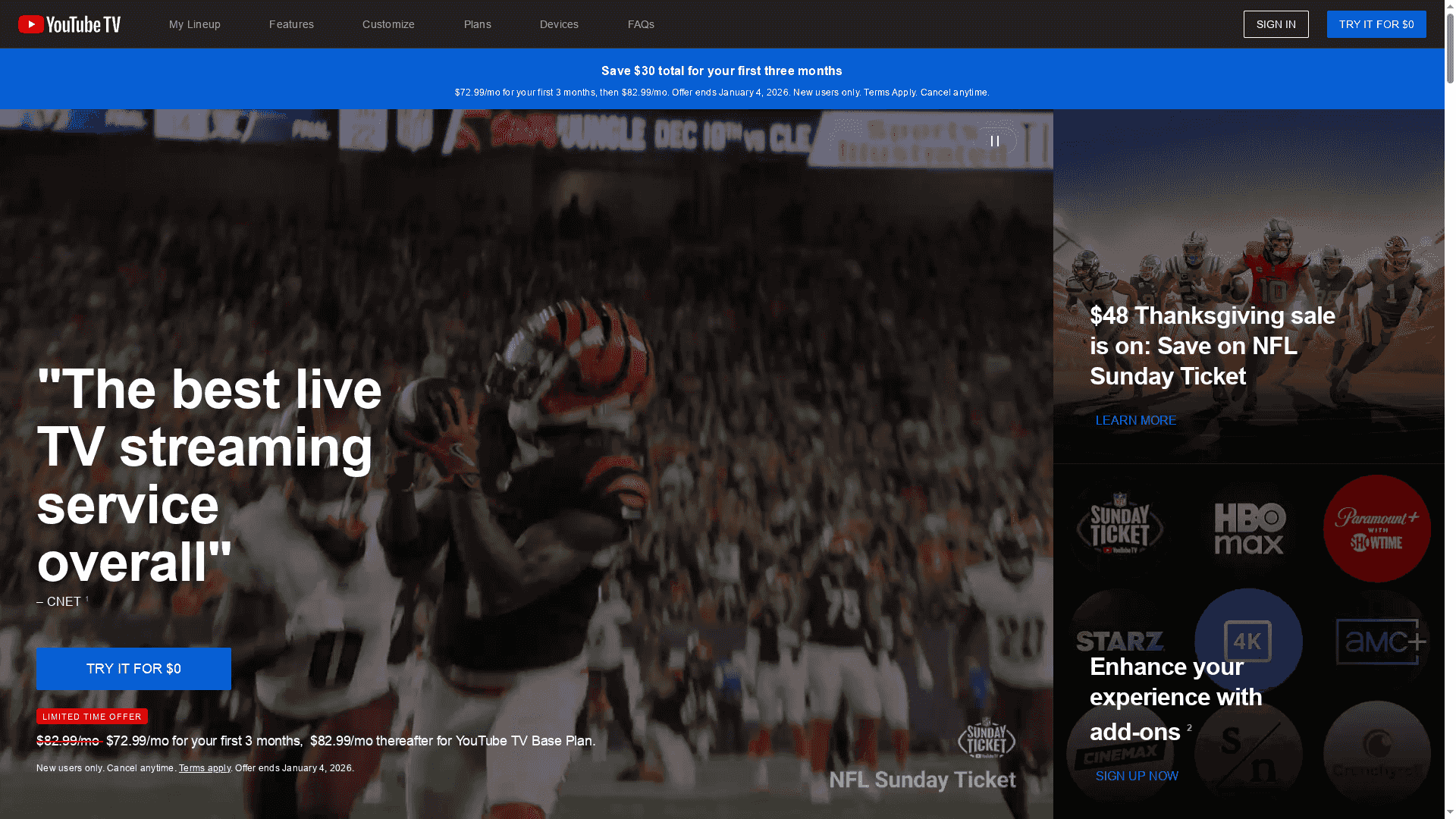
YouTube TV delivers a familiar cable-replacement experience with over 100 channels, strong local sports and news coverage, and truly unlimited cloud DVR storage. It’s built for households that want to record, share, and stream live TV across phones, tablets, and smart TVs without equipment rentals or installation. The service is ad-supported and U.S.-only, so weigh the trade-off between convenience and commercial interruptions.
Core Features
YouTube TV combines live and on-demand programming from local and national networks with unlimited cloud DVR storage and up to six household accounts that receive personalized recommendations. Accounts support three simultaneous streams by default, with add-ons available to expand streaming limits and premium content. The app is available on smartphones, tablets, smart TVs, and streaming media players, and recorded content can be viewed offline through your DVR library.
Pros
- Wide channel selection including local sports and news: The lineup covers major broadcast and popular cable networks so you can follow local teams and regional news without cable boxes.
- Unlimited DVR storage for recordings: You can keep shows and movies without worrying about space limits, which simplifies long-term archiving of favorite content.
- Multi-account family sharing with personalized profiles: Up to six household accounts let each family member maintain separate recommendations and DVR libraries for a tailored experience.
- No equipment rental or installation required: The subscription model removes the need for set-top boxes and technician visits, making setup immediate and straightforward.
- Offline viewing via recordings: Recorded programs can be watched later, which helps when you need to save mobile data or watch without consistent internet.
Cons
- Ad-supported viewing with regular commercial breaks: The service does not remove most advertising, so live and recorded content frequently includes commercial interruptions.
- Additional cost for premium add-ons and upgrades like 4K: Features such as expanded streaming limits and higher-resolution options are not included in the base price and require extra fees.
- Base plan limits simultaneous streams to three without paid add-ons: If your household streams on many devices at once, you’ll likely need to purchase add-ons to avoid conflicts.
- Availability limited to the U.S.: The service is restricted to the U.S. market, which prevents access for viewers outside that region.
Who It's For
YouTube TV is ideal for U.S.-based households that want a direct cable replacement with flexible access across devices, heavy DVR use, and distinct profiles for family members. It suits families that prioritize live sports and local news and who prefer to avoid hardware rentals and installation.
Unique Value Proposition
The standout value is the combination of a broad channel lineup plus genuinely unlimited cloud DVR and multi-profile household support, all delivered without physical equipment. That mix makes it a practical, all-in-one streaming hub for busy families.
Real World Use Case
A family uses YouTube TV to stream live sports on their smart TV, catch the evening news on tablets, and have kids watch recorded shows on phones—each member keeps their own recommendations and DVR list while taking advantage of the introductory pricing.
Pricing
$72.99/month for the first 3 months, then $82.99/month afterward; special offer for new users valid until January 4, 2026.
Website: https://tv.youtube.com
Hulu

At a Glance
Hulu combines a deep on-demand library with live TV options to serve viewers who want both current-season episodes and sports or news. Its tiered plans let you choose ad-supported value or a pricier ad-free experience, and bundle deals with Disney+ and ESPN+ simplify family and sports packages. If you need offline downloads and streaming across multiple devices, Hulu covers those basics well, though premium plans can feel expensive for heavy users.
Core Features
Hulu offers a broad mix of features: an extensive catalog of TV shows, movies, and Hulu Originals; multiple subscription plans including ad-supported and ad-free tiers; and Hulu + Live TV with over 95 channels that span sports, news, and entertainment. The service supports bundle options with Disney+ and ESPN+ at discounted rates and includes offline downloads for compatible devices, making it flexible whether you watch on the go or at home.
Pros
- Extensive content library: Hulu provides a large selection of current-season episodes, exclusive series, and a wide back catalog that keeps you returning for more.
- Flexible subscription plans: You can pick between ad-supported and ad-free tiers to balance cost and convenience based on how you watch.
- Live TV availability: Hulu + Live TV brings more than 95 channels, giving access to major sports and news without a separate cable subscription.
- Bundling discounts: Bundles with Disney+ and ESPN+ make it easier and often cheaper to combine family entertainment and sports in one payment.
- Offline download capability: The ability to download titles for offline viewing is useful for travel and situations with unreliable connectivity.
Cons
- Premium plans can be expensive: The ad-free and live TV tiers carry higher monthly costs that may exceed budget-conscious viewers' expectations.
- Regional content restrictions exist: Some shows and live events are subject to location-based limits or blackouts, which can frustrate subscribers traveling or living in certain areas.
- Live TV needs strong internet: Streaming live channels reliably requires a high-speed connection, and some regional limitations apply to channel availability.
Who It's For
Hulu is best for viewers who want a mix of current TV, originals, and live sports or news, particularly families and sports fans who value bundled access to Disney+ and ESPN+. It suits users who stream on several devices and who occasionally need offline downloads for travel.
Unique Value Proposition
Hulu’s strength is its hybrid model: a powerful on-demand catalog paired with a competitive live TV option and bundled access to complementary services. That combination makes it a one-stop choice for households that want variety without managing multiple separate subscriptions.
Real World Use Case
Imagine a family that watches current TV series on weeknights, streams Disney+ movies on weekends, and follows live sports on ESPN+ — Hulu’s bundle simplifies billing and device management while keeping downloads available for road trips.
Pricing
Plans start at $4.99 per month for the Disney+ and Hulu bundle with ads for the first 12 months, then auto-renews at $12.99 per month; Hulu + Live TV is $89.99 per month after the free trial; bundle pricing with Disney+ and ESPN+ can vary up to $38.99 per month.
Website: https://hulu.com
Sling TV
At a Glance
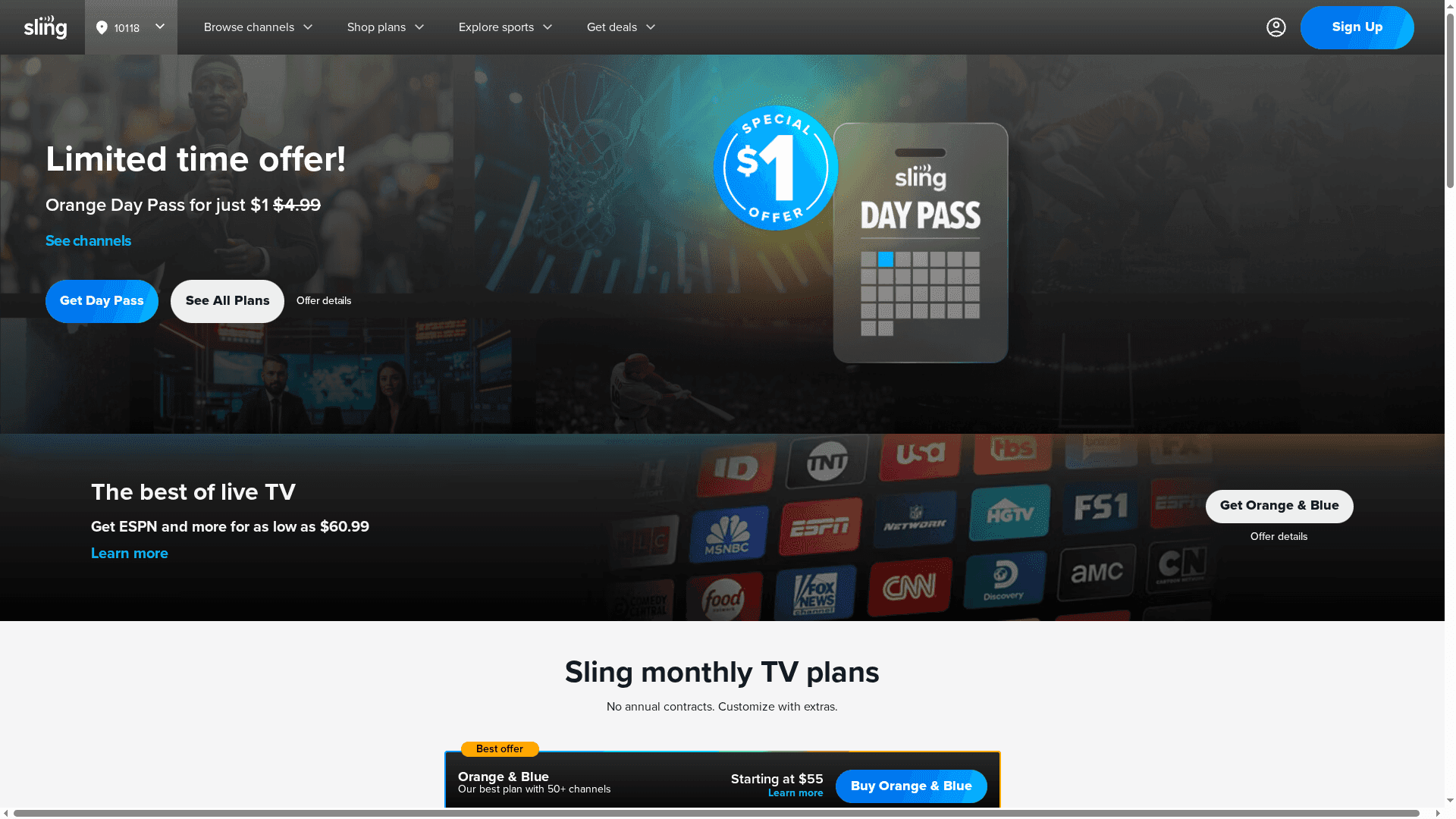
Sling TV delivers a highly flexible approach to live TV streaming, offering day passes, weekend passes, month-to-month subscriptions, and prepay options so you pay only for what you need. It includes a free Sling Freestream tier with more than 600 channels and a variety of international, language-specific packages. There are no long-term contracts, which makes Sling a low-commitment option for viewers who value choice and short-term access. Bottom line: great for people who want on-demand flexibility and international content without a yearlong contract.
Core Features
Sling TV centers on flexible subscription models and broad channel access. You can choose daily, weekend, monthly, or prepay plans, add international or language-specific packages, and tap into a free Sling Freestream lineup of 600+ channels. The service emphasizes live TV—sports, news, and entertainment—and supports premium channel add-ons for viewers who want more. Crucially, Sling avoids long-term commitments, letting you start and stop service without contract penalties.
Pros
- Flexible subscription plans and payment options: Sling offers day, weekend, monthly, and prepay choices so you can match cost to viewing needs.
- Wide channel variety including sports, news, and international content: The channel roster covers live sports, global news, and entertainment, plus language-specific packages for diverse audiences.
- No long-term commitments: You won’t be locked into a yearly contract, which makes trialing the service low risk.
- Optional international and premium channel add-ons: You can expand the base lineup with targeted add-ons for niche interests or premium viewing.
- Free streaming tier with Sling Freestream: A no-cost option gives access to 600+ channels, useful if you want immediate, cost-free viewing.
Cons
- Regional availability limits some channels and locals: Certain channels and local broadcasts are restricted to select markets, which can leave gaps in your expected lineup.
- Simultaneous stream limits vary by plan: The number of devices that can stream at once depends on your plan, so larger households may need to manage viewing carefully.
- No refunds after activation: Once a pass or plan is activated, refunds are not available, so accidental purchases can be costly.
- Prices and offers can change without notice: Promotional rates and plan pricing are subject to change, which can alter the long-term cost unexpectedly.
Who It's For
Sling TV is ideal for viewers who prioritize payment flexibility and access to international or language-specific channels, and for those who want to test live TV with short-term passes. It fits singles, couples, or small families who stream selectively—especially people who value sports and news but don’t want to commit to a yearlong subscription.
Unique Value Proposition
Sling’s unique strength is its granular flexibility: daily and weekend passes plus a free, large-channel tier let you control both cost and commitment. Instead of a one-size-fits-all monthly bill, Sling lets you tailor access to the exact window of time and content you want.
Real World Use Case
A U.S. family uses Sling TV to follow weekend sports and international programming without a full subscription, buying a weekend pass for a tournament and relying on Sling Freestream for casual viewing in between. They add a language pack for visiting relatives and drop it when no longer needed.
Pricing
Pricing varies by plan and can range from $1 for short-term passes to over $114.99 for premium prepay packages, depending on the selected plan and add-ons.
Website: https://sling.com
Streaming and Media Transfer Tools Comparison
This table provides a comprehensive overview of popular streaming and media transfer tools, highlighting their features, pros, cons, and pricing to help you make an informed decision.
| Tool | Key Features | Pros | Cons | Pricing & Usability |
|---|---|---|---|---|
| Free Your Music | Seamless playlist transfer & sync; 15-min auto-sync; multi-platform support | Easy to use; Supports major platforms; Preserves playlist structure; Unlimited transfers | Subscription needed for full features; Some tracks may not transfer | Various plans available; free trial limits apply |
| YouTube TV | 100+ channels; unlimited DVR; multiple profiles | Wide channel selection; Unlimited DVR; No equipment needed; Offline viewing via recordings | Ad-supported; Premium add-ons cost extra; Limited to U.S. | $72.99/month introductory price |
| Hulu | Extensive on-demand library; Hulu + Live TV; Disney+ & ESPN+ bundles | Extensive content; Flexible plans; Bundling discounts; Offline downloads | Premium plans expensive; Regional restrictions; Needs strong internet for live TV | Plans start at $4.99/month with ads; $89.99 for Hulu + Live TV |
| Sling TV | Flexible subscriptions; international/language-specific packages | Payment flexibility; Wide channel variety; No long-term commitments; Free Sling Freestream | Regional availability limits; Simultaneous stream limits; No refunds after activation | Starts at $1 for short-term passes; Varies by plan and add-ons |
Simplify Your Music Journey as You Explore the Best Streaming Services with Cloud DVR
Switching streaming services can be a daunting task especially when you have carefully curated playlists that you do not want to lose or rebuild. The article highlights challenges like managing multiple platforms, preserving playlist structure, and syncing music across services to maintain a seamless listening experience. Just as cloud DVR brings convenience and unlimited storage to your TV streaming choices, FreeYourMusic.com offers effortless migration and auto-sync of your music libraries across popular services ensuring your playlists remain intact and up to date.
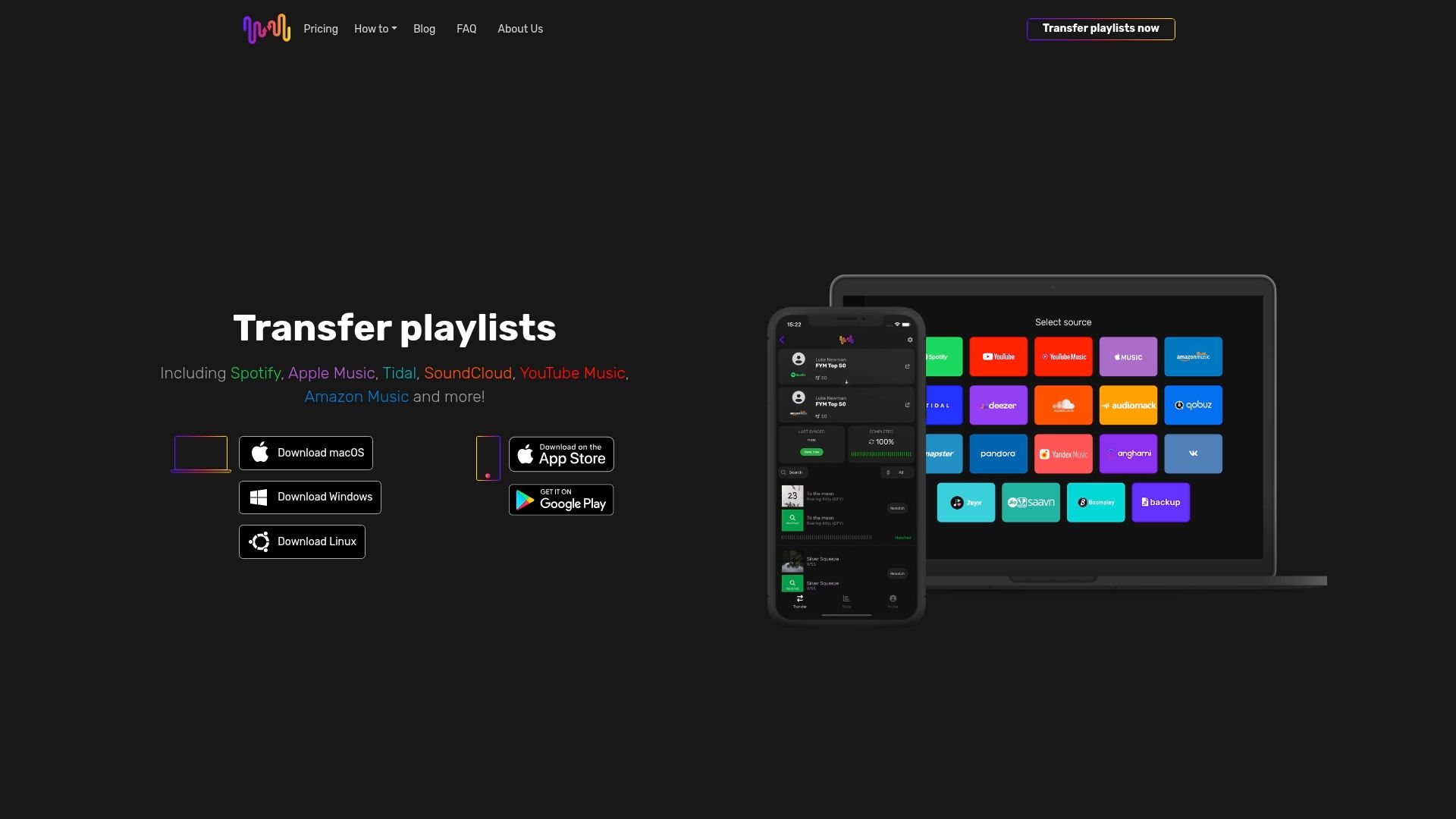
Ready to take control of your music collection as you navigate through various streaming services? Experience the power of unlimited playlist transfer and cloud backup with Free Your Music. Test our easy-to-use multi-platform app that preserves order and song matching perfectly. Don’t wait until your playlists are gone or out of sync. Visit FreeYourMusic.com now and start your smooth transition today.
Frequently Asked Questions
What features should I look for in a streaming service with cloud DVR?
To choose the best streaming service with cloud DVR, prioritize features like unlimited storage, the ability to fast-forward through commercials, and the number of concurrent streams. Evaluate your viewing habits and consider how often you record programs, as this will help you select a service that meets your needs.
How do I know if a streaming service's cloud DVR is reliable?
Check for user reviews and expert comparisons that detail the performance and reliability of the cloud DVR functionality. Research common issues like recording failures or missed shows to assess the service's reliability before subscribing.
Can I watch recordings offline from a streaming service with cloud DVR?
Many cloud DVR services allow you to download your recorded shows for offline viewing, but features vary by service. Look for specific downloading capabilities in the service’s feature list to ensure you can watch content without an internet connection.
How do cloud DVR storage limits affect my streaming experience?
Cloud DVR storage limits dictate how many shows you can record and how long you can keep them. Consider subscribing to services with higher or unlimited storage options, especially if you regularly record multiple shows each week.
What is the typical cost range for streaming services with cloud DVR?
The cost for streaming services with cloud DVR can vary widely, often starting from around $30 to over $90 per month, depending on features and channel availability. Compare pricing and subscription options to find a plan that aligns with your budget and viewing preferences.
How can I compare different streaming services with cloud DVR?
To effectively compare streaming services with cloud DVR, create a checklist of essential features like cost, storage limits, available channels, and streaming quality. Evaluate each service against your checklist to make an informed decision that suits your viewing needs.
Recommended
What's next?
Your playlists belong to you.
Stop rebuilding by hand. Move everything in minutes and take your music wherever you go.
Download free →SongsBrew — our free music newsletter
A free perk for FYM users. Tips, playlists, no spam.