Playlist security tips to protect your music in 2026
Many artists trust any playlist transfer app to keep their music safe. That's a costly mistake. Free and outdated tools often skip essential encryption and authentication, exposing your curated libraries to breaches and data loss. This guide reveals proven playlist security tips to protect your music when moving between streaming platforms, ensuring your carefully built collections stay secure.
Table of Contents
- How To Choose Secure Playlist Transfer Solutions
- Understanding Encryption In Playlist Transfers
- Authentication Methods For Secure Playlist Transfers
- User Practices For Secure Playlist Management
- Playlist Backup And Restoration Strategies
- Comparison Of Security Features In Leading Playlist Transfer Services
- Situational Recommendations For Artists And Djs
- Discover Secure Playlist Transfers With Free Your Music
- Frequently Asked Questions
Key takeaways
| Point | Details |
|---|---|
| Use strong encryption | Choose transfer tools with AES-256 encryption to prevent data interception. |
| Enable multi-factor authentication | MFA reduces unauthorized account access by over 90%. |
| Audit app permissions regularly | Monthly permission reviews cut unauthorized data access by 40%. |
| Backup playlists before transfers | Encrypted backups reduce data loss risk by over 80%. |
| Verify legal compliance | Select services meeting GDPR and CCPA standards to protect your rights. |
How to choose secure playlist transfer solutions
Selecting the right playlist transfer service protects your music library from breaches and data corruption. Not all tools offer the same security standards, and choosing poorly can expose your accounts and playlists to serious risks.
Look for these essential security features:
- AES-256 encryption as the industry standard for protecting data during transit
- OAuth 2.0 authentication enabling secure token-based access without sharing passwords
- Multi-factor authentication support to block unauthorized logins
- Clear permission controls letting you audit and revoke app access
- Transparent data privacy policies complying with regulations
GDPR fines can reach €20 million or 4% global revenue for violations, making compliance verification critical. Services meeting GDPR compliance for streaming platforms standards demonstrate commitment to protecting your data rights.
When evaluating transfer tools, check if they publish security policies and offer responsive customer support. Avoid services that hide their security practices or provide vague answers about encryption methods. Understanding playlist transfer challenges helps you identify red flags early.
Reputable services clearly state their encryption standards, authentication methods, and data handling practices. They also provide documentation on how they comply with privacy regulations. Following best practices for playlist transfer ensures you start with the right security foundation.

Understanding encryption in playlist transfers
Encryption forms the first defense line protecting your playlist data during migration. Without proper encryption, your music metadata, listening habits, and account information travel exposed across networks where attackers can intercept them.
AES-256 is industry standard encryption protecting 95% of transfers, making it the baseline you should demand from any transfer service. This military-grade encryption scrambles your data so thoroughly that even if intercepted, it remains unreadable without the correct decryption keys.
Unencrypted or weakly encrypted apps create serious vulnerabilities:
- Playlist metadata becomes visible to network observers
- Song lists and listening patterns get exposed
- Account credentials risk interception during authentication
- Transfer data can be corrupted or tampered with mid-process
Strong encryption doesn't just protect privacy. It ensures data integrity, preventing corruption that could destroy your carefully curated playlists during migration.
Encryption matters most during cross-platform transfers when your data passes through multiple systems and networks. Each hop without encryption creates another opportunity for breaches. Free apps frequently skip robust encryption to cut costs, leaving your data vulnerable.
Before using any transfer tool, verify it specifies encryption standards clearly. Apps that don't mention encryption or use vague terms like "secure transfer" likely lack proper protection. Understanding encryption importance in music apps helps you evaluate security claims critically.
Reputable services display their encryption methods prominently and explain how they protect data at rest and in transit. Following playlist transfer best practices includes never compromising on encryption standards.
Authentication methods for secure playlist transfers
Strong authentication prevents unauthorized users from accessing your streaming accounts during playlist transfers. Even with perfect encryption, weak authentication creates backdoors that attackers exploit to hijack your music library.
OAuth 2.0 revolutionized third-party app security by eliminating password sharing. Instead of giving transfer apps your actual credentials, OAuth generates temporary access tokens with limited permissions. When the transfer completes, you can revoke these tokens without changing passwords.
Multi-factor authentication adds a second verification layer beyond passwords. Enabling multi-factor authentication (MFA) reduces account takeovers caused by credential theft by over 90%, making it your strongest defense against unauthorized access.
Implement these authentication best practices:
- Enable MFA on all streaming accounts before starting transfers
- Use authentication apps rather than SMS for second factors
- Generate strong, unique passwords with a password manager
- Never reuse passwords across different streaming platforms
Pro Tip: Always enable MFA on your streaming accounts before initiating transfers to protect your identity and playlists from credential theft and unauthorized takeovers.
Authentication apps like Google Authenticator or Authy provide more security than SMS codes, which can be intercepted through SIM swapping attacks. Password managers generate complex passwords you don't need to remember, eliminating the temptation to reuse weak passwords.
When evaluating transfer services, confirm they support OAuth 2.0 and don't request your actual streaming platform passwords. Services asking for direct passwords instead of OAuth tokens present major security risks. Understanding benefits of MFA in music apps demonstrates why this authentication method matters.
Your accounts stay protected when you combine OAuth token permissions with MFA verification. This two-layer approach blocks most unauthorized access attempts even if one factor gets compromised. Reviewing playlist security challenges reveals how weak authentication enables most playlist-related breaches.
User practices for secure playlist management
Technical security features only work when paired with vigilant personal habits. Your daily behaviors either strengthen or undermine the security protections built into transfer services.
Users who manage permissions bi-monthly report 40% fewer unauthorized data accesses, proving that regular audits make measurable security improvements. Most users grant permissions once and forget them, leaving outdated access doors wide open.
Adopt these core security practices:
- Audit third-party app permissions monthly and revoke unused access
- Change passwords immediately after using unfamiliar transfer services
- Adjust playlist visibility settings to control public data sharing
- Review connected apps in your streaming platform account settings
Strong, unique password management reduces unauthorized account access incidents by up to 50%, making password hygiene critical. Use a password manager to generate and store complex passwords you'll never remember but can't crack.
Avoiding pay-for-play or fraudulent playlist promotion services prevents playlist tampering and protects your account from penalties. These services often use unauthorized access methods that violate platform terms and expose your credentials.
Follow this monthly security routine:
- Review all connected apps and revoke unnecessary permissions
- Check recent account activity for suspicious login attempts
- Update passwords on accounts showing unusual activity
- Verify backup status and test playlist restoration
- Review privacy settings and adjust sharing preferences
Regular third-party app permission auditing keeps your attack surface minimal by removing outdated access points. Apps you used once for transfers don't need permanent access to your accounts.
Implementing password management tips transforms password security from burden to automatic protection. Modern password managers sync across devices and autofill credentials securely.
Stay vigilant about avoiding fraudulent playlist services that promise unrealistic growth. These schemes compromise security while delivering fake engagement that damages your reputation. Following playlist management best practices and using seamless playlist transfer guide approaches keeps your library protected through legitimate methods.
Playlist backup and restoration strategies
Backups provide your safety net when transfers fail or accidental deletions occur. Without secure backups, a single mistake can destroy years of playlist curation work permanently.
Encrypted playlist backups reduce data loss risk by over 80% during transfers. These backups preserve not just song lists but also playlist ordering, descriptions, and metadata that make your collections unique.
Cloud synchronization enables recovery across multiple devices while maintaining current playlist versions. Leading backup solutions automatically sync changes, ensuring your backup stays current without manual intervention.
Implement these backup best practices:
- Schedule automatic backups before any transfer operation
- Verify backup file integrity by testing restoration periodically
- Maintain multiple backup versions to recover from corruption
- Use encrypted storage for local backup files
- Enable cloud backup features in your transfer service
Pro Tip: Maintain multiple backup versions to safeguard against corrupted files or accidental overwrites, keeping at least three generations of backups for complete protection.
Different backup methods offer distinct advantages:
| Backup Method | Security Level | Recovery Speed | Multi-Device Access | Cost |
|---|---|---|---|---|
| Local encrypted files | High | Very Fast | No | Free |
| Cloud synchronization | Very High | Fast | Yes | Paid |
| Third-party backup apps | Medium to High | Medium | Varies | Free to Paid |
Local encrypted backups provide fastest recovery but limit access to single devices. Cloud synchronization balances security with convenience, letting you restore playlists from any device. Third-party backup apps vary widely in security and features.
Understanding playlist backup importance motivates consistent backup habits. Many users skip backups until disaster strikes, then face impossible recovery challenges.
Automatic backup scheduling removes the human error factor. Configure your transfer service or backup app to create new backups before each migration and on regular intervals. Testing playlist restoration methods before you need them ensures you can actually recover when emergencies happen.
Comparison of security features in leading playlist transfer services
Not all transfer services deliver equivalent security protection. This comparison reveals which platforms prioritize your playlist safety and which cut corners on essential safeguards.
AES-256 encryption adoption varies significantly across services. Premium platforms implement it universally while free alternatives often use weaker encryption or none at all. OAuth 2.0 support similarly separates professional services from amateur offerings.
| Service | AES-256 Encryption | OAuth 2.0 Support | Multi-Factor Auth | Permission Management | Cloud Backup | Overall Security |
|---|---|---|---|---|---|---|
| Free Your Music | Yes | Yes | Yes | Excellent | Yes | Excellent |
| Free Transfer Apps | Varies | Limited | Rarely | Poor | No | Poor to Fair |
| Spotify Native Transfer | Yes | Yes | Yes | Good | No | Good |
Free Your Music stands out with comprehensive security features including cloud backup and full multi-factor authentication support. The platform implements encryption at every stage and provides detailed permission controls.
Free transfer apps present inconsistent security. Some offer basic protections while others expose your data through negligent security practices. Few provide permission management tools or support MFA.
Spotify's native transfer features deliver solid security within its ecosystem but lack cross-platform flexibility and backup options. You get good protection for Spotify-to-Spotify moves but limited help migrating to other platforms.
User permission management capabilities determine how much control you maintain over data access. Services with excellent permission management let you granularly control what data gets accessed and easily revoke permissions when transfers complete.
Cloud backup availability adds critical data protection that prevents permanent playlist loss. Services offering this feature encrypt your playlists and store them securely for restoration after failures or accidental deletions.
Comparing playlist syncing platforms comparison reveals how security features align with pricing and convenience factors. Premium services justify costs through superior protection and peace of mind.
Situational recommendations for artists and DJs
Your specific use case determines which security features matter most. Different scenarios demand different security priorities and transfer approaches.
For large-scale transfers involving thousands of tracks, choose services with strong encryption and cloud backups like Free Your Music. The volume of data increases risk exposure, making robust security non-negotiable. Cloud backups provide essential safety nets for massive libraries.
Budget-conscious users can use free apps but must carefully audit permissions and change passwords afterward. Free tools sacrifice security for price, so compensate with extra vigilance. Never leave permissions active longer than necessary.
Independent artists should avoid pay-for-play schemes to maintain data and catalog integrity. These services compromise security while violating platform terms, risking account suspension or permanent bans. Protect your professional reputation through legitimate growth methods.
DJs needing frequent updates benefit from seamless synchronization tools with multi-factor authentication support. Regular transfers multiply breach opportunities, so MFA becomes essential rather than optional. Automatic sync features reduce manual intervention and associated risks.
Use this checklist for decision making:
- Assess transfer frequency and choose services supporting your schedule
- Evaluate library size and select platforms handling your volume
- Determine budget and balance cost against security needs
- Consider platform combinations and verify cross-platform support
- Review backup requirements and ensure adequate protection
Professional DJs working with client playlists need enterprise-grade security protecting both personal and client data. Breaches damage professional credibility and violate client trust.
Artists building promotional playlists require secure sharing options that maintain control over data access. Public playlists need different protection than private collections.
Applying playlist transfer recommendations matched to your situation delivers optimal security without unnecessary complexity or cost. Right-sizing security to your needs balances protection with usability.
Discover secure playlist transfers with Free Your Music
Protecting your music library demands tools purpose-built for security. Free Your Music delivers the encryption, authentication, and backup features that artists and DJs need for confident playlist migration.
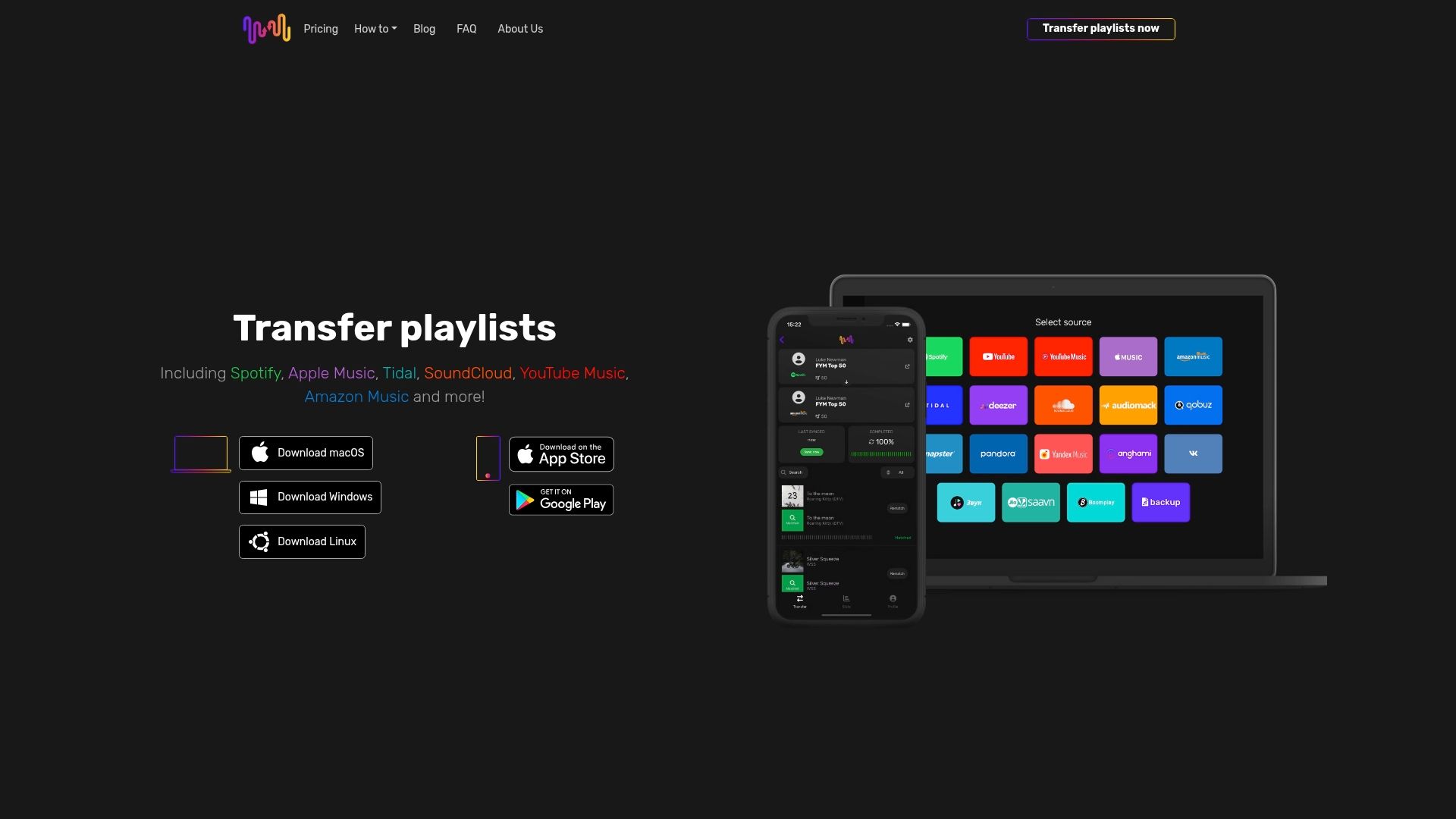
Our platform offers AES-256 encryption and OAuth 2.0 authentication protecting every transfer. Multi-factor authentication support and granular permission controls keep your accounts secure throughout the migration process. Encrypted cloud backup and restoration options ensure your playlists survive any disaster.
Thousands of artists and DJs trust Free Your Music for seamless and secure music migration. Our expert playlist syncing comparison demonstrates why professionals choose comprehensive protection over free alternatives.
Explore our complete playlist migration guide to understand how secure transfers work. Follow proven playlist transfer best practices that protect your music while enabling effortless platform switching. Your curated collections deserve security that matches the care you invested building them.
Frequently asked questions
What is the most secure way to transfer playlists between streaming platforms?
Use a service offering AES-256 encryption, OAuth 2.0 authentication, and multi-factor authentication support to protect your data during transfers. Backup playlists before starting and verify the service's security policies. Following playlist transfer best practices ensures comprehensive protection throughout the migration process.
How can I protect my streaming accounts from unauthorized access during playlist migration?
Enable multi-factor authentication on all streaming accounts before initiating any transfer to block credential theft. Use strong, unique passwords managed by a password manager for each platform. Regularly audit third-party app permissions and immediately revoke access after transfers complete to minimize your attack surface. Understanding playlist transfer security challenges helps you identify and prevent unauthorized access attempts.
Are free playlist transfer apps safe to use?
Many free apps lack proper encryption and authentication safeguards, exposing your playlist data to significant risks. If you choose free tools, audit permissions carefully, use unique passwords, and change credentials immediately after completing transfers. For better security and peace of mind, consider reputable paid services with proven protection. Reviewing risks of free playlist apps reveals common vulnerabilities in no-cost solutions.
How often should I backup my playlists?
Backup playlists before every transfer operation and schedule automatic backups at least monthly for active collections. Test restoration procedures quarterly to verify backup integrity. Maintain multiple backup versions to protect against file corruption or accidental overwrites that could destroy recent changes.
What permissions should I grant to playlist transfer apps?
Grant only minimum necessary permissions for the specific transfer operation. Typical requirements include read access to playlists and write access to the destination platform. Avoid apps requesting access to payment information, personal messages, or unrelated account features beyond playlist data and basic profile information.
Recommended

Your playlists belong to you.
Stop rebuilding by hand. Move everything in minutes and take your music wherever you go.
Download free →SongsBrew — our free music newsletter
A free perk for FYM users. Tips, playlists, no spam.