
Transfer Tidal playlists to another account
Move your playlists, liked songs, saved albums, and followed artists from one Tidal account to another. Connect the old account as the source and the new one as the destination, and Free Your Music copies everything across.
★★★★★ 4.7 · 12M+ downloads · Password never shared


Short answer
Yes, you can move your music to another Tidal account. Free Your Music copies your playlists, liked songs, and saved albums from one account to the other. Your old account stays as it is. The transfer is free, and it runs on our servers, so you can close the app while it works.
Move playlists between Tidal accounts
Free Your Music moves your playlists, liked songs, saved albums, and followed artists from one Tidal account to another, with the same playlist names and song order.
Supported transfers
Playlists (with original names + order), Liked songs / favorites, Saved albums, and Followed artists
Review missing tracks
Catalogs differ. Review the transfer results for tracks that could not be matched on the destination service.
Moving to another Tidal account at a glance
| What | Answer |
|---|---|
| Playlists | Yes |
| Liked songs | Yes |
| Saved albums | Yes |
| Followed artists | Yes |
| Song order kept | Not always |
| Your old library | Stays, it is a copy |
| Runs in the background | Yes, on our servers |
| Price | The transfer is free |
| Keep in sync | With Pro, once a day |
How to move playlists between two Tidal accounts
Four steps. The same on iPhone, Android, Mac, Windows and Linux.
Quick answer
To move Tidal playlists to another Tidal account, install Free Your Music, connect the old account as the source and the new account as the destination, select the playlists, and start the transfer.
- 1
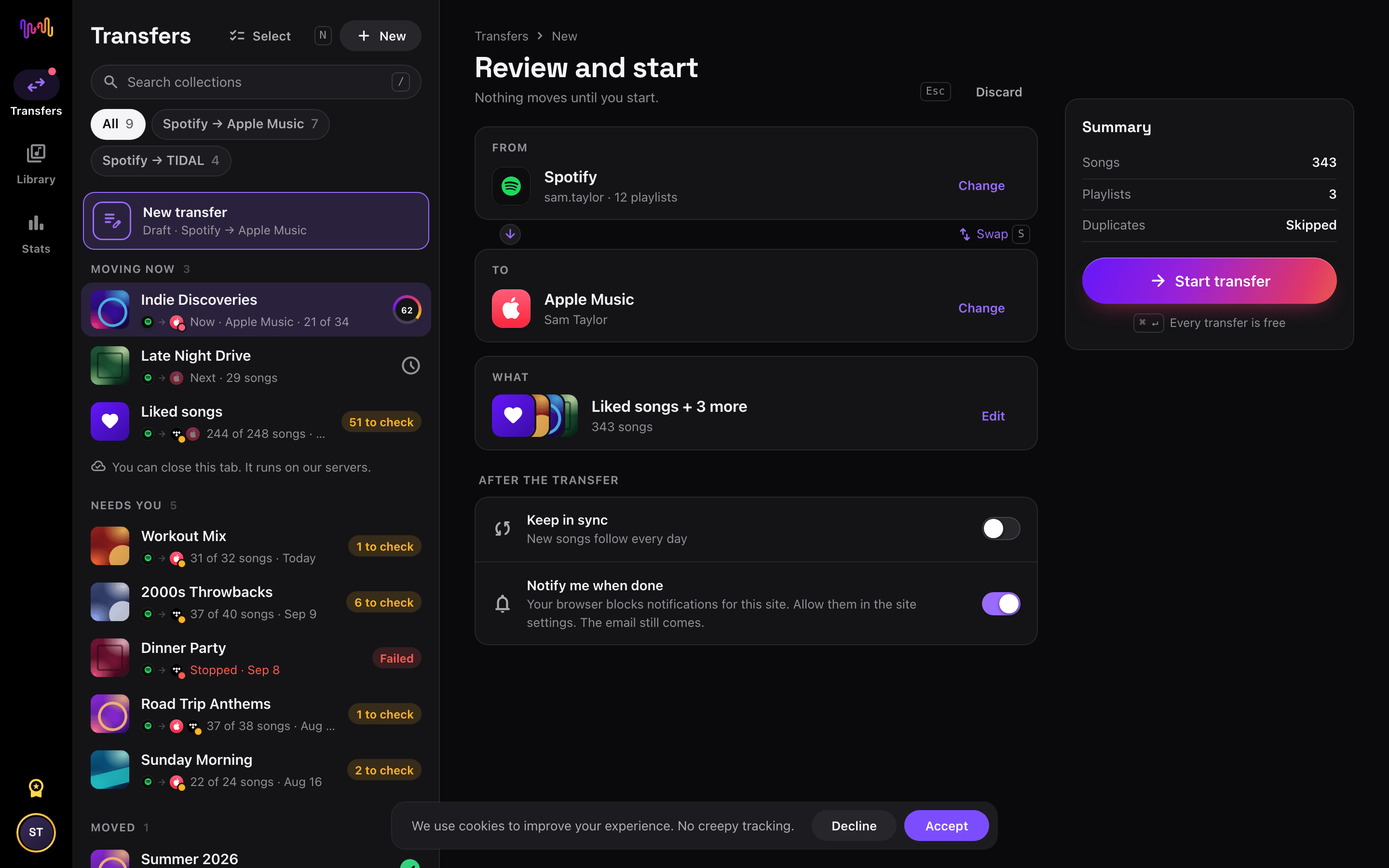
Connect Tidal as the source
Open Free Your Music, tap the Tidal tile on the "Select source" screen and sign in to the Tidal account that holds your music.
- 2
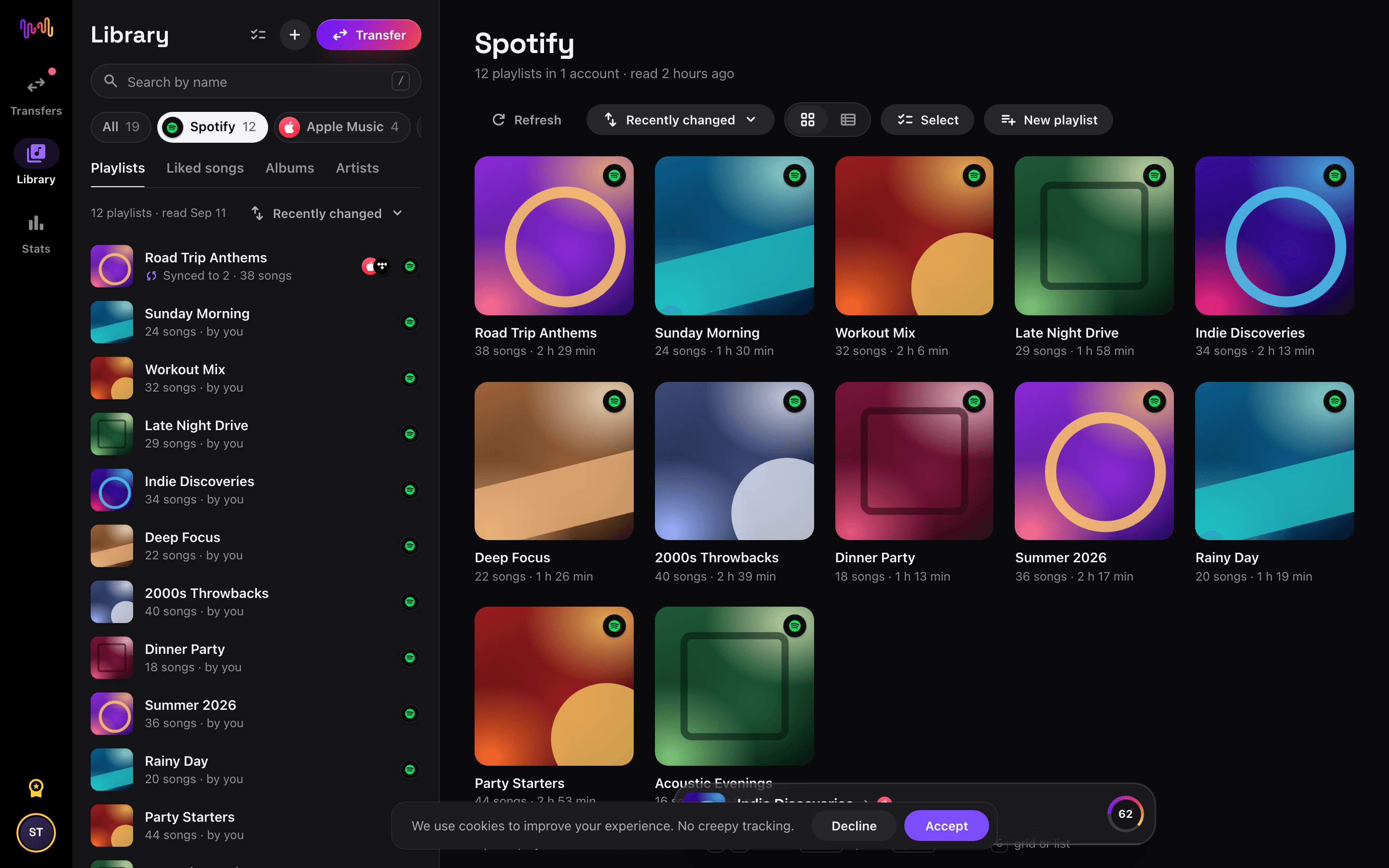
Choose Tidal as the destination
On the "Select destination" screen, tap Tidal again and sign in with your other Tidal account. Check the account name before you continue.
- 3
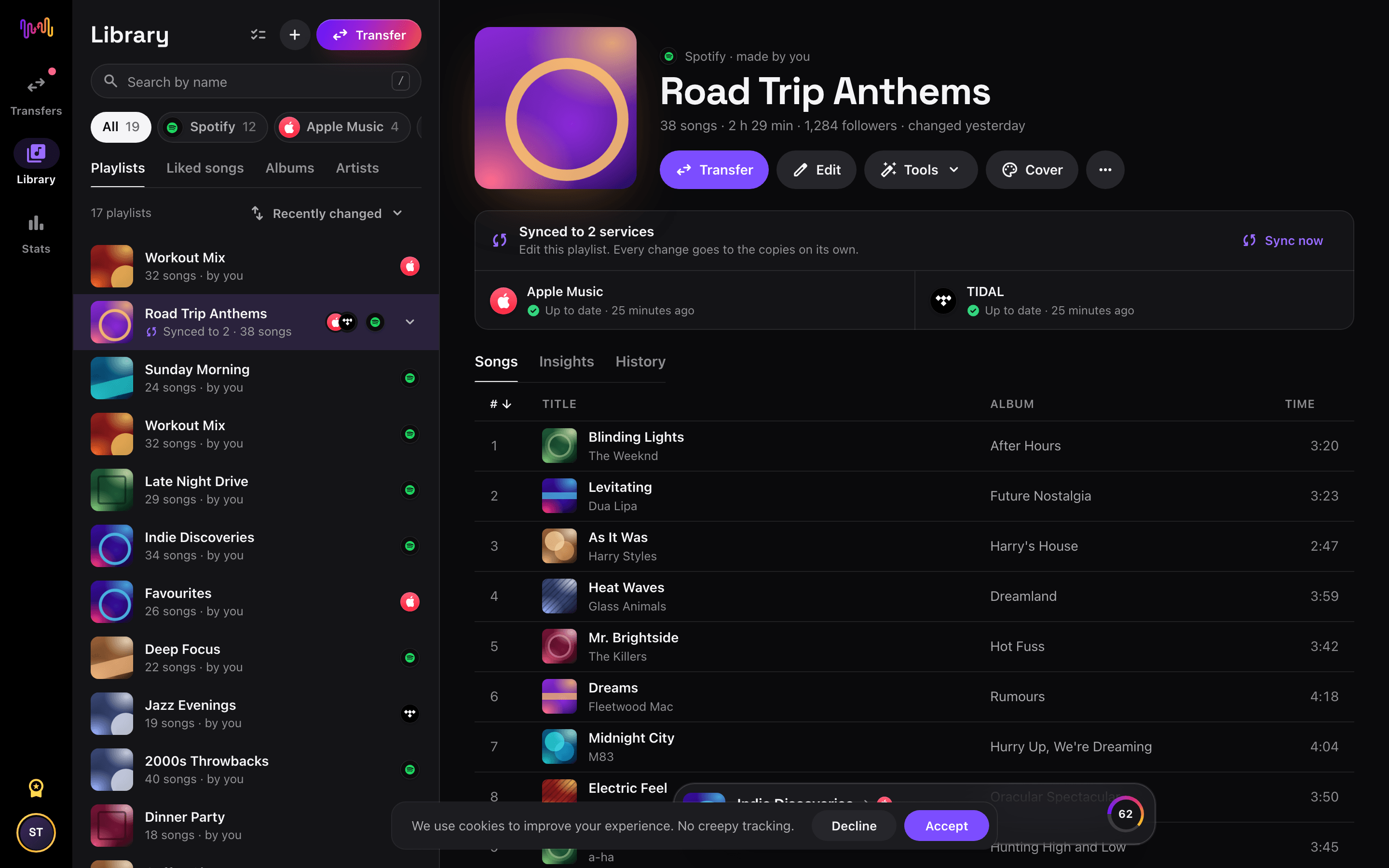
Select what to move
Tick the playlists you want on Tidal. Use the filters and the search field to find them, or select everything to move your whole Tidal library at once.
- 4
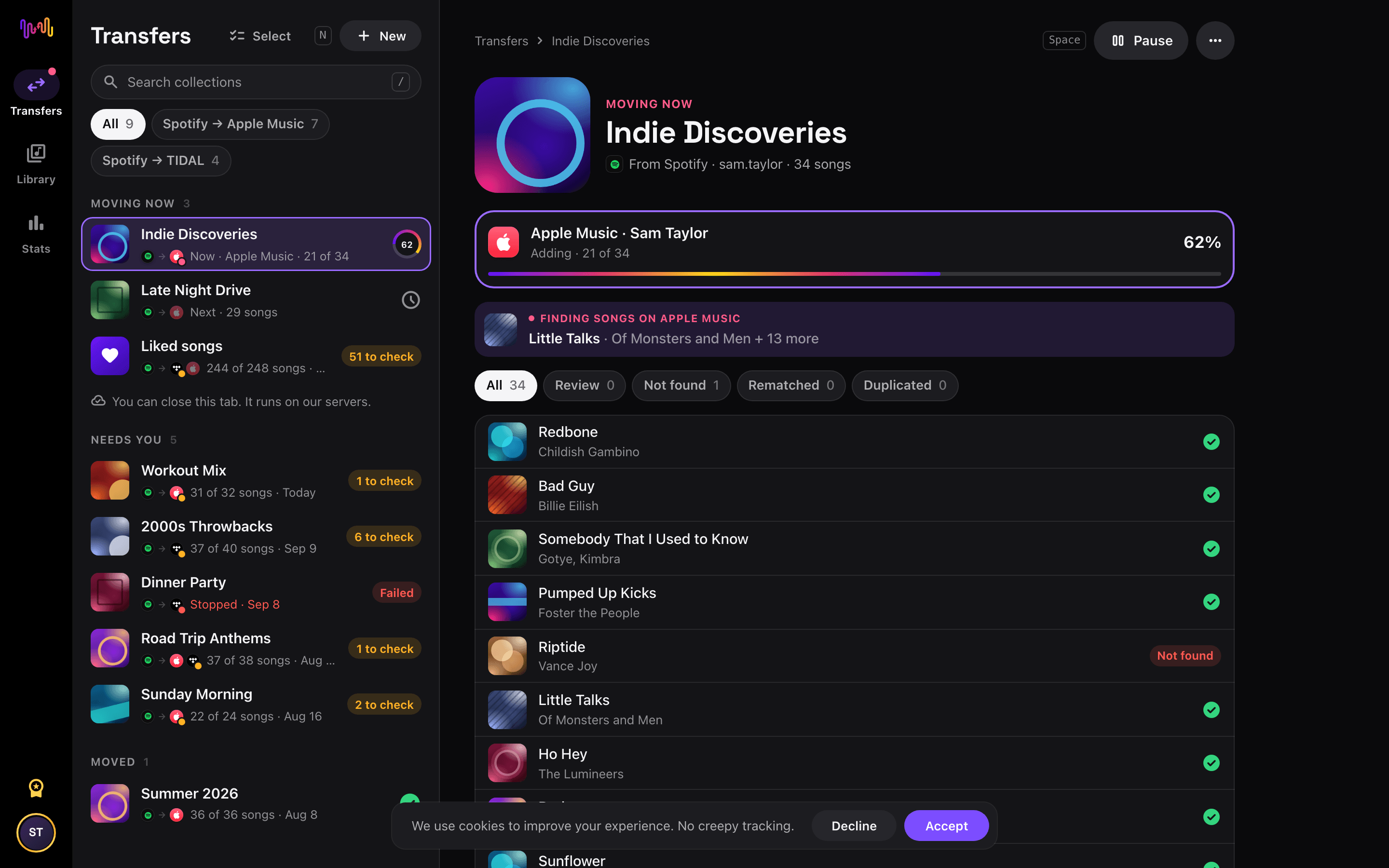
Start the transfer and check the results
Tap "Begin transfer". Free Your Music matches every song on Tidal, keeps the playlist names and the song order, and shows a confidence score for each match. Use Rematch to fix any song it could not find.


This transfer is free
Every transfer from one Tidal account to another is free in your browser and in the new iPhone and Android apps. No card.
Keep them in sync
Still use both accounts? Turn on auto-sync. New songs on the old Tidal account reach the other one once a day.
Good to know before you move Tidal to another account
Tidal as the source
Playlists, favourite tracks, saved albums and followed artists can all move from Tidal.
Read the Tidal guide →What transfers between Tidal accounts
On every device
New account, shared account or two accounts: move Tidal music between accounts
Starting over with a new Tidal account? Connect the old account as the source and the new one as the destination. Your playlists, with their names and song order, arrive on the new account.
Leaving a family or shared Tidal plan, or an account that someone else pays for? Move your music to your own Tidal account first, then leave the plan.
Want to merge two Tidal accounts? Transfer the library of one account into the other. The music of both accounts is then in one place, and the first account stays as it is.
Want to own a playlist that another account made? Transfer it to your account. Your account owns the copy, so you can edit it, share it and keep it.
Keep two Tidal accounts in sync
Still adding songs on the old Tidal account? With Pro, Auto-Sync checks your transferred playlists and adds new songs to the other account automatically, so both accounts stay the same. Pricing →


Moving between two Tidal accounts
Connect the account containing your music as the source, then connect the other account as the destination. Check both account names before selecting the playlists to copy.
Transfer liked songs from Tidal to Tidal
Select the liked or saved songs collection from the source account. Choose the destination library in the app, start the transfer, and review its results. Library labels and organization differ between services.
Transfer saved albums from Tidal to Tidal
Select your saved albums collection in the app. Availability depends on the destination catalog, so review the results for editions or releases that could not be found.
Transfer followed artists from Tidal to Tidal
Choose the artists collection in the source account and transfer it to the destination. Artist availability and the way each service organizes a library may differ.
Review the result before changing your library
Catalogs can differ by region and service. A live recording, remix, or release may not exist on the destination. Review unmatched tracks in the transfer results before removing anything from the source library. Transfer duration depends on library size, connection speed, and service limits.
Frequently asked questions
How do I transfer my Tidal playlists to another account?
To move Tidal playlists to another Tidal account, install Free Your Music, connect the old account as the source and the new account as the destination, select the playlists, and start the transfer.
What transfers from one Tidal account to another?
Free Your Music moves your playlists, liked songs, saved albums, and followed artists from one Tidal account to another, with the same playlist names and song order.
Can I move Tidal playlists to another Tidal account for free?
Yes. Transfers from one Tidal account to another are free: your playlists, liked songs, saved albums, and followed artists, with no card. Rematch and 30 days of Stats are free too. Pro keeps the two Tidal accounts in sync every day and adds the playlist tools and playlist insights. What is free and what Pro adds →
Will my Tidal playlists be deleted?
No. Free Your Music copies your music to the other Tidal account and leaves the source account as it is. You decide later whether to keep or close it. Copy or move: what happens to your playlists →
Do my playlists keep their song order on the other Tidal account?
Not always. Tidal does not let apps set the song order, so some songs can land in a different place on the other account. Every song that is found still moves. How the song order transfers →
Do I keep my music if I cancel Pro?
Yes. The playlists you moved stay on Tidal. They belong to your Tidal account, not to Free Your Music. When Pro ends, auto-sync and the playlist tools stop, and your music stays where it is. What happens after you cancel Pro →
How do I transfer liked songs to another Tidal account?
Connect the account with your liked songs as the source and the other account as the destination, then select Liked songs. Free Your Music adds every song to the liked songs of the other account.
Can I merge two Tidal accounts?
Yes, by moving the music of one account into the other. Connect the account you want to empty as the source and the account you keep as the destination, select everything and start the transfer. Both accounts keep working, and you decide later whether to close the first one.
Can I transfer ownership of a Tidal playlist?
Transfer the playlist to the other account. Free Your Music creates a copy there with the same name and song order, and the other account owns that copy.
How do I keep my playlists when I leave a Tidal family plan?
Before you leave, connect the account you use on the family plan as the source and your own Tidal account as the destination, and transfer your playlists. Then leave the plan. Nothing is deleted from the source account.
How long does it take to move Tidal playlists to another account?
Most playlists move in a few minutes. Large libraries take longer, because the time depends on the number of songs and on the limits of Tidal. You can keep using your device while the transfer runs.
Can I move Tidal playlists to another account on my phone?
Yes. Free Your Music runs on iPhone, iPad and Android, and in the browser on any Mac, Windows or Linux computer. The steps are the same on every device.
Find new music for your new library
Deep cuts every Thursday, free. SongsBrew is our weekly music letter: one subject in depth and a playlist at the bottom. 25,000+ readers.
Ready to move to your other Tidal account?
Open Free Your Music on the web or on your phone and move your whole library in minutes. Every transfer is free. No card.
Move my music free →