Music news, tips & stories
Stay updated with the latest music streaming insights, playlist management tips, and industry news.
7 Effective Examples of Music Sharing Options Explained
January 19, 2026

Managing your playlists across different music platforms can quickly become overwhelming. Moving your favorite tracks, sharing with friends, or making sure your playlists are always backed up is often easier said than done. If you have ever lost a carefully curated playlist or struggled to migrate music when switching services, you know how frustrating it can be to keep your music collection safe and organized.
The good news is that there are smart solutions designed to address these common problems. From third-party transfer tools that support almost every major music service to automatic cloud backups and collaborative features, you can take control of your playlists and enjoy more flexible sharing and protection. These practical methods will not only save you time but also help you safeguard your entire music library for the future.
Get ready to discover step-by-step strategies that will simplify how you move, share, and back up your playlists. Each approach offers actionable value, letting you enjoy your favorite tracks without the usual headaches.
Table of Contents
- 1. Using Playlist Transfer Services for Easy Migration
- 2. Sharing Playlists Directly Through Streaming Apps
- 3. Exporting Playlists via File Formats Like CSV or TXT
- 4. Syncing Music Libraries with Cloud Backup Tools
- 5. Using Social Media for Fast Playlist Sharing
- 6. Collaborating on Shared Playlists Across Platforms
- 7. Utilizing QR Codes to Share Playlists Instantly
Quick Summary
| Takeaway | Explanation |
|---|---|
| 1. Use Playlist Transfer Services | Effortlessly migrate playlists across streaming platforms, saving time and effort in recreating collections. |
| 2. Share Playlists Easily via Apps | Utilize integrated sharing features in streaming apps to distribute playlists quickly to friends and followers. |
| 3. Export Playlists as Text Files | Create structured backups of your playlists in CSV or TXT formats for better organization and analysis. |
| 4. Backup Music Libraries with Cloud Services | Protect your music collections from loss by syncing them with cloud backup tools across devices. |
| 5. Generate QR Codes for Instant Sharing | Use QR codes to quickly link listeners to playlists, bridging physical and digital sharing efficiently. |
1. Using Playlist Transfer Services for Easy Migration
Playlist transfer services have revolutionized how music lovers manage their digital music collections across different streaming platforms. These innovative tools solve a critical problem for music enthusiasts who want to switch services or consolidate their playlists without manually recreating each track lineup.
With third-party playlist transfer tools, you can effortlessly migrate entire music libraries between popular streaming services like Spotify, Apple Music, and Tidal. These platforms support batch transfers, which means you can move multiple playlists simultaneously without spending hours rebuilding your favorite collections.
The process is remarkably straightforward. Users simply connect their source and destination streaming accounts, select the playlists they want to transfer, and let the service handle the complex matching and migration process. Most transfer tools use advanced algorithms to find equivalent tracks across different platforms, ensuring that your carefully curated playlists remain intact.
While free versions typically offer basic transfer capabilities, premium services often provide additional features like playlist synchronization, metadata preservation, and the ability to transfer unlimited playlists. This makes them an essential tool for music lovers who value convenience and want to maintain their musical organization across multiple platforms.
Pro tip: Always check the matching accuracy of your transferred playlists and keep a backup of your original playlists to ensure no music is lost during the migration process.
2. Sharing Playlists Directly Through Streaming Apps
Modern streaming platforms have simplified the process of sharing playlists, making it incredibly easy for music lovers to exchange their favorite collections with friends and followers. Each streaming service offers unique built-in sharing mechanisms that allow users to distribute their carefully curated playlists with just a few clicks.
Most popular music streaming apps provide multiple sharing options directly within their interfaces. On platforms like Spotify, Apple Music, and Tidal, you can generate shareable links, create public playlists, or send playlists directly to specific contacts through integrated messaging features. Playlist sharing methods have become more sophisticated and user friendly in recent years.
The sharing process typically involves selecting a playlist, clicking the share button, and choosing your preferred distribution method. Users can share via social media platforms, messaging apps, email, or generate a direct link that anyone can access. Some services even allow collaborative playlist creation, where multiple users can contribute and modify a shared music collection.
Each streaming platform has slightly different sharing capabilities. Spotify allows public playlist links and direct sharing to social media. Apple Music permits sharing through iMessage and AirDrop. YouTube Music offers link generation and social media distribution. These integrated features make playlist sharing more accessible than ever before.
Pro tip: Always check your playlist privacy settings before sharing to ensure you are comfortable with the level of public access.
3. Exporting Playlists via File Formats Like CSV or TXT
Exporting playlists as text or spreadsheet files offers music lovers a powerful method of preserving and organizing their digital music collections. This approach provides a flexible backup strategy that transcends individual streaming platforms and gives users complete control over their music libraries.
Users can leverage playlist export tools to transform their music collections into structured text or CSV files. These exports typically include crucial track information such as song title, artist, album, duration, and sometimes additional metadata like release year or genre. By creating these structured backups, music enthusiasts can maintain comprehensive records of their playlists independent of any single streaming service.
The export process is remarkably straightforward. Most music platforms and third party tools offer direct export functionality that converts playlists into universal file formats like CSV or TXT. These files can be easily opened in spreadsheet applications such as Microsoft Excel or Google Sheets, allowing for detailed playlist analysis, sorting, and organization.
Beyond simple backup, exported playlist files serve multiple practical purposes. Researchers can analyze listening habits, musicians can track song collections, and music lovers can share playlist details without requiring direct platform access. The universal nature of CSV and TXT formats ensures maximum compatibility across different devices and software systems.
Pro tip: Always save multiple backup copies of your exported playlist files in different locations to prevent potential data loss.
4. Syncing Music Libraries with Cloud Backup Tools
Cloud backup tools have revolutionized the way music enthusiasts protect and manage their digital music collections. These sophisticated services provide a comprehensive solution for safeguarding music libraries across multiple devices and platforms.
Cloud backup services offer robust protection for music lovers who want to ensure their carefully curated playlists and tracks remain safe from potential device failures or accidental deletions. Modern cloud backup tools automatically synchronize music files across smartphones, computers, and tablets, creating seamless accessibility and protection.
The primary advantage of using cloud backup tools is the ability to centralize music collections. Users can upload their entire music library to secure online servers, which then automatically mirror these files across multiple devices. This means you can access your favorite tracks from any device with an internet connection, providing unprecedented flexibility and convenience.
Most cloud backup services offer additional features beyond simple file storage. These often include automatic backup scheduling, version history tracking, and advanced encryption to protect your music files from unauthorized access. Some services even provide intelligent matching algorithms that can replace low quality files with higher resolution versions from their music databases.
Pro tip: Choose a cloud backup service that supports multiple file formats and offers automatic synchronization across all your devices to maximize your music library protection.
5. Using Social Media for Fast Playlist Sharing
Social media platforms have transformed how music lovers share and discover their favorite playlists. These digital networks provide instant, engaging methods for spreading musical collections with friends and followers across the globe.
Modern social platforms offer seamless music sharing mechanisms that enable users to broadcast their musical tastes rapidly. Instagram, Facebook, Twitter, and TikTok all provide straightforward options for sharing playlist links, embedding music snippets, or creating collaborative listening experiences that connect music enthusiasts instantly.
Each social media platform offers unique sharing capabilities. Instagram allows users to share Spotify song clips in stories, Facebook enables direct playlist links, and Twitter supports music streaming service integrations. These features transform social networks into powerful music discovery and sharing ecosystems that extend beyond traditional communication methods.
Beyond simple link sharing, social media platforms create interactive musical communities. Users can tag friends, create collaborative playlists, and spark conversations about their favorite tracks. This social element transforms playlist sharing from a solitary experience into a dynamic, communal interaction that celebrates musical diversity and personal expression.
Pro tip: Always preview your playlist share to ensure privacy settings are configured correctly and the content appears exactly as you intend.
6. Collaborating on Shared Playlists Across Platforms
Collaborative playlists represent a revolutionary approach to music sharing, allowing multiple users to contribute and curate musical collections together. These dynamic platforms transform music listening from a solitary experience into a social and interactive journey.
Collaborative playlist features enable music enthusiasts to create shared musical experiences across different streaming platforms. Users can invite friends, family, or even online communities to contribute tracks, vote on song order, and collectively build unique playlists that reflect diverse musical tastes.
Different streaming services offer unique collaborative playlist capabilities. Spotify allows users to generate shareable links for playlist collaboration, while YouTube Music supports synchronized contributions through invitation links and QR codes. These features break down platform barriers, enabling music lovers to create interconnected listening experiences regardless of their preferred streaming service.
Collaborative playlists serve multiple purposes beyond simple music sharing. They can be used for party planning, workout motivation, road trip soundtracks, or even professional music curation. The ability to collectively build and modify playlists transforms music from a personal experience into a collaborative art form that connects people through shared musical interests.
Pro tip: Establish clear guidelines and communication with playlist collaborators to maintain a harmonious and enjoyable shared musical experience.
7. Utilizing QR Codes to Share Playlists Instantly
QR codes have emerged as a revolutionary tool for musicians, music lovers, and playlist curators to share their favorite tracks with unprecedented speed and convenience. These compact digital gateways transform playlist sharing from a complex process into a seamless, instantaneous experience.
QR code technology enables users to generate unique scannable codes that instantly redirect listeners to specific playlists across multiple streaming platforms. By embedding a single QR code on physical media like posters, merchandise, or event flyers, creators can connect audiences directly to their musical collections with minimal friction.
The versatility of QR codes extends beyond simple link sharing. Dynamic QR codes can be updated without changing the physical code itself, allowing playlist curators to refresh their selections continuously. Musicians can use these codes on album artwork, concert tickets, or social media profiles to provide fans with immediate access to their recommended tracks.
Most modern smartphones now include built-in QR code scanning capabilities within their default camera apps, making playlist sharing more accessible than ever. Users can simply point their device at a code and be instantly transported to a curated musical experience, bridging the gap between physical and digital music consumption.
Pro tip: Create visually appealing QR codes by using custom colors or incorporating your brand logo to make them more engaging and recognizable.
Below is a comprehensive table summarizing the main points and methods discussed in the article about managing playlists across various platforms.
| Topic | Description | Advantages |
|---|---|---|
| Playlist Transfer Services | Tools to move playlists across platforms like Spotify and Apple Music. | Saves time, ensures playlist accuracy, and supports batch transfers. |
| Sharing Playlists Directly | Sharing options like links, messaging, and public playlists within streaming apps. | Facilitates instant sharing and collaboration. |
| Exporting Playlists as Files | Export playlists as CSV or TXT for backup or analysis. | Offers portability and data preservation. |
| Cloud Backup for Music Libraries | Use cloud services to synchronize and protect music. | Ensures data security and access from multiple devices. |
| Social Media Sharing | Leverage platforms like Instagram and Facebook for playlist sharing. | Enhances audience reach and social engagement. |
| Collaborative Playlists | Allow multiple users to co-edit playlists. | Promotes teamwork and collective curation. |
| QR Codes for Sharing | Use QR codes to directly access playlists. | Simplifies distribution and increases accessibility. |
Simplify Your Music Sharing and Playlist Transfers Today
Switching music streaming platforms or sharing playlists across services can feel overwhelming. The article "7 Effective Examples of Music Sharing Options Explained" highlights common challenges like managing multiple playlists, preserving song order, and syncing music collections effortlessly. Whether you want to avoid tedious manual rebuilding or maintain perfect playlist matching, these goals matter deeply to music lovers who treasure their curated collections.
At FreeYourMusic.com, we understand the frustration of losing track of your tunes or struggling with incompatible platforms. Our specialized SaaS platform offers easy, accurate migration between Spotify, Apple Music, Tidal, YouTube Music, Amazon Music, and more. With features like automated synchronization, multi-account support, and cloud backup, your playlists stay intact and up to date across devices.
Unlock stress-free music sharing and library management now
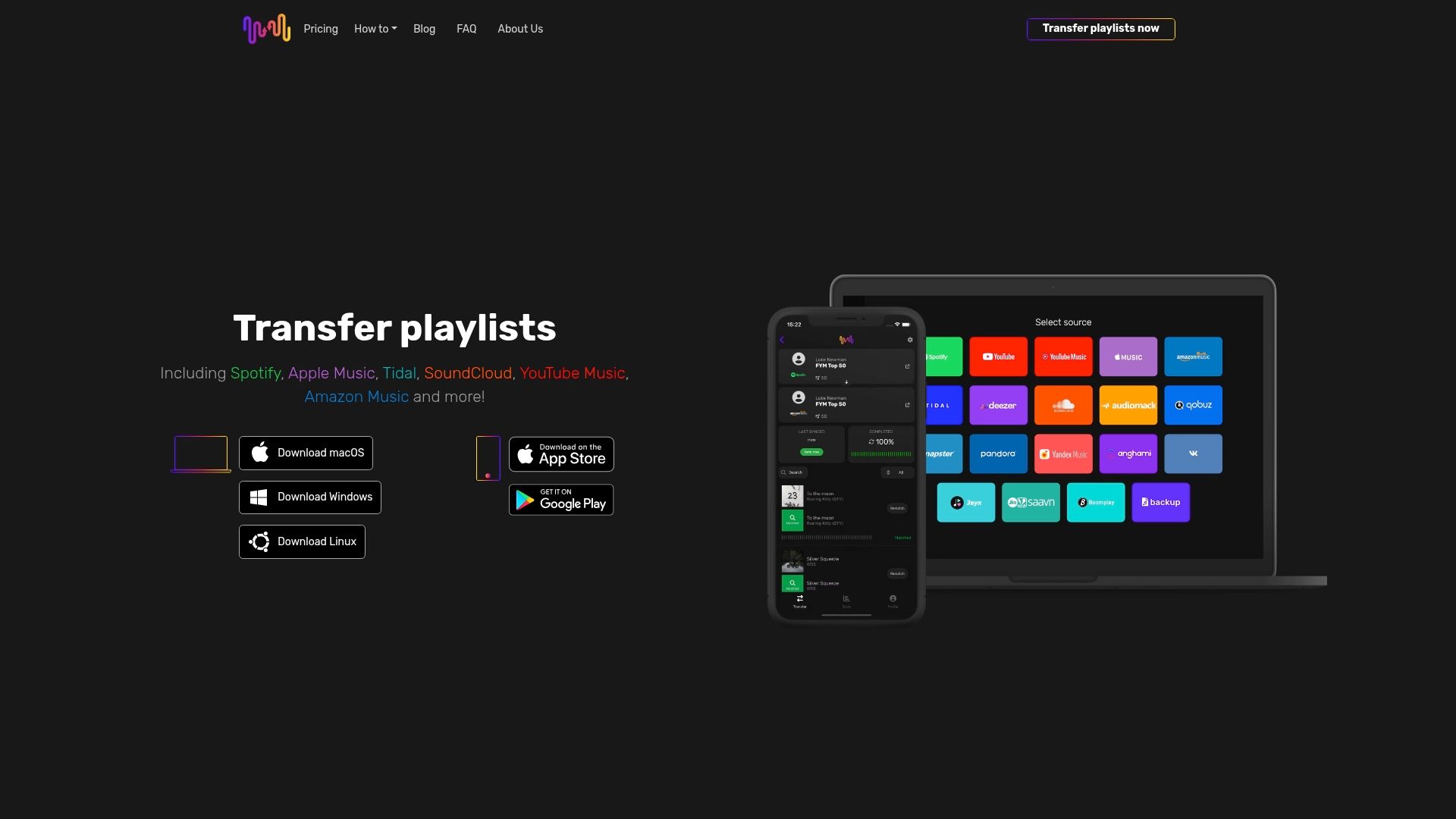
Don’t wait until your favorite playlists get lost or stuck on one platform. Visit FreeYourMusic.com to start transferring and syncing your music collections instantly. Experience seamless playlist migration designed for music enthusiasts who demand reliability and convenience. Make your next music sharing experience effortless and secure with proven solutions available today.
Frequently Asked Questions
What are some popular playlist transfer services for music sharing?
Playlist transfer services like the ones mentioned in the article allow users to easily move playlists between streaming platforms. To explore these options, simply search the web for third-party playlist transfer tools and read user reviews to find ones that fit your needs.
How can I share my playlists directly through my streaming app?
You can share your playlists by using the built-in sharing features in popular streaming apps. To do this, select a playlist, click the share button, and choose your preferred method, such as social media or messaging.
What file formats can I use to export my playlists?
You can export your playlists in text or CSV formats, which provide a structured method for preserving your music collections. To export, locate the export option in your streaming app or use a playlist export tool to create these files.
How does cloud backup help in managing my music library?
Cloud backup services allow you to store and manage your music library securely online, ensuring that your playlists are protected against accidental loss. To safeguard your collection, upload your music files to a cloud service that offers automatic synchronization across your devices.
How can I use social media for fast playlist sharing?
You can utilize social media platforms to share your playlists quickly and engage with your audience. To do this, simply create a post with a playlist link or embed music snippets to attract listeners and encourage interaction.
What is a collaborative playlist, and how can I create one?
A collaborative playlist allows multiple users to add and modify songs together, creating a shared music experience. To create one, start a playlist on your preferred streaming service and invite friends to contribute by sharing a collaboration link.
Recommended


Migrate from and to any music services


Most popular Apple Music transfers: