Best AI Playlist Generators in 2026 (Free and Paid, Compared)
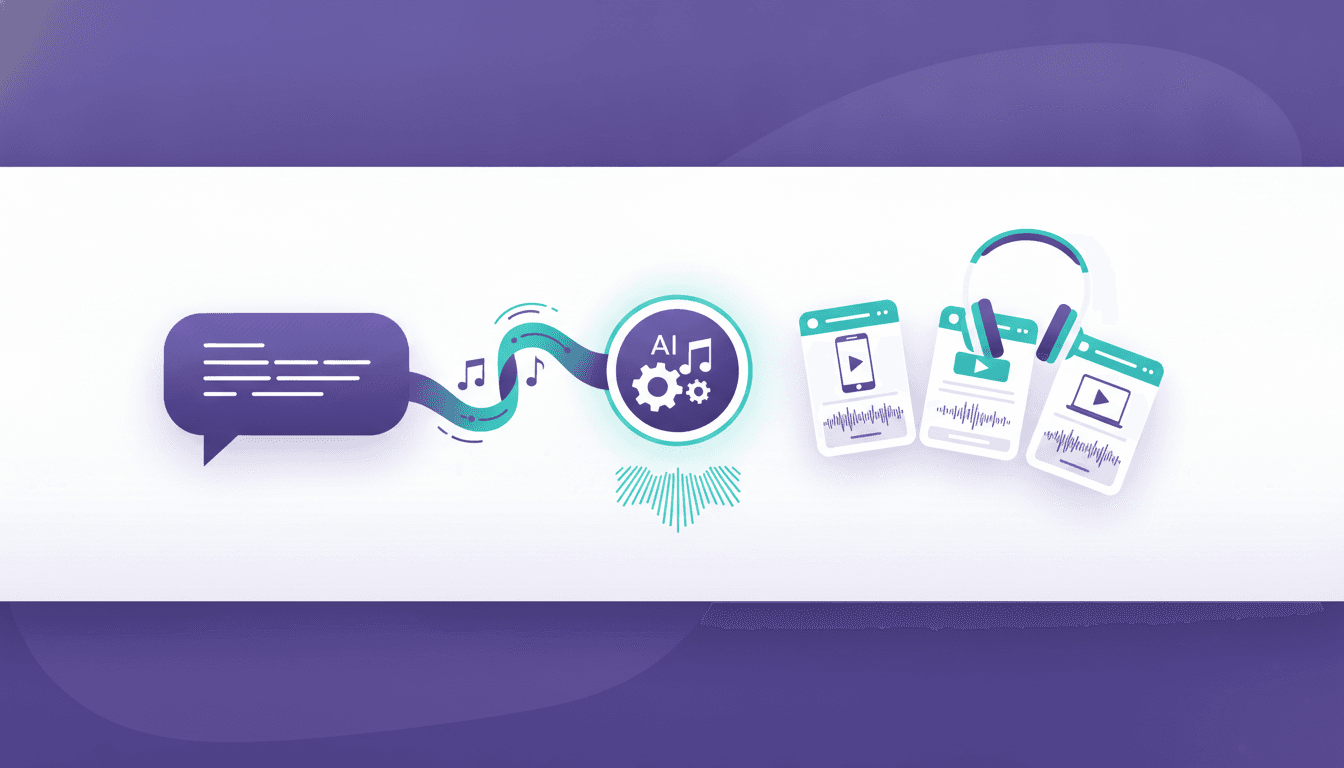
An AI playlist generator takes a plain-English prompt - "songs for a long drive through the desert at night, no vocals after track five" - and builds a playlist from a streaming catalog. Some run inside the app you already pay for. Some are standalone apps that log into your account and write the playlist for you. Some are just a chatbot handing you a list of song titles that you still have to find yourself. The difference matters, because only one of those three actually leaves you with a playable playlist.
This guide covers what these tools do under the hood, which ones are worth your time in 2026, exactly how to go from a text prompt to a saved playlist, and what to do next when the playlist you love lives on a service half your friends do not use.
What an AI Playlist Generator Actually Does
Under the hood, nearly every AI playlist generator follows the same three steps.
First, a language model reads your prompt and turns it into something machine-readable: genres, moods, tempo ranges, eras, artists to include, artists to avoid, maybe a target length. "Late-90s trip-hop but less depressing" becomes a set of constraints, not a vibe.
Second, it pulls candidate tracks. In-app generators like Spotify's have direct access to the catalog and to years of recommendation data. Standalone apps query a streaming service's public API for search, recommendations and related artists. Chatbots with no music integration do neither - they generate song titles from memory, which is where most of the errors come from.
Third, it writes the result somewhere. In-app tools save straight to your library. Standalone tools use the official login flow to create a playlist in your account. Chatbots hand you text.
Worth clearing up early: an AI playlist generator does not create music. Tools that compose original audio from a prompt are a separate category, and none of the playlist tools below generate audio, download files, or touch DRM. They arrange tracks that already exist on a streaming service.
If you want the broader landscape of playlist-building tools, including the non-AI ones that are still better at some jobs, our playlist maker tools guide covers manual curators, smart playlists and mood-based builders side by side.
Best AI Playlist Generators Compared
Availability for in-app AI features changes by country and rolls out in stages, and third-party pricing moves. Check current pricing and availability in your own app before committing - the table reflects what was accurate at the time of writing (checked September 2026).
| Tool | Where it runs | Cost | Best for | Watch out for |
|---|---|---|---|---|
| Spotify AI Playlist | Inside the Spotify app | Included with Premium | Prompt-to-playlist in the service you already use | Rollout varies by market and platform |
| Spotify DJ | Inside the Spotify app | Included with Premium | A continuous, commentary-led listening session | Not a saveable playlist; it is a stream |
| Amazon Music Maestro | Inside Amazon Music | Included for Amazon Music users | Playful prompts, emoji-driven requests | Only builds inside Amazon Music |
| YouTube Music conversational radio | Inside YouTube Music | Included with the app | Radio stations from a described mood | Station, not always a fixed playlist |
| PlaylistAI | Standalone app (iOS, web) | Free tier plus paid upgrade | Generating into Spotify or Apple Music from one place | Free tier limits generations |
| Playlistable | Standalone web app | Free tier plus paid upgrade | Mood and activity prompts, quick results | Web-only workflow |
| Soundiiz AI playlist generator | Standalone web app | Paid plan feature | People already using it for transfers | Behind a subscription |
| ChatGPT, Claude, Gemini | Chat interface | Free tiers available | Ideas, themes, deep-cut suggestions | No direct catalog access by default |
Spotify AI Playlist
The closest thing to a default. You describe what you want in a text box and Spotify builds a playlist from its catalog, then lets you refine it with follow-up prompts like "more upbeat" or "fewer big hits." Because it is reading the same recommendation graph that powers Discover Weekly, the matching quality is high and every track is guaranteed to exist and be playable in your region.
For creation controls, prompt revisions and scheduled refreshes, follow our dedicated Spotify Prompted Playlist guide.
The catch is availability. The feature has rolled out in stages across markets and platforms, and it is a Premium feature. If you do not see it, it has not reached your account yet.
Spotify DJ
DJ is not really a generator - it is an endless, AI-hosted radio session with a synthetic voice introducing sets. It is genuinely good background listening, but you cannot hand it a prompt and walk away with a saved playlist. Use it for discovery, then save the tracks you like manually.
Amazon Music Maestro
Amazon's prompt-based builder accepts loose, playful input including emoji, and generates playlists inside Amazon Music. Quality is solid for mainstream requests and thinner for niche ones. Everything it makes stays inside Amazon Music, which is the main practical limitation.
YouTube Music conversational radio
YouTube Music leans toward describing a station rather than generating a fixed tracklist. You tell it what you want to hear and it starts a radio feed shaped by that description. Great for passive listening, less useful when you need a fixed 40-track set for a party. If you want repeatable, editable playlists there, our YouTube Music playlist guide walks through building and managing them properly.
PlaylistAI
One of the better-known standalone options. You write a prompt, pick a target service, and it creates the playlist in your account through the official login. Its advantage over in-app tools is that it is not locked to one ecosystem - useful if you keep a foot in more than one service. The free tier caps how many playlists you can generate before you pay.
Playlistable
A lightweight web generator built around moods, occasions and activities. Fast, low-friction, and good for the "dinner party in an hour" use case. Less control over fine constraints than a longer prompt-based tool.
Soundiiz AI playlist generator
Soundiiz added AI generation to a product that was already a transfer tool. Convenient if you already subscribe there, but it sits behind a paid plan, so it rarely makes sense to subscribe for generation alone.
General chatbots
ChatGPT, Claude and Gemini are excellent at the creative half of the job - themes, sequencing logic, obscure recommendations, "give me 25 songs that sound like this one but are not by this artist." They are unreliable at the factual half. Ask for a list and you will occasionally get a song that does not exist, a title attributed to the wrong artist, or a track that was never released on streaming. Treat their output as a shopping list to verify, not a finished playlist.
How to Turn a Text Prompt Into a Playlist With an AI Playlist Generator
The fastest route is whichever generator lives inside the service you already pay for.
In Spotify
- Open the Spotify app on mobile.
- Tap Your Library.
- Tap the + button in the top right.
- Choose AI Playlist.
- Type your prompt, or tap one of the suggested prompt chips.
- Tap Create to generate the tracklist.
- Refine it with a follow-up prompt, or swipe away individual tracks you do not want.
- Tap Save to add the playlist to your library.
If AI Playlist does not appear under the + menu, the feature has not reached your account or market. Nothing is broken.
In a standalone generator
- Open the tool and choose Connect or Sign in with Spotify / Sign in with Apple Music.
- Approve the permissions screen from the streaming service itself - a real generator never asks you to type your streaming password into its own form.
- Enter your prompt, set the track count if the tool offers one.
- Generate, then review the result before saving.
- Save or export to your account, and confirm the playlist appears in your library.
With a chatbot
- Ask for a fixed number of tracks in a strict format: "List 30 songs as
Artist - Title, no commentary, released before 2005." - Ask it to flag anything it is unsure exists.
- Search each track in your streaming app and add the ones that check out.
- Expect to lose several suggestions to misattribution or tracks that were never on streaming.
A few things that reliably improve results across every tool: name two or three reference artists rather than a genre alone, state what you want excluded, specify energy direction ("starts calm, builds"), and give a length. "Chill music" gets you the algorithm's most generic guess. "Roughly 90 minutes, warm and slow, in the neighbourhood of Khruangbin and Sade, no tracks over 120 BPM, no obvious radio hits" gets you something usable.
If you are building for something specific rather than exploring, human-curated starting points still beat a cold prompt. Our roundups of the best workout playlists and music for studying are good prompt fuel - feed the generator two or three tracks you already like from them and it has something concrete to work with.
What Happens After: Getting Your AI-Made Playlist Onto Every Service You Use
Here is the problem nearly every reader hits within a week. The generator built something great, but it built it in one place. Your partner is on Apple Music. Your car runs YouTube Music. The gym speaker is Spotify. And the playlist that took twelve prompt refinements to get right exists in exactly one account.
This is where Free Your Music does the part the AI tools do not. It moves playlists, liked songs, saved albums and followed artists between 20+ services - Spotify, Apple Music, YouTube Music, Tidal, Amazon Music, Deezer, SoundCloud, Qobuz and more - using each service's official login, so your passwords are never shared. Track matching keeps names and song order intact, and anything it cannot match confidently is flagged for one-tap Rematch rather than quietly dropped.
To be clear about what it is not: Free Your Music does not generate playlists. It has no AI prompt box. It is the step after the generator.
The practical workflow:
- Generate the playlist in whichever tool gave you the best result.
- Open Free Your Music on iOS, Android, macOS, Windows or Linux.
- Connect the source service and the destination service.
- Select the AI-generated playlist and transfer it - for example Spotify to Apple Music or Spotify to YouTube Music.
- Check the flagged tracks and Rematch any that missed.
If the playlist is one you keep adding to, turn on Auto-Sync, which mirrors two services and pushes new additions every 15 minutes, so a track added on one side appears on the other without you thinking about it. Cloud Backup snapshots playlists so a good one is never one accidental deletion away from gone.
The free tier moves 600 songs and 1 playlist with no card required, which is enough to test whether the matching quality holds up on your specific music before you look at pricing.
One warning worth taking seriously: transfers between services are where playlists quietly lose tracks if the tool you use is careless about matching. Our breakdown of why you lose songs when switching streaming services explains what causes it and how to check your results.
Limitations of AI Playlist Generators
They skew popular. Recommendation data is built from what large numbers of people play, so generated playlists drift toward well-known tracks unless you explicitly push against it. Adding "no tracks with more than a million plays" or naming obscure reference artists helps.
They are bad at genuinely novel taste. An AI playlist generator is very good at "more of what people like you already like" and weak at "something I have never heard that I will love anyway." For real discovery, generators are one input among many - our guide to finding new music covers the fifteen approaches that actually surface unfamiliar artists.
Chatbot output contains phantom tracks. Any generator without live catalog access will occasionally invent a plausible-sounding song. Always verify.
Regional catalogs differ. A track that exists in one country may be missing in another, so a prompt that works perfectly for one person returns a shorter playlist for someone else.
Mood language is ambiguous. "Chill" means lo-fi to one person and ambient techno to another. The model guesses. Reference artists remove the guesswork faster than any adjective.
They ignore your history unless you connect them. In-app generators know your listening; most standalone ones only know your prompt. If you want the generator to reflect your actual taste, feed it your real top artists - you can pull those any day of the year with the free music listening stats tool, which works across 20+ services rather than waiting for a once-a-year recap. For Spotify specifically, our guide to Spotify listening stats and history shows exactly where to find the numbers worth pasting into a prompt.
And once you have twenty generated playlists sitting in your library, the problem becomes housekeeping rather than creation. Organizing your music library is the unglamorous half of this that keeps a generator from turning your account into a graveyard of half-listened experiments.
FAQ
What is the best free AI playlist generator?
If you already pay for a streaming service, the built-in option is the best free choice, because it is included in your subscription and every track is guaranteed to be playable. Spotify AI Playlist is included with Premium, and Amazon Music Maestro is available to Amazon Music users. Among standalone tools, PlaylistAI and Playlistable both have free tiers with generation limits. Availability changes by market, so check inside your own app.
Can ChatGPT make a Spotify playlist?
ChatGPT can write you a tracklist, but it does not create the playlist in your Spotify account on its own - you still have to search and add the songs, and verify that each one exists. Expect a handful of suggestions per list to be misattributed or invented. Tools built specifically for the job connect to your account through the official login and save the playlist directly.
Does an AI playlist generator work on Apple Music?
Several standalone generators, including PlaylistAI, can create playlists directly in an Apple Music account. Apple's own on-device intelligence features are separate from prompt-to-playlist generation. If you generated a playlist on Spotify and want it in Apple Music, transferring it is the reliable route - see our guide to transferring Spotify playlists to Apple Music.
Are AI playlist generators safe to connect to my account?
The legitimate ones use the streaming service's official authorization screen, so you log in with the service itself and grant specific permissions - your password is never typed into the third-party tool. Avoid anything that asks you to enter your Spotify or Apple Music password into its own form. You can revoke access at any time from your streaming account's app or security settings.
Can Free Your Music generate playlists with AI?
No. Free Your Music transfers, syncs and backs up playlists and libraries across 20+ services, and offers free listening stats - it does not create playlists from prompts. Use an AI playlist generator to build the playlist, then Free Your Music to move it wherever else you listen.
Why does my AI playlist have fewer songs after transferring it?
Usually because a few tracks are not available on the destination service, or exist there under a different release, remaster or regional version. Free Your Music flags imperfect matches for one-tap Rematch instead of dropping them silently, so you can fix them yourself rather than discovering the gaps months later.


Moving away from Spotify?
Stop rebuilding by hand. Move everything in minutes and take your music wherever you go.
See the transfer guide →SongsBrew — our free music newsletter
A free perk for FYM users. Tips, playlists, no spam.