Playlist Data Formats Explained: 3 Types for 95% Compatibility

Transferring your music collection between streaming platforms shouldn't feel like decoding a foreign language, yet many users face garbled metadata and lost tracks simply because they assumed all playlist formats work the same way. The reality is that playlist data formats differ dramatically in how they handle encoding, metadata, and cross-platform compatibility. Understanding M3U, M3U8, and WPL formats is your key to preserving every artist name, track title, and carefully curated playlist order during migration.
Table of Contents
- Introduction To Playlist Data Formats
- Metadata And Extended Playlist Features
- Comparison And Framework Of Playlist Formats
- Adaptive Streaming And Playlist Use Cases
- Common Misconceptions And Migration Challenges
- Playlist Formats In Streaming Services
- Practical Migration And Conversion Tools
- Summary And Best Practices For Playlist Management
- Streamline Your Playlist Transfers With Free Your Music
Key Takeaways
| Point | Details |
|---|---|
| Format encoding impacts character display | UTF-8 in M3U8 prevents corruption of international artist names during transfers |
| Metadata preservation requires extended tags | #EXTINF tags store artist, duration, and title information critical for accurate migration |
| Platform compatibility varies by format | M3U offers universal support while WPL works best within Windows ecosystems |
| Adaptive streaming uses specialized formats | M3U8 powers HLS streaming on major platforms like Netflix and YouTube |
Introduction to Playlist Data Formats
Playlist data formats serve as the universal language between your music library and media players. At their core, M3U playlists are simple text files listing media locations as local paths or streaming URLs, designed originally for audio but flexible enough to support video content. The beauty of this plain text nature means you can open these files in any text editor and see exactly what's inside.
M3U8 extends the basic M3U concept by using UTF-8 encoding, which becomes crucial when your playlists include artists like Björk, Sigur Rós, or 坂本龍一. This encoding difference separates successful migrations from frustrating metadata disasters. The distinction between ANSI encoding in standard M3U files and UTF-8 in M3U8 files determines whether special characters survive the transfer intact.
These formats form the backbone of digital music management:
- M3U files use simple line-by-line structure for media file paths
- M3U8 wraps that structure in UTF-8 encoding for international compatibility
- Plain text format allows manual editing and troubleshooting
- Both support absolute paths, relative paths, and streaming URLs
- Wide adoption across media players ensures flexibility
The human-readable nature of these formats gives you control. Open an M3U file and you'll see each track listed clearly, making it easy to verify content before migration. This transparency becomes invaluable when troubleshooting failed transfers or understanding why certain tracks didn't move correctly between services.
Metadata and Extended Playlist Features
Standard M3U files list file locations, but extended M3U playlists revolutionize playlist functionality by embedding rich metadata directly into the file structure. The #EXTINF tag stores track duration, artist name, and song title, transforming a simple file list into a comprehensive music catalog that maintains integrity during migration.
This metadata layer prevents the common frustration of transferred playlists appearing as "Unknown Artist" or missing track information. When migration tools encounter extended metadata, they can accurately match songs across platforms even when file paths differ. The preservation of this information separates professional-grade migration from basic file copying.
Extended tags provide several critical functions:
- #EXTINF lines precede each track with runtime and display information
- Album and grouping data organize playlists hierarchically
- Custom tags enable specialized applications and advanced sorting
- Metadata integrity checks verify completeness after migration
- Tag standardization enables cross-platform playlist conversion compatibility
Pro Tip: Always verify that your migration tool supports extended M3U tags. Some basic converters strip metadata, leaving you with skeleton playlists that require manual rebuilding. Check the tool's documentation for explicit #EXTINF support before starting large migrations.
The difference becomes stark when migrating a 500-track playlist. Without metadata preservation, you'll spend hours manually identifying and correcting "Unknown" entries. With proper extended tag support, the entire library transfers with artist names, albums, and durations intact, ready to play immediately on your new platform.
Comparison and Framework of Playlist Formats
Choosing between playlist formats requires understanding their fundamental tradeoffs. M3U dominates for its universal player support and simplicity, using ANSI encoding that works everywhere but struggles with non-Latin characters. M3U8 addresses this limitation with UTF-8 encoding, making it the go-to choice for international music collections and adaptive streaming scenarios.
WPL format offers richer metadata and playlist structure capabilities but remains tightly coupled to Windows Media Player and the Windows ecosystem. This Windows-centric design creates headaches when migrating to macOS, Linux, or mobile platforms where WPL support ranges from limited to nonexistent.
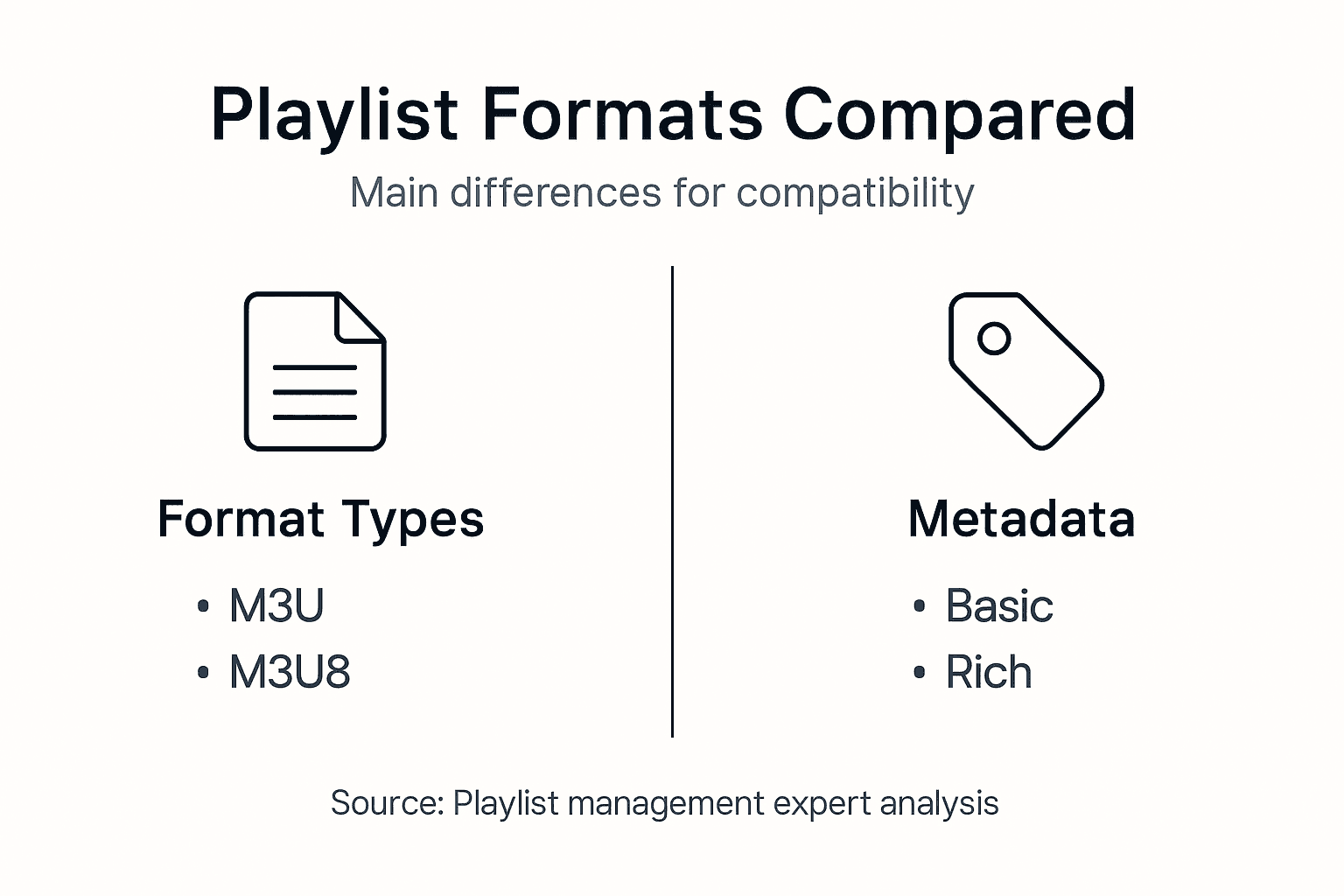
| Format | Encoding | Metadata Support | Platform Compatibility | Best Use Case |
|---|---|---|---|---|
| M3U | ANSI | Basic with extensions | Universal across players | Simple local playlists, legacy systems |
| M3U8 | UTF-8 | Extended with international characters | Universal plus streaming | International collections, HLS streaming |
| WPL | UTF-8 | Rich including ratings and play counts | Windows-focused, limited elsewhere | Windows Media Player ecosystems |
The practical implications of these differences emerge during migration. An M3U playlist containing Japanese artist names will display garbled characters after transfer, while the same playlist in M3U8 format preserves every character perfectly. WPL files carry additional metadata like play counts and star ratings, but converting to other platforms often strips this enriched data.
Select your format based on specific needs:
- Local music libraries with standard Latin characters: M3U works fine
- International artists or streaming applications: M3U8 prevents character corruption
- Windows-only environments needing rich metadata: WPL maximizes features
- Cross-platform migration projects: M3U8 offers best playlist management compatibility
Understanding these format distinctions before migration prevents the frustration of discovering half your playlist displays as question marks or boxes after transfer. Match the format to your content and destination platform for smooth results.
Adaptive Streaming and Playlist Use Cases
M3U8 files serve a dual purpose that often confuses users new to playlist management. Beyond simple playlist files, M3U8 powers Apple's HTTP Live Streaming (HLS) protocol by listing segmented media chunks rather than complete files. This segmentation enables adaptive bitrate streaming, where video or audio quality adjusts dynamically based on your current network conditions.

Major streaming platforms including Netflix, YouTube, and Apple Music rely on M3U8/HLS technology to deliver consistent playback experiences. The format lists multiple quality versions of the same content, allowing players to switch seamlessly between resolutions as bandwidth fluctuates. This technical sophistication operates invisibly to end users but fundamentally shapes modern streaming reliability.
The dual nature of M3U8 creates distinct use cases:
- Static playlists use M3U8 for UTF-8 character encoding benefits
- Streaming manifests use M3U8 to reference segmented media files
- Adaptive bitrate switching relies on M3U8 variant playlists
- Live streaming broadcasts generate M3U8 files dynamically
- Content delivery networks distribute M3U8 manifests for scalability
Pro Tip: When downloading playlists for offline use, recognize that streaming M3U8 files contain segment references rather than actual media files. You need the complete segment library, not just the M3U8 manifest, for offline playback.
This distinction matters when troubleshooting migration issues. A playlist M3U8 file transfers easily between services because it lists complete tracks. A streaming M3U8 manifest references chunks that exist only on specific servers, making direct migration impossible without downloading and re-encoding the actual media content first.
Common Misconceptions and Migration Challenges
Playlist migration failures often stem from preventable misunderstandings about format capabilities and encoding requirements. Encoding mismatches cause 15-30% of reported migration errors, highlighting the critical need to verify UTF-8 support before initiating transfers. Users frequently assume all formats handle metadata identically, leading to devastating losses of carefully curated track information.
The assumption that playlist order persists automatically across platforms creates another common failure point. Some migration tools prioritize matching tracks over preserving sequence, resulting in alphabetically sorted playlists that destroy your intentional flow. Proprietary service formats add complexity layers that complicate interoperability, requiring conversion steps many users skip in their rush to complete transfers.
Avoid these migration pitfalls:
- Verify UTF-8 encoding support in both source and destination formats
- Test migration tools with small playlists before committing entire libraries
- Export playlists in multiple formats as backup insurance
- Document custom metadata that might not transfer between platforms
- Manually verify track order preservation after migration completes
- Check for duplicate entries that sometimes emerge during conversion
- Confirm artist and album metadata accuracy post-transfer
Backing up playlists before migration ranks as the single most important best practice that users skip. Export your playlists to multiple formats and store copies locally before attempting transfers. This simple step provides rollback capability when migrations go sideways, preventing permanent loss of years of playlist curation work.
The proprietary format challenge deserves special attention. Spotify, Apple Music, and YouTube Music each use internal data structures that don't map directly to open formats. Migration tools must translate between these proprietary systems and standard formats, creating opportunities for data loss at each conversion step. Understanding these limitations helps set realistic expectations for migration outcomes.
Playlist Formats in Streaming Services
Streaming platforms balance proprietary optimization with interoperability needs, creating complex playlist ecosystems. Many services use proprietary formats internally while supporting open standards like M3U8 for import and export functions. This dual approach protects platform-specific features while enabling user flexibility to move collections between services.
The proprietary nature of these formats limits cross-compatibility by design. Spotify's internal playlist structure captures collaborative editing history and folder hierarchies that don't exist in standard M3U files. Apple Music embeds iCloud synchronization metadata that becomes meaningless outside the Apple ecosystem. These platform-specific enrichments create value for users within each service but complicate migration efforts.
Recognizing service limitations shapes realistic expectations:
- Proprietary formats optimize performance within single platforms
- Open format support enables basic import/export functionality
- Metadata richness varies significantly between service implementations
- Collaborative features and social connections rarely transfer
- Play history and recommendation algorithms reset with each migration
Understanding these format realities empowers confident playlist collection migration decisions. You'll know which features transfer cleanly and which require recreation on destination platforms. This knowledge prevents disappointment when collaborative playlists lose their editing history or folder structures flatten during migration.
The development of migration tools reflects these format challenges. Sophisticated converters map proprietary features onto closest open format equivalents, preserving maximum data while acknowledging inevitable compromises. The best tools document exactly which metadata persists and which gets stripped during conversion, allowing informed decisions about migration timing and methods.
Practical Migration and Conversion Tools
Successful playlist migration requires methodical processes that prioritize data preservation at every step. Automated migration tools eliminate manual track-by-track rebuilding while maintaining playlist order and metadata integrity. The key lies in selecting tools that explicitly support extended M3U tags and UTF-8 encoding rather than basic converters that strip critical information.
Verification steps prevent discovering problems after migration completes. Check encoding support in tool documentation before starting. Confirm the tool preserves #EXTINF metadata tags that carry artist and duration information. Test with a small playlist first, examining results carefully for any metadata corruption or ordering issues before committing your entire library.
Follow these migration steps for best results:
- Export source playlists in the highest-fidelity format available
- Back up exported files to multiple locations for safety
- Verify encoding matches destination platform requirements
- Select migration tool with proven metadata preservation capabilities
- Test conversion with small playlist sample first
- Review converted playlist for accuracy before bulk migration
- Execute full migration in manageable batches
- Manually verify metadata completeness on destination platform
- Correct any discrepancies immediately while source data remains fresh
- Document issues encountered for future reference
Pro Tip: Export playlists during off-peak hours when streaming services experience lighter loads. API rate limits and server capacity affect export speeds and reliability, making timing a factor in successful large-library migrations.
Specialized guides address platform-specific challenges. Converting Spotify playlists to MP3 requires different approaches than moving collections between streaming services. Understanding how playlist conversion works technically helps troubleshoot issues when they arise. Applying proven playlist migration tips reduces frustration and improves outcomes.
Manual verification remains essential despite automation advances. Spot-check transferred playlists for correct track counts, proper ordering, and accurate metadata display. Pay special attention to tracks with international characters or special symbols, as these represent the highest-risk items for corruption during conversion.
Summary and Best Practices for Playlist Management
Effective playlist management across platforms requires format awareness and strategic tool selection. The choice between M3U, M3U8, and WPL formats depends on your specific platform targets and metadata preservation needs. UTF-8 encoded M3U8 playlists provide the best insurance against character corruption when your collection includes international artists or non-Latin alphabets.
Migration tools that maintain metadata and playlist order separate successful transfers from frustrating rebuilds. Understanding streaming service format limitations before migration sets realistic expectations for which features transfer cleanly and which require recreation. These fundamentals guide smooth transitions between platforms while protecting years of curation work.
Core best practices for playlist management:
- Choose UTF-8 encoded formats for collections with international content
- Verify migration tool metadata preservation capabilities before use
- Back up playlists in multiple formats before attempting transfers
- Test conversions with small samples before bulk migrations
- Understand proprietary format limitations of source and destination platforms
- Document platform-specific features that won't transfer
- Manually verify critical playlists after migration completes
These best practices form a comprehensive approach to playlist management that minimizes data loss and maximizes migration success rates. The time invested in proper format selection and tool verification pays dividends by preventing the heartbreak of corrupted metadata or scrambled playlist orders that require hours of manual correction.
Your music collection represents significant personal investment in discovering, curating, and organizing content that resonates with you. Protecting that investment through informed format choices and careful migration processes ensures your playlists remain intact regardless of which streaming service you choose.
Streamline Your Playlist Transfers with Free Your Music
Navigating playlist format complexities and migration challenges doesn't have to be a solo journey. Free Your Music specializes in solving exactly these problems with tools designed to preserve metadata integrity and playlist order across every major streaming platform.
Our comprehensive guides walk you through playlist transfer best practices that prevent common migration errors. Learn how seamless playlist transfer works technically and follow proven music collection transfer steps that protect your curation work. Whether you're moving between Spotify, Apple Music, YouTube Music, or any other platform, our automation handles the technical complexities while you focus on enjoying your music.
FAQ
What are the most common playlist data formats?
M3U, M3U8, and WPL represent the most widely used playlist formats across media players and streaming services. M3U uses ANSI encoding for basic compatibility, while M3U8 extends this with UTF-8 support for international characters. WPL provides richer metadata capabilities but remains primarily Windows-focused with limited cross-platform support.
Why does playlist encoding matter when migrating music?
Encoding determines whether international characters display correctly after migration or appear as garbled symbols. UTF-8 encoding used by M3U8 preserves the full Unicode character range, including artist names in Japanese, Korean, Cyrillic, or any other non-Latin alphabet. ANSI encoding in standard M3U files cannot represent these characters properly, causing corruption during transfers.
Can all streaming services read standard playlist formats like M3U or M3U8?
Most streaming services support M3U and M3U8 for import and export functions, but many use proprietary internal formats optimized for platform-specific features. Direct compatibility varies significantly between services, making conversion tools necessary for reliable cross-platform migration. Always verify format support in your specific source and destination platforms before starting transfers.
What tools can help preserve metadata during playlist migration?
Automated migration tools that explicitly support extended M3U tags and UTF-8 encoding provide the best metadata preservation. Look for playlist conversion tools that document #EXTINF tag support and international character handling. Always back up your playlists before migration and test with small samples to verify the tool maintains track information, artist names, and playlist order accurately.
Recommended
- Free Your Music - Understanding What is Music Playlist Data and Its Importance
- Free Your Music - What is Playlist Ordering? Understanding Its Importance
- Free Your Music - Understanding Playlist Transfer Best Practices for Users
- Free Your Music - Understanding Music Playlist Structure Definition for Users


Your playlists belong to you.
Stop rebuilding by hand. Move everything in minutes and take your music wherever you go.
Download free →SongsBrew — our free music newsletter
A free perk for FYM users. Tips, playlists, no spam.