What is cloud-based playlist storage in 2026

You add a song to your playlist on your phone, and moments later it appears on your laptop. Magic? Not quite. This seamless experience happens because your playlists live in the cloud, stored on remote servers rather than your device. Many users assume their playlists are saved locally, which explains the confusion when switching streaming services or troubleshooting sync issues. Understanding cloud-based playlist storage transforms how you manage your music collection across platforms and prepares you for smooth migrations between services.
Table of Contents
- Understanding Cloud-Based Playlist Storage
- The Technical Mechanics Behind Cloud Playlist Storage
- Transferring And Migrating Playlists Across Streaming Platforms
- Pros And Cons Of Cloud-Based Playlist Storage Vs Alternatives
- Explore Seamless Playlist Transfer With Free Your Music
- Frequently Asked Questions
Key takeaways
| Point | Details |
|---|---|
| Cloud storage enables syncing | Your playlists sync across devices using remote servers that store track references and metadata. |
| Playlists are metadata, not files | Services store track IDs and ordering information, not actual audio files, making storage efficient. |
| Migration tools bridge platforms | Third-party applications help transfer playlists between streaming services despite technical barriers. |
| Convenience creates trade-offs | Cloud storage offers seamless access but can lock you into specific streaming ecosystems. |
Understanding cloud-based playlist storage
Cloud-based playlist storage means your playlists, metadata, and track references live on remote servers managed by streaming services. When you create a playlist, you're not downloading songs to your device. Instead, the service stores pointers to tracks in its catalog, along with your custom ordering and playlist details.
This approach delivers massive benefits for modern music consumption. Your carefully curated workout playlist stays synchronized whether you're using your phone at the gym, your tablet at home, or your work computer during lunch. Spotify demonstrates this scale perfectly, serving over 271 million users who expect instant access to their collections across multiple devices.
Local storage would create nightmares for users managing hundreds of playlists. Imagine manually updating every device each time you add a song or create a new collection. Cloud storage eliminates this friction entirely, making playlist organization practical at scale.
The technical reality is elegant:
- Your playlist contains track identifiers pointing to songs in the service's catalog
- Metadata includes playlist name, description, cover art, and creation date
- Ordering information preserves your intended song sequence
- User preferences track public/private settings and collaborative permissions
This architecture explains why you can access thousands of playlists instantly without consuming gigabytes of device storage. The music files themselves remain on streaming service servers, streamed on demand when you hit play.
The technical mechanics behind cloud playlist storage
Streaming platforms implement cloud playlist storage using databases that balance speed, scalability, and reliability. Two primary approaches dominate the industry. Relational databases store playlists as ordered lists with foreign keys linking to track tables, ideal for smaller collections with complex relationships. NoSQL databases use sharded architectures to handle massive playlists, distributing data across multiple servers for faster access.

APIs serve as the communication bridge between your devices and cloud storage. When you add a song to a playlist, your app sends an API request to the server. The server updates the database, then pushes notifications to your other logged-in devices. This real-time synchronization typically completes within seconds, creating the illusion of instant updates.
Performance benchmarks reveal interesting patterns across services:
| Service | Sync Speed | Database Type | Scalability Limit |
| --- | --- | --- |
| Spotify | 2-5 seconds | Hybrid SQL/NoSQL | 10,000 tracks per playlist |
| Apple Music | 3-8 seconds | Relational | 100,000 tracks per playlist |
| Tidal | 4-10 seconds | NoSQL | 9,999 tracks per playlist |
The typical data flow follows this sequence:
- User initiates action (adds song, reorders tracks, edits metadata)
- Client app validates the request and sends it to the API endpoint
- Server authenticates the user and checks permissions
- Database updates with new playlist state and timestamps the change
- Server broadcasts updates to all active sessions for that user account
- Client apps refresh their local cache and display updated playlists
Challenges emerge at scale. Editing a playlist with 5,000 songs requires careful database indexing to maintain performance. Concurrent edits from multiple devices need conflict resolution algorithms. Services must balance consistency (ensuring all devices show identical data) with availability (keeping the system responsive even during server issues).
Pro Tip: Enable offline mode before flights or areas with poor connectivity. This downloads cached playlist data to your device, allowing playback without cloud access.
Understanding these mechanics helps explain why playlist migration best practices emphasize careful handling of metadata and track matching during transfers between services.
Transferring and migrating playlists across streaming platforms
Moving playlists between streaming services requires third-party tools that connect accounts, scan your collections, match tracks via metadata, and recreate playlists on the target platform. This process addresses the reality that streaming services deliberately avoid interoperability, protecting their user bases from easy defection.
The migration workflow follows these steps:
- Authenticate both source and destination streaming accounts through secure OAuth connections
- Scan source playlists to extract track metadata including artist names, song titles, album information, and release years
- Match tracks on the destination service using fuzzy matching algorithms that account for naming variations and catalog differences
- Create new playlists on the target platform with matched tracks in the original order
- Generate reports highlighting unmatched tracks that require manual review
Major platforms supported by migration tools include Spotify, Apple Music, YouTube Music, Tidal, Amazon Music, Deezer, Pandora, and dozens of smaller services. Each platform presents unique challenges. Spotify's extensive catalog often serves as the most complete source, while niche services may lack certain tracks entirely.
Track matching complications arise frequently:
- Different catalog versions (explicit vs clean, remastered editions, live recordings)
- Regional availability restrictions that prevent certain songs from appearing in specific countries
- Metadata inconsistencies where artist names use different spellings or formatting
- Missing tracks when the destination service doesn't license particular content
Practical tips ensure smoother transfers. Review your playlists before migration and remove duplicate tracks or broken links. Export playlist data as backup files in case something goes wrong during transfer. Test the process with a small playlist first to verify the tool works correctly with your accounts. Check match reports carefully and manually add any songs the automated system missed.
Pro Tip: Schedule migrations during off-peak hours when you're not actively listening. This prevents conflicts if you edit playlists while the transfer is processing.
Cloud backup during migration protects against data loss. Some users worry about canceling subscriptions without losing playlists, but proper migration tools preserve your collections completely. Following an automatic playlist transfer guide streamlines the entire process, reducing manual work and potential errors.
Pros and cons of cloud-based playlist storage vs alternatives
Cloud storage delivers undeniable convenience. You access your entire music collection from any device without managing local files or worrying about storage capacity. Updates propagate instantly, keeping everything synchronized automatically. Scalability comes built in, allowing collections to grow from dozens to thousands of playlists without performance degradation.
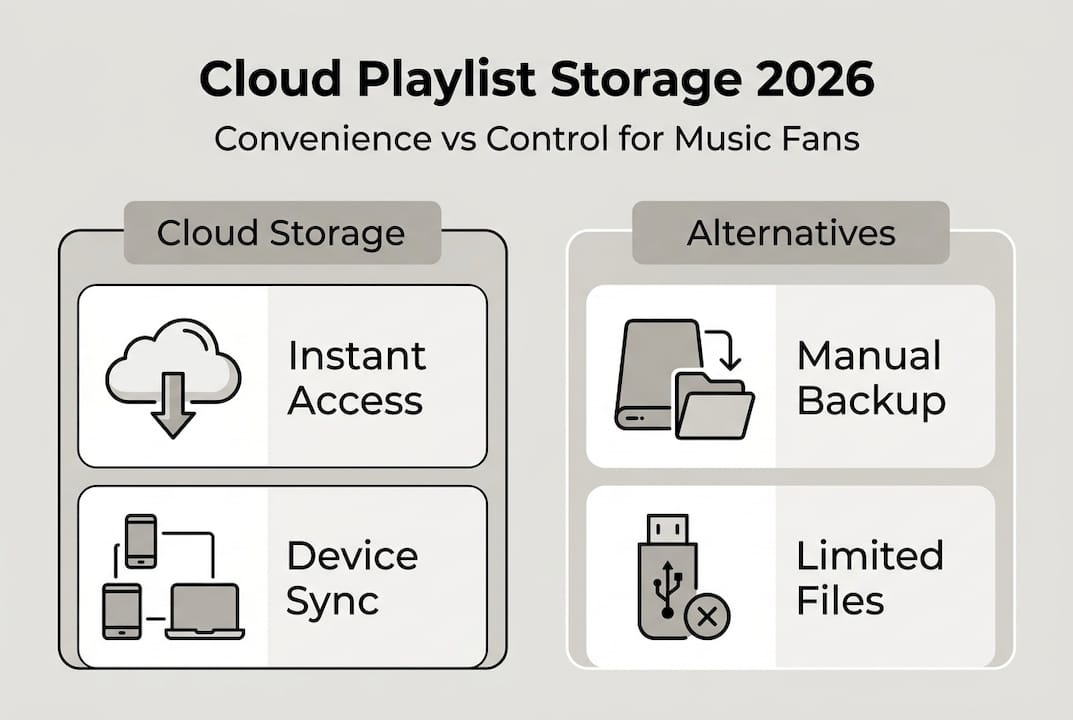
The disadvantages center on vendor lock-in. Once you've invested time building playlists on a specific service, switching platforms becomes a significant undertaking. Streaming services benefit from this friction, reducing churn by making migration difficult. If a service raises prices, removes features, or loses key licensing deals, your playlists remain trapped unless you use third-party tools.
Self-hosting music collections offers an alternative that avoids vendor dependency but introduces technical complexity. You maintain complete control over your library and metadata, immune to licensing changes or service shutdowns. However, self-hosted solutions lack the massive catalogs streaming services provide. You must acquire music files legally, manage storage infrastructure, and handle synchronization yourself.
Comparative analysis reveals trade-offs:
| Factor | Cloud Storage | Self-Hosted |
| --- | --- |
| Catalog Size | 70-100 million tracks | Limited to owned files |
| Initial Setup | Minutes | Hours to days |
| Ongoing Maintenance | Zero | Regular updates needed |
| Cost | $10-15 monthly | Hardware plus electricity |
| Portability | Excellent | Requires VPN or port forwarding |
Empirical data shows cloud sync speeds averaging 3-6 seconds for playlist updates across major platforms, with 99.9% uptime guaranteeing reliable access. Self-hosted systems achieve faster local performance but depend entirely on your home network and hardware reliability.
Expert perspectives highlight the fundamental tension:
Cloud streaming prioritizes convenience and catalog breadth over user freedom. You trade ownership and control for effortless access to virtually any song ever recorded. For most listeners, this exchange makes perfect sense. Power users who value data sovereignty and hate vendor lock-in might prefer self-hosting despite the technical overhead.
Platforms that let you listen to music offline bridge these approaches, combining cloud convenience with local caching for situations where connectivity fails. This hybrid model delivers the best of both worlds for many users.
The key considerations when choosing your approach:
- How much time will you invest in system maintenance and troubleshooting?
- Do you need access to new releases and deep catalog cuts, or just your existing collection?
- How important is seamless multi-device synchronization to your listening habits?
- What happens to your music if the service shuts down or changes terms?
Most users find cloud storage compelling enough that alternatives remain niche options. The combination of vast catalogs, zero maintenance, and reliable syncing outweighs concerns about vendor lock-in for everyday listening.
Explore seamless playlist transfer with Free Your Music
Switching streaming services shouldn't mean rebuilding your music collection from scratch. Free Your Music eliminates migration headaches by transferring playlists between platforms automatically, preserving your careful curation and saving hours of manual work. The tool supports dozens of services, ensuring your playlists move smoothly regardless of your source or destination platform.
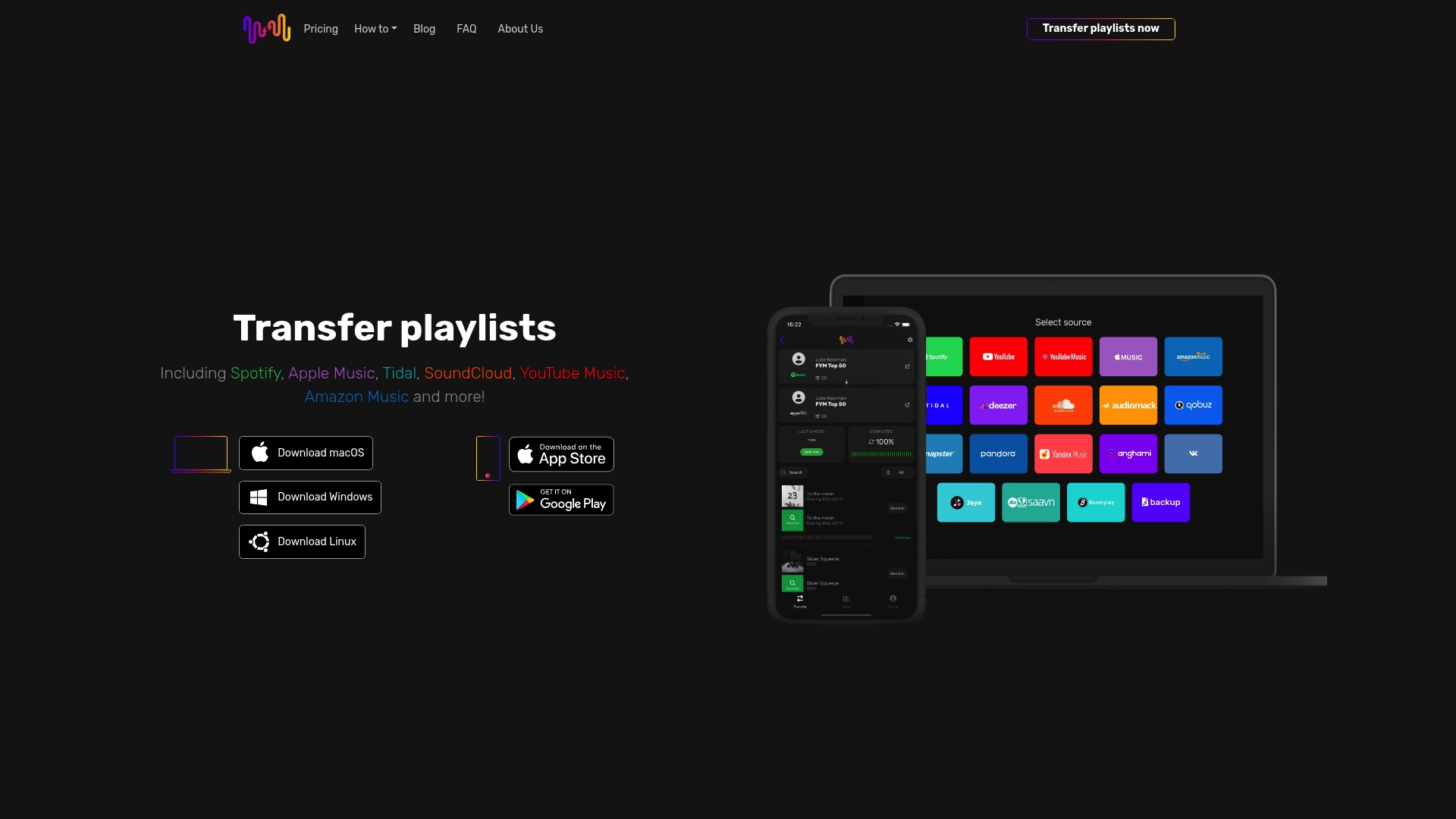
Need to move playlists from file backups? Free Your Music handles Audiomack to Excel playlist transfers and Excel to Zvuk playlist transfers with the same reliability as direct service-to-service migrations. The platform's user-friendly interface guides you through authentication, scanning, and transfer steps without requiring technical expertise.
Confidence comes standard with Free Your Music's refund policy, giving you peace of mind when migrating your valuable music collections. Whether you're switching services permanently or maintaining playlists across multiple platforms, Free Your Music delivers the seamless experience cloud storage promises.
Frequently asked questions
What exactly is cloud-based playlist storage?
Cloud-based playlist storage means streaming services keep your playlists on remote servers rather than your device. These servers store track identifiers, metadata, and ordering information that sync across all your devices automatically. When you add a song on your phone, the cloud updates immediately and pushes that change to your laptop, tablet, and other logged-in devices.
How do playlists sync across my different devices?
Playlists sync through APIs that communicate between your devices and the streaming service's servers. When you modify a playlist, your app sends an update request to the cloud. The server records the change in its database, then broadcasts notifications to your other active sessions. This process typically completes within seconds, creating near-instant synchronization across all your devices.
Are full song files stored in my playlists?
No, playlists store track references and metadata, not actual audio files. Each playlist entry contains an identifier pointing to a song in the streaming service's catalog, along with information about ordering and user preferences. The actual music files remain on the service's content delivery servers, streamed to your device only when you play them. This approach keeps playlist storage lightweight and efficient.
Why is migrating playlists between services so difficult?
Migration challenges stem from deliberate lack of interoperability between streaming platforms. Each service uses proprietary systems and track identifiers that don't transfer directly to competitors. Catalog differences mean some songs exist on one platform but not another. Third-party tools must match tracks by metadata like artist and title, which creates complications when naming conventions differ or tracks have multiple versions.
What are the best practices for moving playlists between streaming services?
Start by cleaning up your source playlists, removing duplicates and broken links before migration. Use reliable third-party transfer tools that support both your source and destination platforms. Export backup copies of your playlists as files in case something goes wrong. Test the process with a small playlist first to verify everything works correctly. After transfer, review match reports carefully and manually add any songs the automated system couldn't find.
Recommended
Your playlists belong to you.
Stop rebuilding by hand. Move everything in minutes and take your music wherever you go.
Download free →SongsBrew — our free music newsletter
A free perk for FYM users. Tips, playlists, no spam.