File Backup saves your music as a CSV file
In the FreeYourMusic web app, open a playlist in Library and choose Export to CSV. To save everything, open Settings › Music services, pick the account and choose Export library (CSV): your liked songs and all your playlists in one file. It is free. Big files come by email. The iPhone and Android apps do not have it yet.

Back up Deezer to a CSV file
Back up your Deezer playlists and liked songs to a CSV file with the FreeYourMusic web app. Free. Export one playlist, or your whole library in one file.
★★★★★ 4.7 · 12M+ downloads · Password never shared
Why move from Deezer to File Backup (CSV)?
Back up your Deezer playlists and liked songs to a CSV file with the FreeYourMusic web app. Free. Export one playlist, or your whole library in one file.
How to back up Deezer to a CSV file
Four steps. The same on iPhone, Android, Mac, Windows and Linux.
Quick answer
Open the FreeYourMusic web app and connect Deezer. Open a playlist in Library and choose Export to CSV. To save everything, open Settings › Music services › Deezer and choose Export library (CSV).
- 1
Connect Deezer
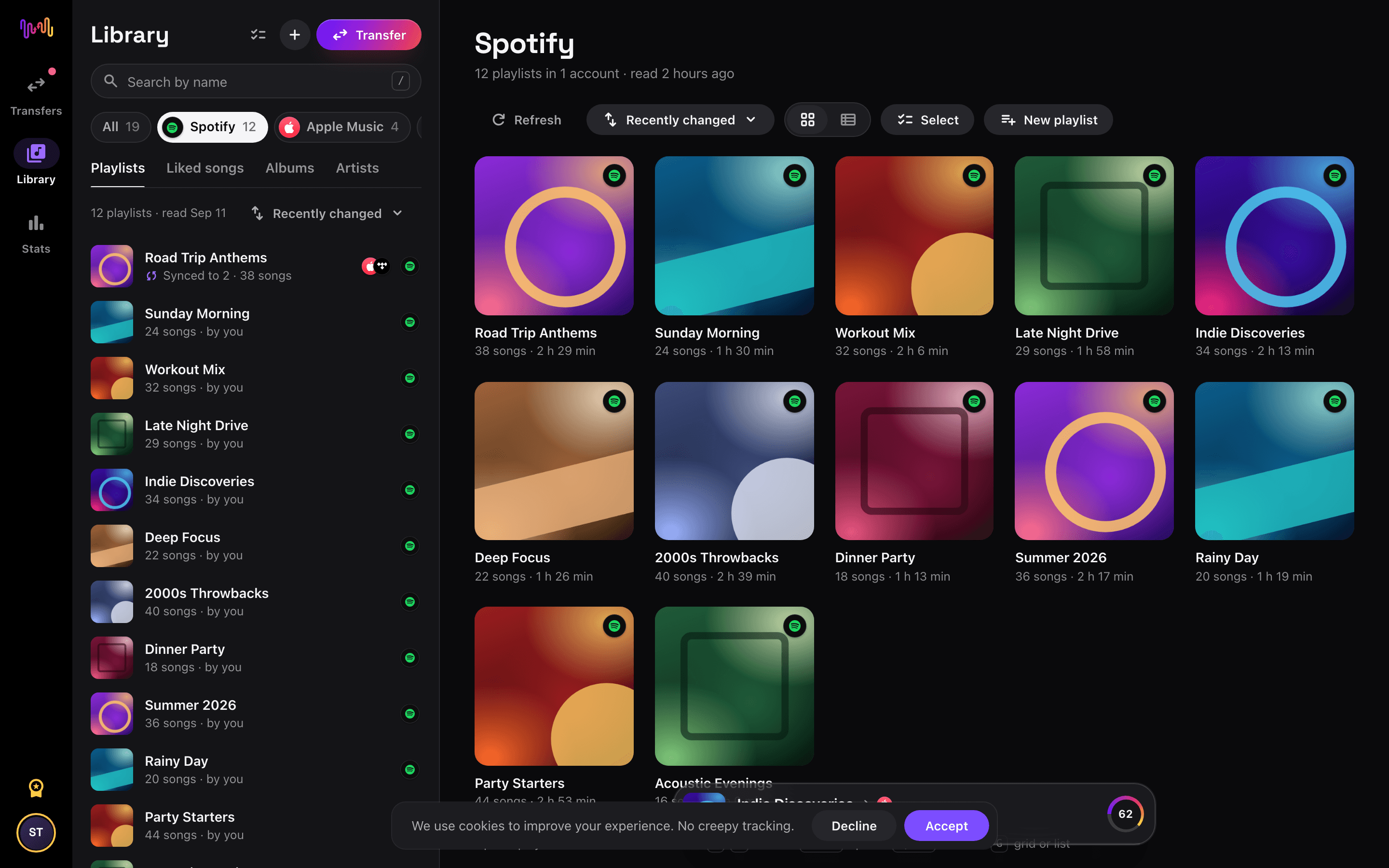
Open the FreeYourMusic web app at freeyourmusic.com/app and connect Deezer.
- 2
Pick what to save
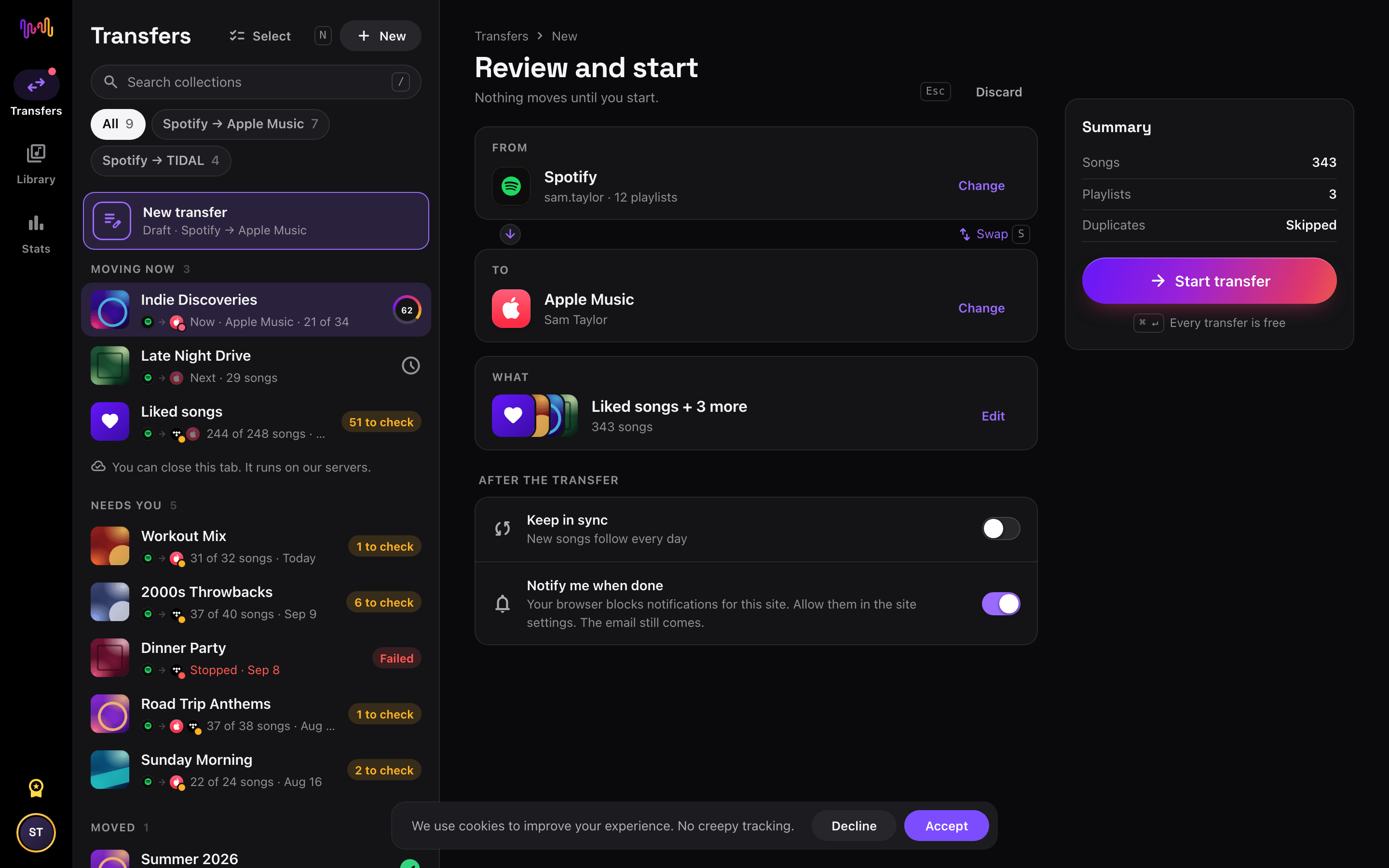
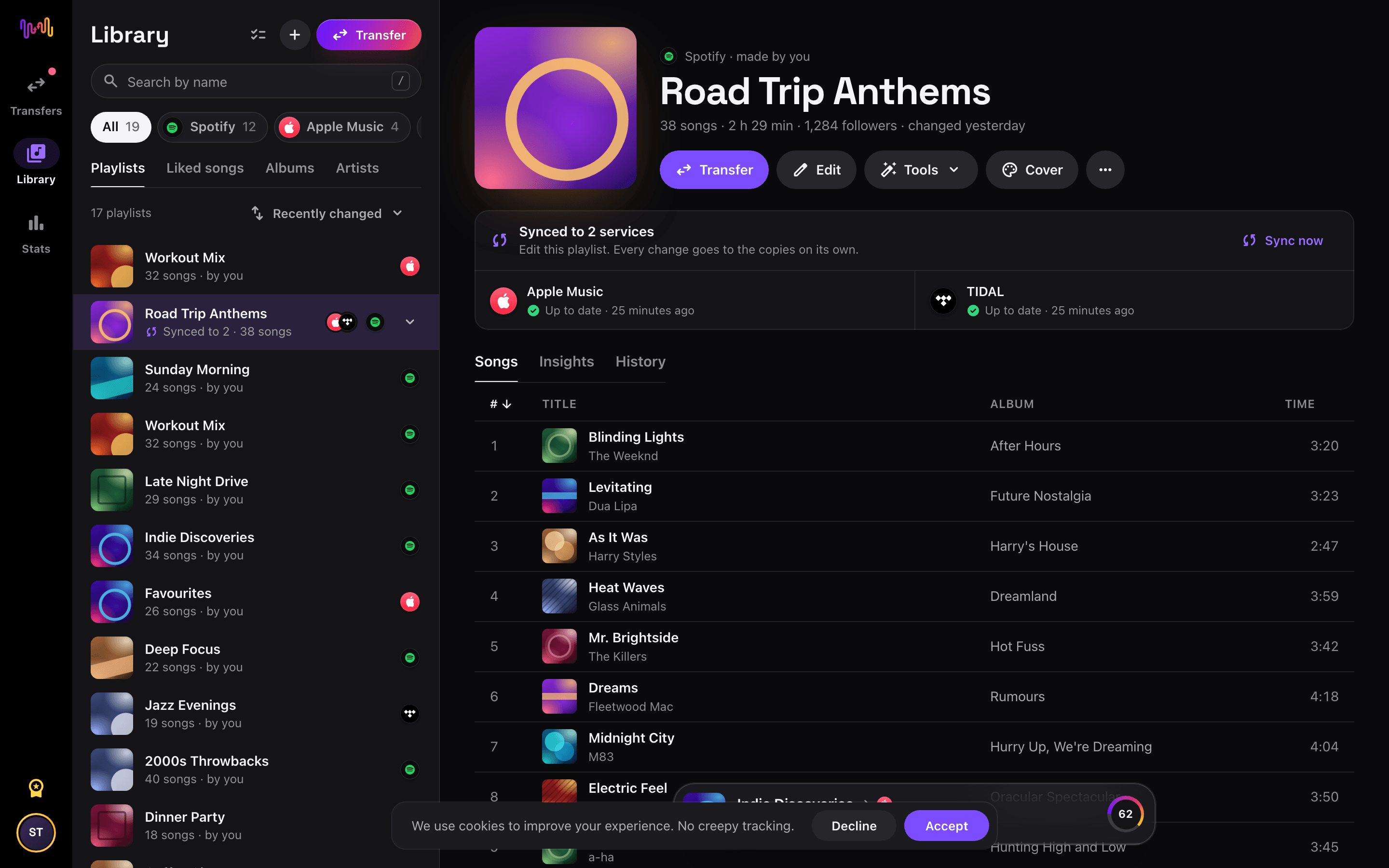
For one playlist, open it in Library and open its ••• menu. For everything, open Settings › Music services and pick the Deezer account.
- 3
Export to CSV
Choose Export to CSV for one playlist, or Export library (CSV) for your liked songs and all your playlists.
- 4
Keep the file
A small file downloads at once. A big one comes by email and waits in Settings › Exports for 7 days.
Move Deezer to another service


Transfer to File Backup (CSV) from another service
Back up Deezer to a CSV file
Open the FreeYourMusic web app at freeyourmusic.com/app and connect Deezer. To save one playlist, open it in Library, open its ••• menu and choose Export to CSV. To save everything, open Settings › Music services, pick the Deezer account and choose Export library (CSV). The library file holds your liked songs and all your playlists, with a Playlist column.
A small export downloads at once. A big one, or one with playlists that FreeYourMusic has not read yet, comes by email in a few minutes and waits in Settings › Exports for 7 days. File Backup is free.
What the file holds
One row per song: the playlist, the position, the title, the artists, the album, the length, the ISRC, the Deezer track ID and link, and the date you added the song when Deezer gives it. The file is UTF-8 with a header row, and it opens in Excel, Numbers and Google Sheets. It holds music information, not audio.
The import of the web app reads the file again (Library › Import playlists from a file). The iPhone and Android apps do not have the export yet.
Frequently asked questions
How do I transfer my Deezer playlist to File Backup (CSV)?
Open the FreeYourMusic web app and connect Deezer. Open a playlist in Library and choose Export to CSV. To save everything, open Settings › Music services › Deezer and choose Export library (CSV).
What is in the CSV file?
One row per song: the playlist, the position, the title, the artists, the album, the length, the ISRC, the track ID and link on Deezer, and the date you added the song when Deezer gives it. The file is UTF-8 and opens in Excel, Numbers and Google Sheets. It holds no audio.
Is the Deezer backup free?
Yes. File Backup is free for everybody, with no card.
Can I import the file again?
Yes, in the web app. Open Library and choose Import playlists from a file. We find the columns of our own export by ourselves, and the playlists wait in the Library under Imported files until you move them to a service.
Can I back up Deezer in the phone app?
Not yet. The export is in the FreeYourMusic web app only. Open freeyourmusic.com/app in any browser, also on your phone.
Find new music for your new library
Deep cuts every Thursday, free. SongsBrew is our weekly music letter: one subject in depth and a playlist at the bottom. 25,000+ readers.
Ready to move to File Backup (CSV)?
Open FreeYourMusic on the web or on your phone and move your whole library in minutes.
Get started free →