Advantages of Playlist Backup: Prevent 40% Data Loss Risk
May 18, 2026

Nearly 40% of music streaming users switch platforms annually, risking playlist loss without proper backup strategies. Your curated playlists represent hours of discovery and personal musical identity, yet most users remain unprotected against preventable data loss. This guide reveals why playlist backup matters critically and delivers actionable methods to safeguard your collections during platform transitions or technical disruptions.
Table of Contents
- What Is Playlist Backup and Why It Matters
- Common Misconceptions About Playlist Backup
- Risks and Challenges of Playlist Loss in Streaming Services
- How Playlist Backup Works Across Platforms: Technical Insights
- Best Practices for Playlist Backup and Syncing
- Making Playlist Backup Work for You: Practical Application
- Summary: Why Playlist Backup Is a Critical Component of Music Management
- Protect Your Playlists with Free Your Music Solutions
Key Takeaways
| Point | Details |
|---|---|
| Preservation | Playlist backup protects song order, metadata like cover art, and collaborative contributions |
| Time savings | Manual recreation takes hours or days, making automated backup essential for efficiency |
| Protection | Automated syncing provides continuous safeguarding against platform changes and technical failures |
| Risk awareness | Misconceptions about screenshots and local downloads lead to preventable playlist loss |
| Strategy | Layered backup combining cloud storage, local copies, and regular verification ensures reliability |
What Is Playlist Backup and Why It Matters
Playlist backup goes far beyond simply saving song titles. Playlist backup protects not only songs but critical metadata like track order, cover photos, and artist information, ensuring your curated collections remain intact. The process preserves collaborative contributions, custom descriptions, and the precise sequence that defines your musical experience.
Your playlists carry significant cultural weight. Over 70% of users view playlists as personal cultural heritage worth protecting, treating them as digital artifacts reflecting personal taste and discovery journeys. This emotional connection makes playlist loss particularly devastating, destroying months or years of curation in an instant.
Backup serves as insurance during platform migrations or service disruptions. Without protection, you face complete loss requiring tedious manual rebuilding. Consider these backup essentials:
- Song titles and artists preservation
- Exact track ordering maintenance
- Cover artwork and descriptions retention
- Collaborative user contributions protection
- Playlist metadata like creation dates
Understanding why backup playlists matters helps you appreciate the technical complexities involved in preserving these digital collections.
Technical disruptions happen unexpectedly. Server failures, service shutdowns, or account issues can erase unprotected playlists permanently. Implementing backup strategies transforms reactive panic into proactive security, giving you control over your musical legacy. The playlist metadata importance extends beyond simple song lists, encompassing rich contextual data that defines your listening experience.
Common Misconceptions About Playlist Backup
Many users believe downloading songs locally creates adequate backup protection. Downloading songs or screenshots are not true forms of playlist backup and fail to preserve structural elements or metadata. Local audio files contain zero information about playlist organization, collaborative contributions, or custom artwork.
Screenshots and bookmarks represent another flawed approach. These static captures lack actionable data for restoration or transfer purposes. You cannot recreate playlist functionality from images, leaving you to manually search and rebuild collections from scratch.
Here are critical misconceptions causing backup failures:
- Platform services automatically preserve playlists during account transitions
- Exported text files contain sufficient data for complete restoration
- Streaming services guarantee permanent playlist availability
- Manual recreation takes minimal time and effort
- Downloaded audio files include playlist structure information
Pro Tip: Test your backup method by attempting a small playlist restoration. If you cannot recreate the exact order, metadata, and collaborative elements, your backup strategy needs improvement.
Most streaming platforms provide limited export functionality. Services prioritize keeping users within their ecosystems, making cross platform transfers deliberately difficult. Relying on native platform tools often results in incomplete backups missing essential organizational data.
Understanding playlist management tips reveals sophisticated strategies beyond simple song storage. Effective backup requires specialized tools designed specifically for preserving complete playlist structures, not general file management approaches.
Risks and Challenges of Playlist Loss in Streaming Services
Nearly 40% of users switch platforms annually, creating constant vulnerability to playlist loss without proper backup protocols. This migration frequency means average users face playlist risk multiple times throughout their streaming lifetime. The consequences extend beyond inconvenience into significant time investments and emotional frustration.
Manual playlist recreation demands substantial effort. Users report spending 10 to 20 hours rebuilding medium sized collections, with larger libraries requiring days of work. This time sink discourages platform exploration, trapping users in suboptimal services through sheer reconstruction dread.
| Loss Scenario | Impact Level | Recovery Time | Prevention Method |
|---|---|---|---|
| Platform Switch | High | 10 to 20 hours | Automated backup |
| Account Suspension | Critical | Permanent loss | Cloud backup |
| Service Shutdown | Critical | Permanent loss | Multi platform sync |
| Technical Glitch | Medium | 2 to 5 hours | Regular verification |
Platform export limitations create additional obstacles. Most services restrict metadata preservation, collaborative data, and precise ordering during exports. These artificial barriers force users into lossy transfers that damage playlist integrity.
Key risk factors include:
- Service terms changing unexpectedly
- Account security breaches
- Platform bankruptcies or acquisitions
- Regional availability restrictions
- Format incompatibilities between services
Playlist loss disrupts your entire listening experience. You lose carefully crafted workout sequences, party atmospheres, and study environments built over months. Understanding playlist transfer challenges helps you appreciate why proactive backup matters more than reactive recovery attempts.
How Playlist Backup Works Across Platforms: Technical Insights
Backup tools extract complete playlist data while maintaining accuracy across every element. These systems preserve song order, metadata like cover photos and descriptions, and collaborative contributions from multiple users. The technical process involves API connections that securely access your streaming accounts and replicate playlist structures.
Automated syncing eliminates human error inherent in manual processes. Continuous updates keep backups current as you modify playlists, adding songs or rearranging sequences. This real time protection ensures your backup reflects your actual playlist state, not outdated snapshots.
Technical challenges vary by platform. Most music platforms lack built-in export features, requiring external tools to bridge compatibility gaps. Metadata inconsistencies between services demand intelligent matching algorithms that correctly identify songs despite formatting differences.
Reliable backup solutions use these technical approaches:
- Official API integrations for secure data access
- Encrypted transfers protecting sensitive account information
- Intelligent song matching across platform catalogs
- Metadata preservation including artwork and descriptions
- Incremental sync reducing bandwidth and processing time
Pro Tip: Choose backup tools that support OAuth authentication instead of storing your credentials directly. This security measure protects your accounts while enabling necessary playlist access.
Platform restrictions sometimes limit backup capabilities. Services may throttle API requests, restrict bulk transfers, or block certain metadata fields. Quality backup tools navigate these obstacles through optimized request patterns and fallback strategies that maximize data preservation.
Exploring playlist transfer best practices and music library syncing reveals sophisticated technical approaches. Understanding playlist export limitations helps you select tools capable of overcoming platform barriers effectively.
Best Practices for Playlist Backup and Syncing
Layered backup strategies provide maximum protection. Combine cloud storage for accessibility, local backups for offline security, and automated syncing for continuous updates. This redundancy ensures playlist survival even if one backup method fails.
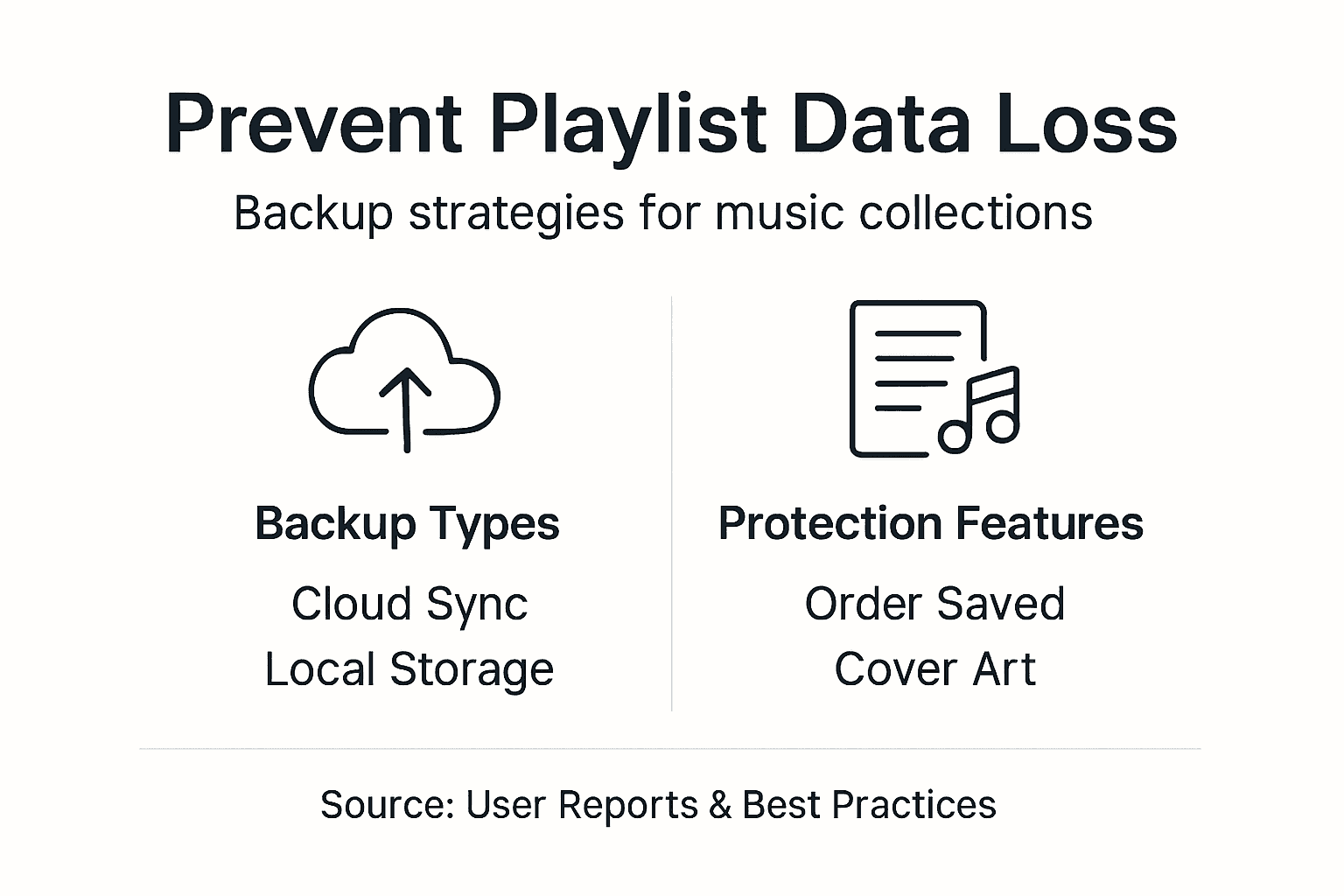
Prioritize tools supporting complete metadata preservation. Your backup solution must maintain playlist order, cover artwork, descriptions, and collaborative contributions. Services lacking these capabilities deliver incomplete backups requiring manual reconstruction.
Regular verification confirms backup integrity. After transfers or sync operations, spot check playlists to ensure songs appear in correct order with proper metadata. This validation catches issues before they become permanent problems.
| Method | Accuracy | Effort | Speed | Security |
|---|---|---|---|---|
| Manual Copy | Low | High | Slow | Medium |
| One Time Export | Medium | Medium | Medium | Medium |
| Automated Sync | High | Low | Fast | High |
Automated syncing offers optimal balance. You gain accuracy without constant manual intervention, speed without sacrificing thoroughness, and security through continuous protection. This approach transforms backup from occasional task into passive safeguard.
Implement these expert strategies:
- Schedule weekly backup verification checks
- Maintain both cloud and local backup copies
- Document your backup configuration for reference
- Test restoration procedures before emergencies
- Update backup tools regularly for compatibility
Pro Tip: Create a backup calendar with monthly full verifications and weekly quick checks. This routine catches issues early while avoiding backup fatigue.
Understanding playlist migration best practices and reviewing playlist management tips strengthens your overall strategy. These complementary approaches build comprehensive protection systems.
Making Playlist Backup Work for You: Practical Application
Assess your playlist complexity and platform switching frequency. Users with extensive collections or frequent migrations need robust automated solutions, while casual listeners might manage simpler approaches. Your backup strategy should match your actual usage patterns.
Select tools supporting all your streaming services. Incomplete platform coverage forces workarounds that introduce vulnerabilities. Comprehensive compatibility ensures seamless protection regardless of which services you use.
Follow these implementation steps:
- Evaluate your current playlist count and average sizes
- Research backup tools supporting your specific streaming platforms
- Verify tool capabilities preserve metadata and playlist order
- Configure automated syncing with appropriate frequency settings
- Perform initial full backup before any platform migrations
- Establish regular verification schedule matching your modification frequency
- Document backup locations and access credentials securely
Initial full backups establish your baseline protection. Complete this process before switching platforms or making major account changes. Subsequent continuous syncing maintains protection as you modify playlists naturally.
Stay informed about tool updates and capability changes. Streaming services modify APIs and features regularly, potentially affecting backup functionality. Monitoring these developments helps you adapt strategies proactively.
Leveraging music library syncing expertise and understanding benefits of playlist migration enhances your implementation success. These resources provide context for making informed backup decisions.
Summary: Why Playlist Backup Is a Critical Component of Music Management
Playlist backup safeguards irreplaceable curated collections representing countless hours of musical discovery. Your playlists embody personal taste evolution, mood captures, and social connections through shared collaborative efforts. Losing these digital artifacts erases cultural heritage impossible to recreate.
Protection against platform transitions prevents costly manual rebuilding. Users switching services without backup face devastating time investments reconstructing playlists from memory. Automated backup eliminates this risk entirely.
Implementing best practices maximizes reliability:
- Layered strategies combining multiple backup types
- Regular verification ensuring ongoing integrity
- Automated syncing reducing manual effort
- Metadata preservation maintaining complete playlist context
Adopting comprehensive backup approaches transforms vulnerability into security. You gain control over your musical legacy, freedom to explore new platforms, and confidence that technical disruptions cannot destroy your collections. Proactive backup converts potential disaster into minor inconvenience.
Protect Your Playlists with Free Your Music Solutions
Preserving your musical collections requires specialized tools designed specifically for playlist protection. Free Your Music automated syncing transfers playlists effortlessly across Spotify, Apple Music, Tidal, YouTube Music, Amazon Music, and dozens of other platforms while maintaining perfect order and metadata.
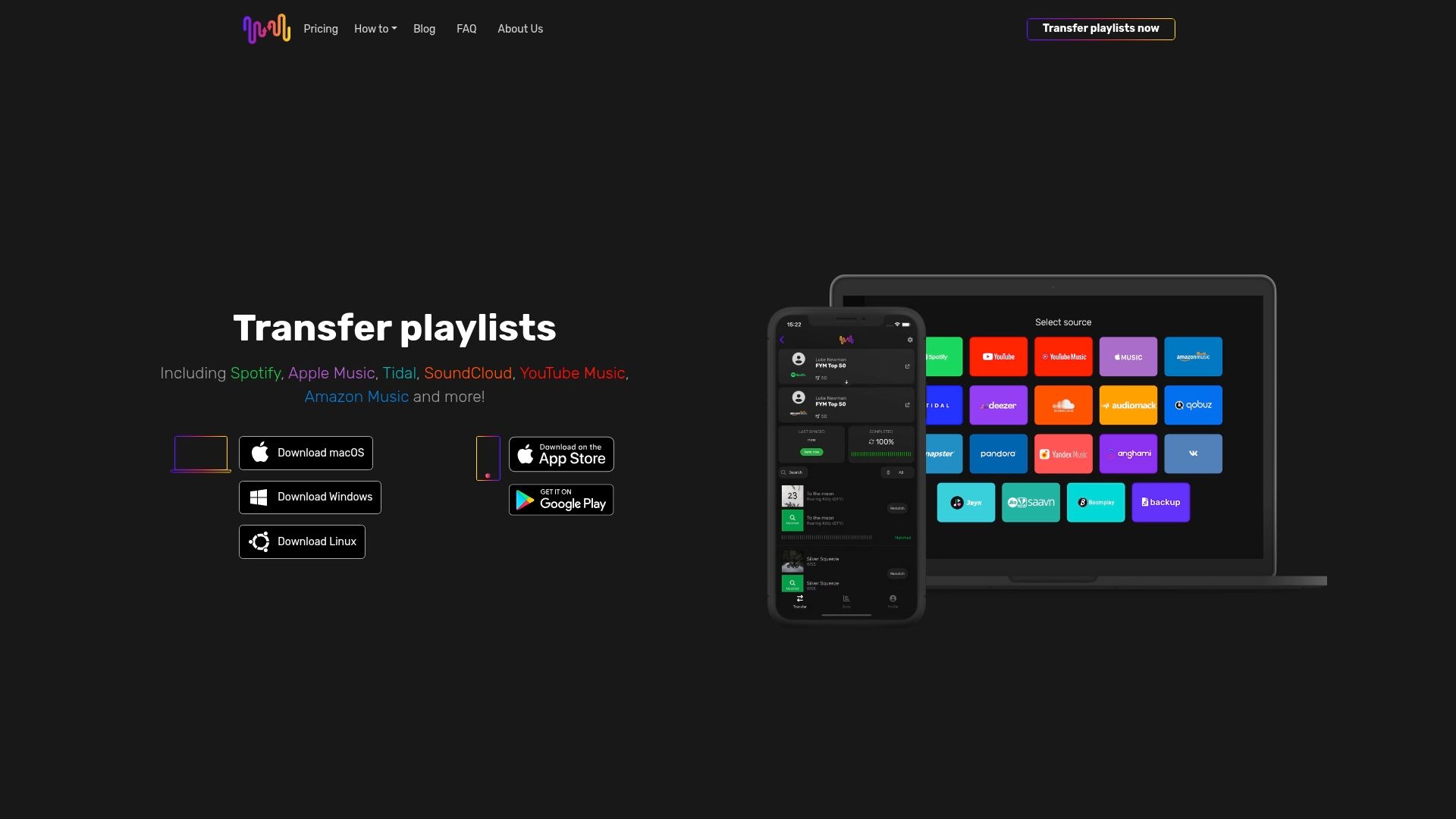
Our solutions provide continuous safeguarding through regular syncing and layered backup strategies. You avoid manual rebuilding entirely, saving hours while ensuring playlist integrity remains intact. Multi platform support means comprehensive protection regardless of which services you choose.
Explore music library syncing solutions that simplify complex transfers. Review music collection transfer steps for detailed implementation guidance. Apply music library transfer tips maximizing your backup effectiveness. Free Your Music provides expert support and intuitive setup for seamless platform migration today.
Frequently Asked Questions
What happens if I don't back up my playlists when switching streaming platforms?
You risk complete loss of curated playlists including precise song order and valuable metadata like cover artwork. Platform export limitations prevent seamless transfers, forcing time consuming manual rebuilding that rarely captures original playlist character perfectly.
Are screenshots or downloading songs enough to back up my playlists?
No, these methods fail to preserve critical playlist structure, metadata, or collaborative contributions. Screenshots provide static references lacking actionable restoration data, while downloaded audio contains zero organizational information about your original playlist sequences.
What are the best tools or methods for backing up playlists across different platforms?
Automated syncing tools preserving complete metadata and track order deliver optimal protection. Layered strategies combining cloud storage with local backups enhance reliability. Choose software supporting all your streaming platforms, following playlist transfer best practices for maximum effectiveness.
How often should I verify my playlist backups?
Perform weekly quick checks on actively modified playlists and monthly comprehensive verifications on stable collections. After platform transfers or major sync operations, immediately spot check several playlists ensuring songs appear correctly ordered with proper metadata intact.
Recommended


Migrate from and to any music services


Most popular Apple Music transfers: