7 Effective Playlist Sharing Methods for Music Lovers

7 Effective Playlist Sharing Methods for Music Lovers
Over 85 percent of American music listeners now use streaming services to enjoy and share playlists. With so many platforms and features, sharing music can feel confusing, even for dedicated fans.
Want to collaborate with friends? Protect your privacy? Show off your taste? Understanding today's playlist sharing methods helps you reach more listeners and keep things organized, without the hassle.
Table of Contents
- 1. Manual Playlist Sharing With Direct Service Links
- 2. Sharing via Collaborative Playlists for Group Listening
- 3. Using Playlist Transfer Apps for Cross-Platform Sharing
- 4. Sharing Playlists Through Social Media Integrations
- 5. Exporting and Importing Playlists With Files
- 6. Creating Public Playlists for Community Access
- 7. Secure and Private Playlist Sharing Options
Quick Summary
| Takeaway | What It Means |
|---|---|
| 1. Use shareable links | Generate a playlist link on any platform to share it instantly with friends. |
| 2. Create collaborative playlists | Turn on group editing so everyone can add tracks in real time. |
| 3. Use playlist transfer apps | Move playlists between services without rebuilding them by hand. |
| 4. Use social media integrations | Share playlists directly on social platforms to reach more listeners. |
| 5. Set up secure sharing | Use privacy settings to control exactly who can see your playlists. |
1. Manual Playlist Sharing With Direct Service Links
Manual sharing through direct links is the simplest way to spread your favorite playlists. Most major platforms, like Spotify, Apple Music, and Tidal, build this in.
When you create a playlist, the platform generates a unique link. Anyone with that link can view it, or even import the whole playlist into their own account.
Key advantages:
- Instant sharing across any channel
- No extra apps or tools needed
- Keeps your original playlist order intact
- Works with most major streaming platforms
To share a link: open your playlist, select the share option, and copy the URL. Paste it into a text, email, or social post. See more ways to share playlists for platform-specific tips.
Spotify even offers artists a special feature: a unique playlist link that puts their track at the top for 24 hours, boosting visibility.
Manual sharing is simple, but not everyone uses the same platform. If a friend can't import your link directly, they may need to rebuild the playlist by hand, or use a transfer tool instead.
2. Sharing via Collaborative Playlists for Group Listening
Collaborative playlists let you build music together with friends, family, or fellow fans. Everyone can add, edit, and curate the same playlist in real time.
How it works: Platforms like Spotify let multiple people edit one playlist at once. Collaborative playlist features turn listening into something social instead of solo.
Key benefits:
- Instant sharing across accounts
- Real-time additions and edits
- Shared, democratic curation
- Stronger social engagement
This goes beyond friend groups too. Buckingham Browne & Nichols School uses collaborative playlists in advisory groups, to build musical diversity and stronger connections.
To start one, turn on sharing settings in your streaming app and generate an invite link. This works great for road trips, parties, or workout sessions where everyone wants a say.
Set a few ground rules with your group first. That keeps the playlist positive and makes sure everyone feels included.
3. Using Playlist Transfer Apps for Cross-Platform Sharing
Playlist transfer apps solve a real problem: streaming platforms usually don't talk to each other. These tools help you migrate your favorite playlists between services.
Why these apps matter:
- Skip the manual rebuild
- Move between multiple platforms
- Keep track order and details intact
- Avoid disrupting your music discovery
Third-party migration tools handle the heavy lifting, so you can switch platforms without losing your carefully built playlists. Research projects like Stanford's Jukebox project show how far this technology can go.
Most transfer apps work by matching track metadata to find the closest equivalent song on your new platform. This keeps your playlist mostly intact. Some advanced apps even handle regional availability and explicit versus clean versions.
Researchers are also exploring frameworks like DJ-MC, which uses machine learning to understand song transitions. That's still mostly academic, but today's transfer apps already solve the everyday problem.
When picking a transfer app, check supported platforms, transfer accuracy, ease of use, and any subscription costs. Most offer a free tier with limits, plus premium options for bigger libraries.
4. Sharing Playlists Through Social Media Integrations
Social media turned playlist sharing into a public conversation. With built-in integrations, you can broadcast your favorite playlists to friends and followers worldwide.
Advantages of social sharing:
- Instant, global discovery
- Bigger musical network
- Sparks conversations around music
- Shares your personal taste with more people
Playlist sharing strategies connect your streaming account directly to platforms like Facebook, Twitter, Instagram, and TikTok, all in just a few clicks.
Spotify, for example, lets artists boost a track's visibility for 24 hours when it's shared on social media. That's a real exposure opportunity, not just a nice feature.
To share: generate a link, pick your platform, and add a comment about your pick. Some platforms even let followers preview the music right in their feed.
Social sharing is about more than distribution. It sparks conversations and shows off your taste, whether that's a workout mix or a deep-cut indie playlist.
5. Exporting and Importing Playlists With Files
Exporting playlist files gives you a universal backup method. It works across platforms and devices, and it survives even if a service shuts down.
Key benefits:
- Permanent backup of your collection
- Move playlists between incompatible services
- Keeps metadata and track details
- Total independence from any one platform
Playlist export techniques use formats like M3U, PLS, and XSPF. These save track names, artists, and file paths in one file.
Most platforms and media players support this. Just select your playlist, choose export, and pick a format. The file holds a text-based list of songs you can reimport elsewhere.
When importing, check track availability first. Some songs might not transfer due to regional limits or version differences. A quick manual check keeps your playlist playable.
Advanced users can even edit the exported file in a text editor. That gives full control before reimporting.
6. Creating Public Playlists for Community Access
Public playlists turn your private taste into something the whole community can discover. Anyone can find, follow, and enjoy what you build.
Benefits of public playlists:
- Show off your curation skills
- Build an online music presence
- Attract new followers
- Open doors to networking
Playlist management strategies help you build collections that pull in followers. Most platforms make public playlists easy to set up.
Give your playlist a clear theme. Genre mixes, mood collections, workout sets, or decade throwbacks all tend to do well. The more distinctive the idea, the more attention it gets.
Spotify and other platforms support this kind of community playlist creation. Your public playlists become a kind of musical portfolio, connecting you with listeners who share your taste.
Build them with intention. A public playlist is a personal invitation into your musical world.
7. Secure and Private Playlist Sharing Options
As streaming grows, so does the need to control who sees your playlists. Secure sharing gives you precise control over access and visibility.
Private sharing features:
- Detailed access controls
- Set exactly who can listen
- Protect your personal taste
- Choose who gets your content
Music streaming privacy tips show you privacy settings that go beyond a simple public or private toggle.
Some platforms, like Microsoft Stream, offer advanced sharing to specific people or groups. Others let you set time-limited links, restrict viewers, or create invite-only playlists.
For extra control, look for password protection, link expiration, and restricted permissions. These tools protect the intimacy of your curation while still letting you share when you want to.
Secure sharing is about owning your musical narrative. The right privacy tools let you share confidently, with exactly the right audience.
Here's a quick comparison of all seven sharing methods.
| Sharing Method | Description | Key Benefits |
|---|---|---|
| Manual Playlist Sharing | Share direct links from platforms like Spotify and Apple Music. | Instant, no extra apps, keeps playlist order. |
| Collaborative Playlists | Let multiple people edit and add to a shared playlist. | Real-time collaboration, shared curation, social engagement. |
| Playlist Transfer Apps | Move playlists across different streaming platforms. | Keeps order, less disruption, simple migration. |
| Social Media Integrations | Share playlists on platforms like Facebook and Twitter. | Global discovery, bigger network, sparks conversation. |
| File-Based Export/Import | Export playlists as files for backup and transfer. | Permanent backup, portable, platform-independent. |
| Public Playlists | Make playlists available for anyone to find and enjoy. | Showcases curation, builds community, networking. |
| Secure and Private Sharing | Manage access with privacy controls. | Controlled permissions, privacy protection. |
Simplify Your Playlist Sharing with Free Your Music
Sharing playlists across streaming services gets frustrating fast. Platform limits and manual rebuilding get in the way, as this guide has shown.
Whether you want to transfer a whole playlist while keeping the order, or share it securely, Free Your Music has you covered. Say goodbye to manual work and platform limits: our smart, automated migration supports Spotify, Apple Music, Tidal, and more.
Key advantages:
- Accurate song matching across 18 supported streaming services
- Unlimited playlist transfers with Premium, no lost order
- Works on iPhone, Android, Mac, Windows, and Linux
- Auto-sync every 15 minutes, plus cloud backup
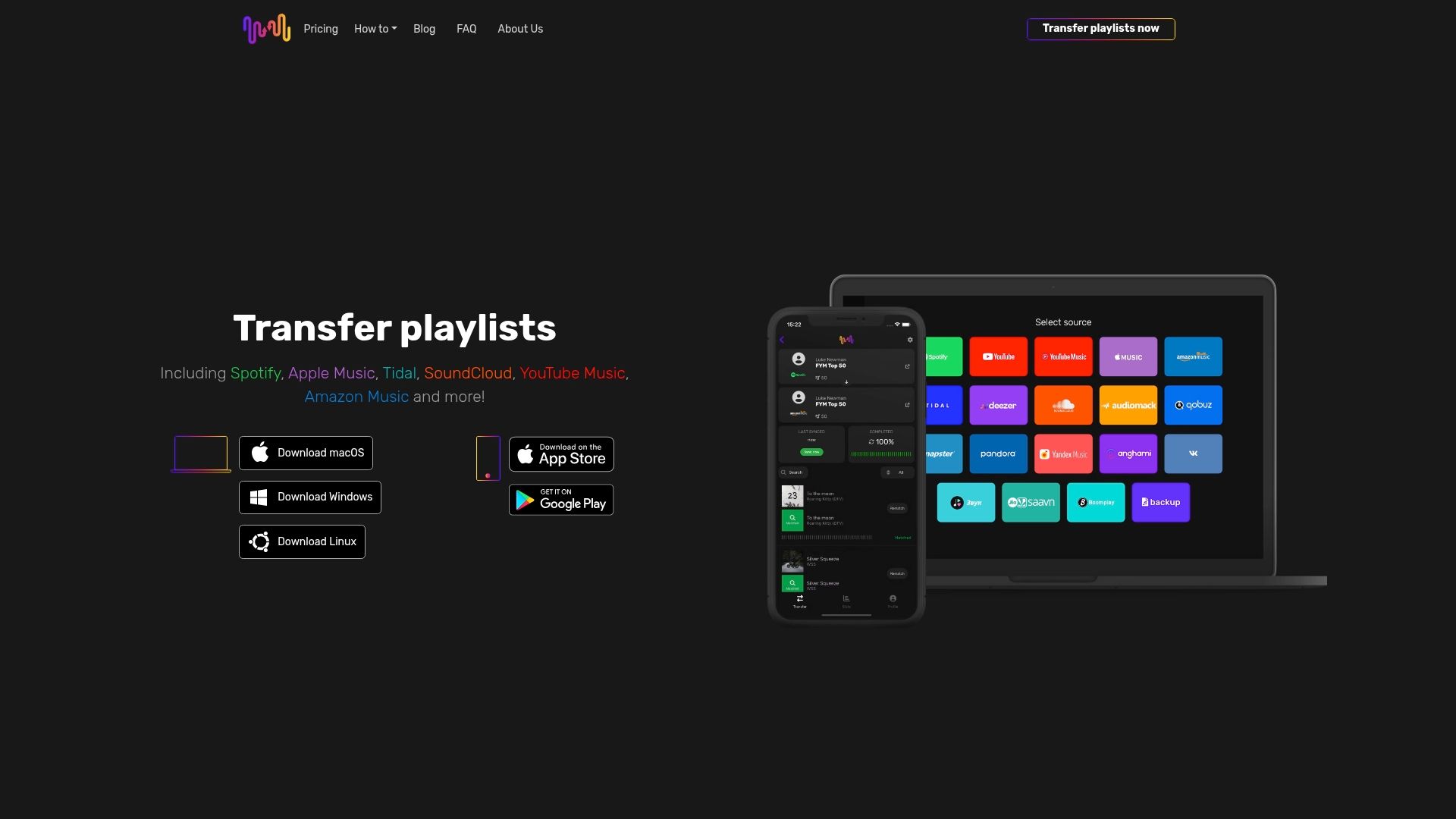
Ready to make music sharing effortless? Visit FreeYourMusic.com and take control of your musical journey today.
Frequently Asked Questions
What is manual playlist sharing, and how do I do it?
Manual sharing means generating a link for your playlist on a streaming platform. Find your playlist, tap share, and copy the link to send anywhere.
How do I create a collaborative playlist with friends?
Turn on sharing settings in your streaming app, then generate an invite link. Friends can add or edit tracks in real time, perfect for group plans.
What are playlist transfer apps, and how do they help?
These apps move playlists between streaming services, so you don't have to rebuild them by hand. Pick a supported app, choose your playlists, and let it handle the rest.
How do I share playlists on social media well?
Connect your streaming account to platforms like Facebook or Instagram. Generate a link, pick the playlist, and add a comment to engage your audience.
How do I export and import playlist files?
Select your playlist, choose export, and save it in a compatible format. Then import that file into another service to keep your tracks intact.
What are my options for secure and private sharing?
Use privacy settings like password protection or limited-access links. Check your streaming service's privacy features to control exactly who can see your playlists.


Your playlists belong to you.
Stop rebuilding by hand. Move everything in minutes and take your music wherever you go.
Download free →SongsBrew — our free music newsletter
A free perk for FYM users. Tips, playlists, no spam.