Why Use Music Migration Tools for Effortless Playlist Transfers
May 18, 2026

Transferring a carefully curated music library from one streaming platform to another can feel overwhelming for DJs and avid collectors. The differences between services, privacy settings, and transfer limitations often threaten hours of musical organization. Using comprehensive migration preparation, music enthusiasts worldwide can ensure a seamless transition that keeps every track and playlist intact. This guide walks you through the actionable steps for preparing accounts, picking a migration tool, connecting platforms, transferring playlists, and verifying results.
Table of Contents
- Step 1: Prepare Your Streaming Accounts For Migration
- Step 2: Select And Configure Your Music Migration Tool
- Step 3: Connect Your Source And Destination Services
- Step 4: Transfer Playlists And Choose Sync Options
- Step 5: Verify Accurate Migration And Playlist Structure
Quick Summary
| Key Point | Explanation |
|---|---|
| 1. Verify streaming account details | Ensure you have account credentials and check subscription status to prevent interruptions. |
| 2. Choose an effective migration tool | Select a tool that is compatible and offers the necessary features for seamless transfers. |
| 3. Authenticate both platforms | Securely connect your source and destination accounts to ensure successful data migration. |
| 4. Select appropriate sync method | Decide how you wish to manage playlists, whether through one-time transfer or continuous sync. |
| 5. Thoroughly verify the results | After migration, check playlists for accuracy in track order, metadata, and playability. |
Step 1: Prepare your streaming accounts for migration
Successfully migrating your music playlists requires careful preparation of your streaming accounts. Your primary goal is creating a smooth, uninterrupted transition between platforms without losing any carefully curated music collections.
To effectively prepare your streaming accounts, you'll need to follow several strategic steps. Comprehensive migration preparation involves understanding the unique characteristics of both your current and target music streaming platforms. Here are the critical actions to take:
- Verify account credentials for each streaming service you'll be transferring between
- Check subscription status to ensure active and valid accounts
- Review playlist privacy settings that might impact transfer capabilities
- Backup existing playlist metadata as an additional precaution
Authentication is crucial during this process. Make sure you have login information readily available for each streaming platform, including email addresses, passwords, and any two-factor authentication requirements. Some platforms might require additional verification steps during playlist migration.
Preparation minimizes service interruptions and maintains continuous access to your music library.
Pro tip: Create a dedicated spreadsheet tracking your playlist details, including total number of tracks, unique identifiers, and any special metadata to streamline your migration workflow.
Step 2: Select and configure your music migration tool
Picking the right music migration tool is crucial for seamlessly transferring your beloved playlists across different streaming platforms. Your goal is to find a reliable solution that supports multiple services and ensures a smooth, accurate transfer of your music collections.
Streamlined music migration tools simplify the complex process of moving your playlists between streaming platforms. When selecting a tool, consider these key factors:
- Compatibility with your current and target streaming services
- Transfer accuracy for preserving playlist order and metadata
- Pricing structure including free and premium features
- User interface and ease of configuration
Most music migration tools follow a similar configuration process. You'll typically need to:
- Connect source streaming account
- Authenticate destination streaming account
- Select specific playlists for transfer
- Review and confirm transfer settings
Choosing the right migration tool can save hours of manual playlist rebuilding.
Pay close attention to the tool's feature set. Some offer basic free transfers, while others provide advanced options like automatic syncing or unlimited playlist migrations.

Here's a quick comparison of popular music migration tool features to help you select the best solution:
| Tool Feature | Business Impact | Ideal User |
|---|---|---|
| Multi-platform support | Enables easy migration across services | Users with diverse accounts |
| Automatic syncing | Keeps playlists updated automatically | Frequent playlist updaters |
| Advanced metadata handling | Preserves song info and order | Curators, DJs |
| Bulk playlist transfers | Saves time for large collections | Enthusiasts, archivists |
Pro tip: Always create a backup of your playlist data before initiating any transfer to protect against potential data loss during migration.
Step 3: Connect your source and destination services
Connecting your streaming accounts is the pivotal moment that transforms your playlist migration from theoretical to practical. Your goal is to establish secure, authenticated connections between your source and destination music platforms.
Streaming service authentication requires careful navigation of each platform's unique connection process. Most music migration tools will guide you through these critical steps:
- Grant necessary permissions for account access
- Verify login credentials for both source and destination services
- Confirm account ownership through secure verification methods
- Enable API or transfer permissions within each platform
The connection process typically involves these specific actions:
- Select source streaming service
- Click "Connect" or "Authorize"
- Log in with platform credentials
- Approve requested permissions
- Repeat process for destination service
Secure authentication is the bridge between your existing and future music libraries.
Some platforms might require additional steps like two-factor authentication or explicit consent for third-party application access. Pay close attention to each platform's specific requirements to ensure a smooth connection.
Pro tip: Use a dedicated email address for music streaming accounts to simplify migration and maintain better security during service transfers.
Step 4: Transfer playlists and choose sync options
Reaching the heart of your music migration journey means carefully selecting which playlists you want to transfer and determining how you want them to sync between streaming platforms. Your ultimate goal is creating a seamless musical experience across different services.
Playlist transfer strategies involve understanding the nuanced options available for moving and synchronizing your music collections. Most migration tools offer multiple approaches to suit different user needs:
- One-time transfer for permanent playlist migration
- Continuous sync to keep playlists updated across services
- Selective playlist transfer for partial library moves
- Full library migration for comprehensive music collection transfers
The transfer process typically involves these key steps:
- Select source playlists
- Preview transfer details
- Choose sync frequency
- Confirm transfer settings
- Initiate playlist migration
Selecting the right sync strategy ensures your music library remains organized and accessible across platforms.
Pay attention to the specific sync options offered by your migration tool. Some platforms provide more advanced features like automatic updates, conflict resolution, and partial playlist syncing.
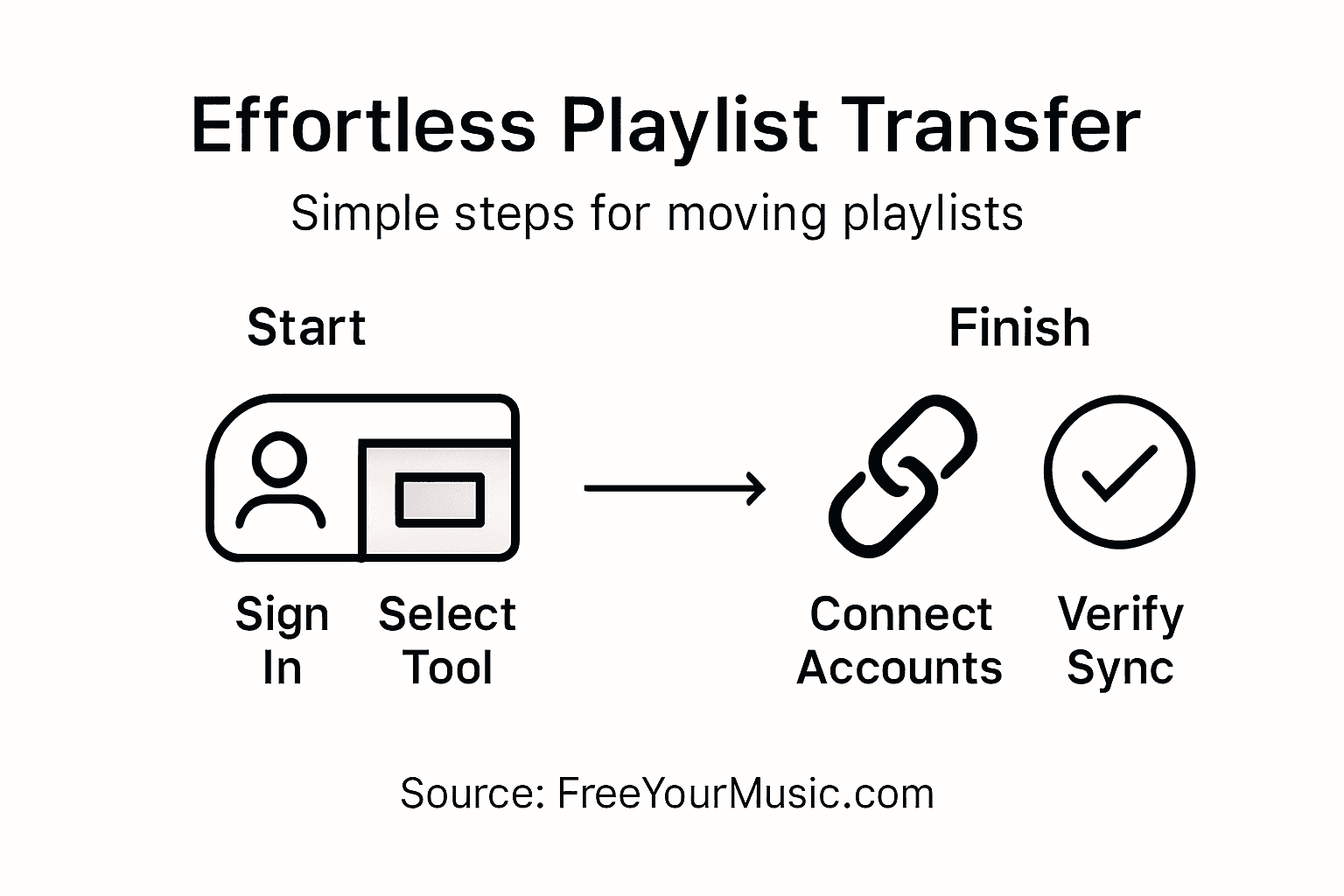
Use this summary table to review common playlist sync strategies and their advantages:
| Sync Strategy | Best For | Key Benefit |
|---|---|---|
| One-time transfer | Permanent moves | Fast, simple migration |
| Continuous sync | Multi-platform use | Automatic updates |
| Selective transfer | Partial collection moves | Customizable migration |
| Full library sync | All/large playlists | Comprehensive coverage |
Pro tip: Always do a test transfer with a smaller playlist first to understand how the migration tool handles your specific music library.
Step 5: Verify accurate migration and playlist structure
After completing your playlist transfer, a critical final step is thoroughly verifying that all your music has migrated correctly. Your goal is to ensure every song, playlist order, and metadata remains intact across your new streaming platform.
Playlist transfer verification requires a systematic and detailed review to catch any potential transfer discrepancies. Most music migration tools provide built-in verification features, but a manual check adds an extra layer of confidence:
- Compare total track count between source and destination playlists
- Check playlist ordering to confirm original sequence is maintained
- Validate album art and metadata for each transferred track
- Listen to random playlist segments to confirm audio quality
The verification process involves these specific actions:
- Open both source and destination playlists
- Perform side-by-side track comparison
- Note any missing or misplaced tracks
- Test playlist playback on new platform
- Repeat verification for each transferred playlist
Careful verification prevents losing your meticulously curated music collections during migration.
Some tracks might not transfer perfectly due to regional restrictions, licensing differences, or catalog variations between streaming services. Be prepared to manually add any missing tracks.
Pro tip: Create a backup spreadsheet of your original playlists before migration as a failsafe reference point for any necessary manual corrections.
Effortless Playlist Transfers Start Here
Migrating your music playlists can be a frustrating challenge when you worry about account authentication, losing playlist order, or missing tracks during transfer. The article highlights these exact pain points and the importance of choosing the right migration tool that offers accurate song matching, playlist structure preservation, and flexible sync options. If you want to eliminate manual rebuilding and ensure your music library stays intact across platforms such as Spotify, Apple Music, and Amazon Music, you need a solution designed for seamless transitions.
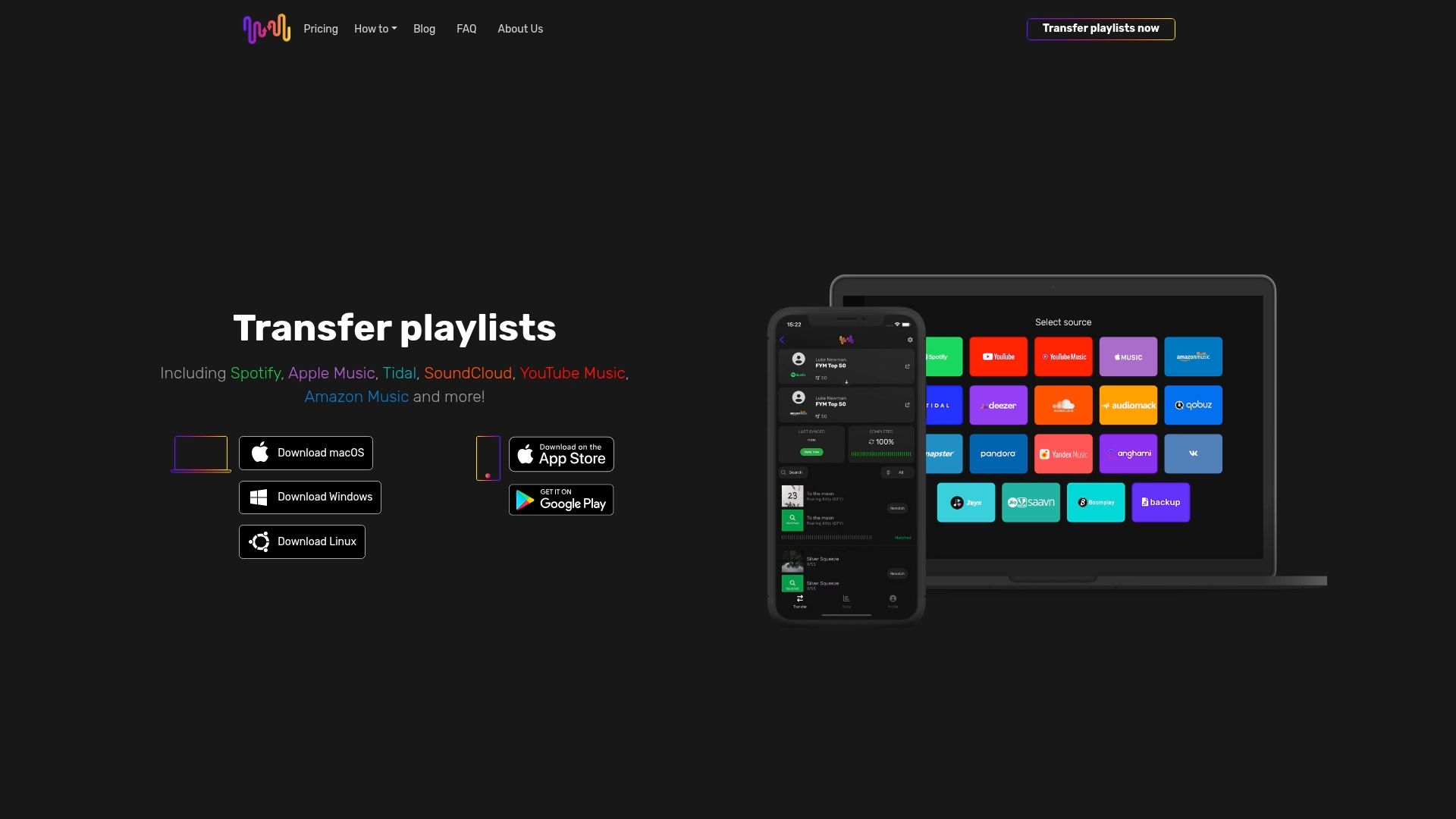
Discover how FreeYourMusic.com transforms music migration by offering automated syncing, unlimited playlist transfers, and multi-account support on all major operating systems. Take control of your playlist migration with confidence and enjoy uninterrupted access to your favorite songs today. Start your hassle-free migration journey now by visiting FreeYourMusic.com and learn more about the complete guide to migrating playlist collections that helps you verify every detail after transfer.
Frequently Asked Questions
What are music migration tools used for?
Music migration tools are designed to help users transfer their music playlists effortlessly between different streaming platforms. They simplify the process, ensuring that all songs, playlist order, and metadata are accurately retained during the transfer.
How do I choose the right music migration tool?
To choose the right music migration tool, consider factors such as compatibility with your current and target streaming services, transfer accuracy, and user interface. Compare features and look for tools that support easy syncing or bulk transfers to save time and effort.
What steps should I take to prepare my accounts for migration?
Before using a music migration tool, verify your account credentials, check your subscription status, review playlist privacy settings, and back up your existing playlists. This preparation ensures a smooth transition without losing any carefully curated music collections.
How can I verify that my playlists transferred accurately?
To verify your playlist transfer, compare the total track count and ordering between the source and destination playlists. Manually check for any missing tracks or incorrect metadata and play random segments to confirm audio quality after migration.
What should I do if some songs don’t transfer?
If some songs do not transfer successfully, check if they are available on the destination platform or if regional restrictions apply. You may need to manually add any missing tracks to ensure your playlists are complete and accurate.
Recommended


Migrate from and to any music services


Most popular Apple Music transfers: