Music Library Migration: Simplifying Playlist Transfers
May 18, 2026

Every American music lover knows the frustration of switching streaming platforms without losing their years of carefully built playlists. With over 60 million Americans subscribing to music streaming services, seamless music library migration is more important than ever. This process helps preserve your unique listening history and ensures that favorite playlists move with you, no matter the platform. Discover how modern solutions make transitions smoother and protect the musical collections you value most.
Table of Contents
- Defining Music Library Migration and Its Purpose
- Types of Music Library Transfers Explained
- How Cross-Platform Playlist Migration Works
- Essential Features of Migration Tools and Apps
- Risks, Limitations, and Common User Challenges
Key Takeaways
| Point | Details |
|---|---|
| Music Library Migration | Enables users to seamlessly transfer playlists and music collections between streaming platforms, preserving organization and integrity. |
| Types of Transfers | Includes direct platform transfers, third-party migration services, and manual methods, each suited for different user needs. |
| Technical Processes | Key components such as song identification and metadata normalization ensure high-fidelity playlist transfers across services. |
| Risks and Prevention | Be aware of potential issues like metadata inconsistencies and missing songs; always maintain backups and verify transfers. |
Defining Music Library Migration and Its Purpose
Music library migration represents a strategic digital transition process that allows music enthusiasts to transfer their carefully curated playlists and music collections across different streaming platforms. As music consumption increasingly shifts to digital platforms, users require sophisticated methods to preserve their musical archives without losing meticulously organized playlists or experiencing significant disruption to their listening experience.
At its core, music library migration enables seamless transitions between music streaming services by automatically transferring playlists, song selections, and personal music collections. This process addresses a critical challenge for music lovers who want to switch platforms without manually recreating their extensive libraries. The role of music libraries in supporting creative processes highlights the importance of maintaining musical collections during platform transitions, ensuring continuity and preserving personal musical ecosystems.
The primary purposes of music library migration include:
- Preventing loss of personalized playlists
- Reducing time spent manually rebuilding music collections
- Enabling exploration of new streaming platforms
- Maintaining the integrity of playlist order and song selections
- Supporting users who want to consolidate multiple music accounts
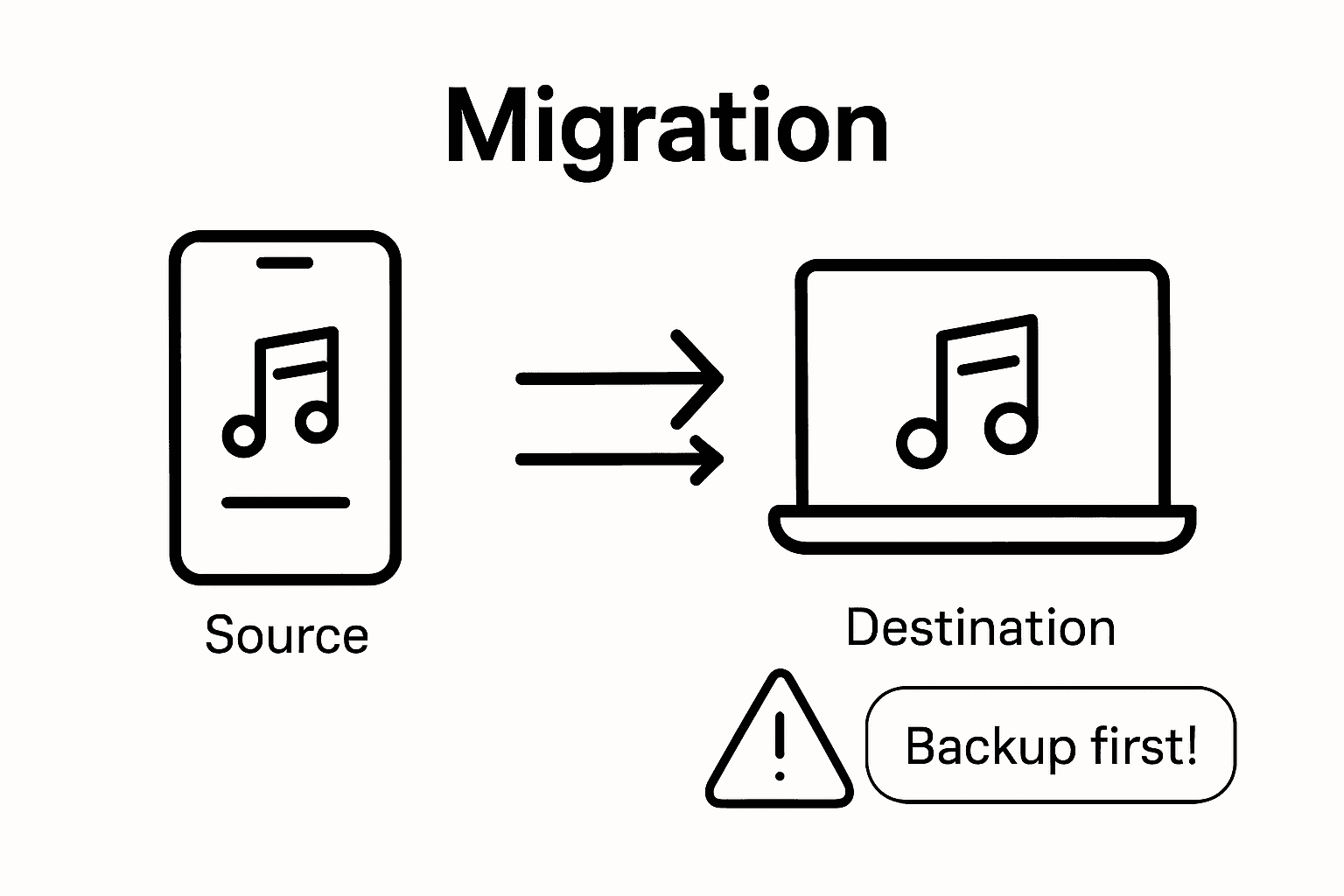
Pro Tip for Smooth Migration: Always backup your original playlists before initiating a transfer, and verify the completeness of your migrated library by cross-checking song counts and playlist contents across platforms.
Types of Music Library Transfers Explained
Music library transfers can be categorized into several distinct types, each addressing different user needs and platform requirements. Understanding these transfer approaches helps music enthusiasts select the most appropriate method for migrating their digital music collections with minimal friction and maximum preservation of musical organization.
The primary types of music library transfers include direct platform transfers, third-party migration services, and manual transfer methods. Collection management policies demonstrate that systematic transfer approaches are crucial for maintaining the integrity of curated collections, a principle equally applicable to digital music libraries. Direct platform transfers typically involve built-in tools from streaming services that allow users to export and import playlists, while third-party migration services like Free Your Music provide more comprehensive transfer capabilities across multiple platforms.
Here are the specific types of music library transfers:
- Direct Platform Transfers
- Native export/import features within streaming services
- Limited cross-platform compatibility
- Best for transfers between services with direct partnerships
- Third-Party Migration Services
- Comprehensive transfer across multiple streaming platforms
- Automated playlist matching and reconstruction
- Support for complex library structures
- Manual Transfer Methods
- User-driven playlist recreation
- Requires individual song selection
- Most time-consuming approach
- Hybrid Transfer Approaches
- Combination of automated and manual transfer techniques
- Useful for libraries with unique or complex playlist structures
Pro Tip for Efficient Transfers: Always review your migrated playlists immediately after transfer to ensure song count accuracy and preserve original playlist ordering, minimizing potential music library disruptions.
Here's a comparison of the main music library transfer methods and their ideal use cases:
| Transfer Method | Best For | Key Benefit |
|---|---|---|
| Direct Platform Transfer | Users on supported platforms | Fastest, least manual work |
| Third-Party Service | Cross-platform transitions | Handles complex libraries |
| Manual Transfer | Small or unique playlists | Maximum customization |
| Hybrid Approach | Large, diverse collections | Balances speed and control |
How Cross-Platform Playlist Migration Works
Cross-platform playlist migration represents a sophisticated digital process that enables music listeners to transfer their curated playlists seamlessly across different streaming platforms. This technological solution addresses the growing complexity of music consumption in an era of diverse streaming services, allowing users to maintain their musical collections without significant manual intervention.

Music migration techniques demonstrate the intricate ways digital music adapts and transforms when moved between platforms. The core mechanics of cross-platform playlist migration involve several critical technical components: song identification, metadata matching, and intelligent reconstruction of playlist structures. Third-party migration services utilize advanced algorithms that can recognize songs across different platforms, even when exact metadata might vary slightly, ensuring high-fidelity playlist transfers.
The primary technical processes involved in cross-platform playlist migration include:
- Song Identification
- Matching tracks using unique identifiers
- Comparing audio fingerprints
- Resolving variations in metadata
- Metadata Normalization
- Standardizing track information
- Handling different naming conventions
- Resolving artist and album discrepancies
- Playlist Reconstruction
- Preserving original playlist order
- Handling songs not available on destination platform
- Creating alternative matches when exact songs are unavailable
- Validation and Verification
- Checking transferred playlist completeness
- Reporting missing or unmatched tracks
- Providing user options for manual corrections
Pro Tip for Smooth Migration: Always perform a preliminary review of your destination platform's music catalog to anticipate potential matching challenges and prepare alternative strategies for hard-to-transfer tracks.
Essential Features of Migration Tools and Apps
Music library migration tools have evolved to become sophisticated solutions addressing the complex challenges of transferring digital music collections across different streaming platforms. These applications go beyond simple playlist transfers, offering comprehensive features that preserve the nuanced structure and personal curation of individual music libraries.
Modern music library management systems emphasize the critical importance of robust digital asset organization and metadata preservation. Migration tools have consequently developed advanced capabilities that ensure users can seamlessly transition their musical collections with minimal loss of information or playlist integrity. The most effective migration applications combine intelligent song matching, comprehensive platform support, and user-friendly interfaces to streamline the transfer process.
The essential features of top-tier music library migration tools include:
- Cross-Platform Compatibility
- Support for multiple streaming services
- Comprehensive platform coverage
- Seamless transfer between different ecosystems
- Intelligent Song Matching
- Advanced algorithm-based track identification
- Handling metadata variations
- Alternative song suggestions for unavailable tracks
- Playlist Preservation
- Maintaining original playlist order
- Preserving custom playlist metadata
- Handling collaborative and personal playlists
- Metadata Management
- Comprehensive track information transfer
- Handling variations in artist and album names
- Maintaining song ratings and play history
- Advanced Security Features
- Encrypted data transfers
- Secure authentication mechanisms
- Protection against data loss
Pro Tip for Smart Migration: Always perform a preliminary backup of your original playlists and verify the migration tool's compatibility with your specific streaming platforms before initiating a full library transfer.
Risks, Limitations, and Common User Challenges
Music library migration, while transformative, presents a complex landscape of potential challenges that users must navigate carefully. The process of transferring digital music collections across platforms is not without significant risks and technical complications that can potentially disrupt users' carefully curated musical experiences.
Music library challenges in supporting creative processes underscore the critical need for understanding potential limitations before initiating a transfer. These challenges range from technical incompatibilities and metadata inconsistencies to potential loss of personalized playlist information and unexpected variations in track availability across different streaming platforms.
The primary risks and limitations users might encounter include:
- Metadata Inconsistencies
- Variations in track naming conventions
- Incomplete artist or album information
- Loss of custom tags and playlist annotations
- Platform Compatibility Issues
- Incomplete support for certain streaming services
- Limitations in transferring collaborative playlists
- Restrictions on transferring podcasts or local files
- Song Availability Challenges
- Tracks unavailable on destination platforms
- Regional music licensing restrictions
- Differences in music catalog selections
- Data Integrity Risks
- Potential playlist order disruption
- Partial or incomplete playlist transfers
- Loss of play history and personal ratings
- Technical Transfer Limitations
- Bandwidth and internet connection dependencies
- Processing time for large music libraries
- Potential account synchronization complications
Pro Tip for Risk Mitigation: Always maintain a local backup of your original playlists and perform incremental transfers, verifying each step to minimize potential data loss and ensure a smooth migration experience.
Below is a summary of common migration risks with practical prevention strategies:
| Migration Risk | Prevention Strategy |
|---|---|
| Metadata mismatches | Cross-check track info post-transfer |
| Songs missing after transfer | Review destination catalog beforehand |
| Disrupted playlist order | Use tools that preserve ordering |
| Data loss | Always maintain multiple backups |
| Sync or authentication errors | Transfer in small, verified batches |
Simplify Your Music Library Migration with FreeYourMusic.com
Transitioning your music library to a new streaming platform can feel overwhelming due to metadata inconsistencies, playlist order disruptions, and the pain of manually rebuilding your collections. This article highlights these common challenges faced during music library migration as well as the need for intelligent song matching, playlist preservation, and cross-platform compatibility.
FreeYourMusic.com offers a trusted solution designed to eliminate these frustrations by automating playlist transfers seamlessly across popular services like Spotify, Apple Music, and more. With features such as accurate song matching, playlist structure preservation, and support for multiple accounts, our platform empowers you to migrate even large, complex libraries with confidence.
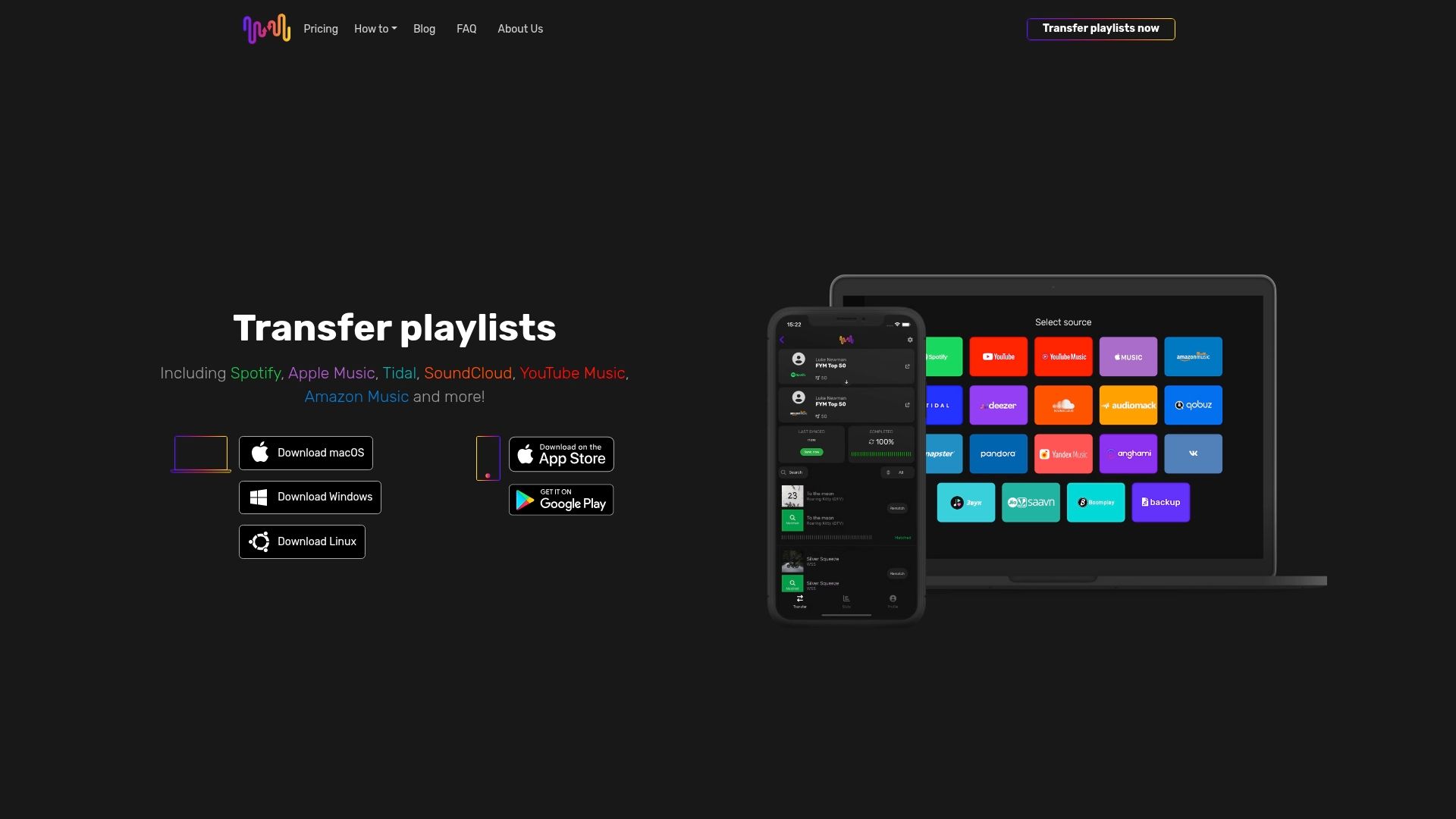
Take control of your playlist transfers today with FreeYourMusic.com. Visit our landing page now and experience a smooth transition that saves you time and protects your precious music collections from loss or disruption. Don’t let technical hurdles hold back your music journey when an effortless transfer awaits.
Frequently Asked Questions
What is music library migration?
Music library migration is the process that allows users to transfer their playlists and music collections across different streaming platforms, ensuring that they do not lose their carefully curated selections during the transition.
Why should I consider migrating my music library?
Migrating your music library can help prevent the loss of personalized playlists, reduce the time spent recreating music collections, and allow you to explore new streaming platforms without significant disruption to your listening experience.
What are the different types of music library transfers?
The primary types of music library transfers include direct platform transfers, third-party migration services, manual transfer methods, and hybrid transfer approaches. Each method caters to different user needs and offers varying levels of complexity and control over the migration process.
How does cross-platform playlist migration work?
Cross-platform playlist migration involves matching songs across different platforms by identifying tracks, normalizing metadata, reconstructing playlists, and validating the completeness of the transfer. Advanced algorithms ensure that the process is as seamless as possible for users, even if metadata varies slightly between platforms.
Recommended


Migrate from and to any music services


Most popular Apple Music transfers: