How to Avoid Playlist Loss When Switching Services
May 18, 2026

Switching between Spotify, Apple Music, and Amazon Music often feels risky when your playlists hold rare tracks and essential mixes. Every move brings concerns about catalog differences, missing songs, and disrupted playlists. Strategic playlist preparation is vital for anyone who values their unique music collection. Get key steps to safeguard every track, tackle transfer challenges, and keep your library intact through every platform change.
Table of Contents
- Step 1: Prepare Your Playlists for Transfer
- Step 2: Set Up Free Your Music on Your Devices
- Step 3: Transfer Playlists Across Streaming Services
- Step 4: Back Up and Sync Your Playlists
- Step 5: Verify Playlists After Transfer
Quick Summary
| Key Takeaway | Explanation |
|---|---|
| 1. Carefully Review Your Playlists | Check contents for regional restrictions and remove duplicates before transferring to ensure a smooth migration. |
| 2. Set Up Free Your Music Effectively | Download and configure the app on all devices, linking your music streaming accounts for efficient transfers. |
| 3. Execute Transfers with Care | Select source and destination platforms, verify track compatibility, and ensure all desired songs are present during the migration. |
| 4. Back Up Your Playlists | Use Free Your Music’s backup options to prevent data loss and ensure your music library is safeguarded throughout the transfer process. |
| 5. Verify Transferred Playlists | Compare track counts, check song order, and identify missing tracks to maintain playlist integrity after migration. |
Step 1: Prepare Your Playlists for Transfer
Transferring playlists between music streaming services requires strategic preparation to ensure your favorite tracks make the journey intact. Before jumping into the migration process, you'll want to take several proactive steps to protect your music library.
Start by creating an organized inventory of your existing playlists. Understanding playlist transfer best practices can help streamline this process. Here are key actions to prepare your playlists:
- Review playlist contents carefully, checking for any regional or service-specific tracks
- Remove duplicate songs that might complicate the transfer
- Verify playlist names are clear and consistent across services
- Check song availability in your target streaming platform
Most music streaming services have catalog variations, which means not every song will transfer perfectly. Some tracks might be unavailable due to licensing differences or regional restrictions. To mitigate potential losses, consider these strategies:
Here's a comparison of common playlist transfer challenges and effective solutions:
| Playlist Issue | Why It Happens | Impact on Migration | Best Solution |
|---|---|---|---|
| Regional track restrictions | Licensing varies by territory | Some songs omitted | Note and manually re-add |
| Duplicated or mislabeled tracks | Inconsistent playlist management | Confusing transfer results | Review and clean playlist |
| Varying song metadata | Differing service databases | Incorrect track matching | Verify and edit metadata |
| Platform catalog differences | Exclusive or missing tracks | Incomplete playlist | Backup and cross-reference |
- Export a text or spreadsheet backup of your playlist song lists
- Cross-reference songs between your current and target platforms
- Note down any unique or hard-to-find tracks that might need manual re-adding
Successful playlist migration relies on thorough preparation and understanding potential transfer challenges.
Pro tip: Before starting the transfer, create a temporary "migration playlist" where you can quickly spot and manually restore any missing tracks.
Step 2: Set Up Free Your Music on Your Devices
Now that you've prepared your playlists, it's time to install and configure Free Your Music across your devices. Music transfer capabilities are seamless when you set up the app correctly and strategically.
Start by downloading the Free Your Music app on all the devices you plan to use. The app is compatible with multiple platforms, including:
- Desktop computers (Windows and macOS)
- Mobile devices (iOS and Android)
- Web browsers for direct account management
To begin the setup process, follow these detailed steps:
- Create a Free Your Music account using your primary email address
- Download the app from your device's official app store
- Log in using your newly created credentials
- Connect your existing music streaming service accounts
Successful app setup requires linking all your music streaming platforms before initiating transfers.
Ensure you have your login credentials ready for each music streaming service you want to connect. The app works best when you can seamlessly authenticate across multiple platforms.
Pro tip: Enable two-factor authentication on your Free Your Music account for an extra layer of security during multi-platform music management.
Step 3: Transfer Playlists Across Streaming Services
With your accounts connected and playlists prepared, you're now ready to execute the actual playlist migration. Third-party transfer strategies can help you seamlessly move your music collections between different platforms.
Free Your Music offers a straightforward transfer process designed to minimize potential disruptions. Here are the key steps to successfully migrate your playlists:
- Select source platform where your current playlists reside
- Choose destination platform for transferring your music
- Review playlist compatibility before initiating transfer
- Verify track matching during the migration process
To begin the transfer, navigate through these specific actions:
- Open Free Your Music and select your source music streaming service
- Choose the specific playlists you want to transfer
- Select your destination streaming platform
- Preview the transfer and confirm migration
Successful playlist transfers require careful selection and verification of each track's availability.
Some tracks might not transfer perfectly due to differences in music catalogs. Always double-check your final playlist to ensure all desired songs are present and correctly ordered.

Pro tip: Create a backup playlist in your destination service before completing the full transfer, allowing you to quickly restore your music if any unexpected issues arise.
Step 4: Back Up and Sync Your Playlists
Protecting your music library requires strategic backup and synchronization techniques. Playlist backup strategies ensure your carefully curated collections remain safe during platform transitions.
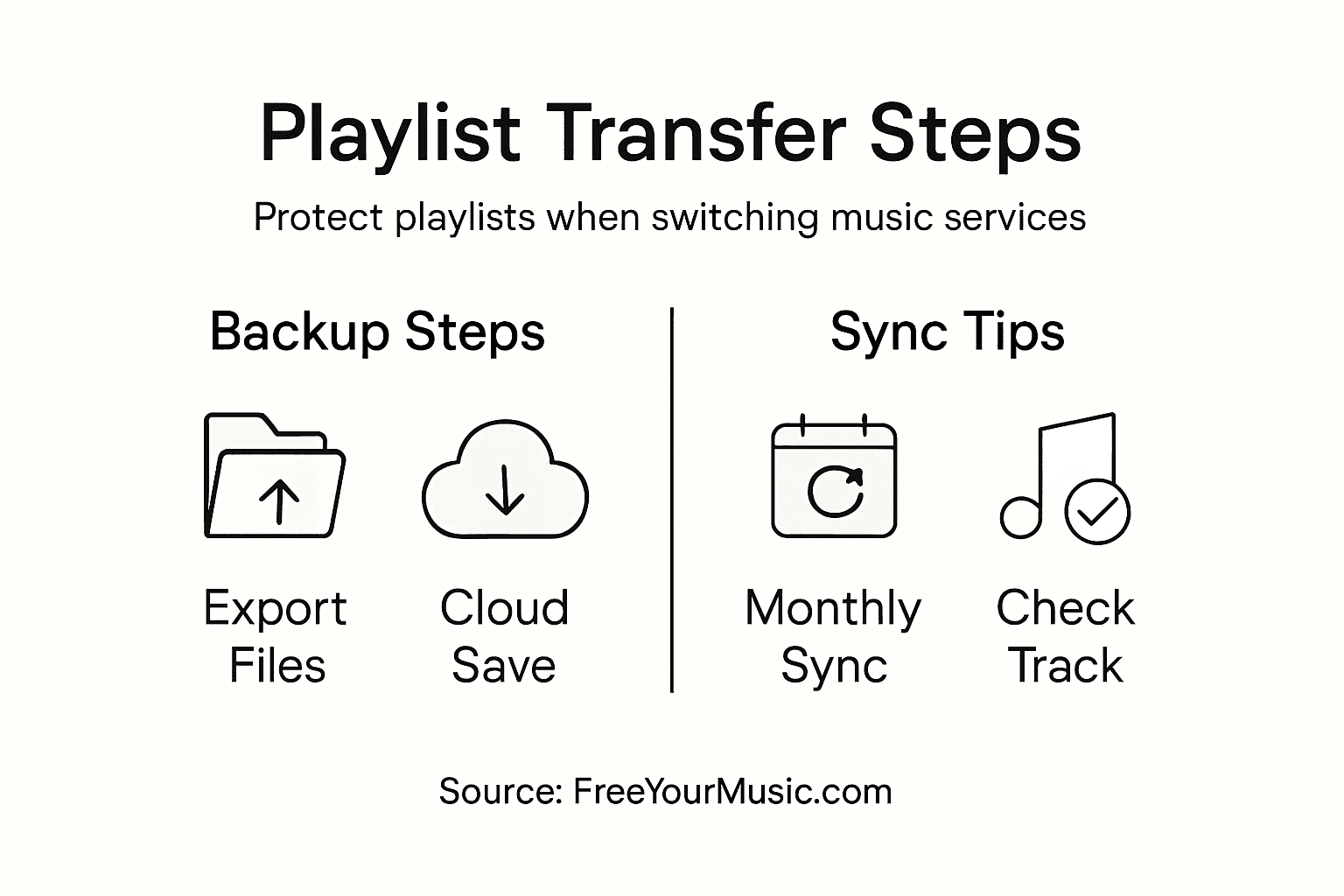
Free Your Music offers comprehensive backup options to safeguard your music. Consider these essential backup methods:
- Export playlist data as CSV or text files
- Create cloud backups of your entire music library
- Sync across multiple devices simultaneously
- Preserve playlist metadata including track order and details
To effectively back up your playlists, follow these systematic steps:
- Open Free Your Music backup section
- Select playlists you want to archive
- Choose backup format (CSV, text, spreadsheet)
- Confirm backup destination
- Verify backup completeness
Digital music libraries require regular backups to prevent unexpected data loss.
Different streaming platforms handle music catalogs uniquely, so always cross-reference your backups to ensure no tracks are missing. Some songs might have regional restrictions or licensing limitations that could affect transfer.
Pro tip: Schedule automatic monthly backups to create a continuous safety net for your music collection.
This table highlights key Free Your Music features for securing your music library:
| Feature | Description | User Benefit |
|---|---|---|
| Multi-device compatibility | Works on desktop, mobile, web | Manage playlists anywhere |
| Cloud backup integration | Supports cloud playlist backups | Protects against data loss |
| Comprehensive transfer reports | Details migration results | Easily spot missing or altered tracks |
| Two-factor authentication | Extra security for your account | Safeguards music from breaches |
Step 5: Verify Playlists After Transfer
Transferring music playlists is just the beginning - ensuring their complete and accurate migration is crucial. Playlist transfer verification helps you catch potential issues before they disrupt your listening experience.
Free Your Music provides comprehensive tools to help you verify your transferred playlists. Here are key steps to confirm your playlist integrity:
- Compare total track count between original and transferred playlists
- Check song order and sequence to ensure proper arrangement
- Identify missing or replaced tracks
- Review playlist metadata like album artwork and track details
To thoroughly verify your playlist transfer, follow these detailed checks:
- Play through entire transferred playlist
- Cross-reference with original playlist
- Note any tracks marked as unavailable
- Use Free Your Music's detailed transfer report
- Manually replace missing tracks if necessary
Successful playlist migration requires meticulous verification to maintain your musical experience.
Some tracks might be unavailable due to regional licensing or catalog differences. Always be prepared to manually adjust your playlists to preserve their original essence.
Pro tip: Create a separate playlist of any missing tracks to quickly repopulate your collection during future transfers.
Protect Your Playlists From Loss With Seamless Transfers
Switching music streaming services can feel overwhelming when you face the risk of losing your beloved playlists. The challenges of regional restrictions, mismatched metadata, and incomplete transfers make migrating your music collection a daunting task. The article "How to Avoid Playlist Loss When Switching Services" highlights crucial steps like playlist preparation, backup, and verification — all essential to preserve your music experience.
FreeYourMusic.com is designed to eliminate those worries by offering a reliable, user-friendly platform that automates the transfer process. With support for popular services including Spotify, Apple Music, and Amazon Music, it safeguards your playlists by accurately matching songs, preserving order, and providing cloud backup options. Avoid manual rebuilding and enjoy effortless migration across all your devices — desktop or mobile.
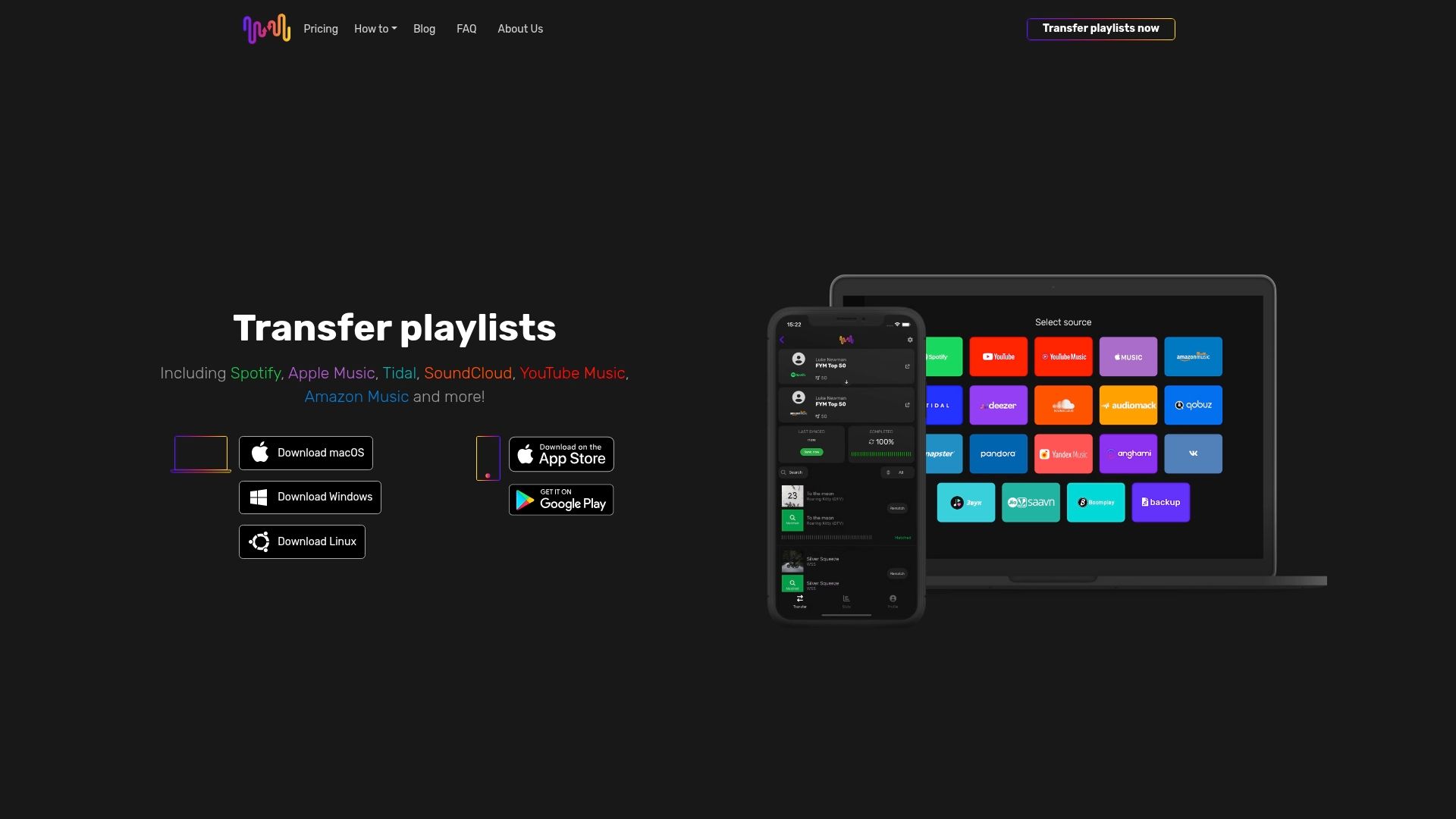
Ready to protect your music library from playlist loss during your streaming switch? Take control today with Free Your Music, your trusted partner for secure and complete playlist migration. Don’t wait until your playlists disappear — start your seamless transfer and backup journey now.
Frequently Asked Questions
How can I prepare my playlists before switching services to avoid loss?
To prepare your playlists for a service switch, create an organized inventory of your playlists and review their contents. Remove duplicate songs and verify that all tracks are available on the new platform to minimize potential losses.
What should I do if a song is unavailable on my new streaming service?
If a song is unavailable on your new streaming service, note it down and look for alternatives or manual re-add options. Consider creating a temporary playlist where you can quickly store these songs until you find a suitable replacement.
How can I verify the success of my playlist transfer?
To verify your playlist transfer, compare the total track count and play through the entire transferred playlist. Cross-reference with your original playlist to identify any missing or replaced tracks and manually replace them if necessary.
What steps should I take to back up my playlists before transferring?
To back up your playlists, export them as CSV or text files, and create cloud backups of your entire music library. This ensures that your curated collections remain safe and can be restored in case of any transfer issues.
How can I clean up my playlists to ensure a smooth transfer?
To clean up your playlists, review each playlist for duplicate or mislabeled songs, and ensure that playlist names are clear and consistent. This will make the transfer process smoother and help prevent confusion during migration.
Recommended


Migrate from and to any music services


Most popular Apple Music transfers: